Features · Partners and AI
Referrals
Send a client to a partner you trust, with their permission.
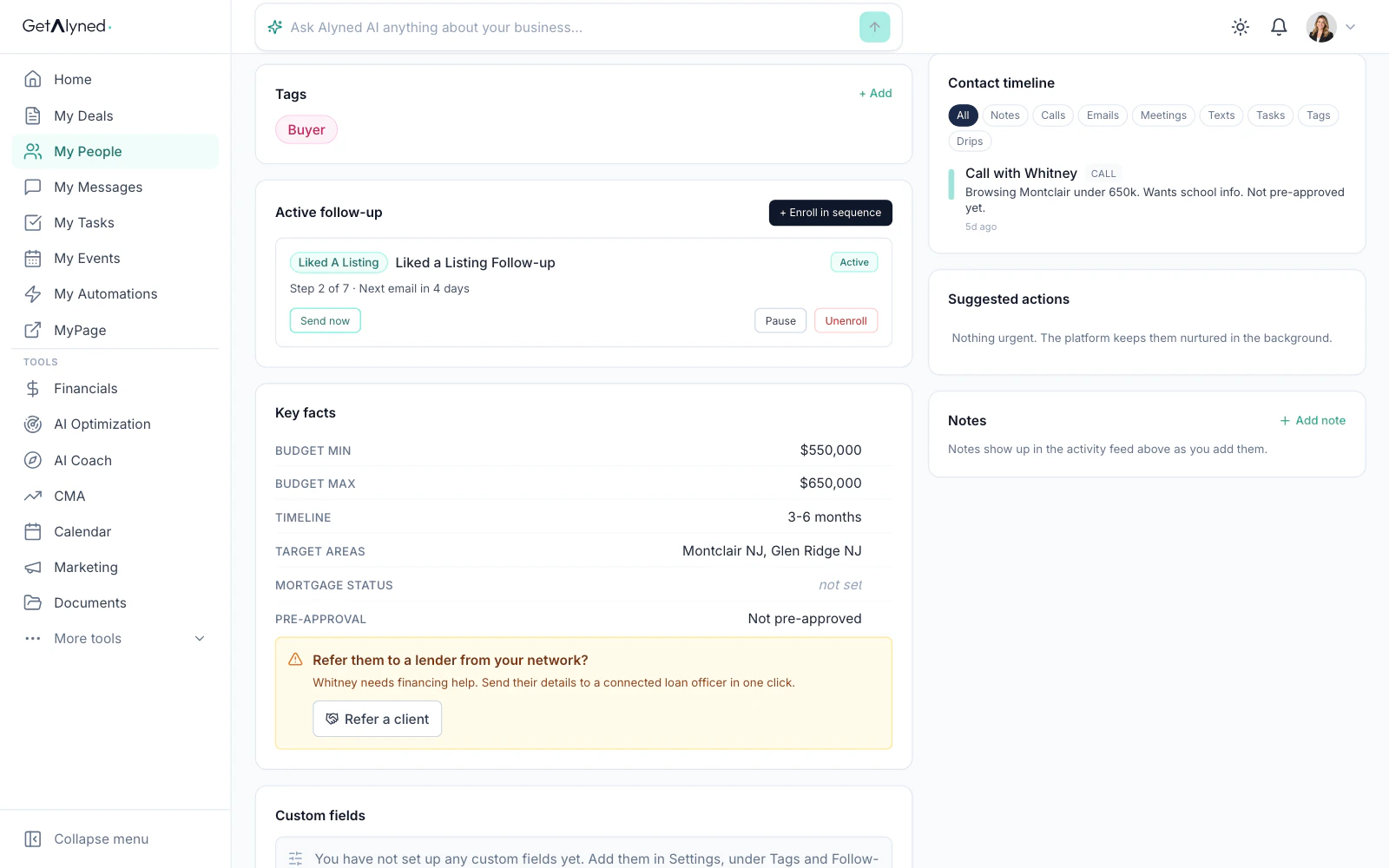
When a buyer needs a loan officer, or a borrower needs an agent, refer them to someone you're connected with. It takes a few seconds.
It works both ways.
Agents refer clients to loan officers. Loan officers refer clients to agents.
Permission comes first.
You confirm the client said yes before anything is shared. They are not added to your partner's marketing.
It lands where your partner works.
The client appears in your partner's My People, marked as a referral, and your partner is notified right away.
Right when it's needed.
For agents, marking a buyer as not yet pre-approved brings up a prompt to refer them to your loan officer.
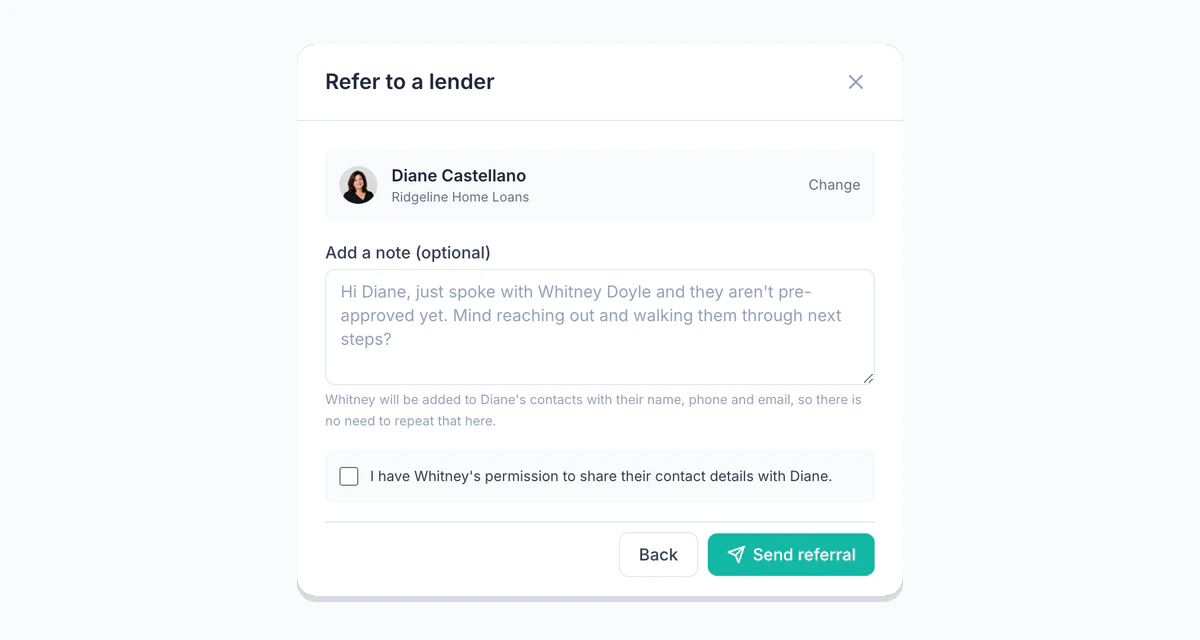
You can refer only to partners you're connected with. Start from any contact in My People with Refer a client.
Know someone who belongs on GetAlyned? Invite them and see who signs up.
Goes well with
- Partner Network · Find partners in your area
- My People · Your contacts, kept warm
- My Messages · Every conversation in one place