Invite your loan officer or agents
For agents · 3 min
Invite your loan officer to Alyned, or as a loan officer, invite your agents. When they sign up through your invite, you're connected automatically.
Watch
Or read it step by step
-
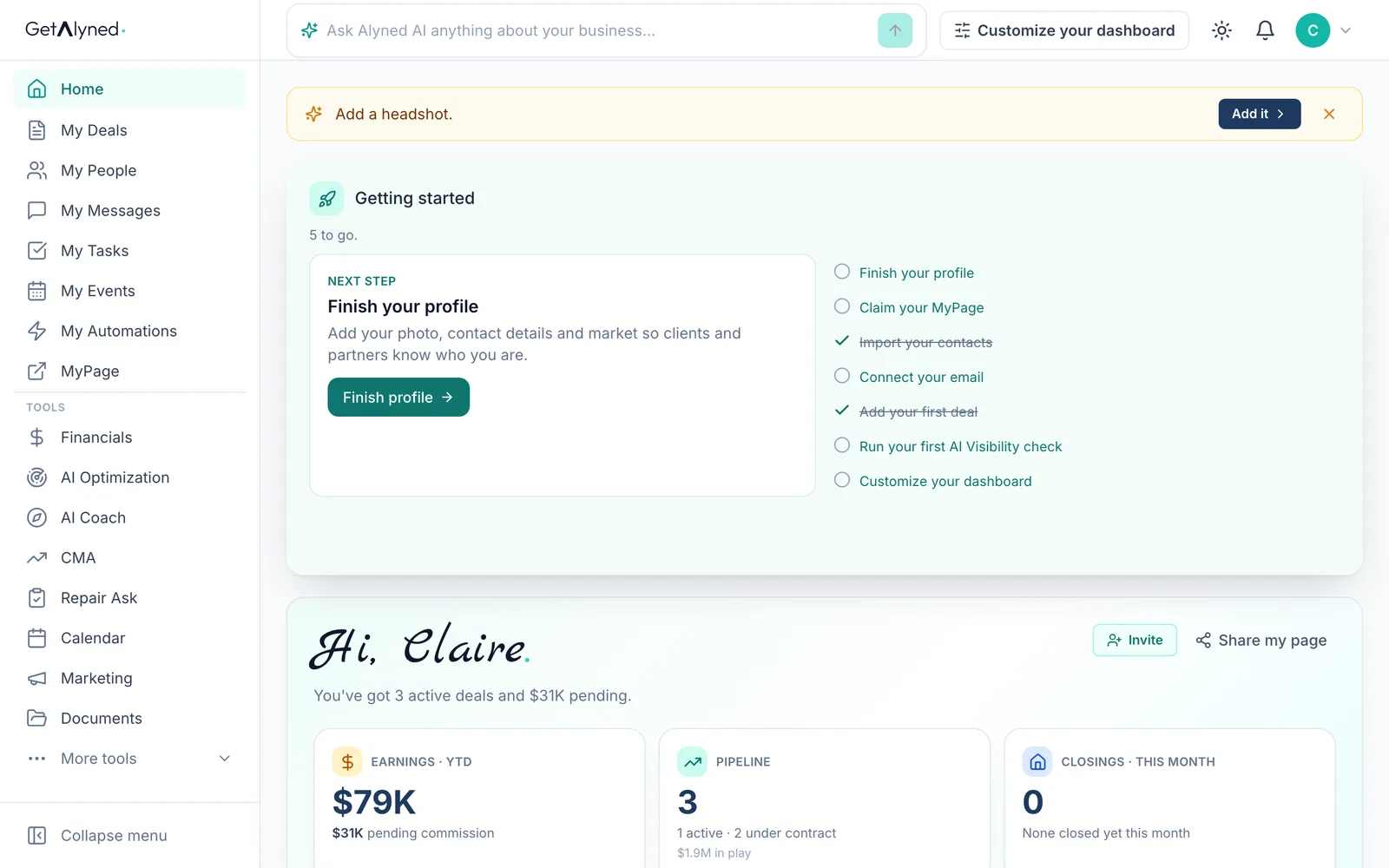
More tools
Referrals is under More tools.
-
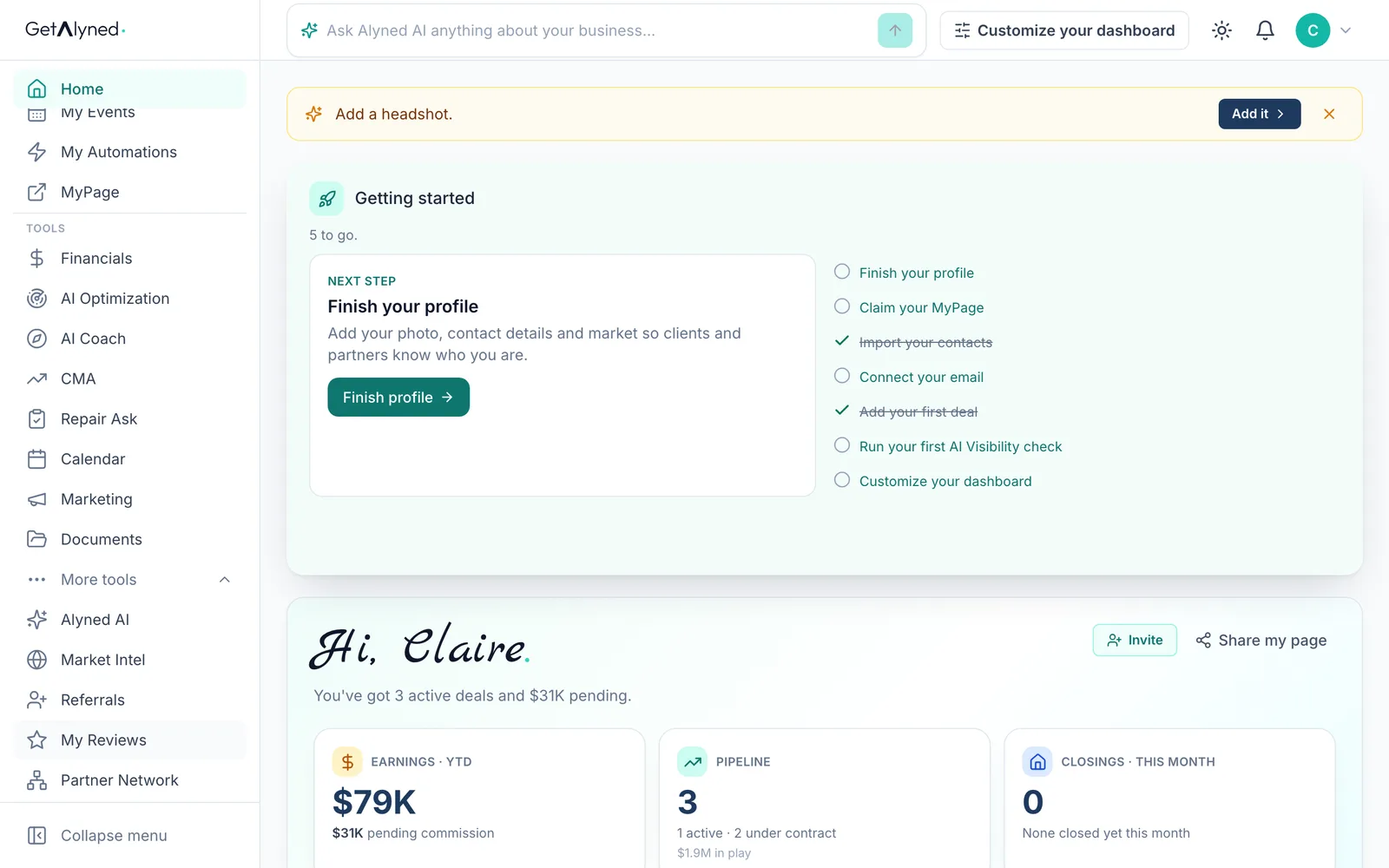
Referrals
Referrals is your invite list. The Invite button on your dashboard opens the same window.
-
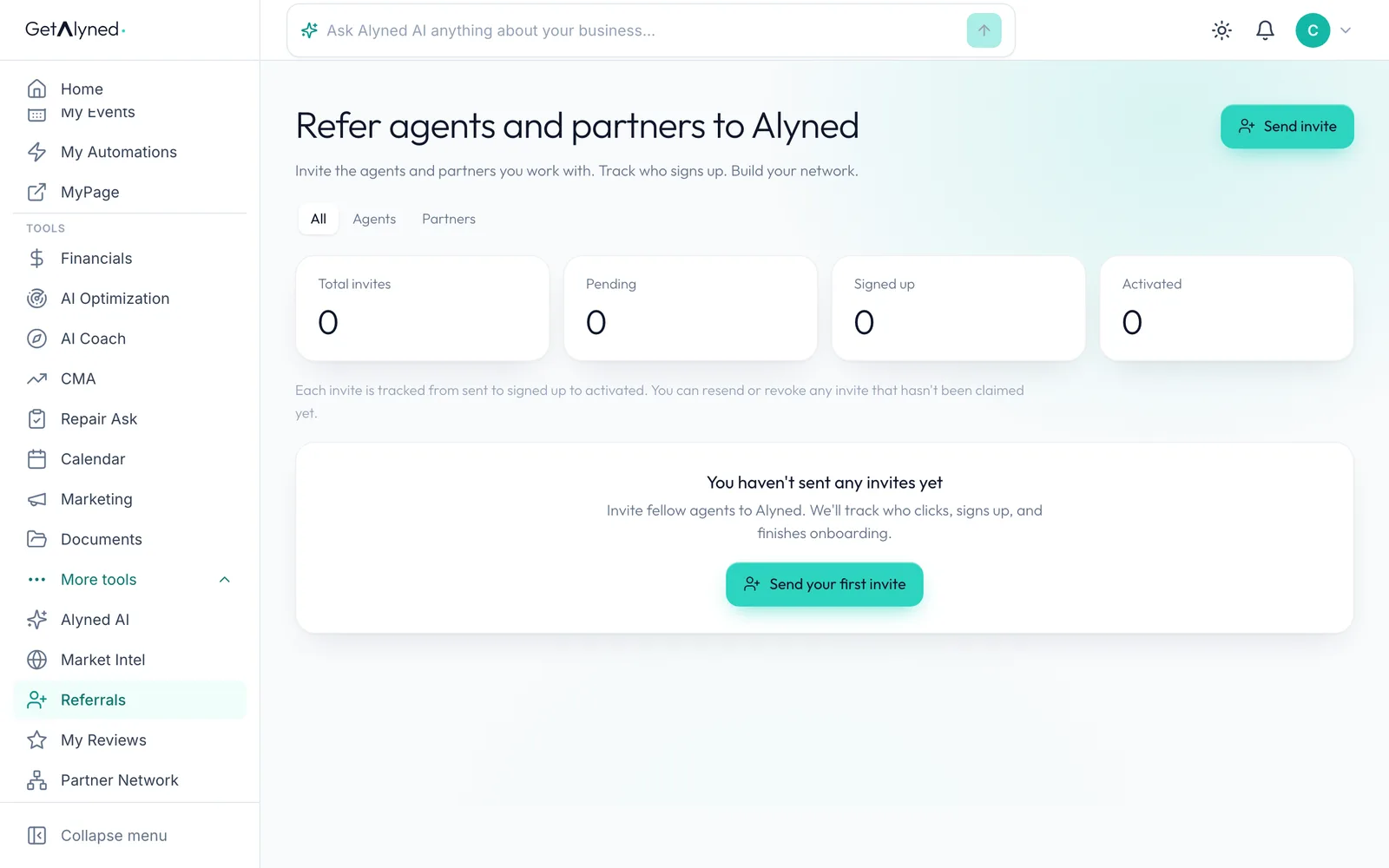
Send invite
Click Send invite.
-
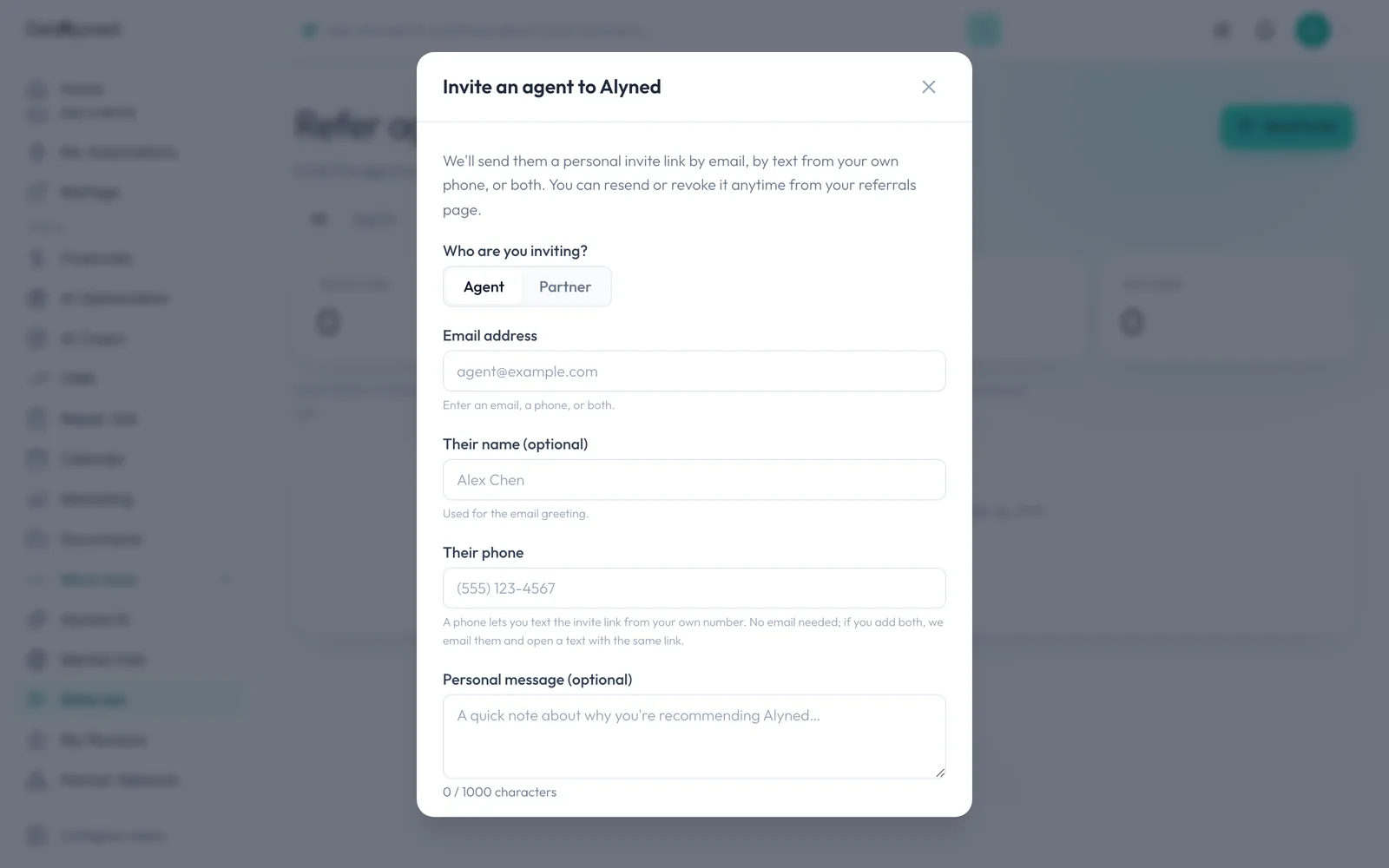
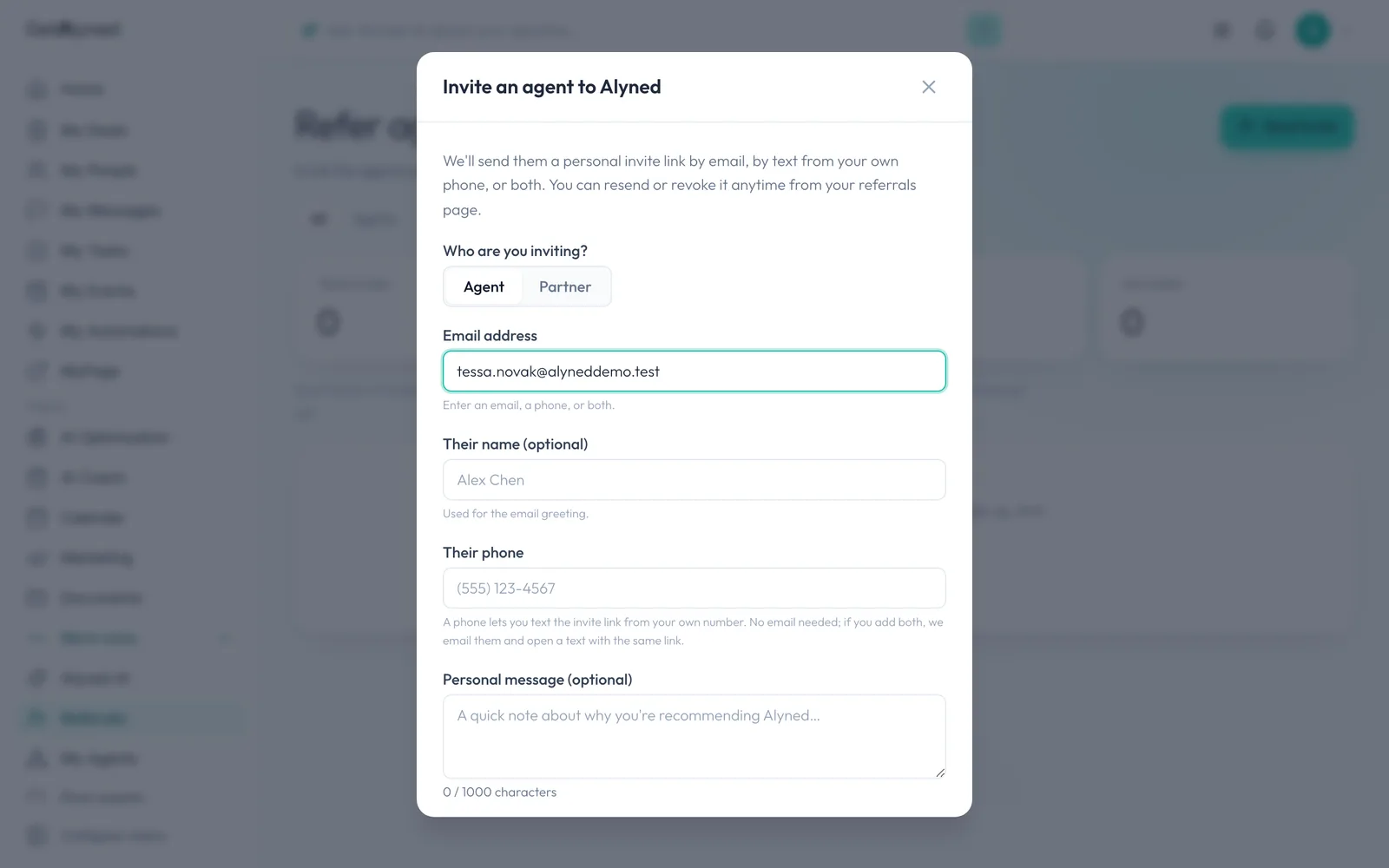
Who you're inviting
Choose who you're inviting. A partner here is a loan officer.
-
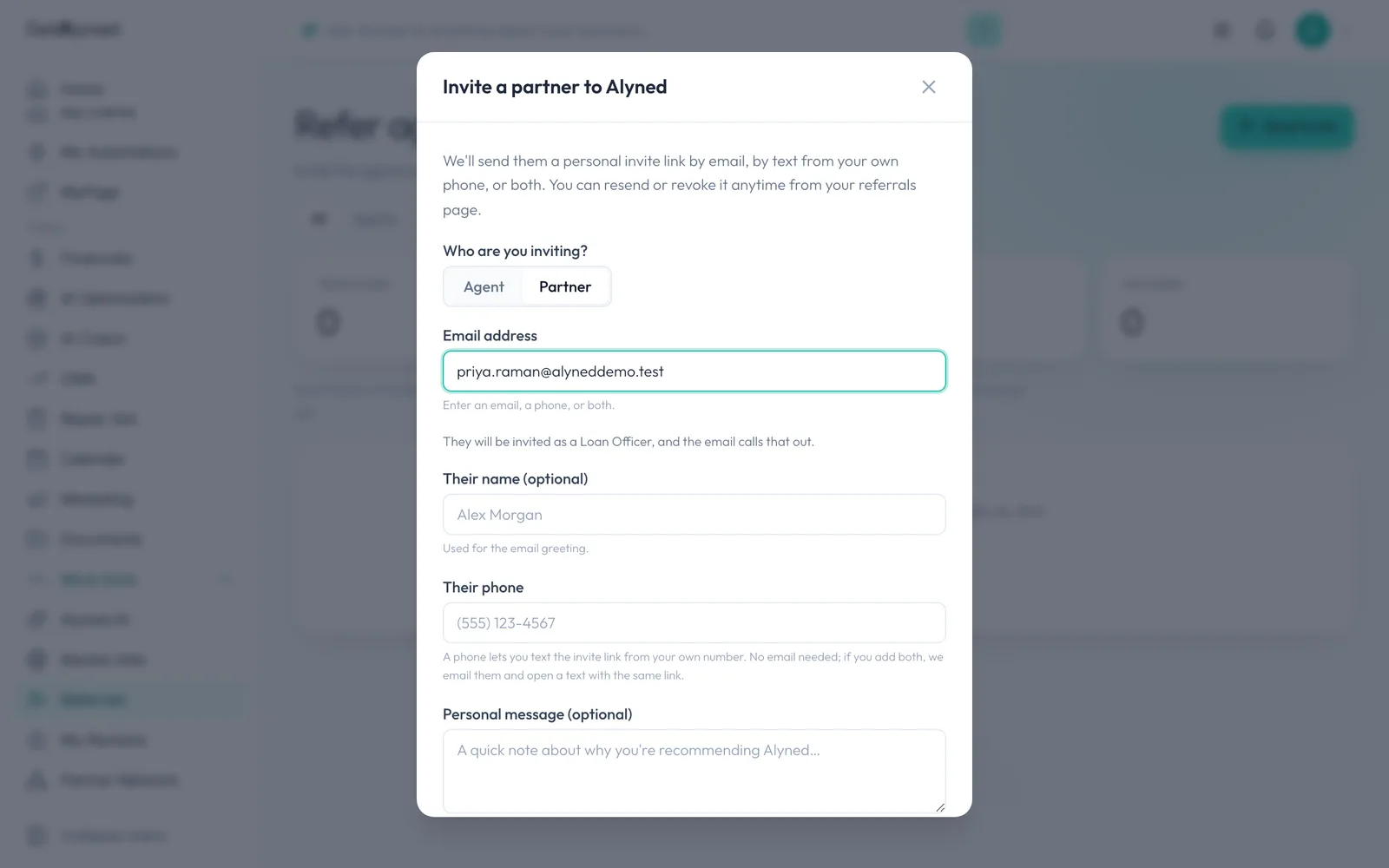
Email or phone
Add an email, a phone number or both. A phone number opens your own Messages app to text the link.
-
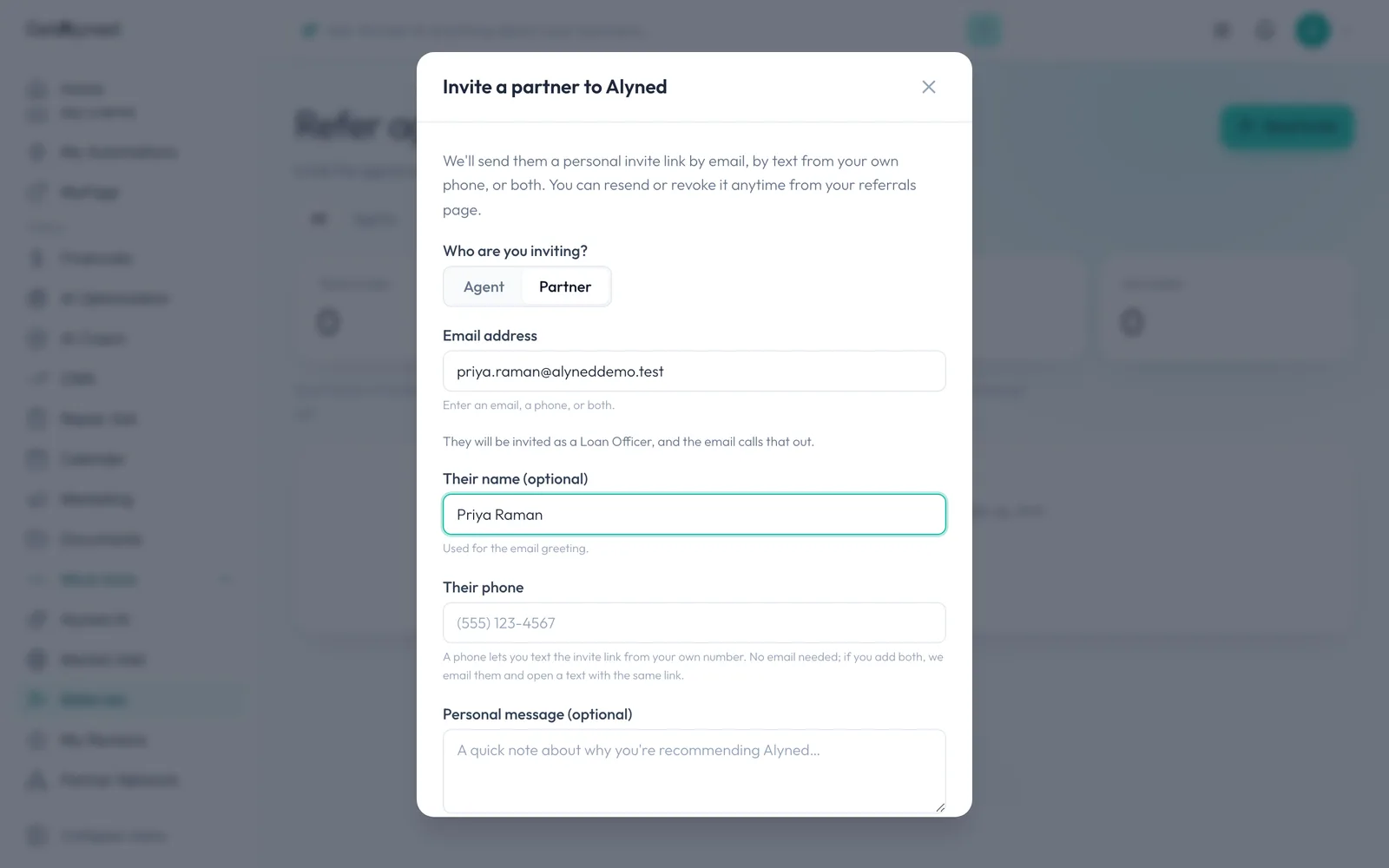
Their name
Their name and a personal note are optional, but they do get read.
-
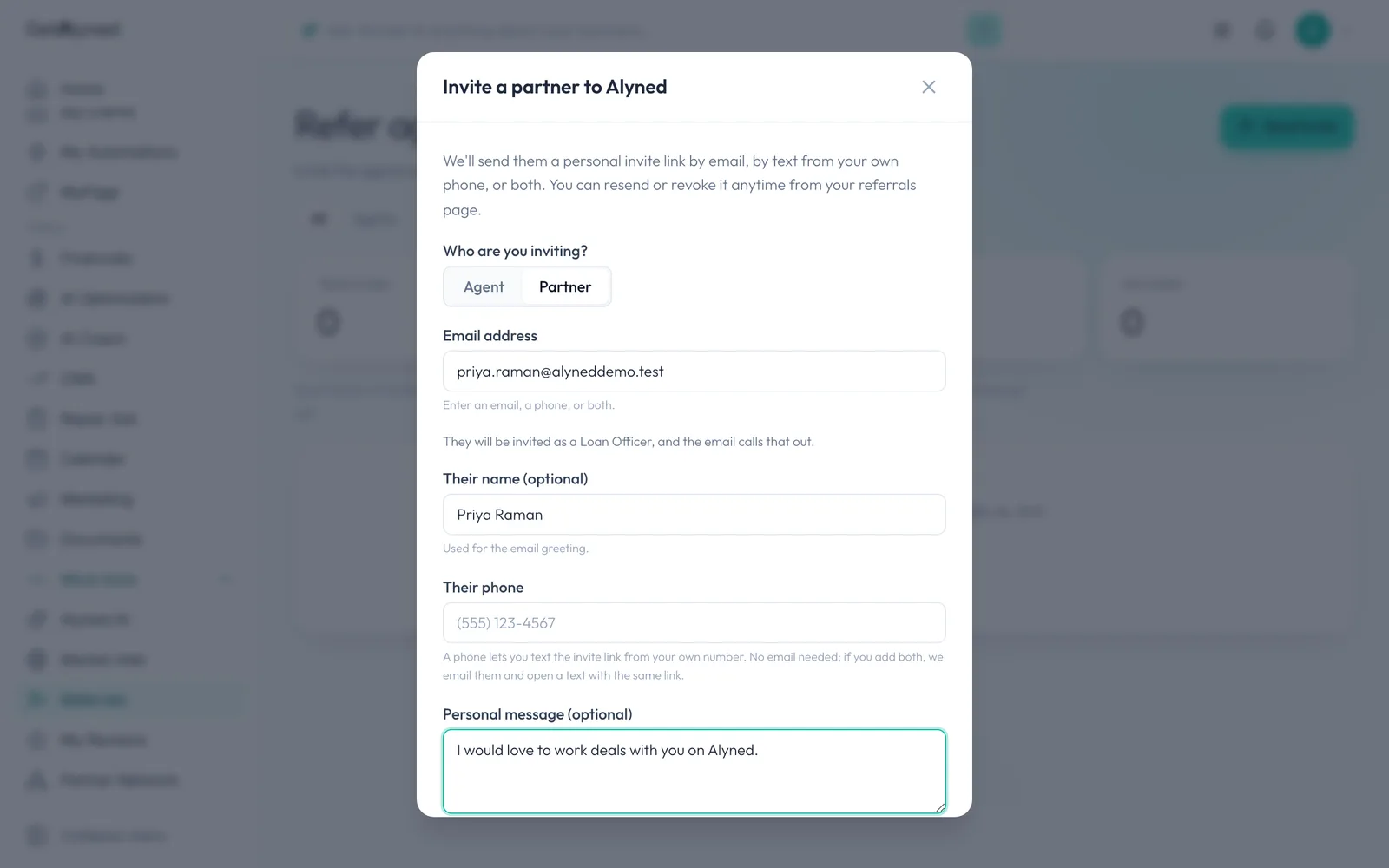
Personal message
Add a note, up to 1,000 characters.
-
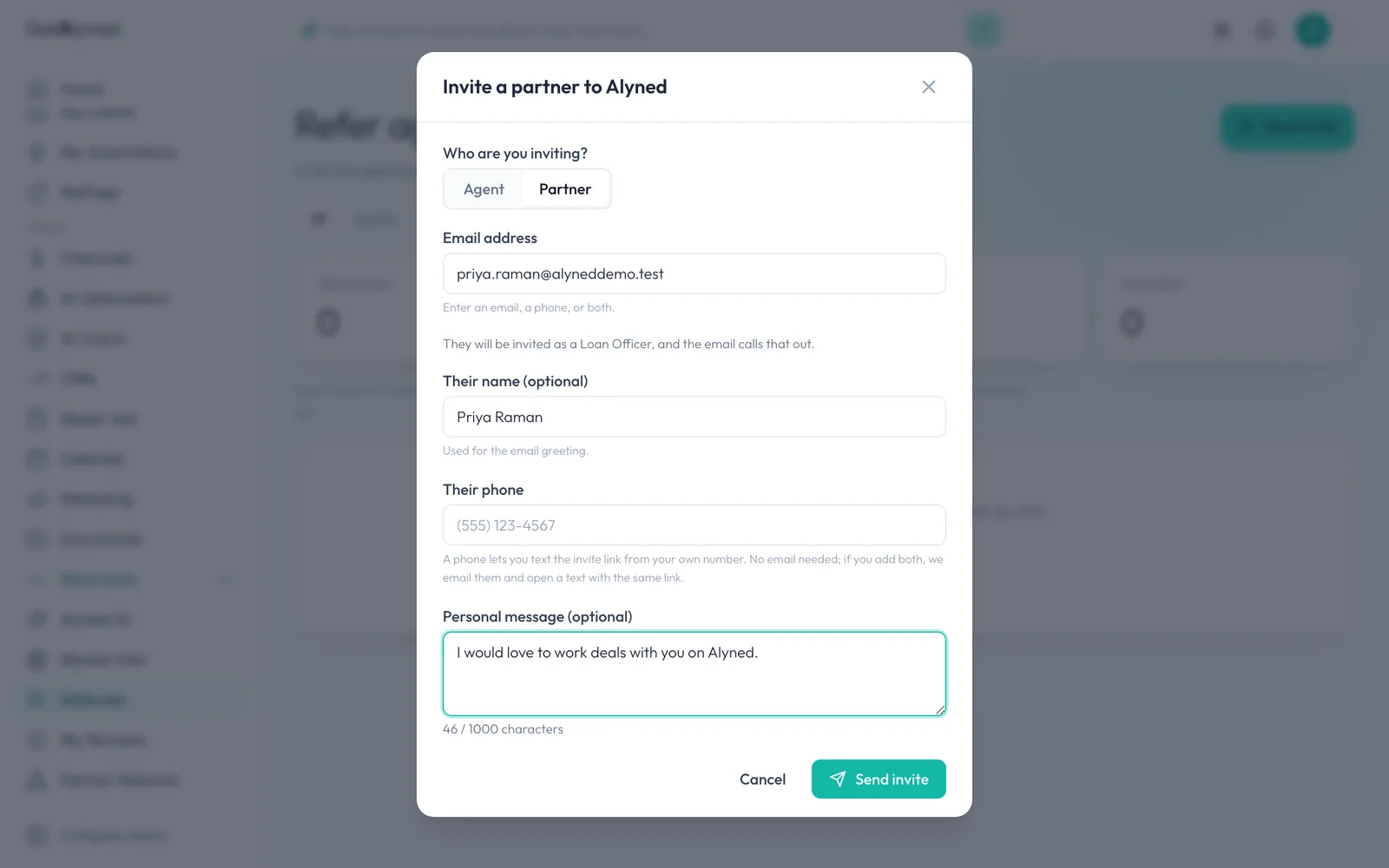
Send it
Click Send invite. If they're already on Alyned, it tells you, and you connect from Find Partners instead.
-
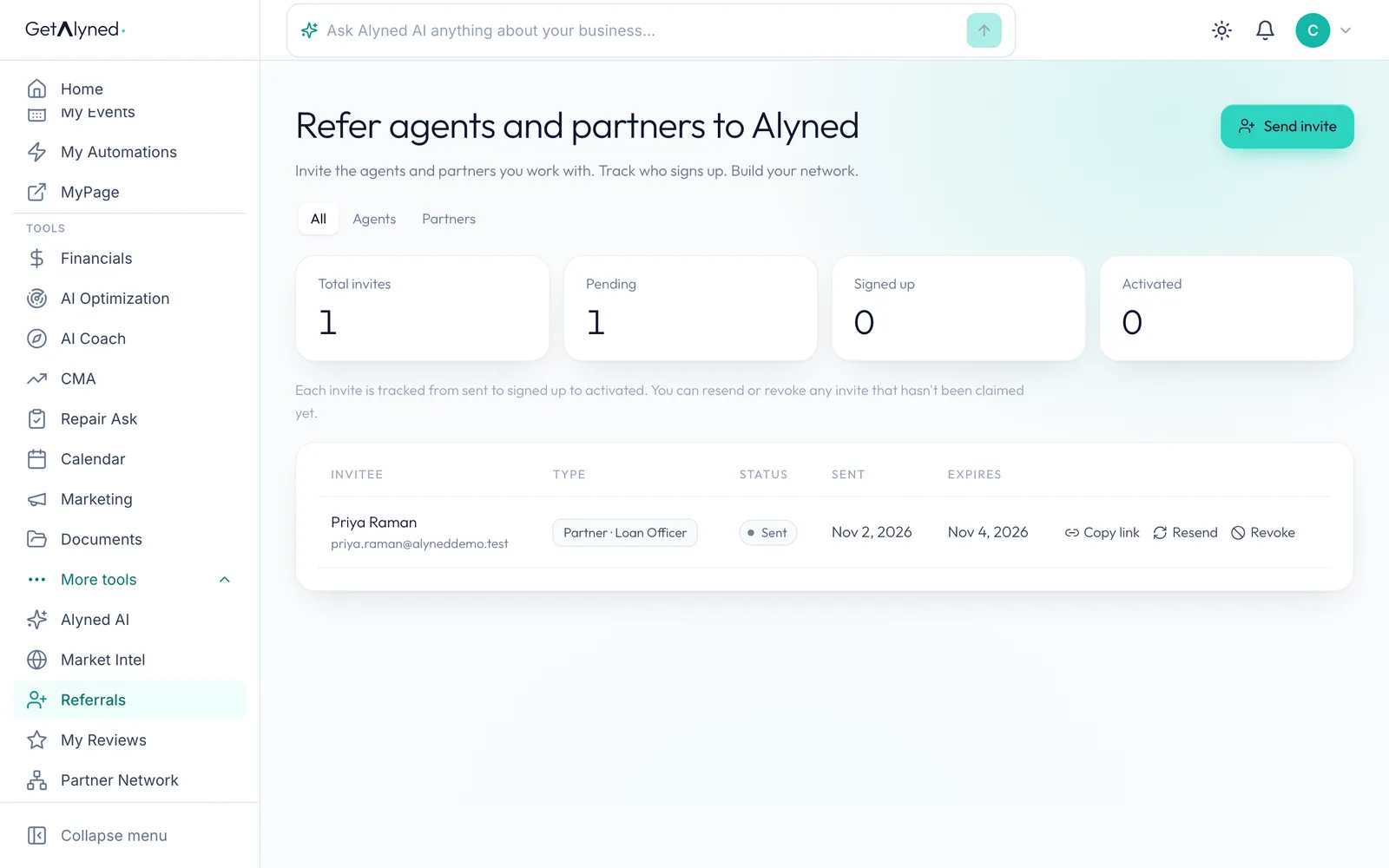
Your invites
Your invites list, with Resend and Revoke. Earlier links keep working after a resend.
-
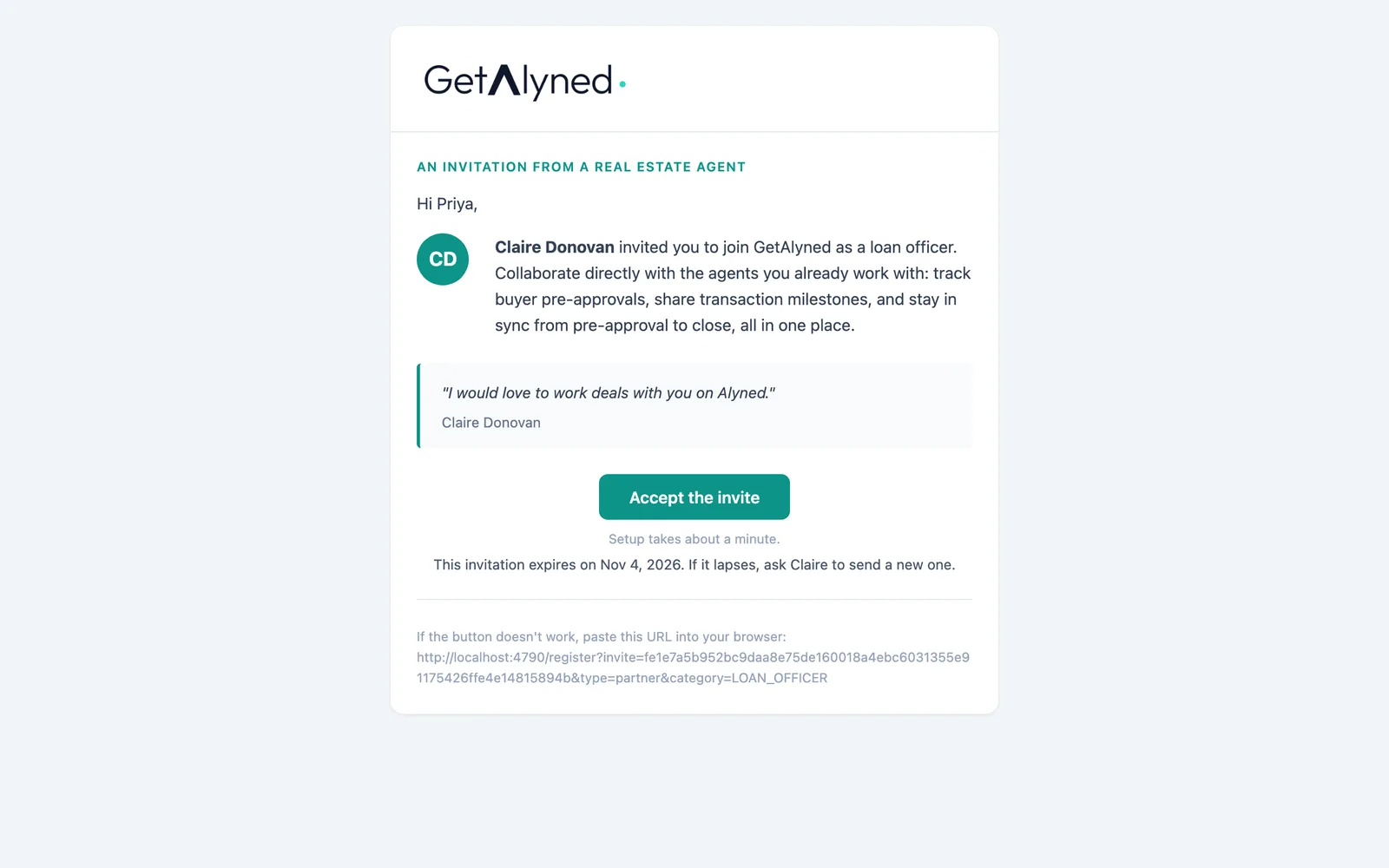
What they get
Your loan officer gets this. Your name is on it, and it says they're invited as a loan officer.
-
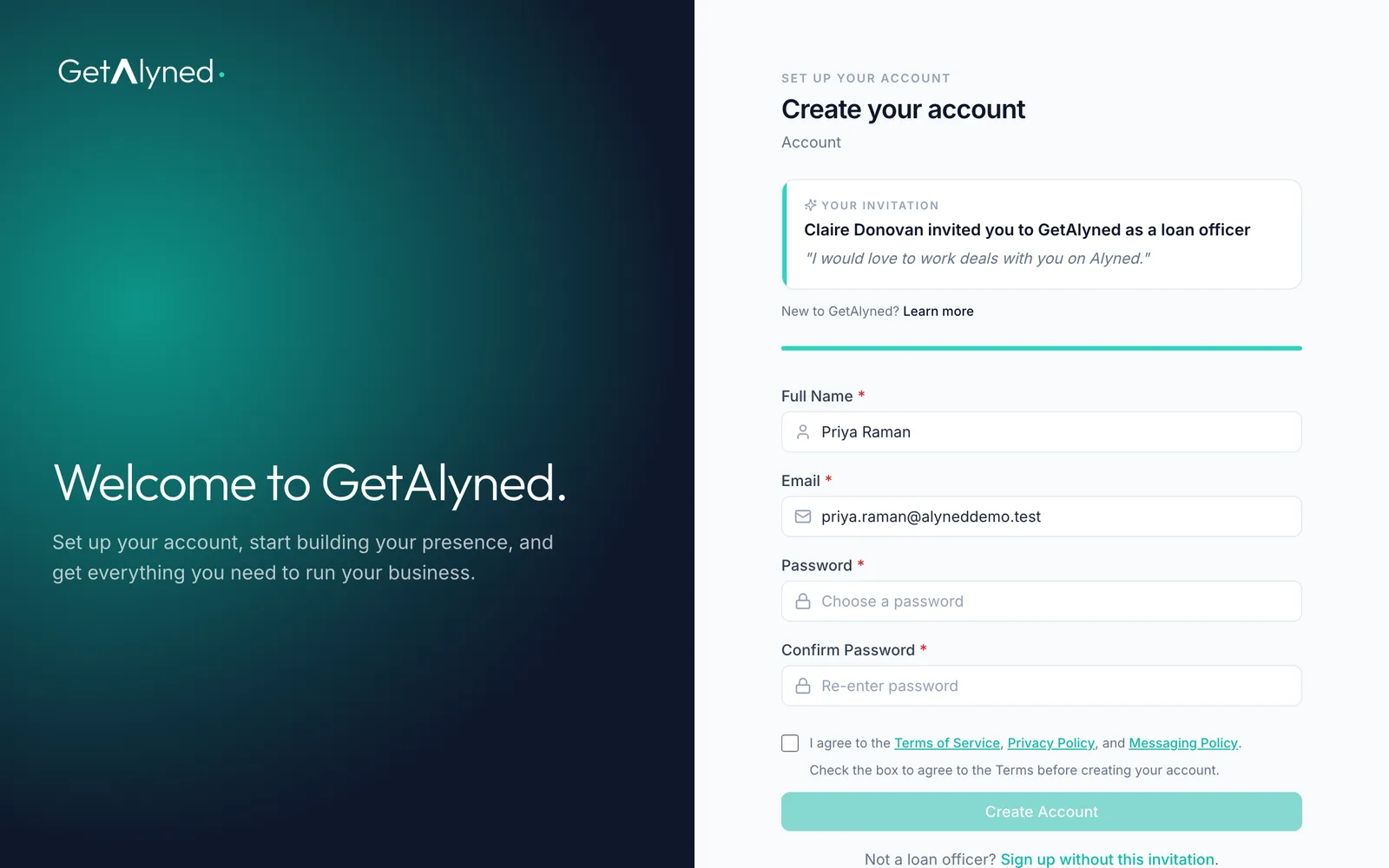
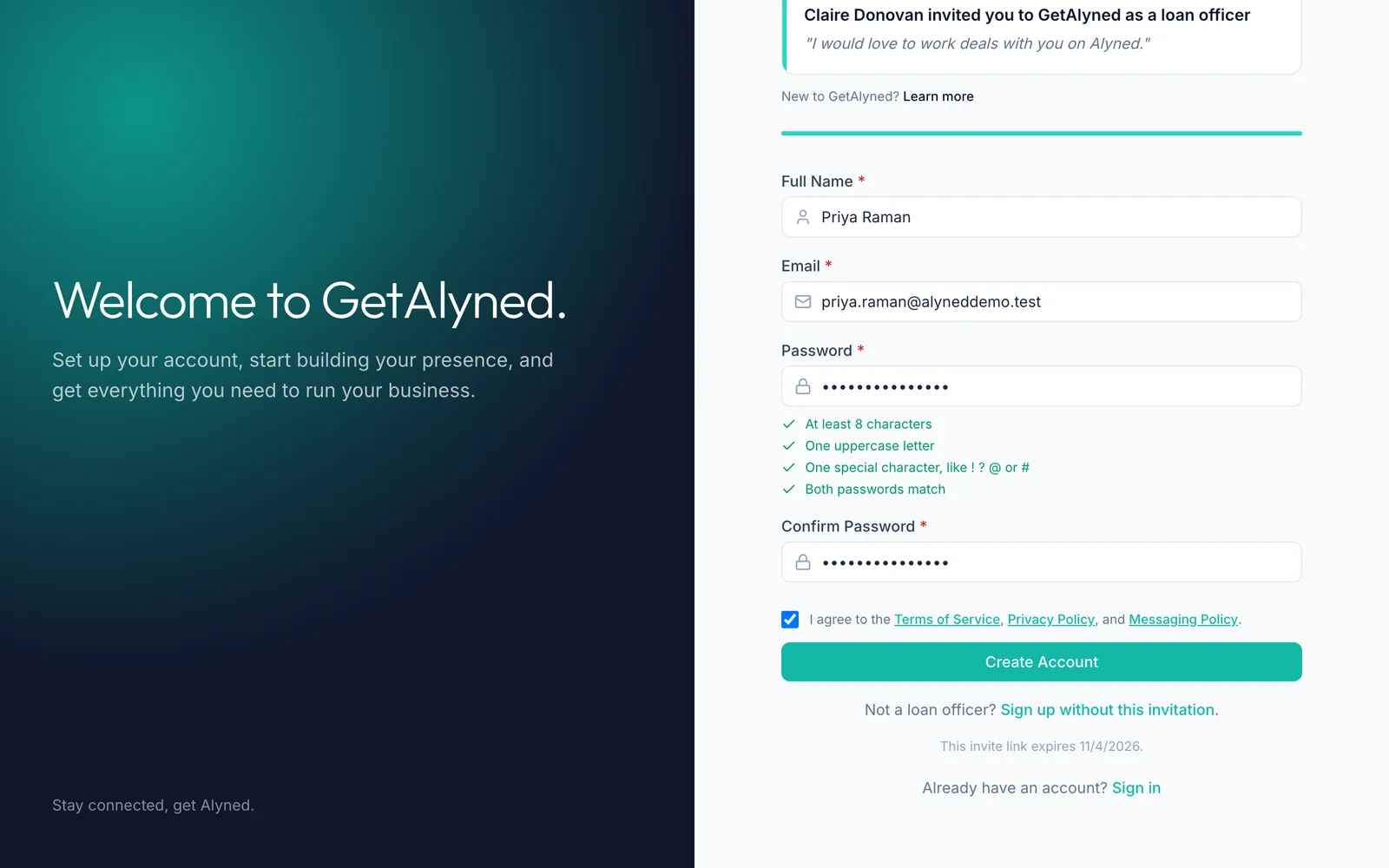
Their sign-up
The link opens a short sign-up with your name on it and their details filled in.
-
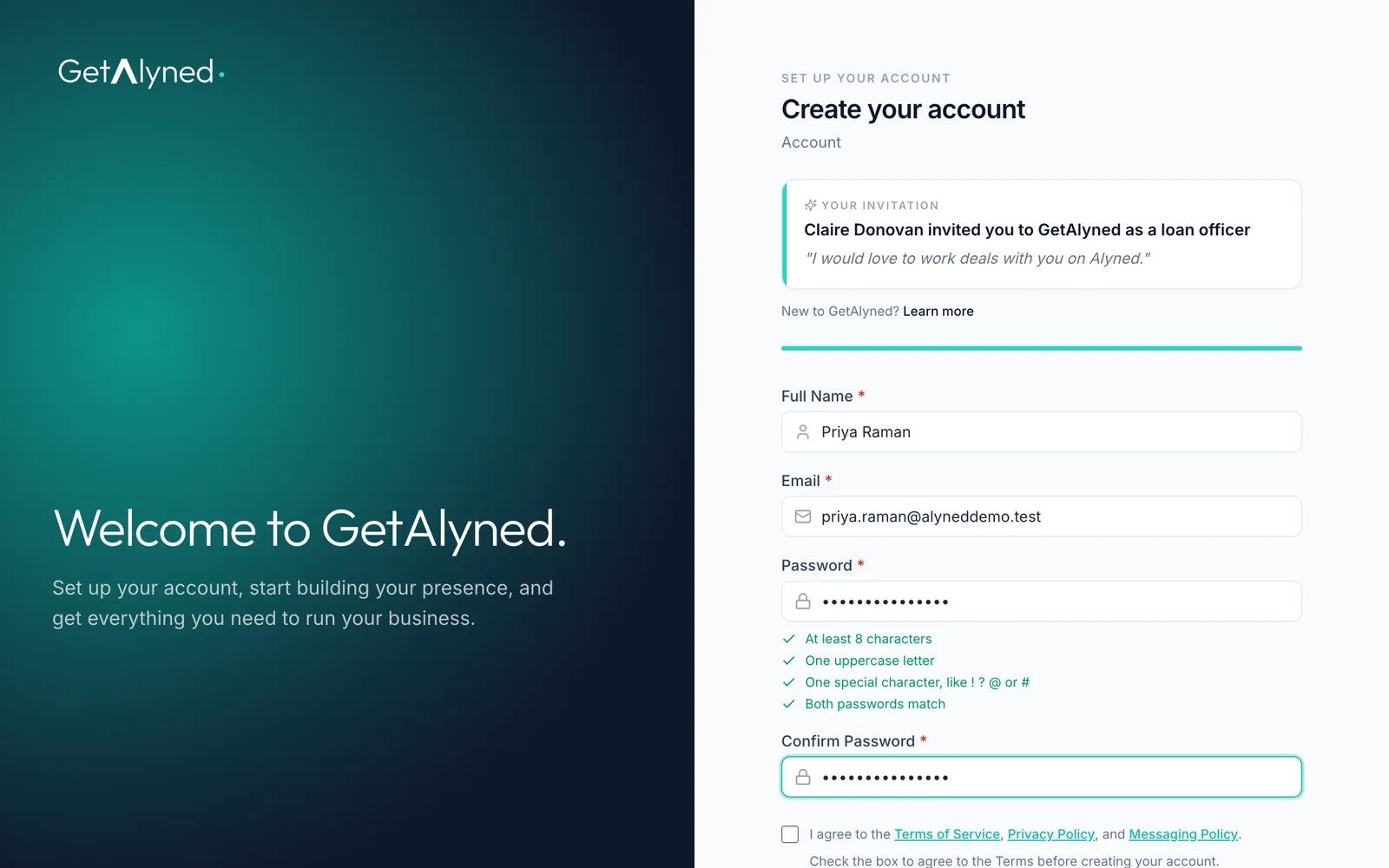
Agree to the Terms
They set a password and agree to the Terms.
-
Connected
They click Create Account, and you're connected.
-
Their setup
They go on to loan officer setup.

-
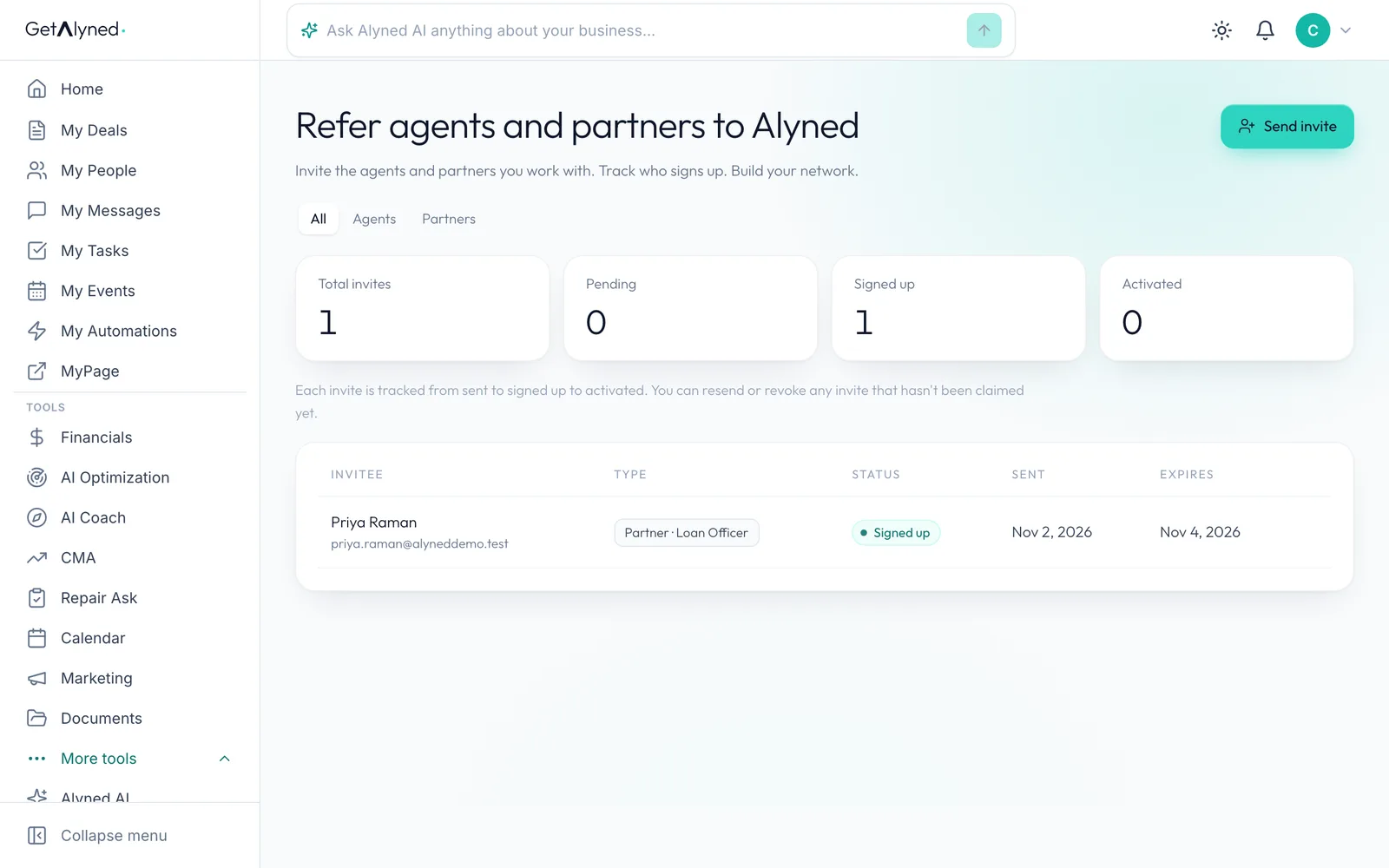
Signed up
On your list, the invite moves to Signed up, then Activated.
-
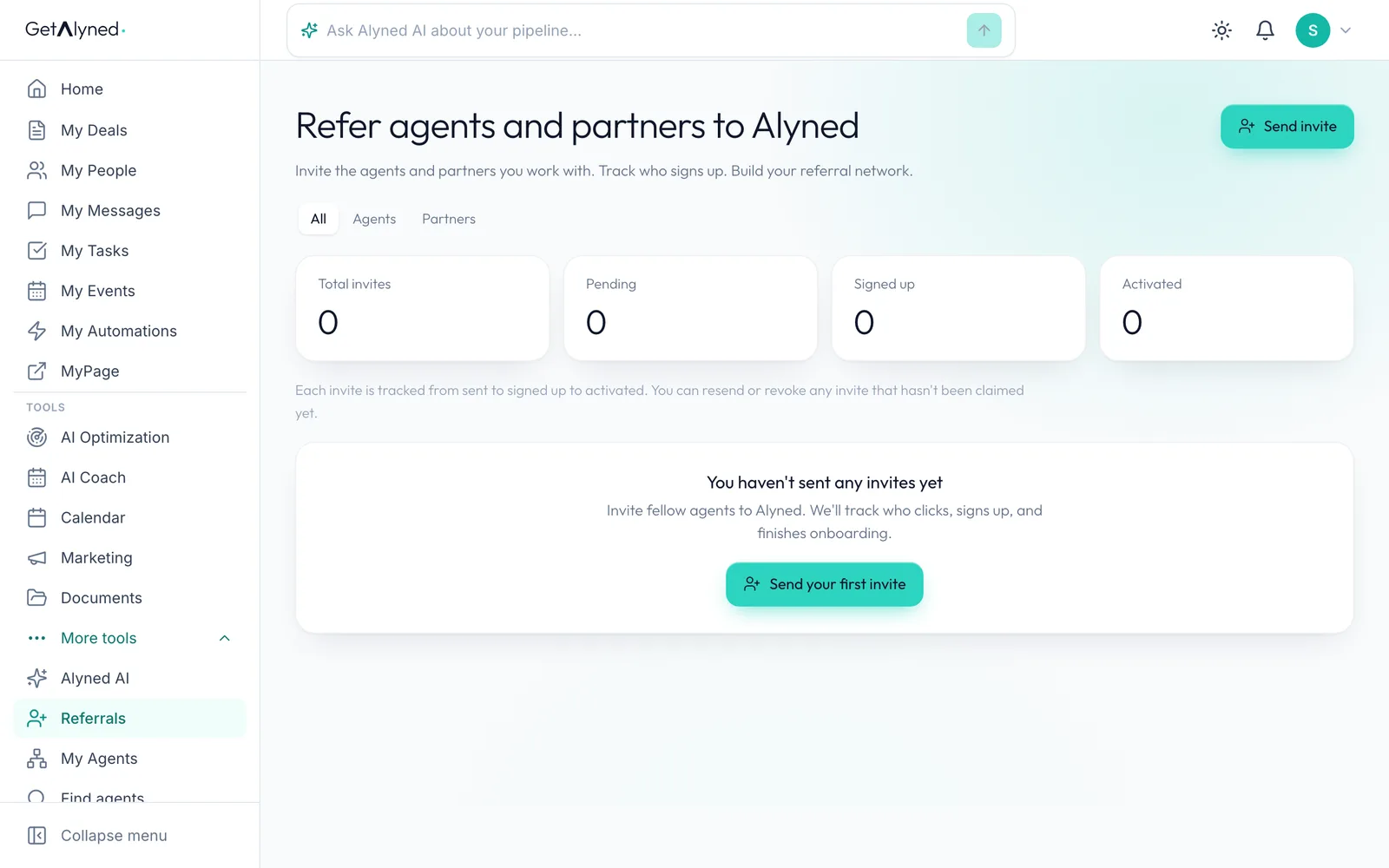
From a loan officer
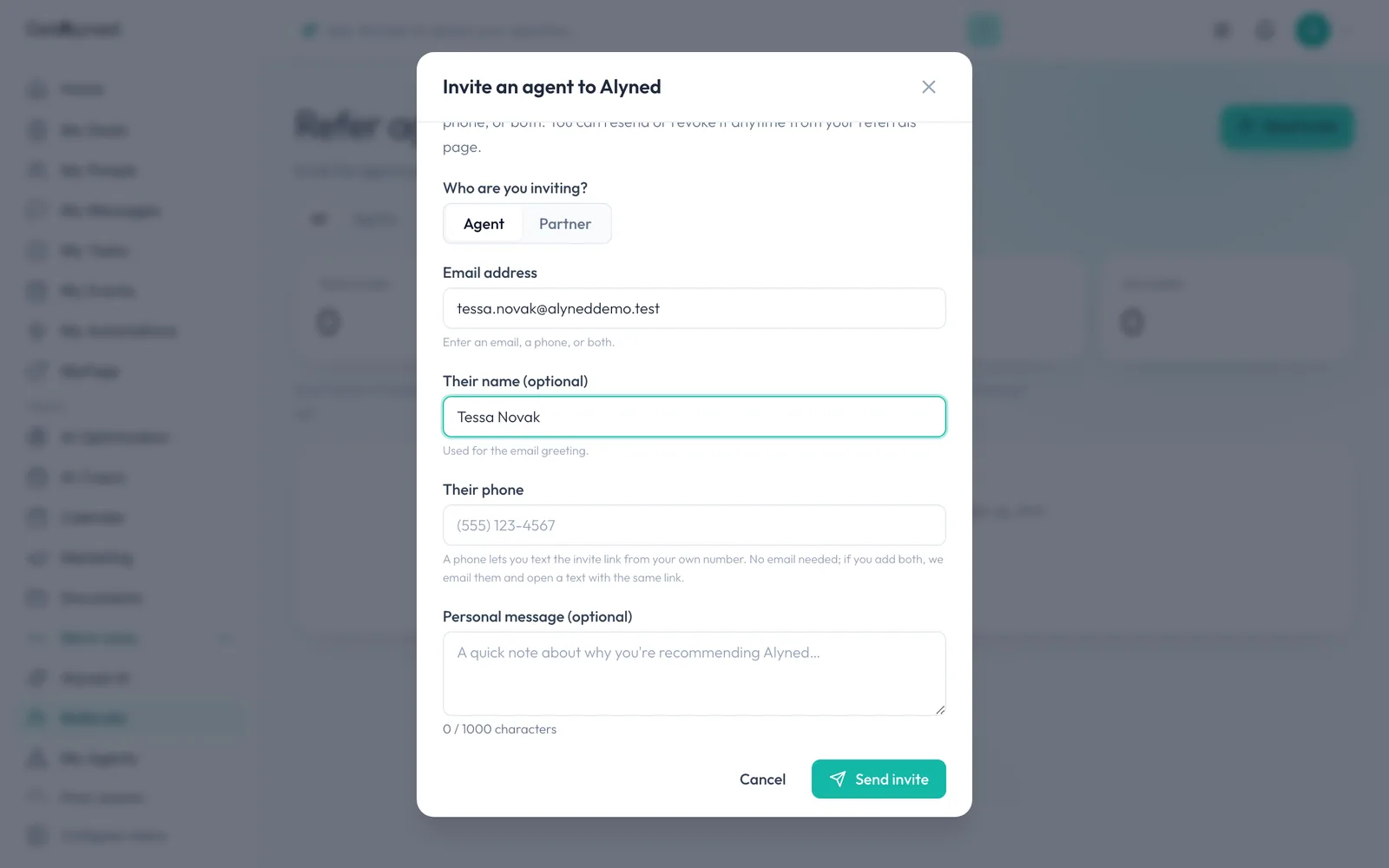
It works the same the other way. Here's a loan officer inviting an agent.
-
Agent is chosen
Agent is already chosen.
-
Send it
The email says the loan officer invited them to join on Alyned.
-
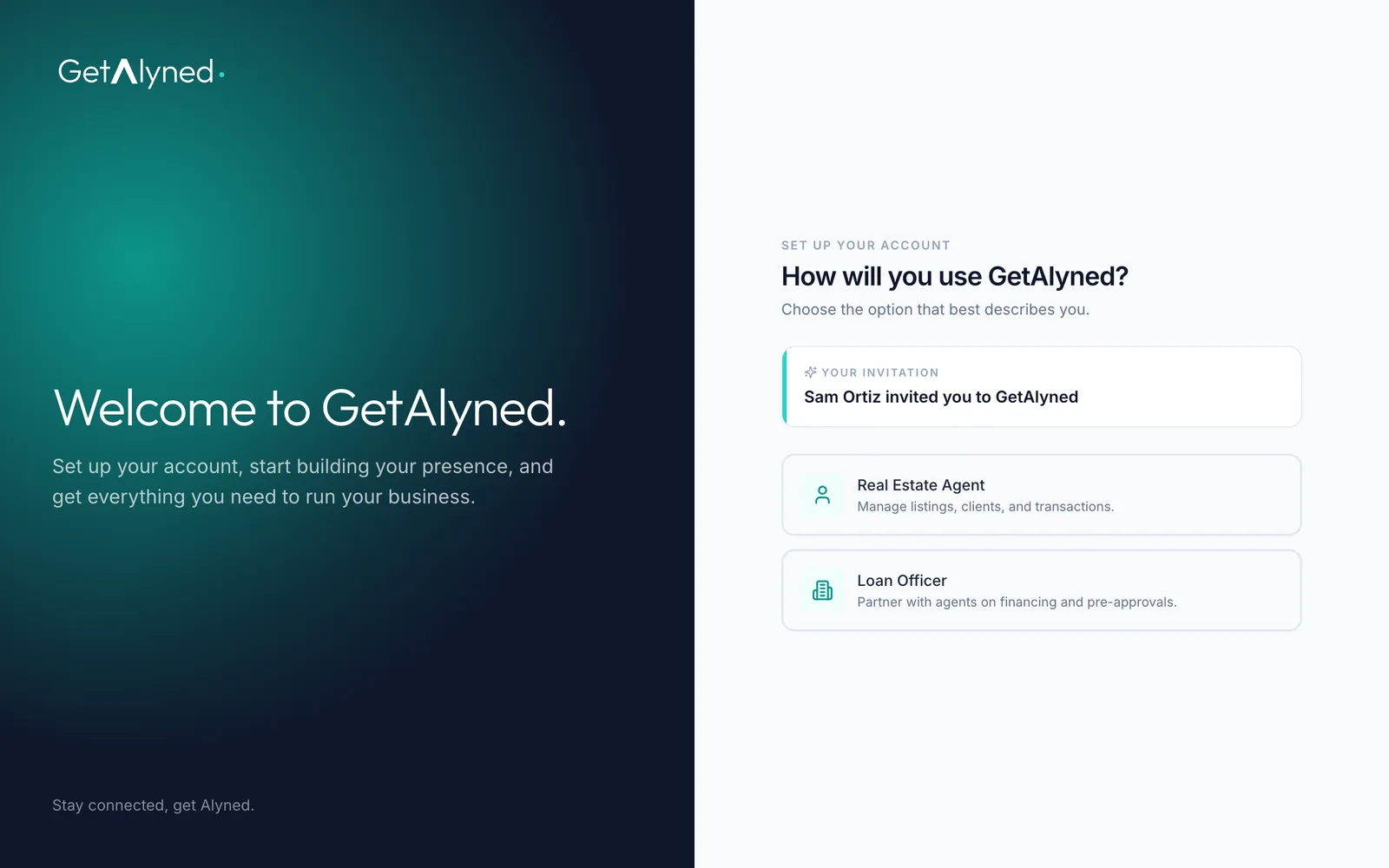
Their invitation
The agent opens their link and chooses their role.
-
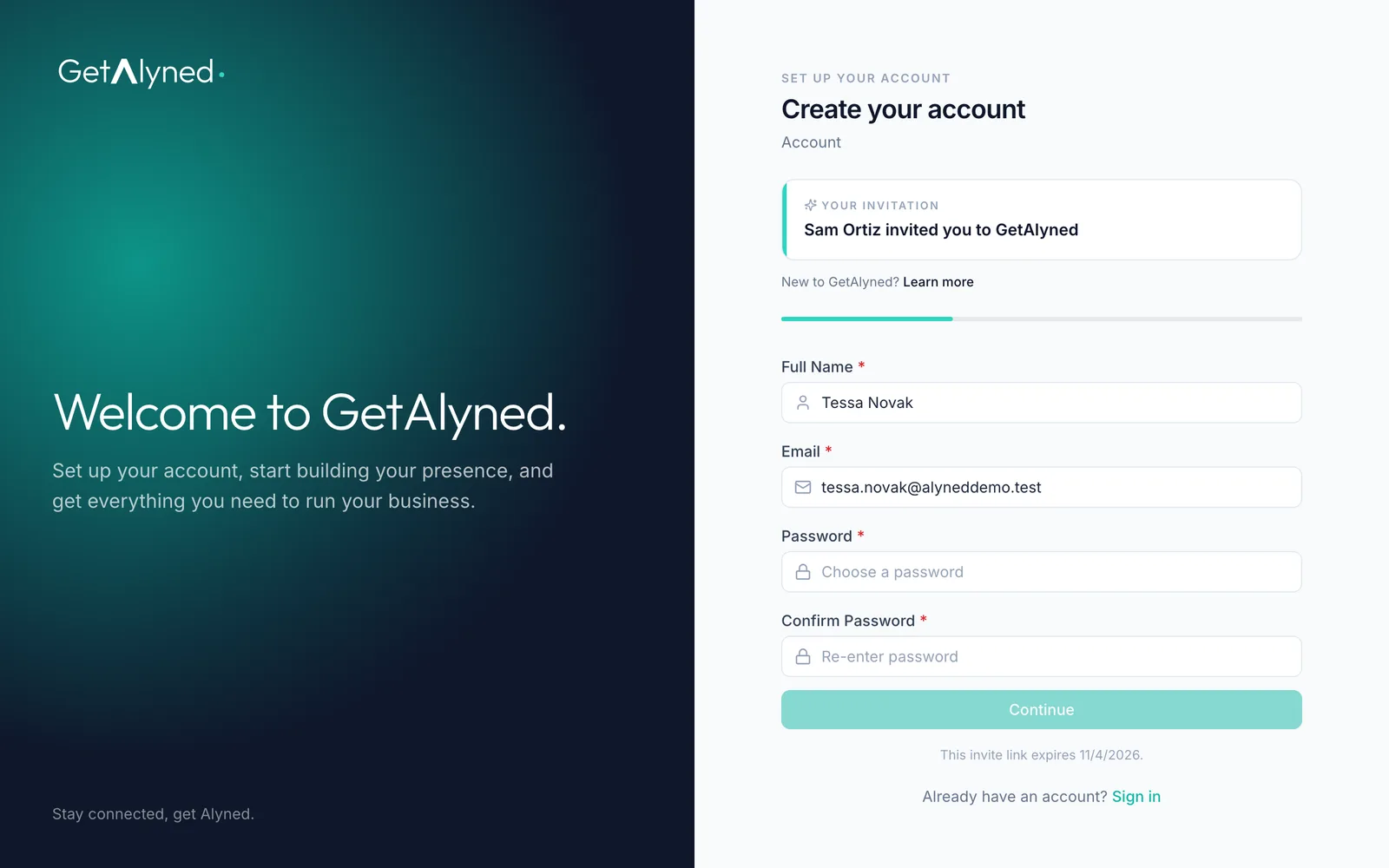
Agent sign-up
From here it's the normal agent sign-up, with their details filled in. See the Sign up guide.
-
Details carry over
Their name and email carry over from the invite.
Related guides
- Add your loan officer to a deal · Bring your loan officer onto a deal so their financing steps show up on your timeline and your client's, and they join the deal chat.
- Connect with agents · Find agents near you, send connection requests, and accept the ones who reach out, so they can add you to their deals.