Add a contact
For agents · 2 min
Add someone to My People in under a minute, and see everything you can do from their record.
Watch
Or read it step by step
-
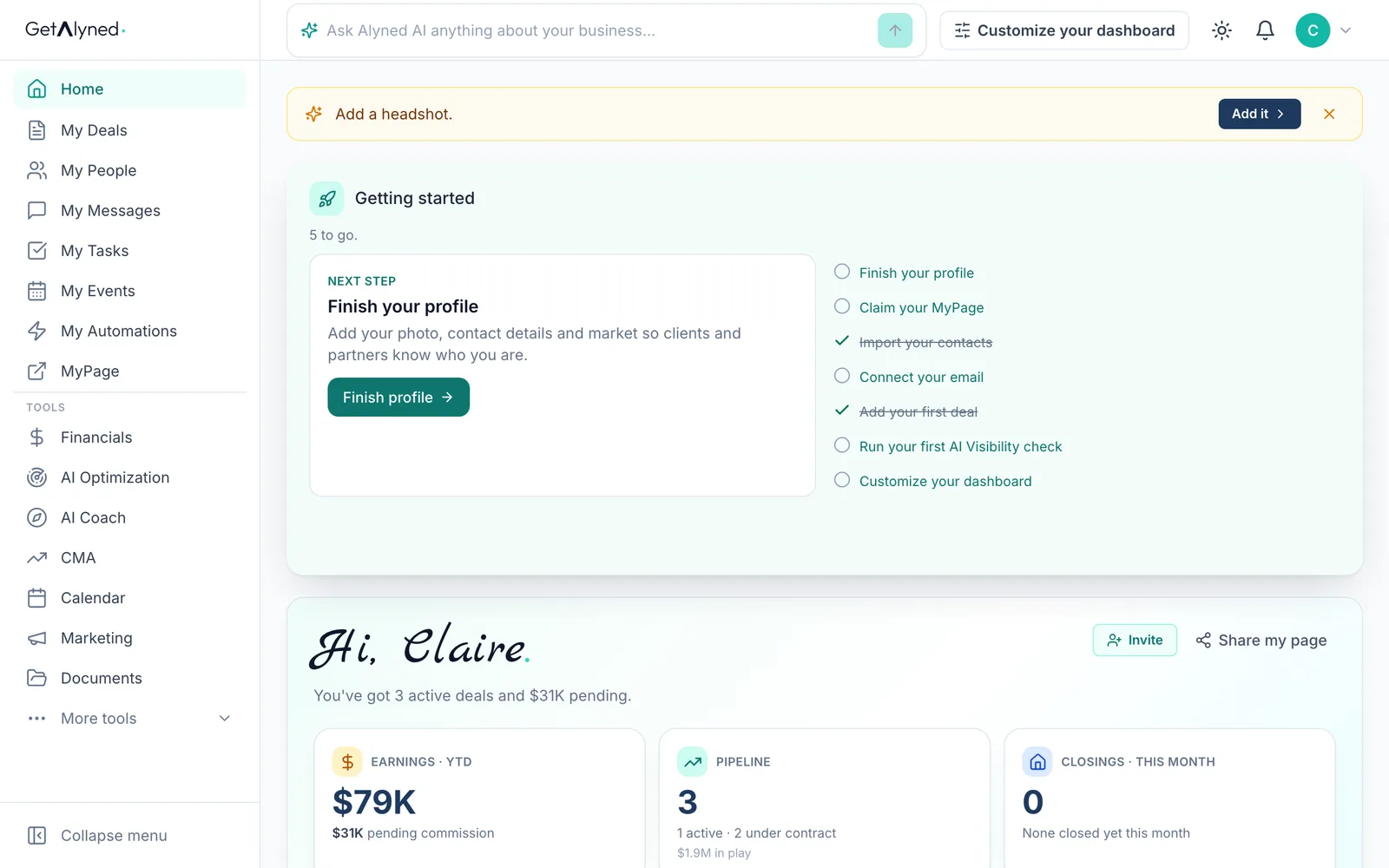
Open My People
Your contacts live in My People.
-
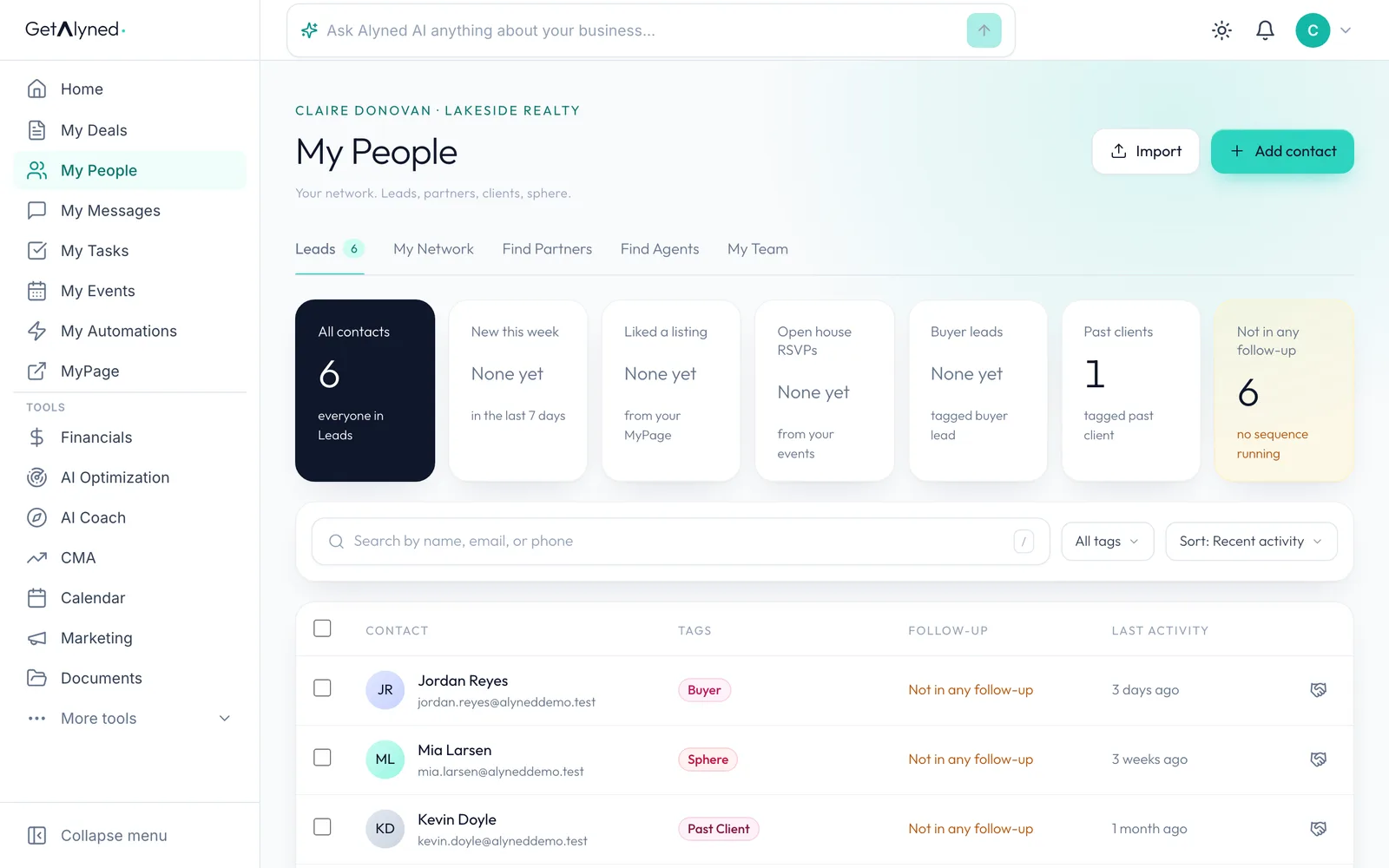
Click Add contact
Add contact opens a short form.
-
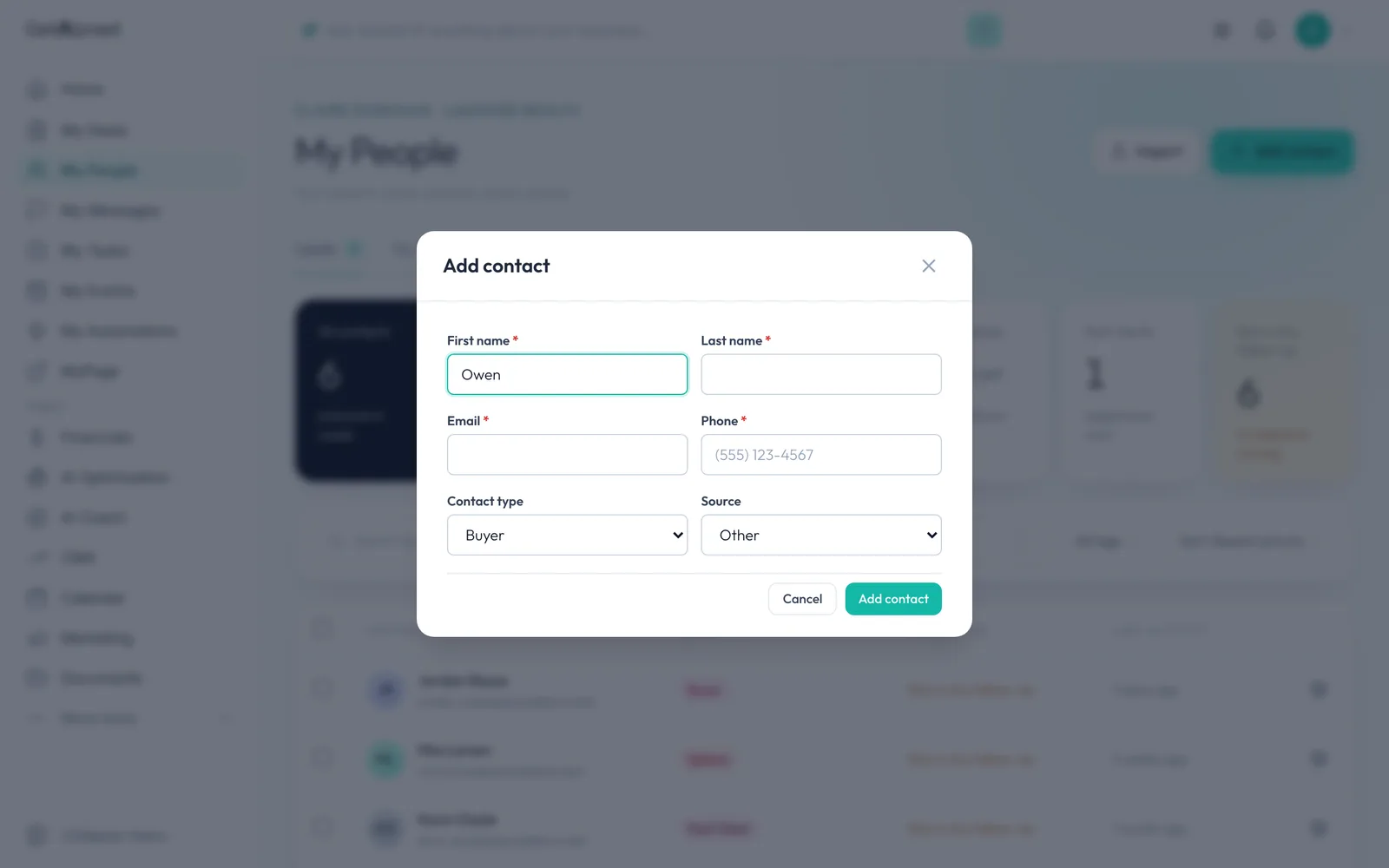
First name
First and last name, email and phone are required.
-
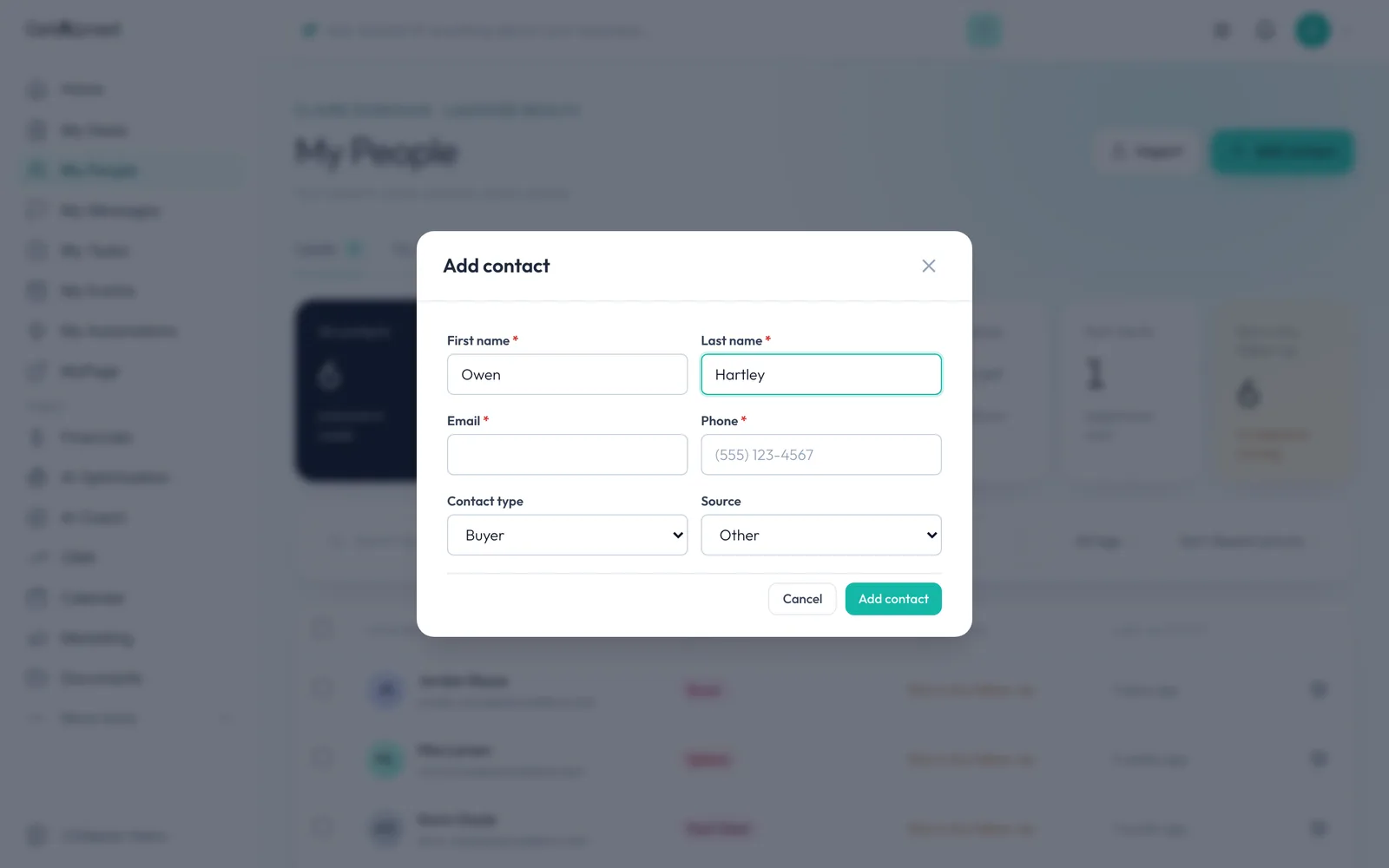
Last name
Add their last name.
-
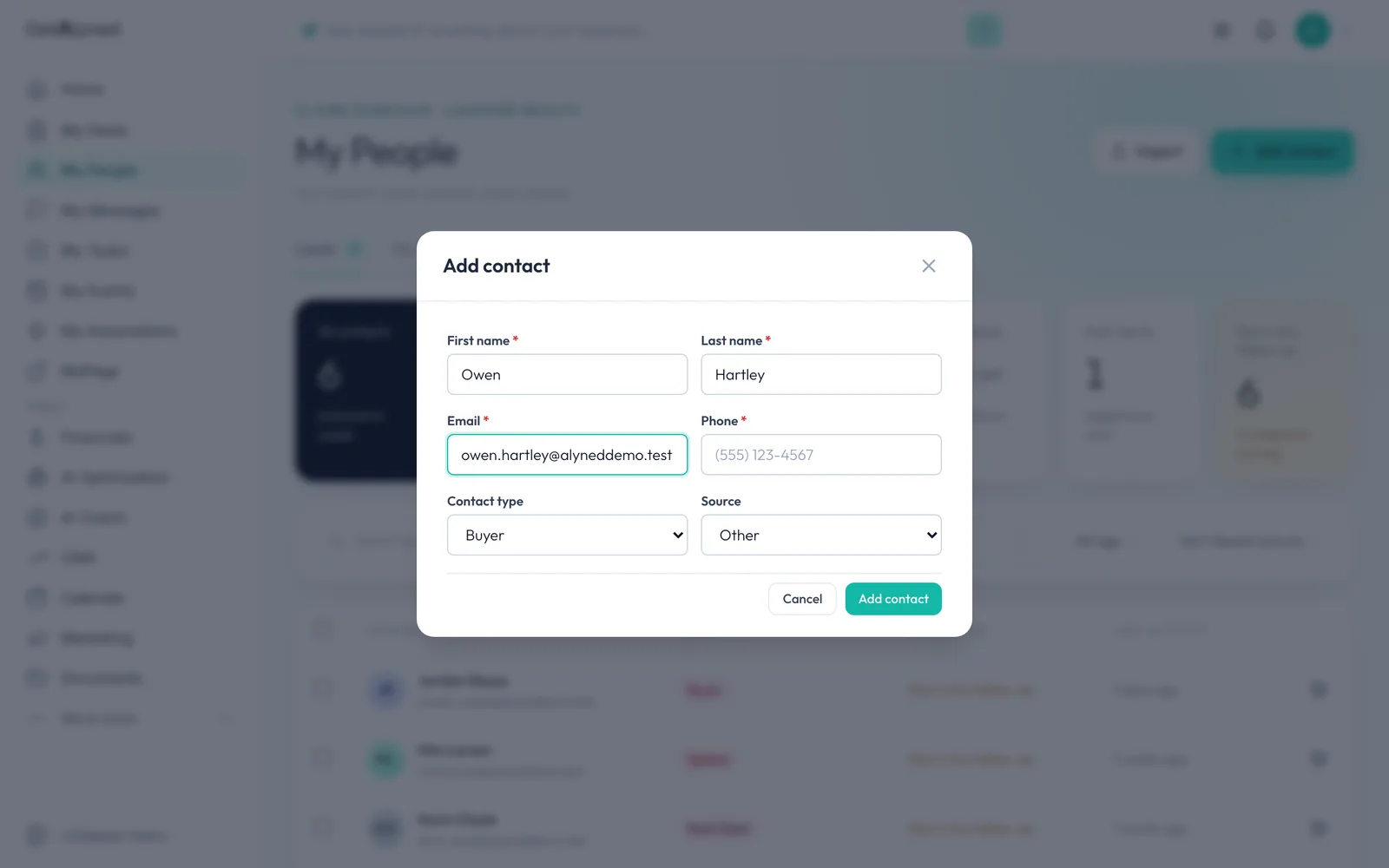
Email
Add their email.
-
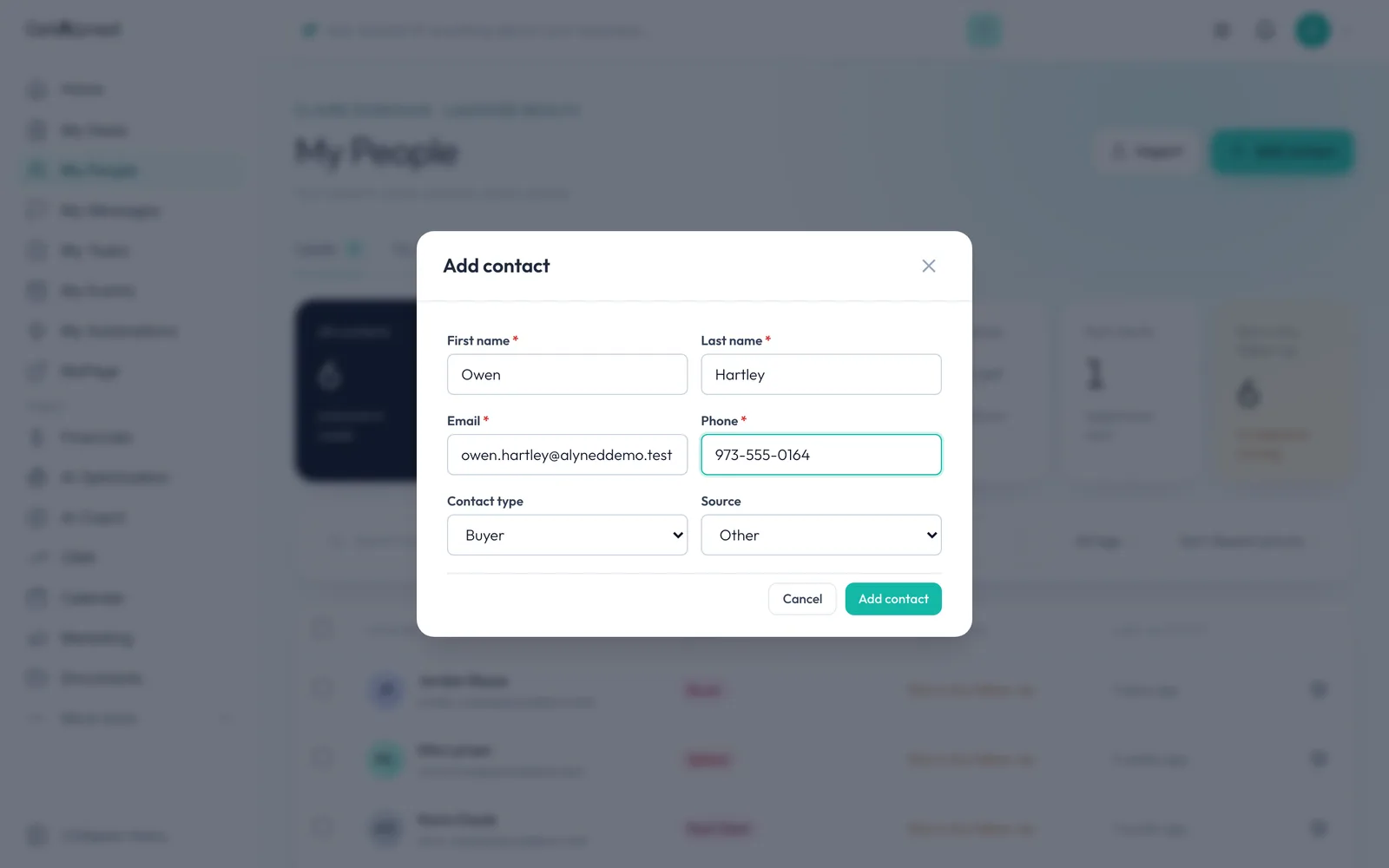
Phone
Add their phone number.
-
Contact type
Contact type says what they are to you: buyer, seller, both or other.
-
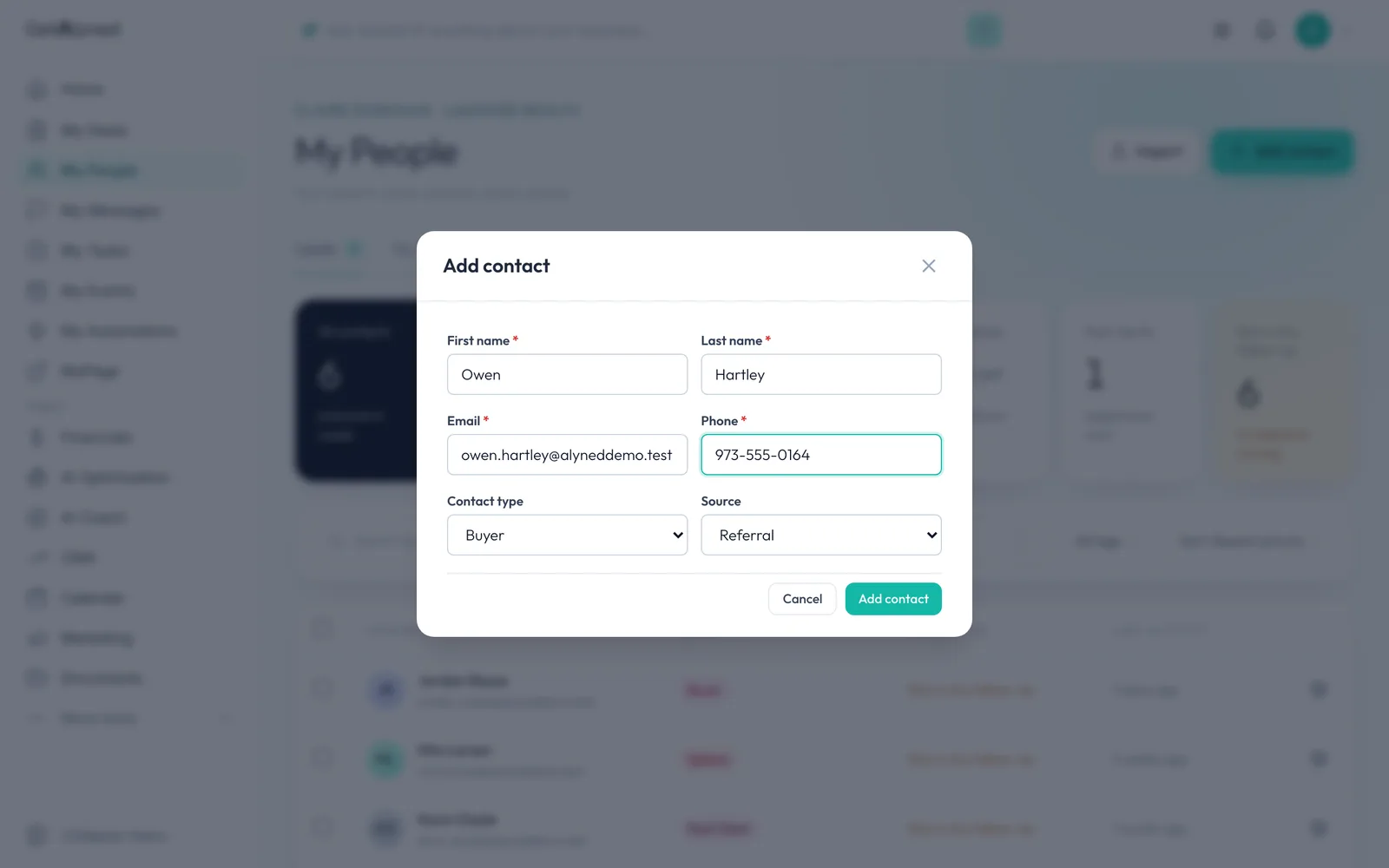
Source
Source records where they came from, so you can see which sources pay off.
-
Save them
Add contact saves them. A new contact is private to you.
-
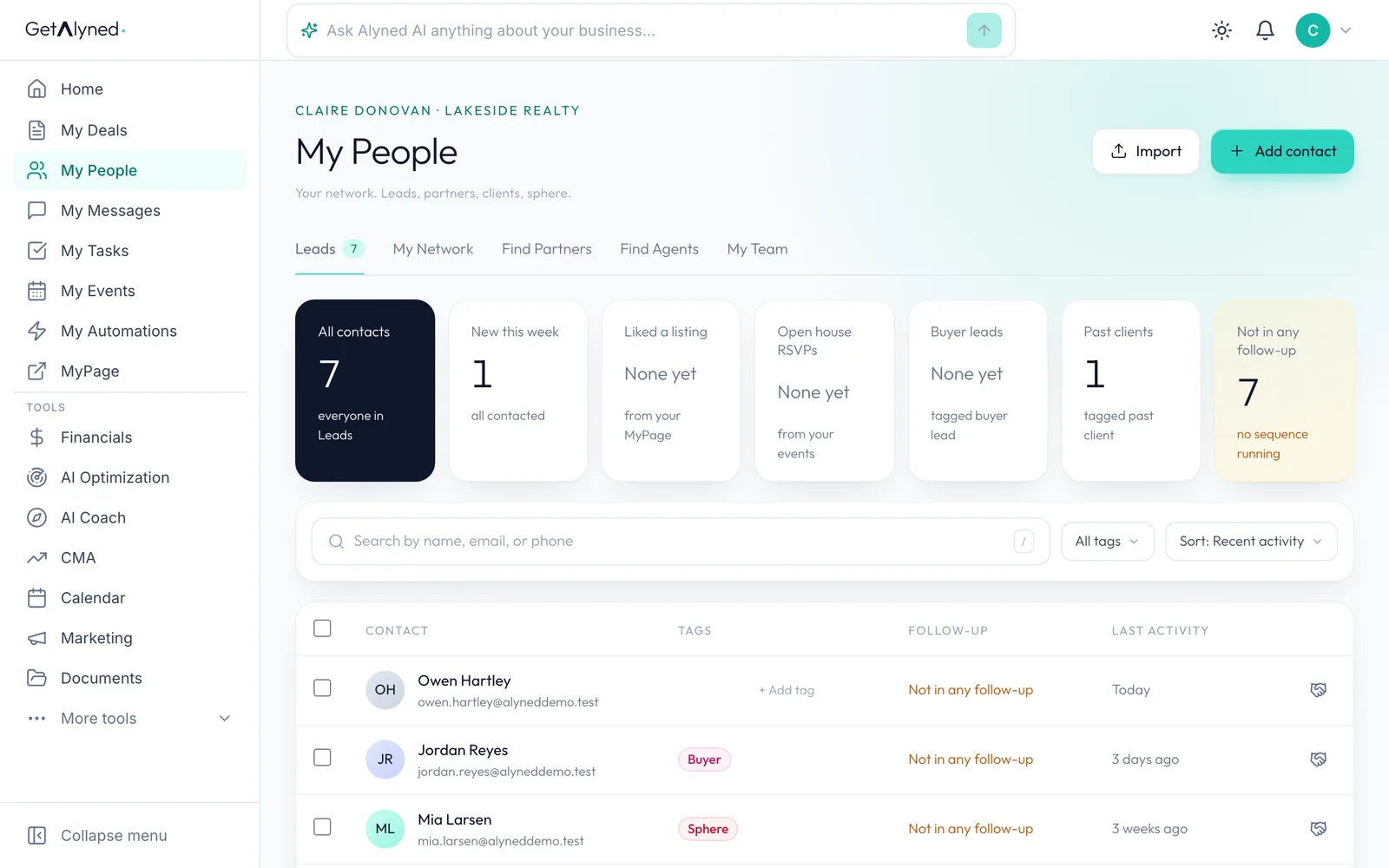
They're in your list
They're in your list right away.
-
Or import a list
Have a spreadsheet? Import adds a whole list at once. It has its own guide.
-
Open their record
Click their name to open their record.
-
Reach out
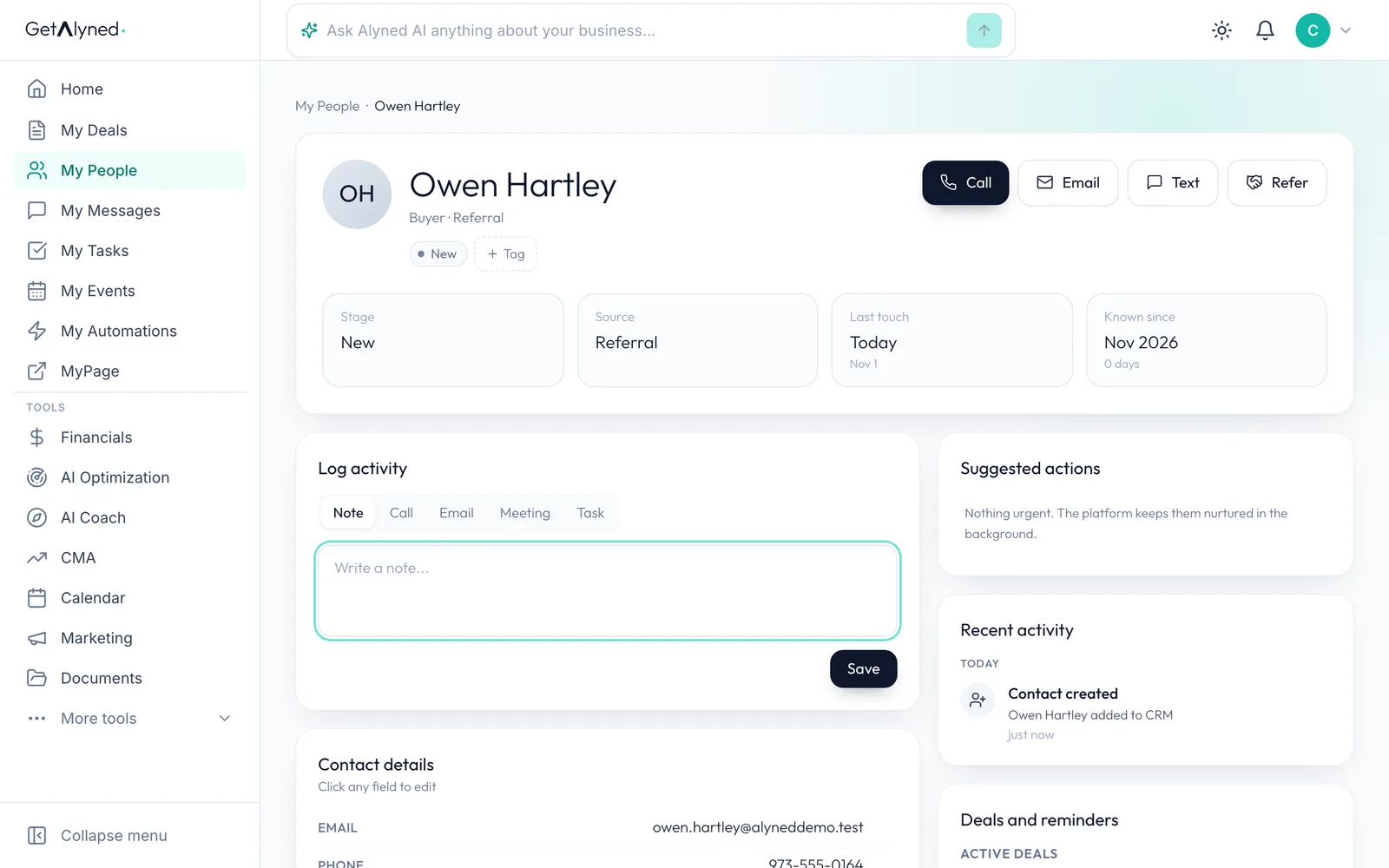
Call, Email, Text and Refer are at the top of their record.
-
Everything in one place
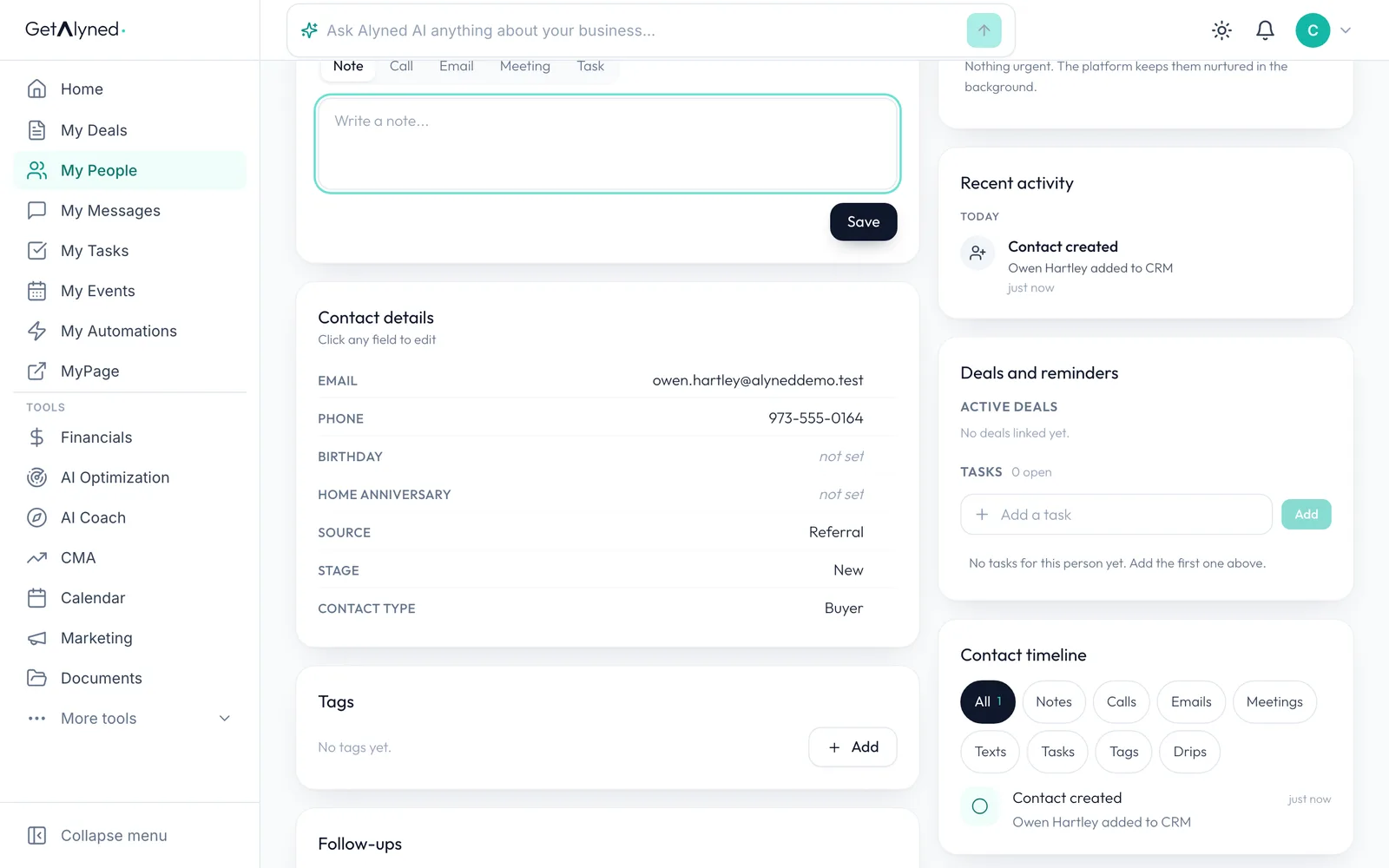
What you entered is under Contact details. Click any field to edit it. Tags, notes, tasks, follow-ups and deals are on this page too.
Related guides
- Import contacts from a spreadsheet · Bring your contacts in from a spreadsheet or another CRM in a few minutes, without typing them one by one.
- Everything you can set up on a contact · Add someone to My People, then take a tour of their record: tags, details, notes, tasks, automatic follow-ups and referrals to your loan officer.
- Tag a contact and start a follow-up sequence · Turn on an automatic email sequence, then tag a contact so it starts following up for you.