Answer a repair request
For listing agents and attorneys · 3 min
For the listing agent or seller's attorney: open the link you were sent, answer each item, and send your answers back. No account needed.
Watch
Or read it step by step
-
Open the link
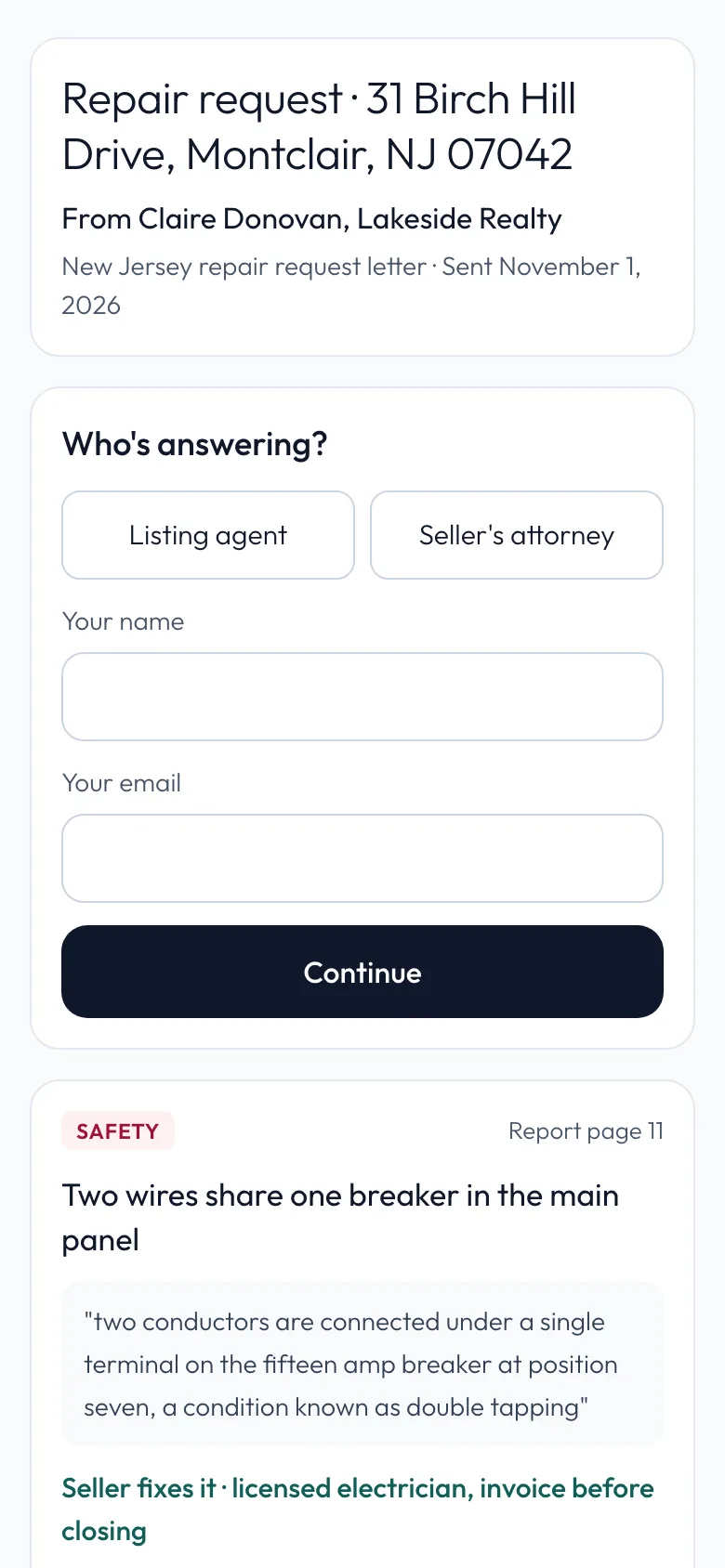
The buyer's agent sends one link by email or text. Open it, with no account and nothing to install. It shows the address, who sent it and the date.
-
Say who you are
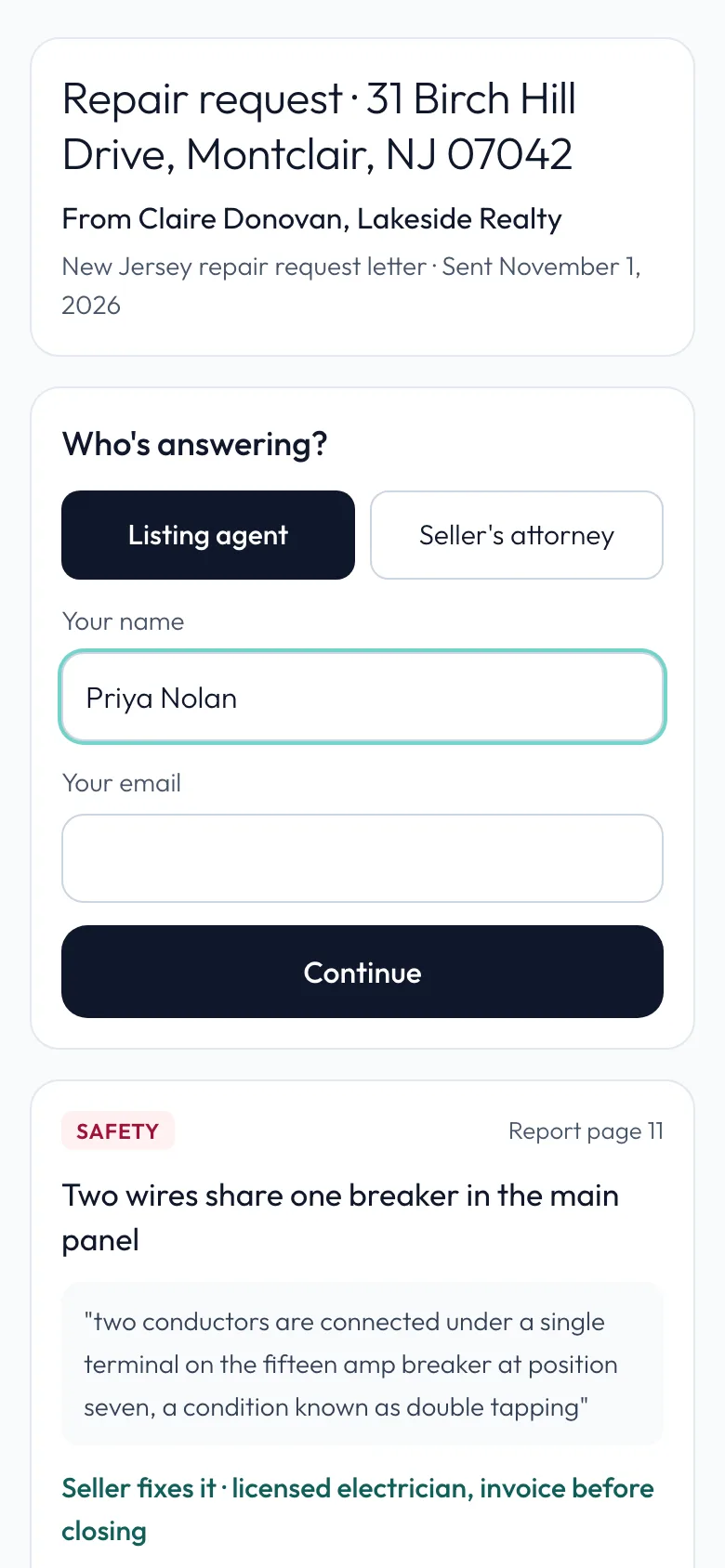
Choose who's answering: Listing agent or Seller's attorney. Whoever answers for the seller uses the same link.
-
Your name
Type your name. The buyer's agent sees it beside your answers.
-
Your email
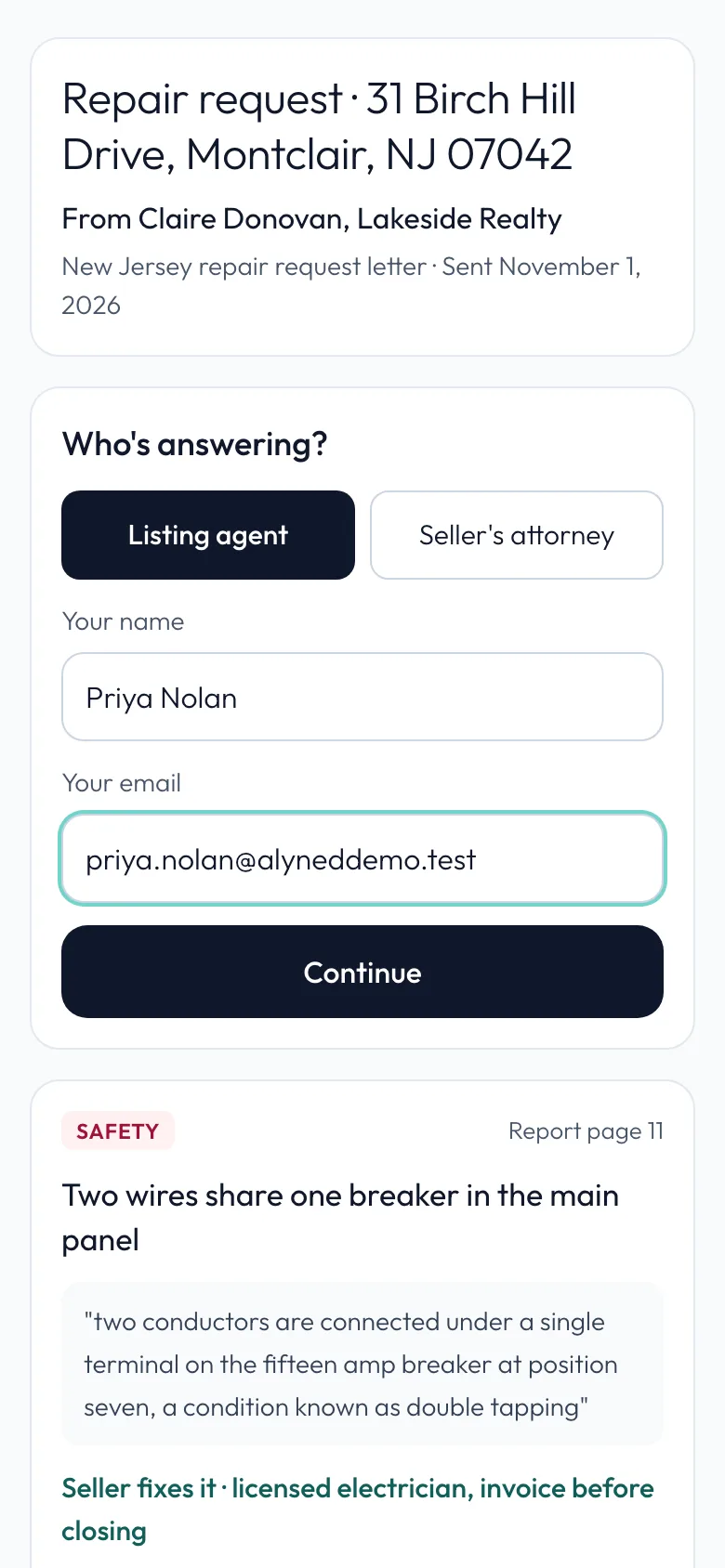
Your email is where the final agreement is sent once the list is locked.
-
Continue
Tap Continue.
-
The whole request
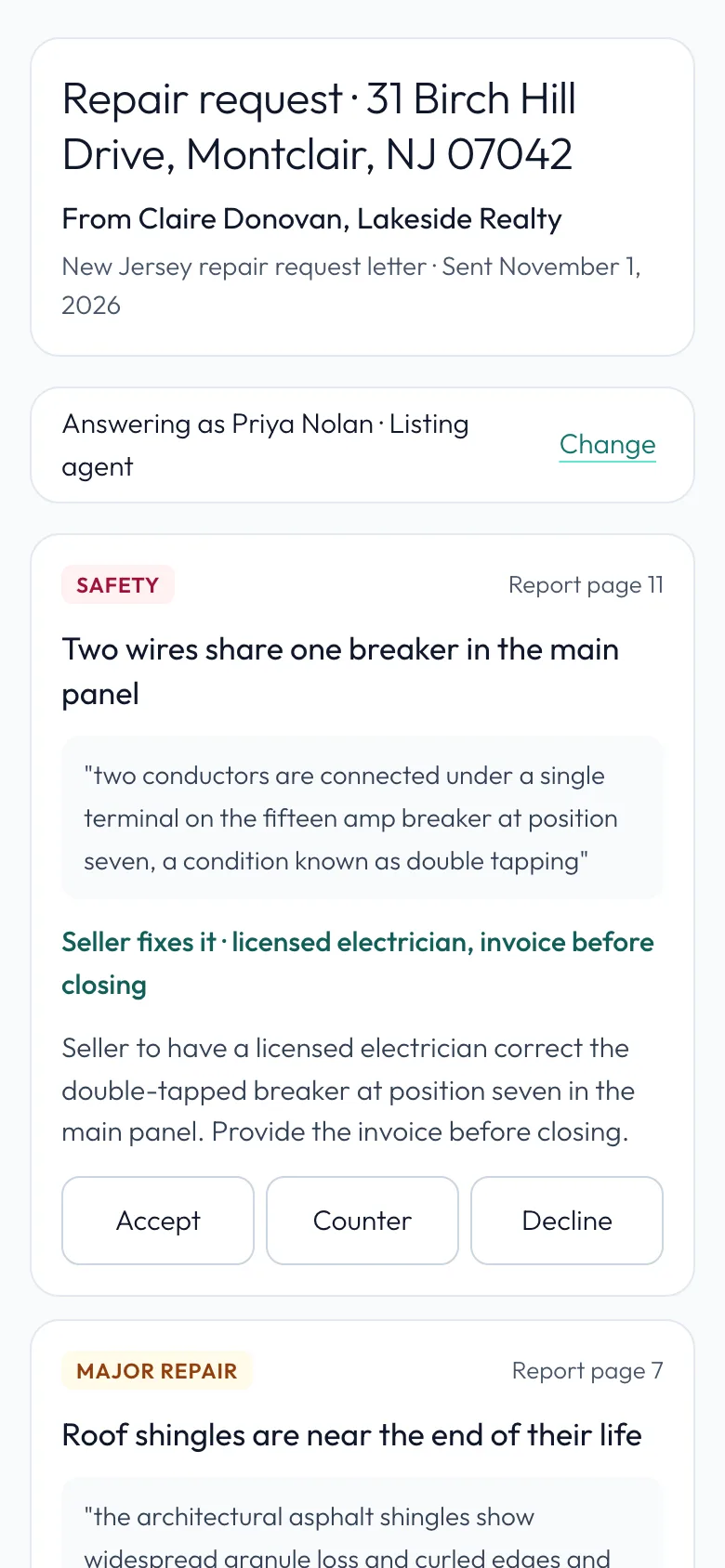
The whole request on one page: the safety item, the major items and the maintenance items, each with the report page and the inspector's own words. Credits shown are what the buyer's agent is asking for.

-
Each item
Each item shows what's asked and the report page. Answer each one: Accept, Counter or Decline.
-
Accept a repair
Accept agrees to the repair as asked. Here the seller will have a licensed electrician fix the breaker and send the invoice.
-
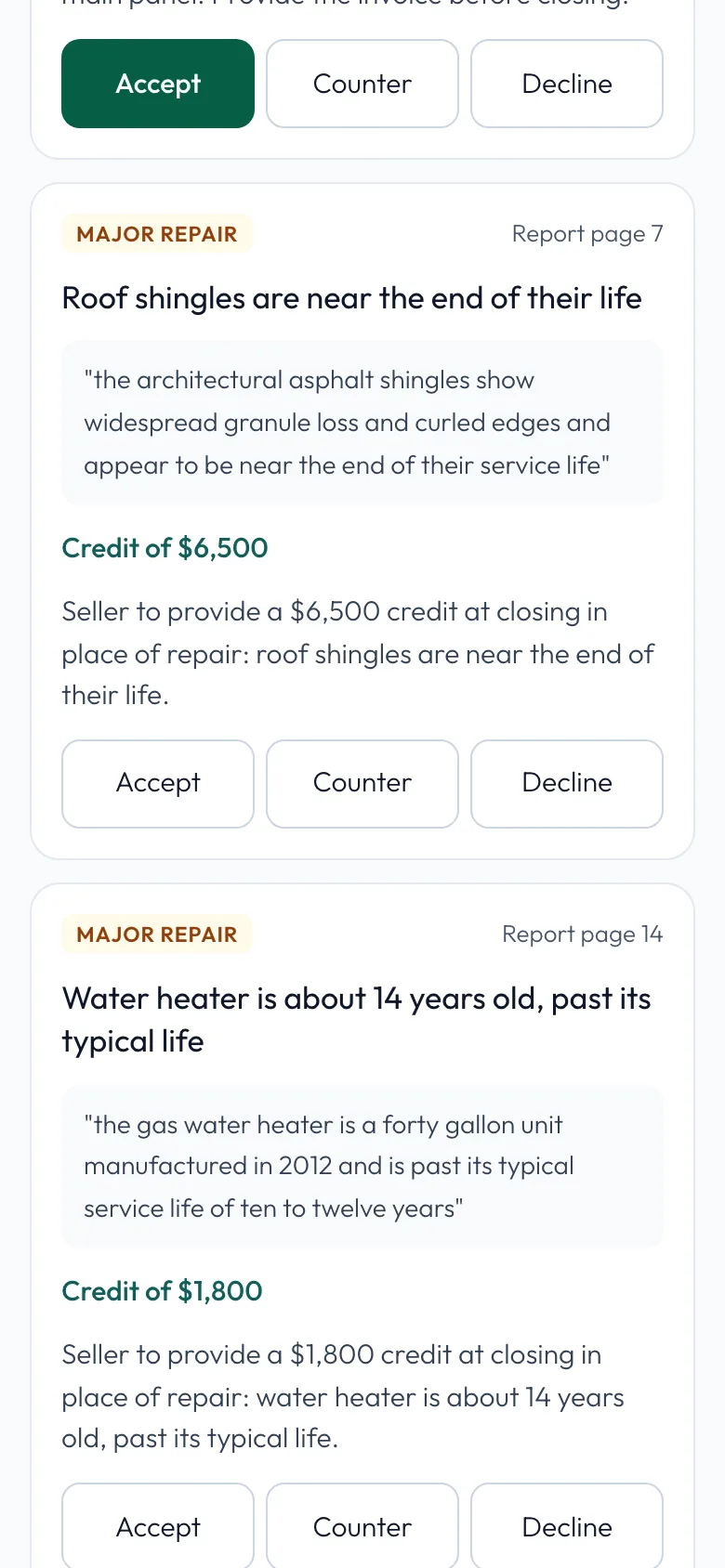
Counter
Counter offers something else. They asked for a $6,500 credit for the roof.
-
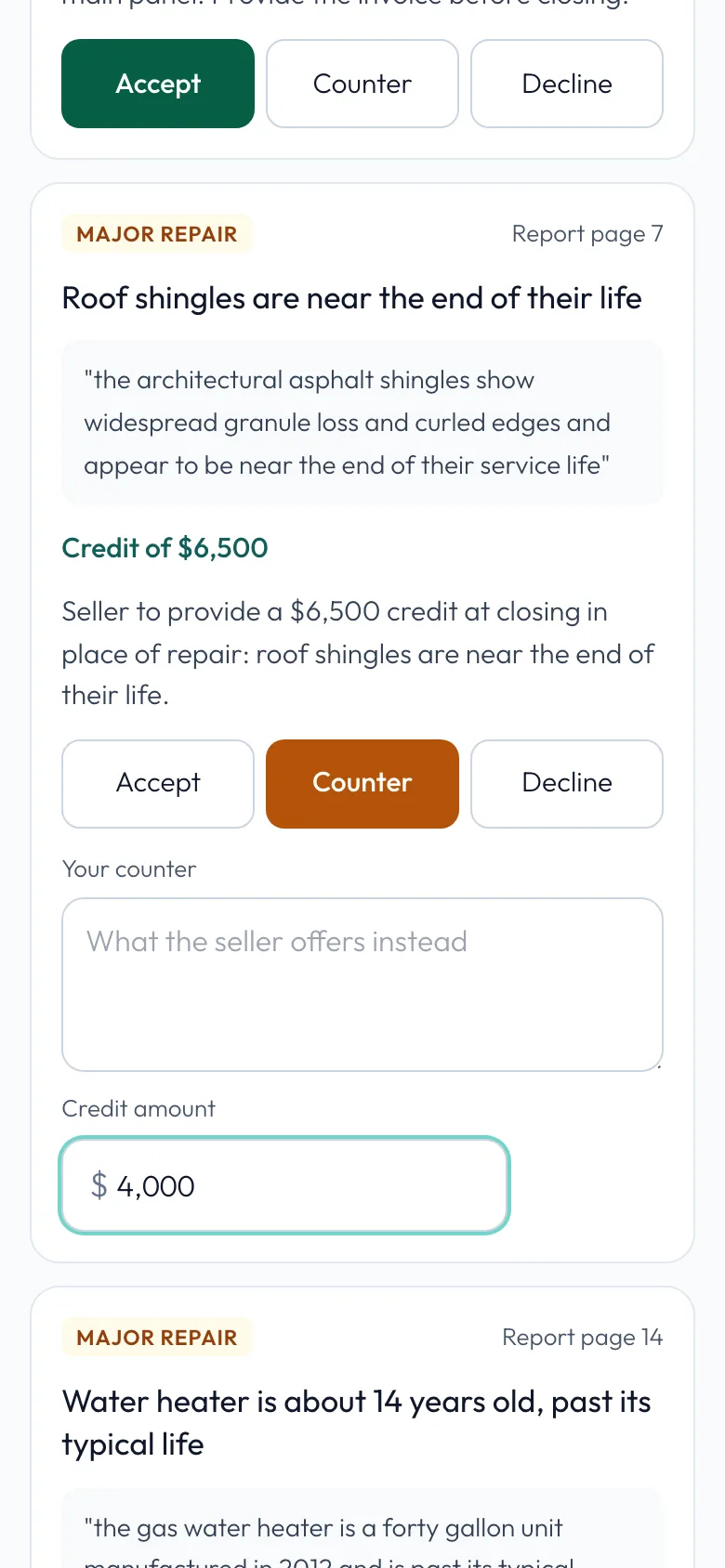
Change the amount
Change the amount to what the seller will offer: $4,000.
-
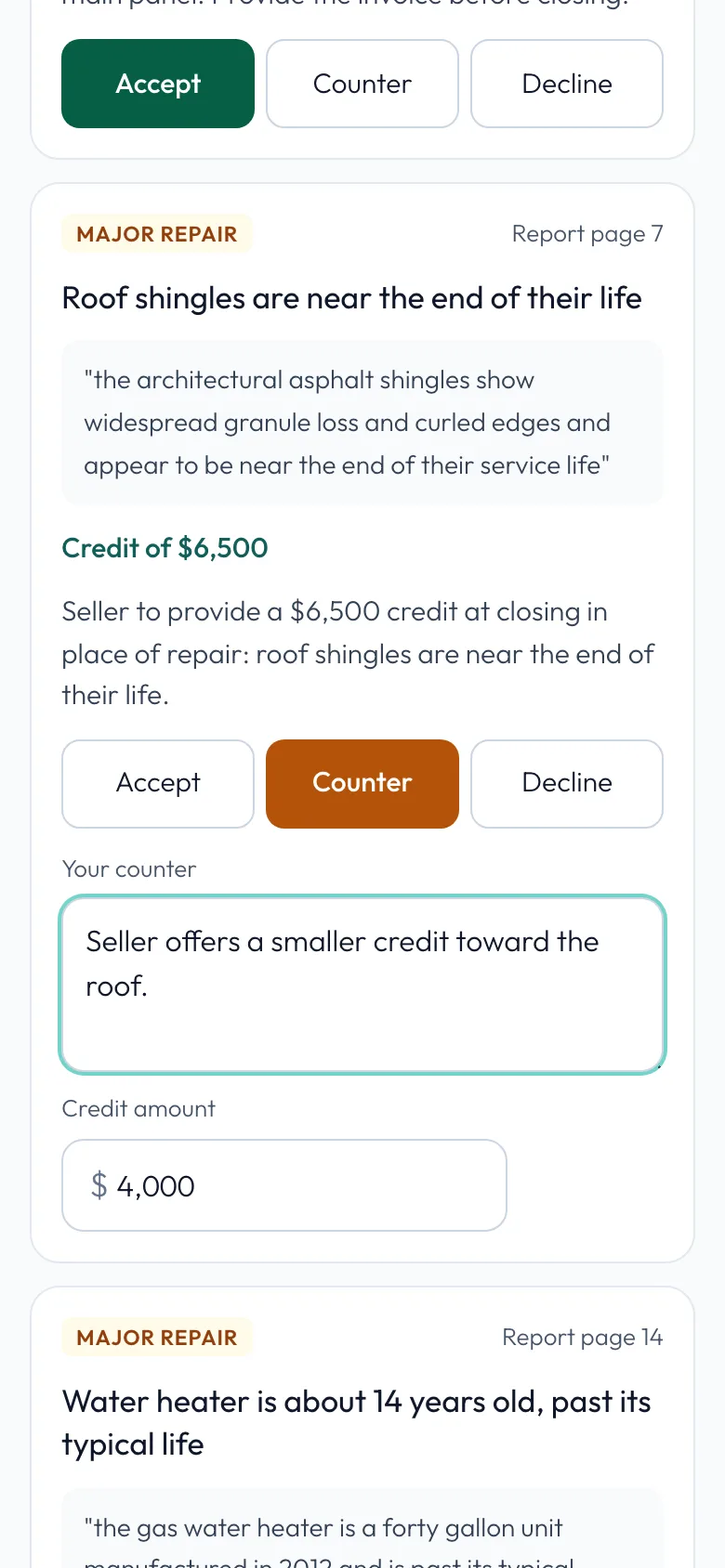
Say why
Say why, in a few words. The buyer's agent sees it next to your amount.
-
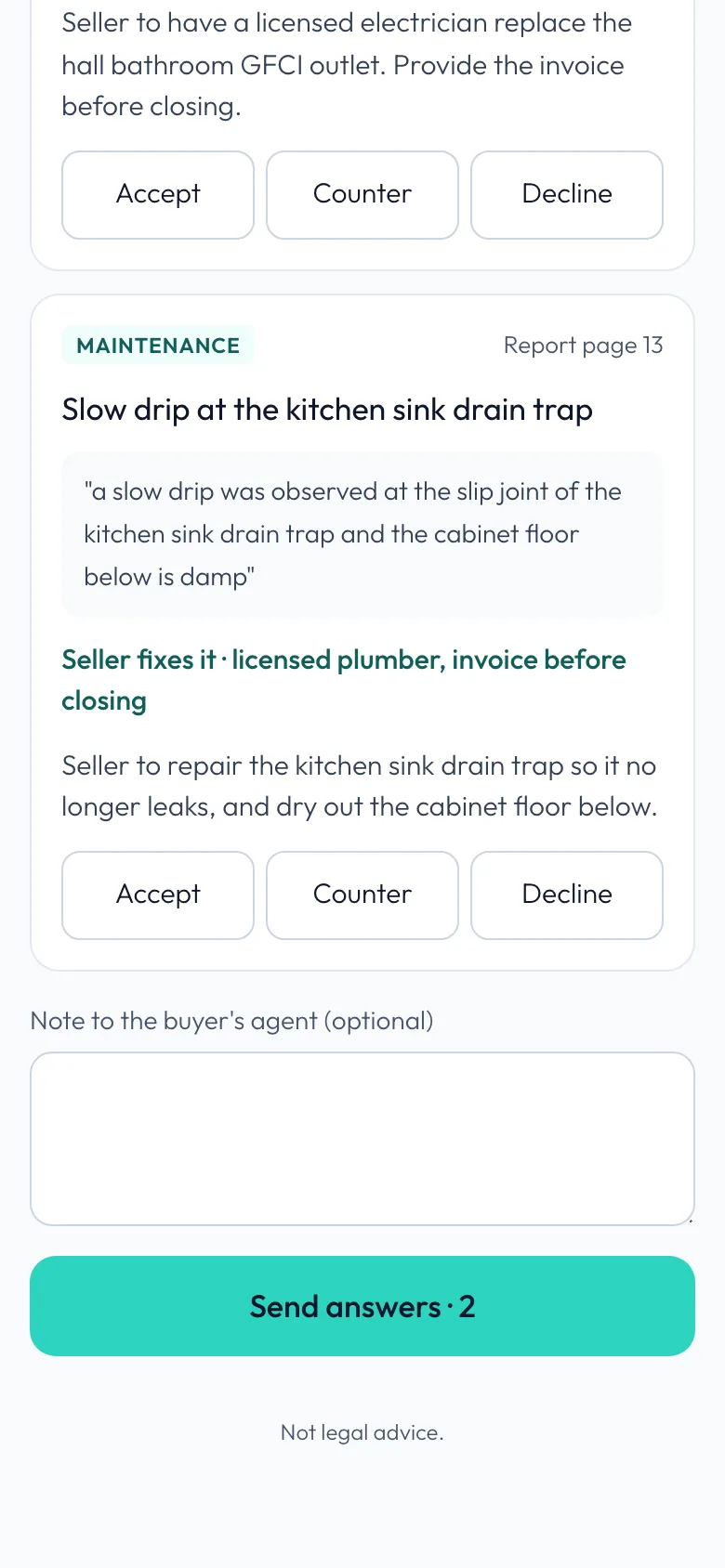
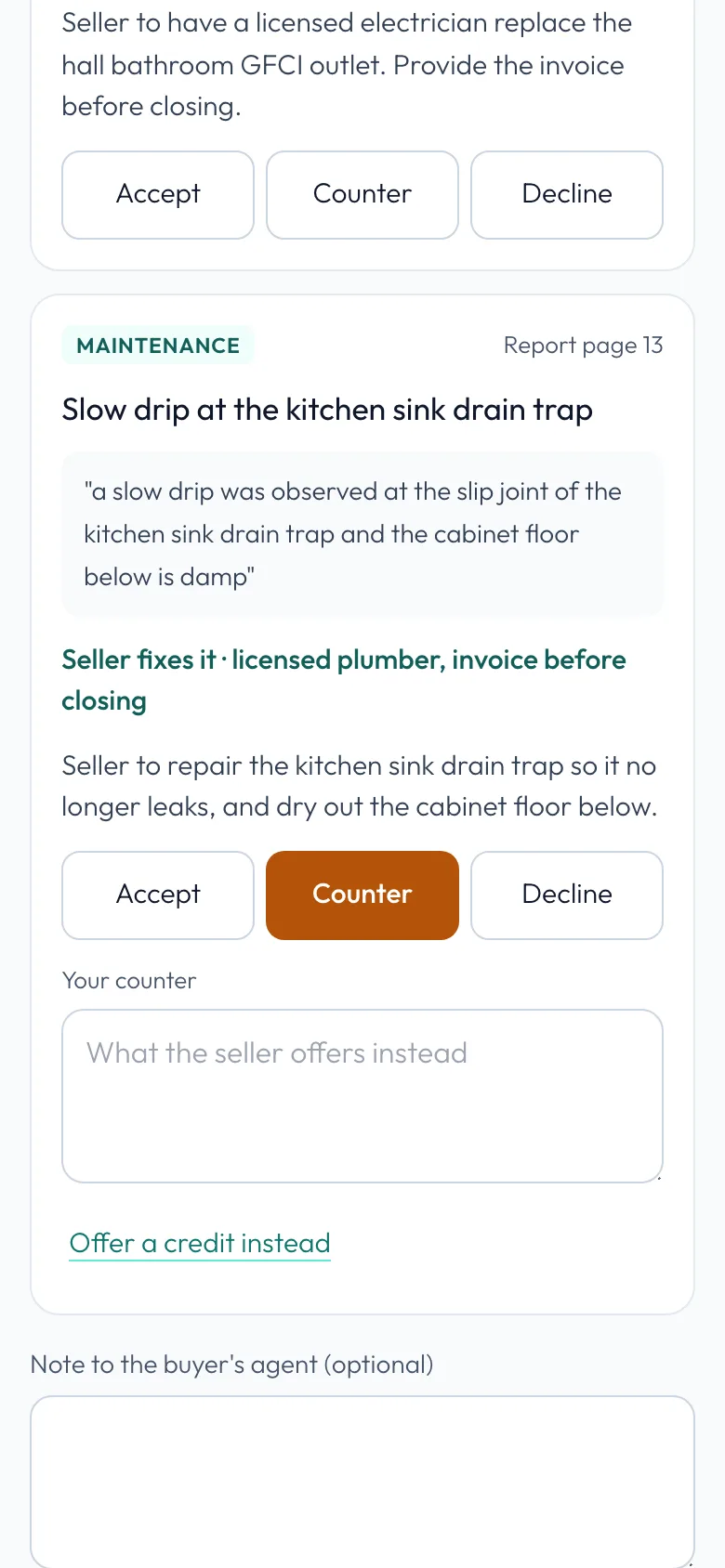
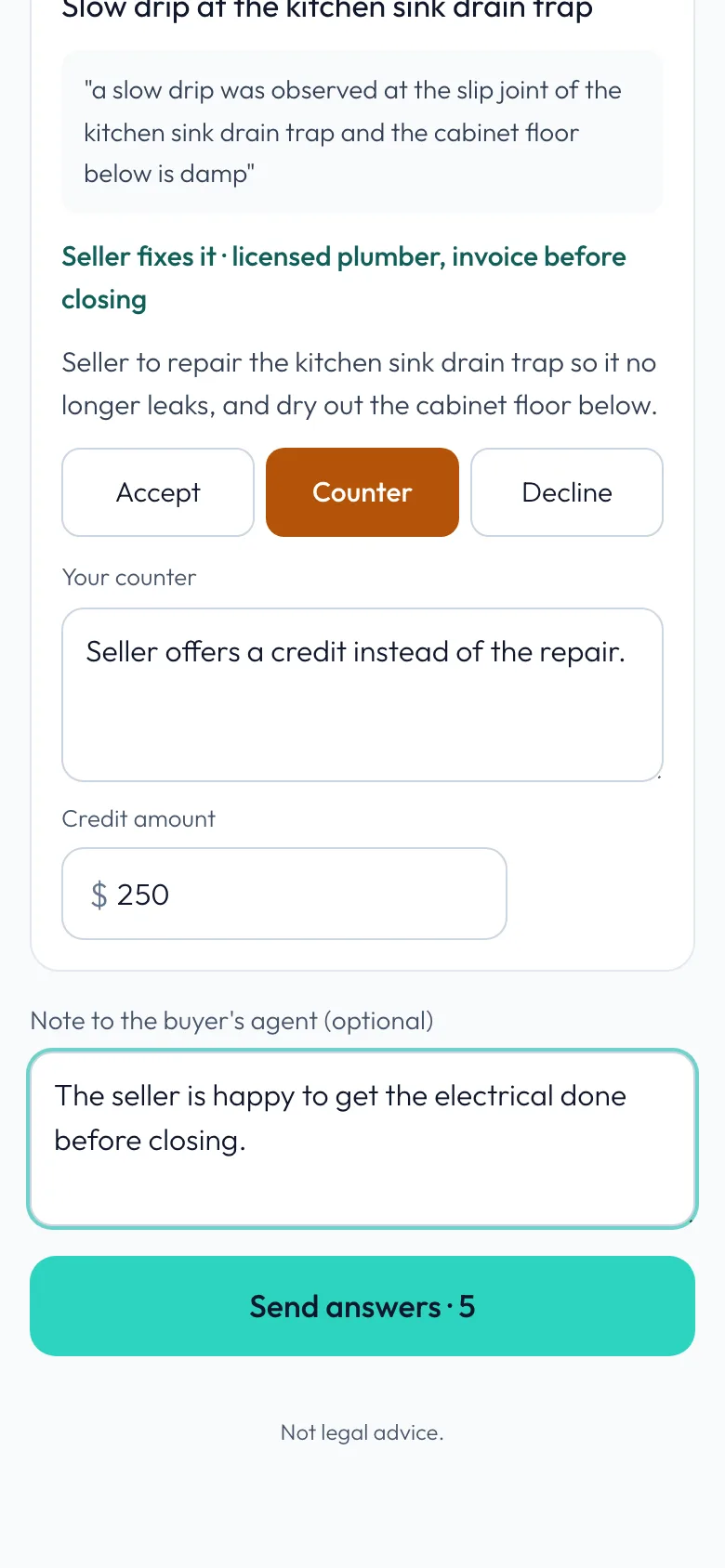
Credit instead of repair
To offer money instead of a repair, use Counter too. The kitchen sink drip was asked as a repair.
-
Offer a credit
Offer a credit instead adds an amount.
-
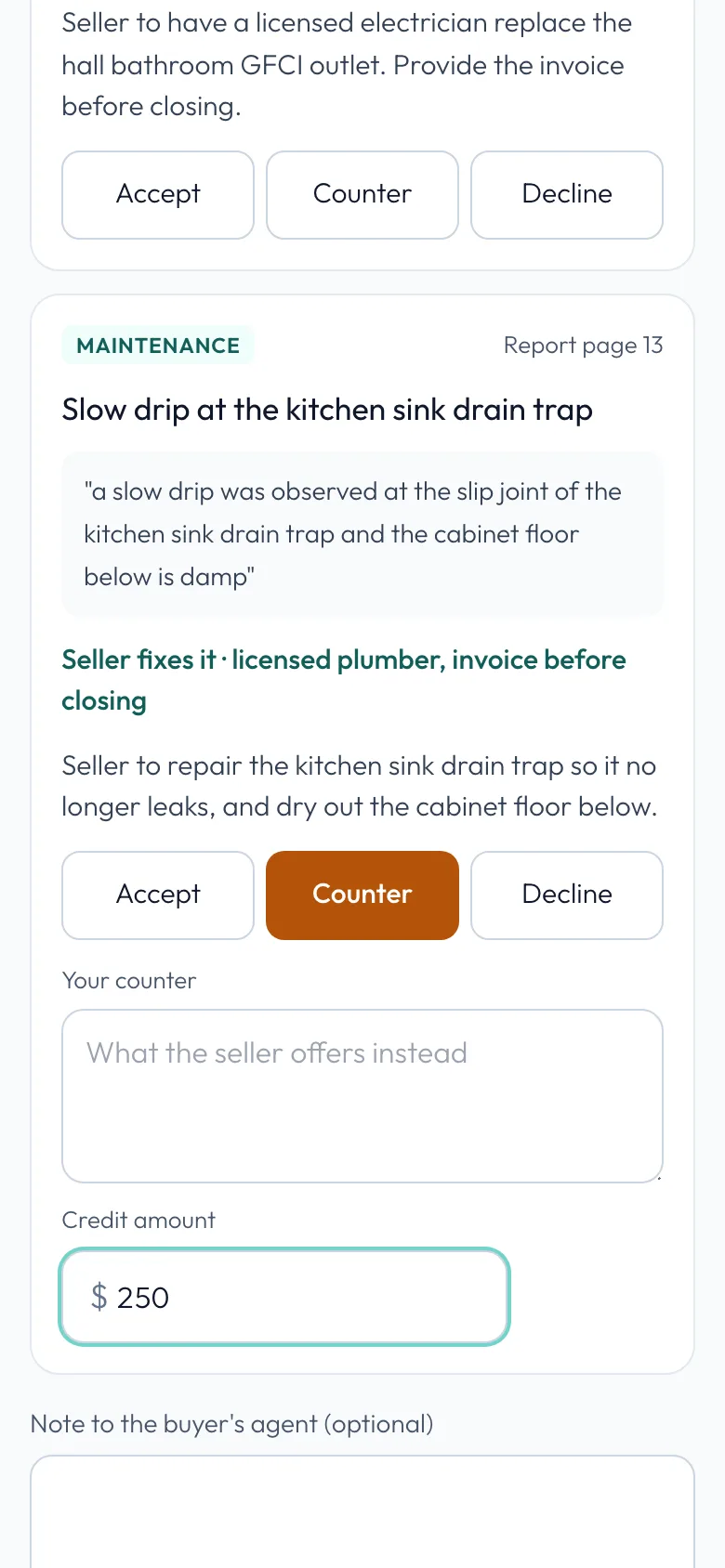
The amount
A $250 credit instead of the repair.
-
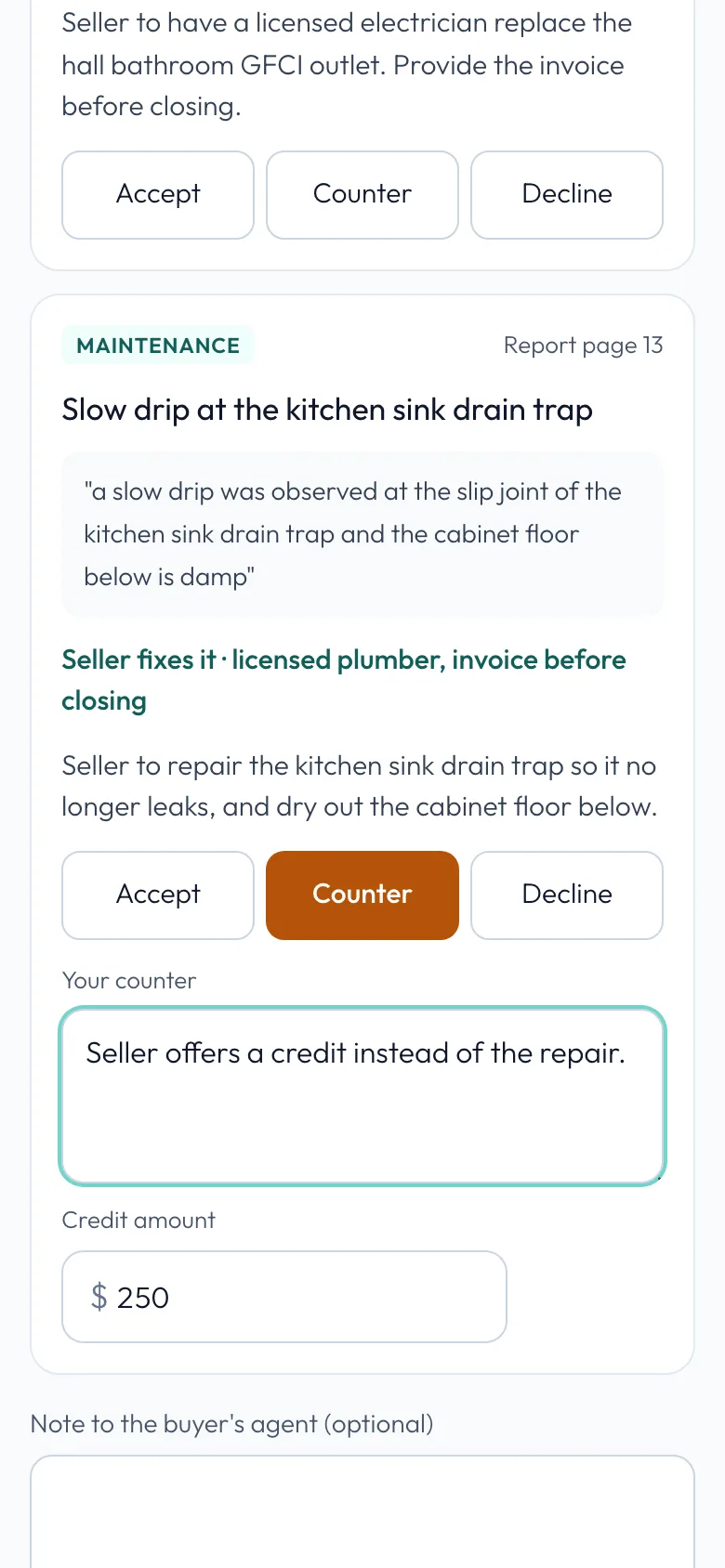
Explain it
Say what the seller is offering. The buyer's agent sees it next to the amount.
-
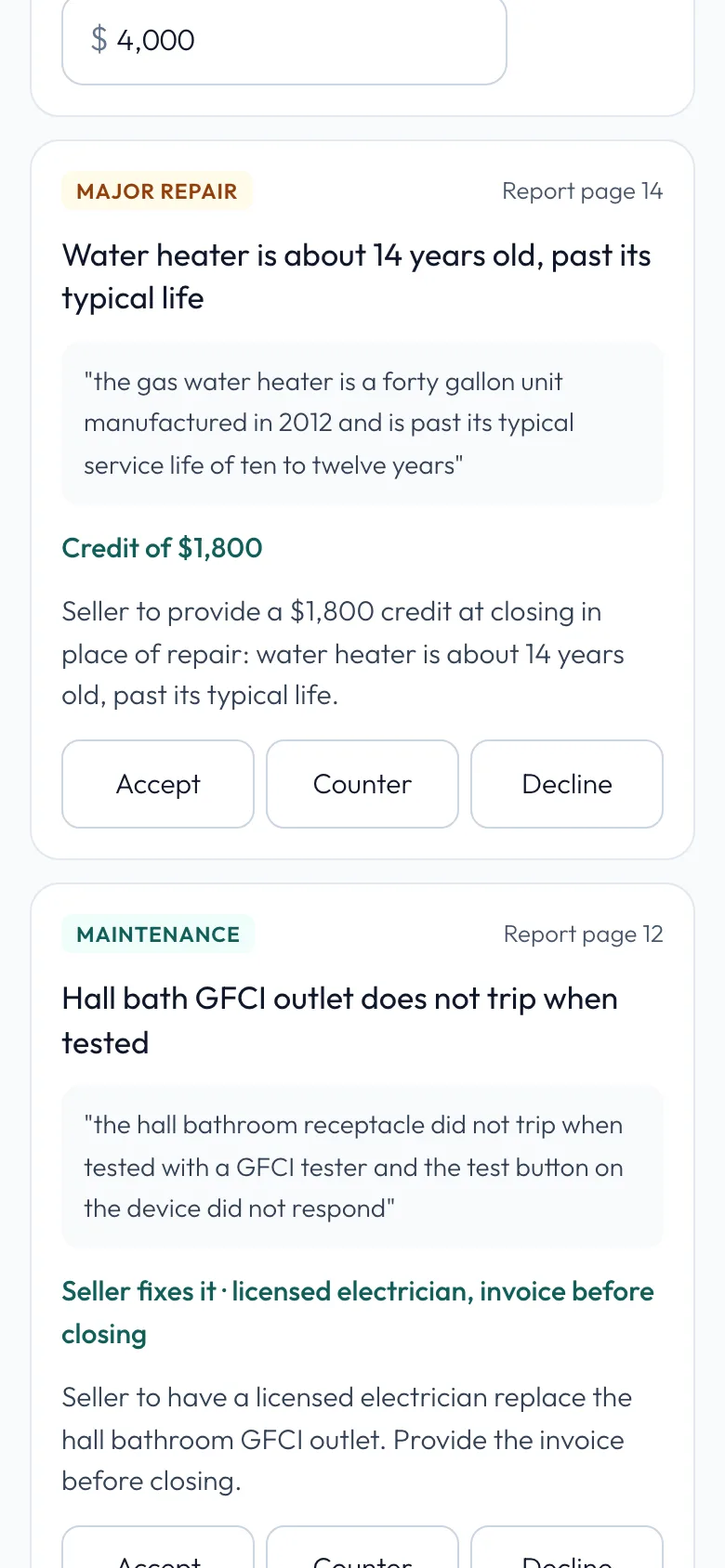
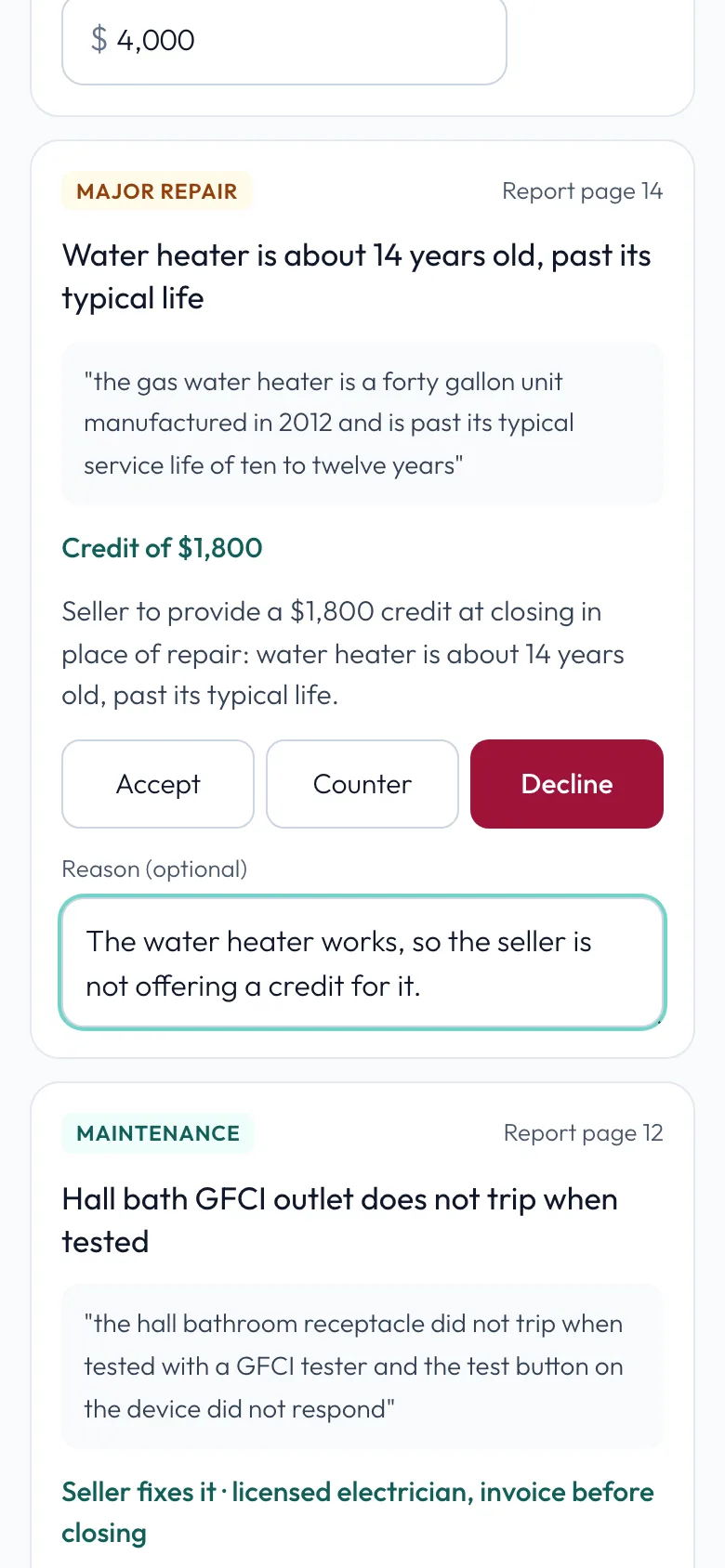
Decline
Decline says no. Here, the water heater credit.
-
Give a reason
A reason is optional, and it helps. The buyer's agent reads it on their side.
-
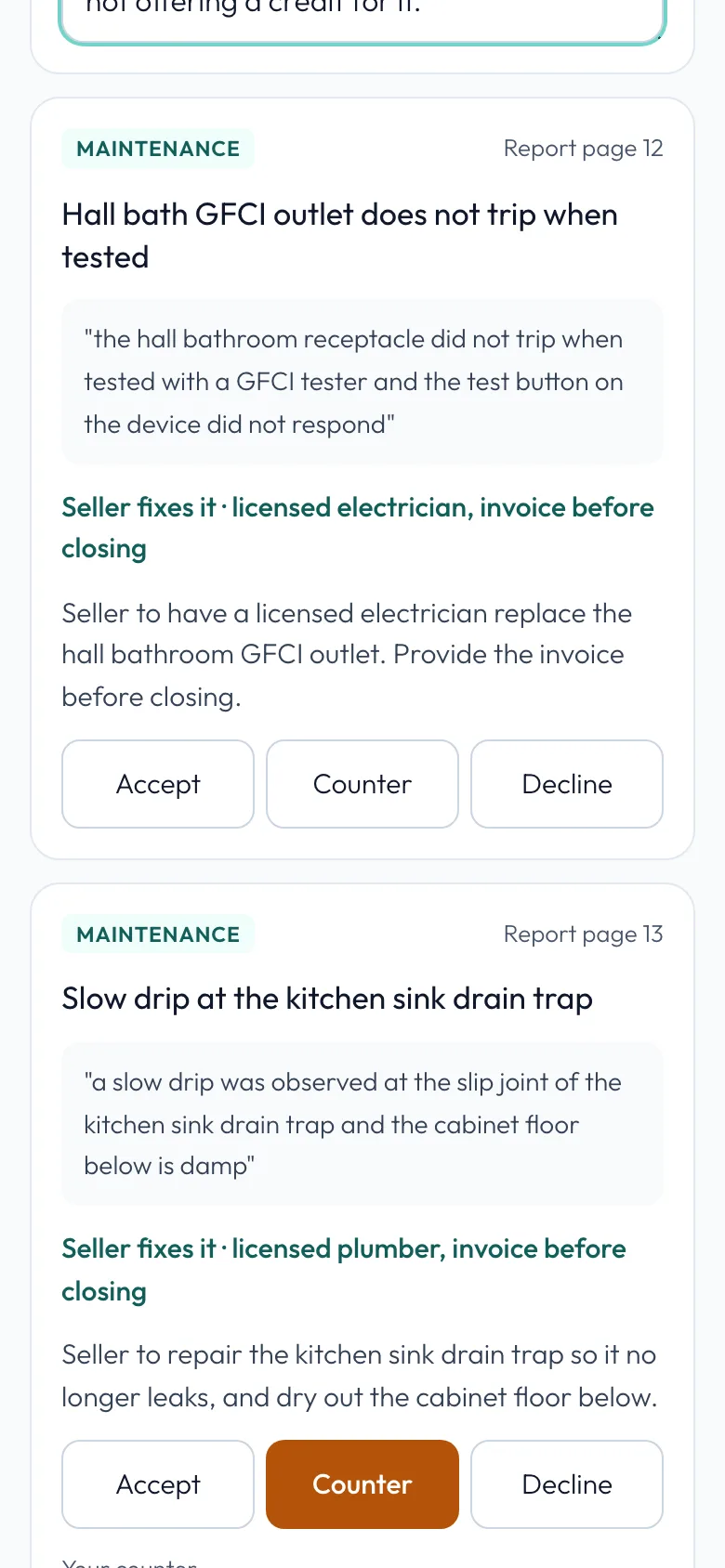
Accept another
One more repair accepted: the GFCI outlet in the hall bath.
-
Add a note
Add a note for the buyer's agent if you like.
-
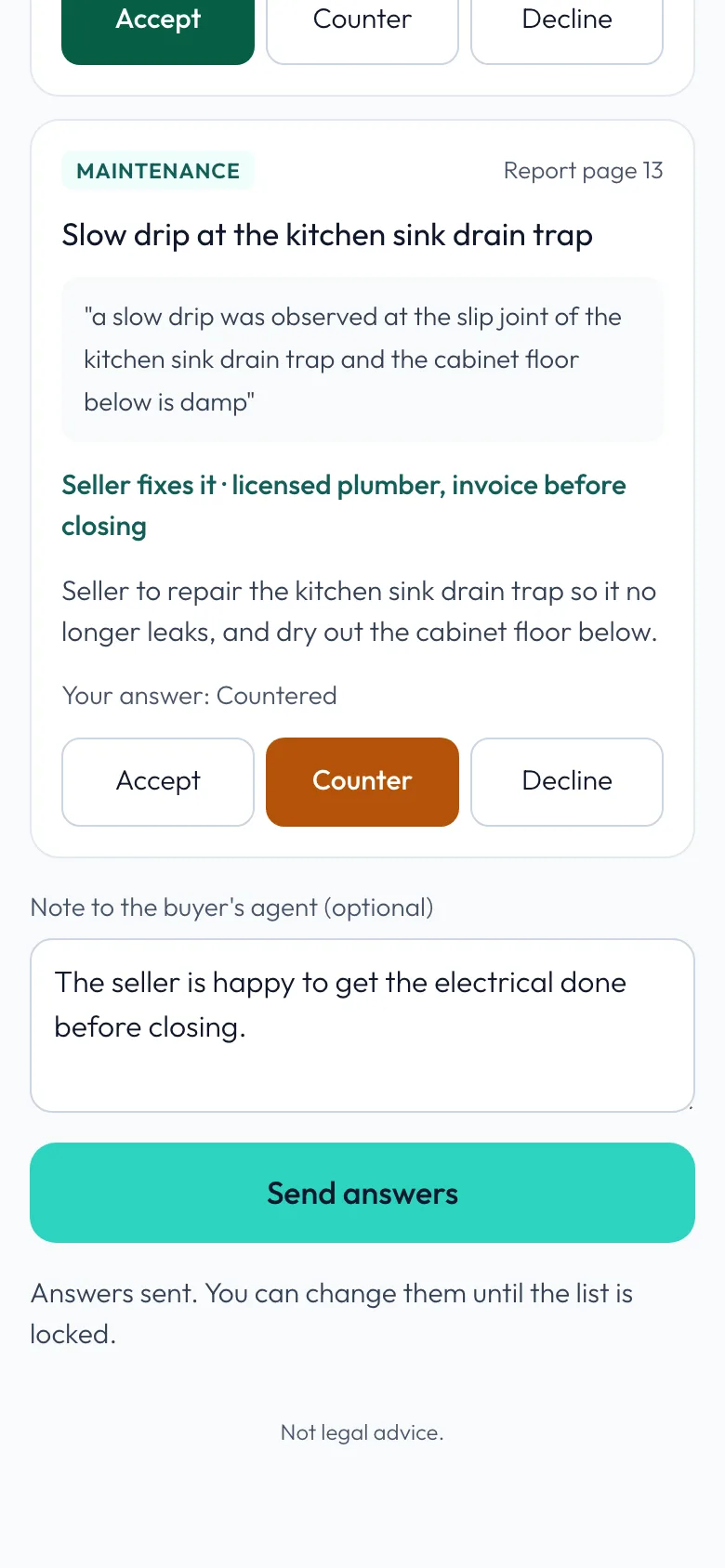
Send your answers
Tap Send answers. Nothing is final yet: you can change them until the buyer's agent locks the list.
-
Done
Your answers are in. The buyer's agent is told, and you get the final agreement by email when they lock the list.
Related guides
- Build a repair request from an inspection report · Turn the inspector's report into a clear repair request in minutes: a plain-words summary for your buyer, every finding sorted by priority, and one link for the other side to answer. Start it from the deal, or from Repair Ask in the menu.
- Agree on repairs and lock the list · See how the seller's side answered, settle any counters, lock the final list, and send it to your buyer.