Agree on repairs and lock the list
For agents · 4 min
See how the seller's side answered, settle any counters, lock the final list, and send it to your buyer.
Watch
Or read it step by step
-
Answers are in
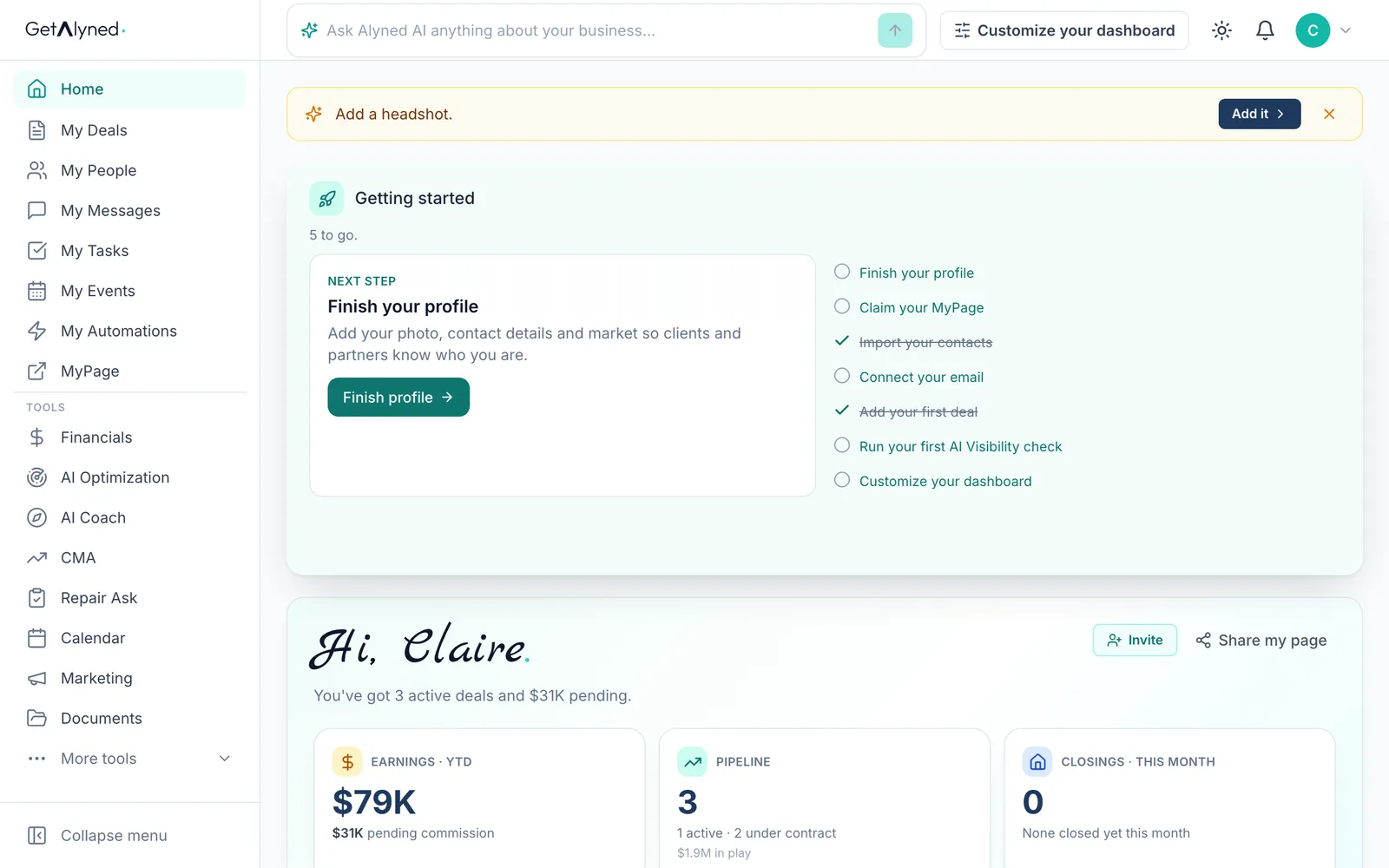
Answers come back three ways: an email to you, the Repair Ask card on your dashboard, and the deal.
-
Go to My Deals
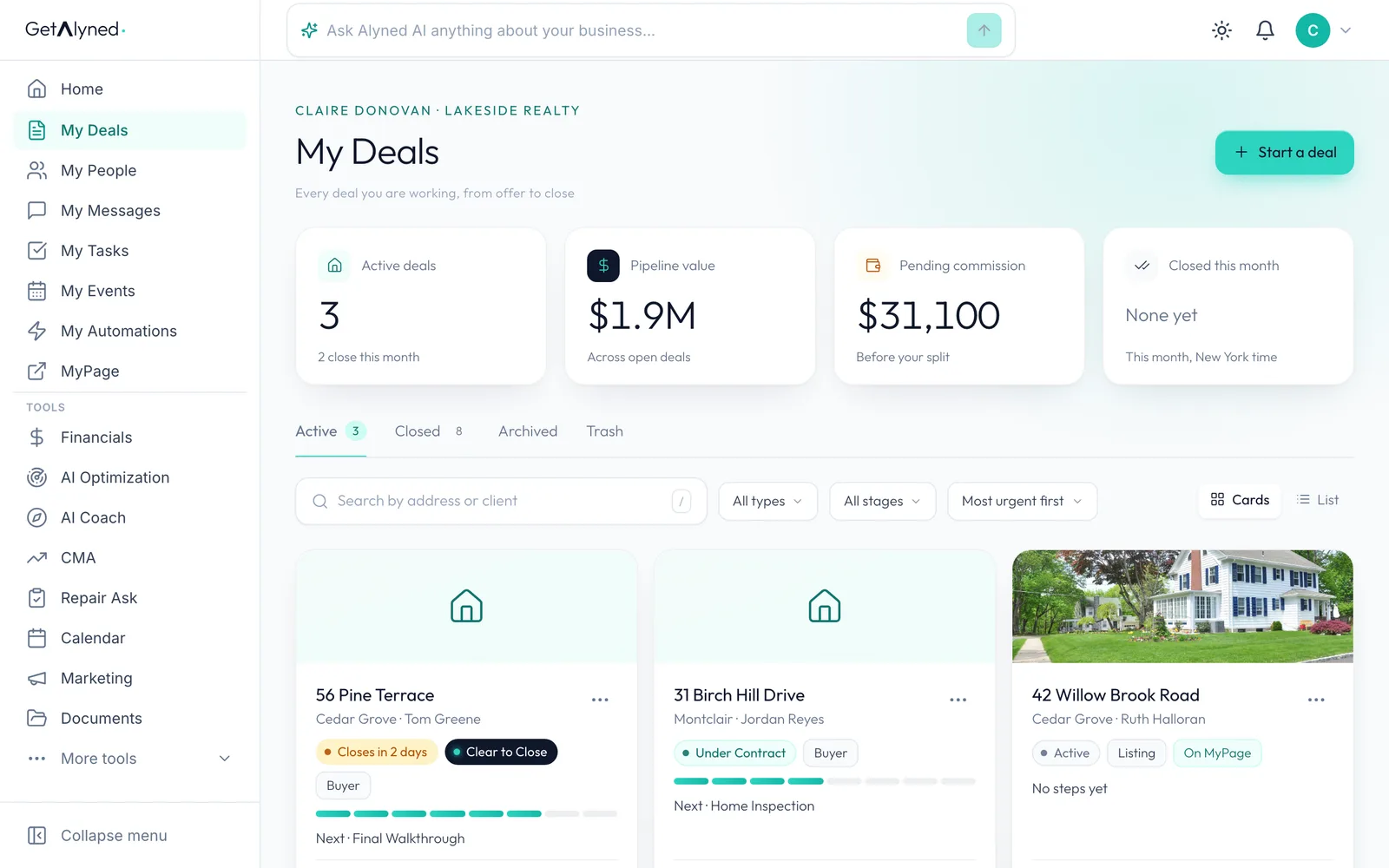
Or go through the deal. Click My Deals.
-
Open the deal
Open the deal.
-
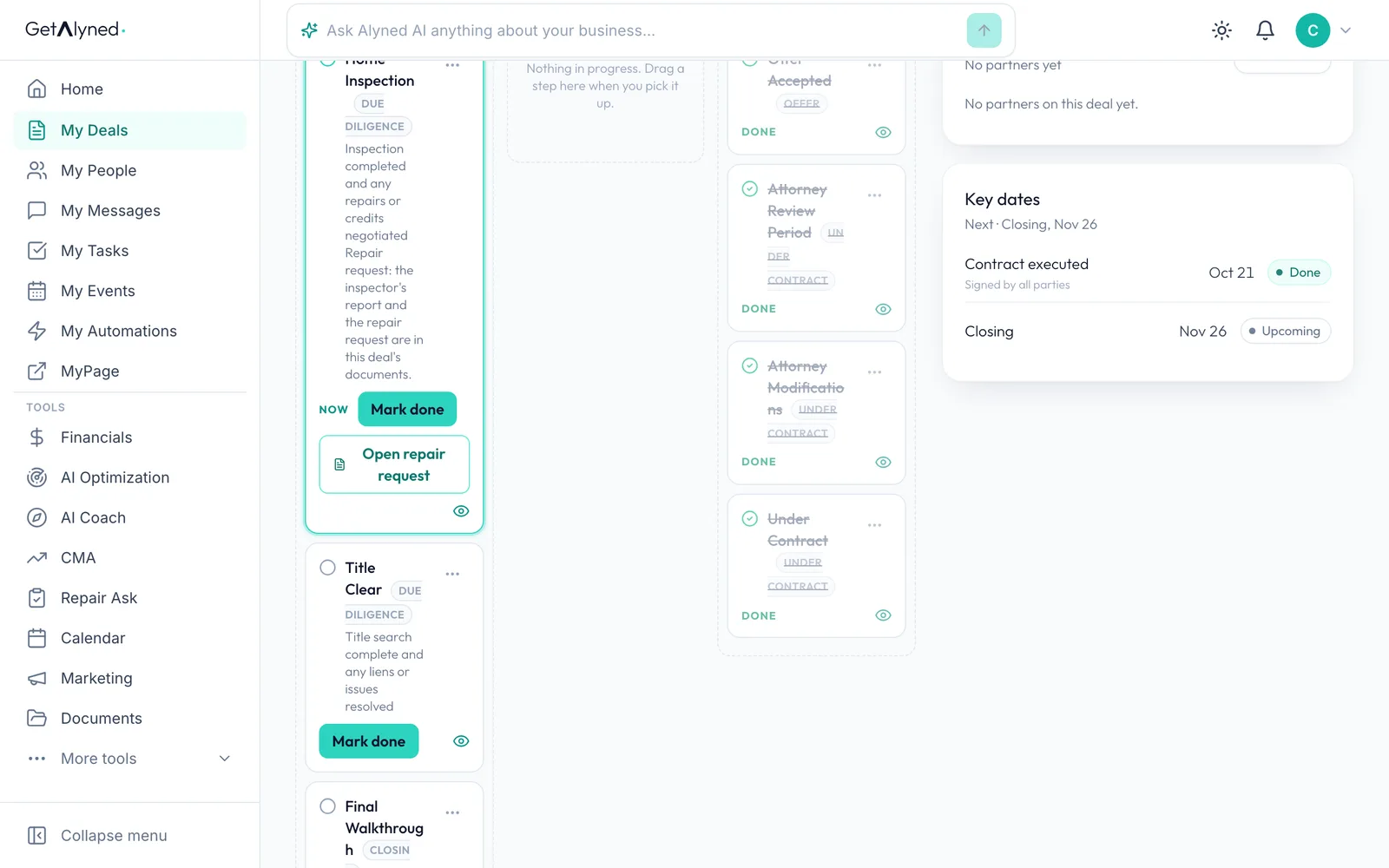
Open repair request
The Home Inspection step now reads Open repair request. The report and the request are in the deal's documents too.
-
Open it
Click Open repair request.
-
Where it stands
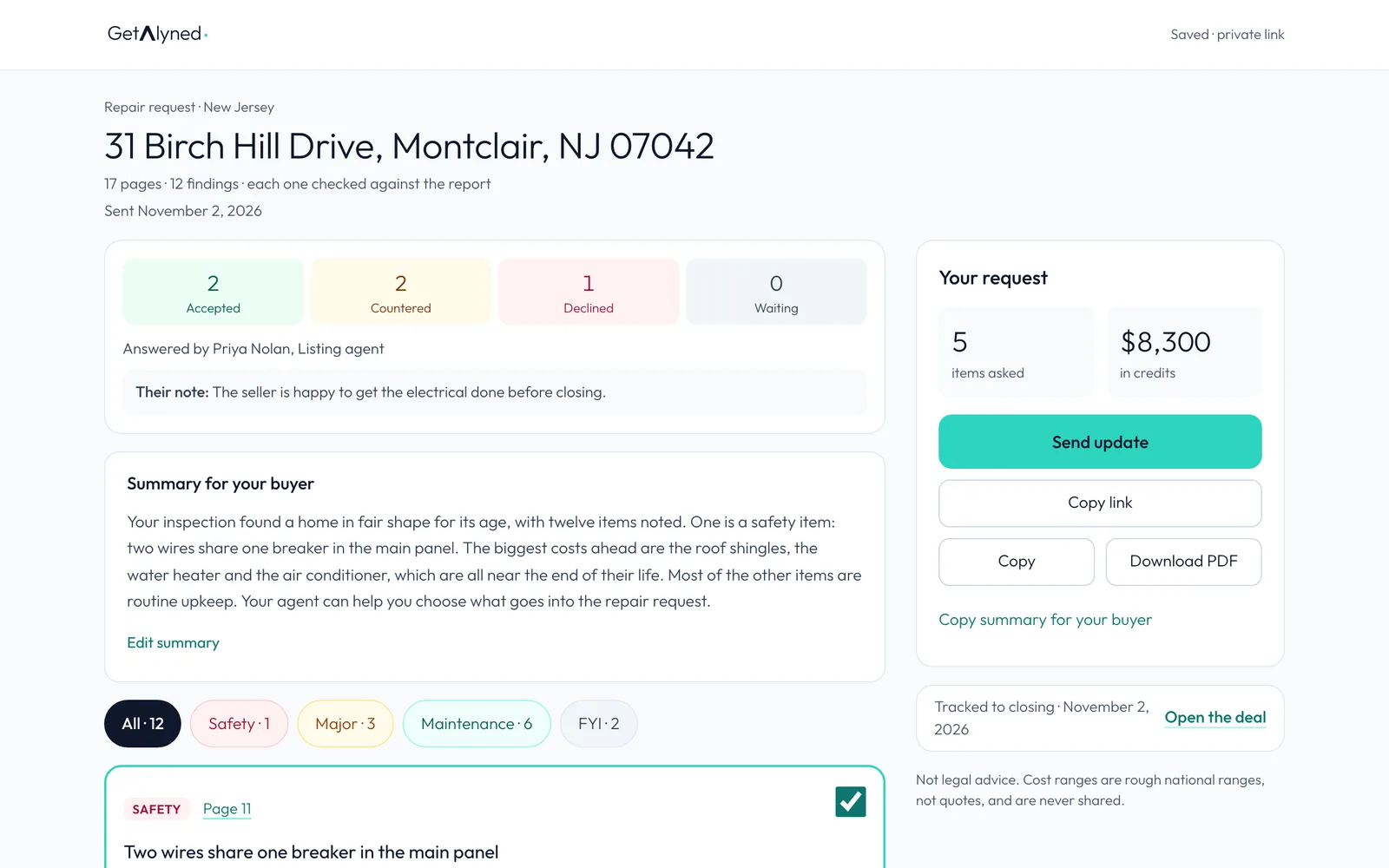
Where it stands: 2 accepted, 2 countered, 1 declined and 0 waiting.
-
Who answered
Who answered, and their note: Priya Nolan, the listing agent.
-
Accepted items
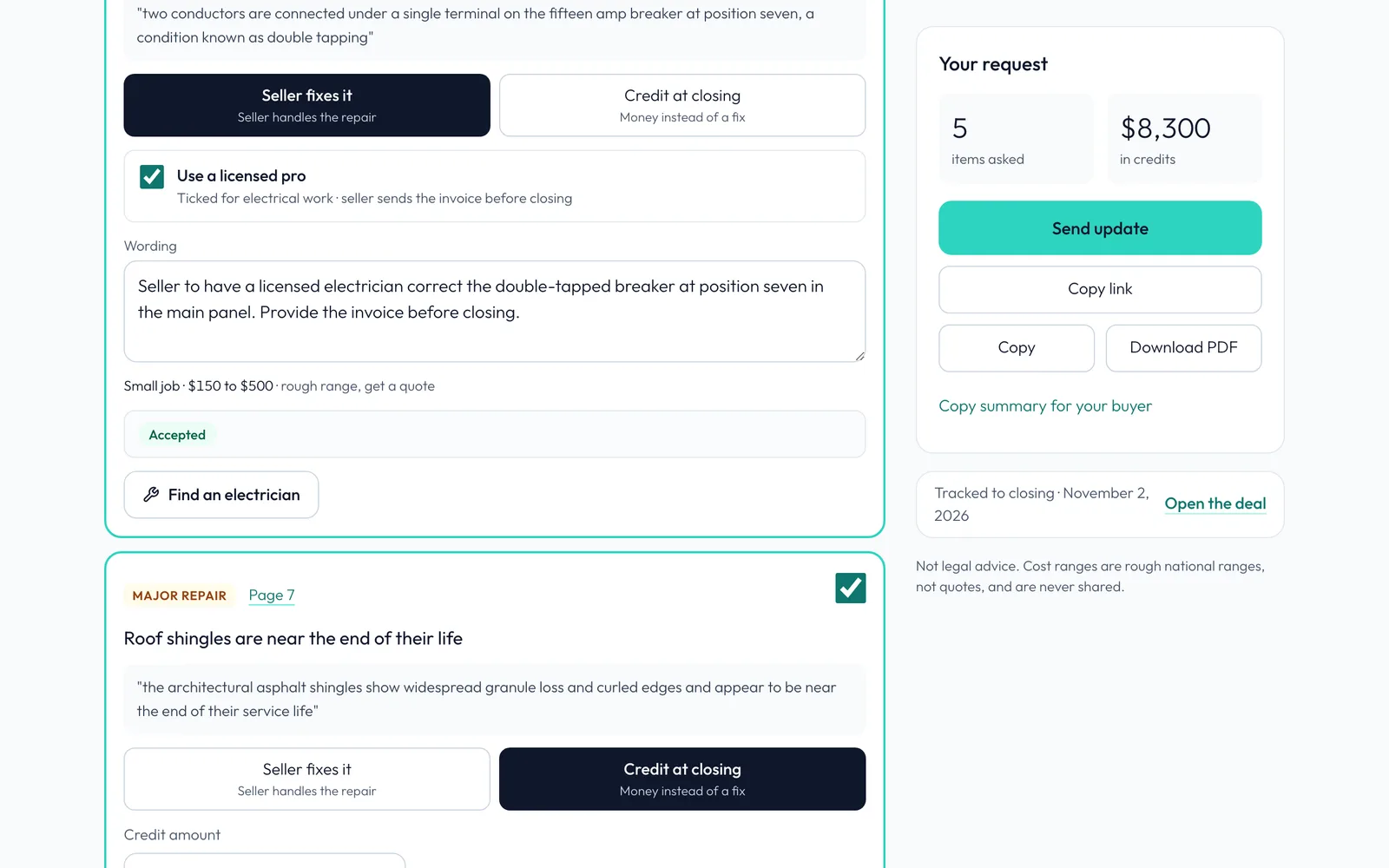
The breaker and the GFCI outlet are accepted. Nothing more to do on those.
-
A counter
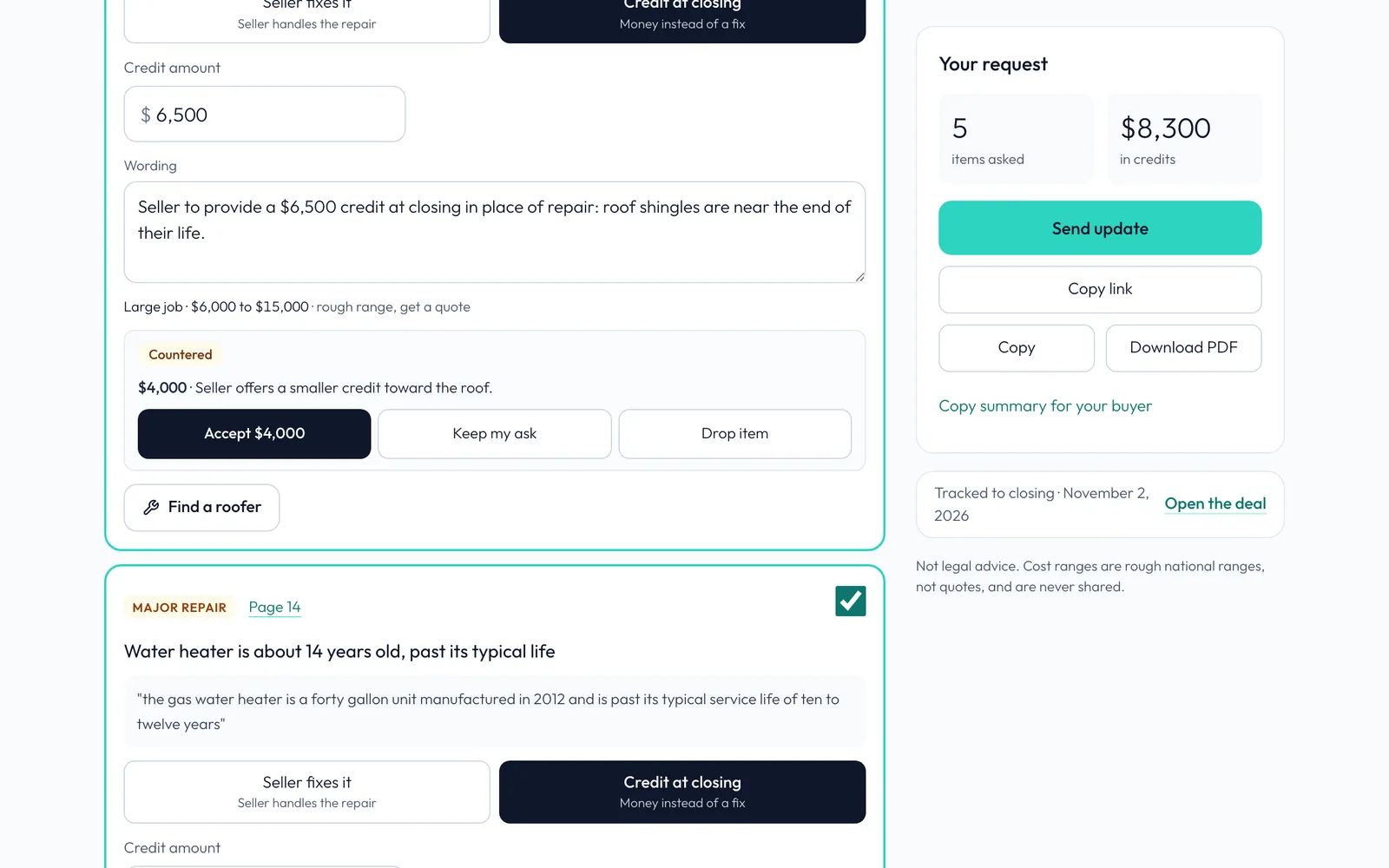
A counter. You asked for a $6,500 roof credit, and the seller offers $4,000. Choose Accept $4,000, Keep my ask or Drop item.
-
Accept it
Click Accept $4,000. The roof credit is agreed.
-
Or counter back
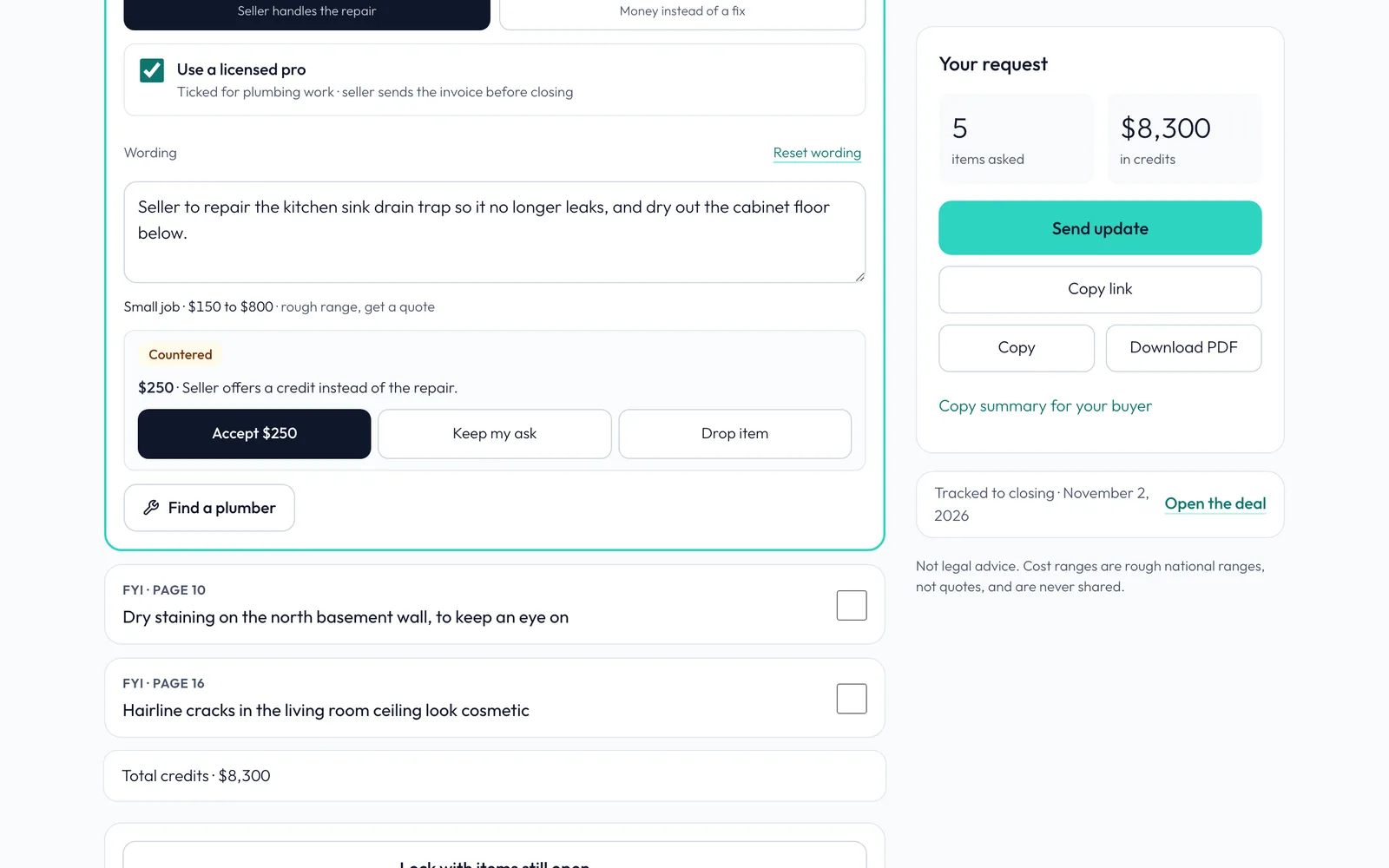
Keep my ask sends it back to the seller's side for a new answer. You can also edit the amount or wording. Drop item takes it off, and it goes on your buyer's list.
-
A credit instead
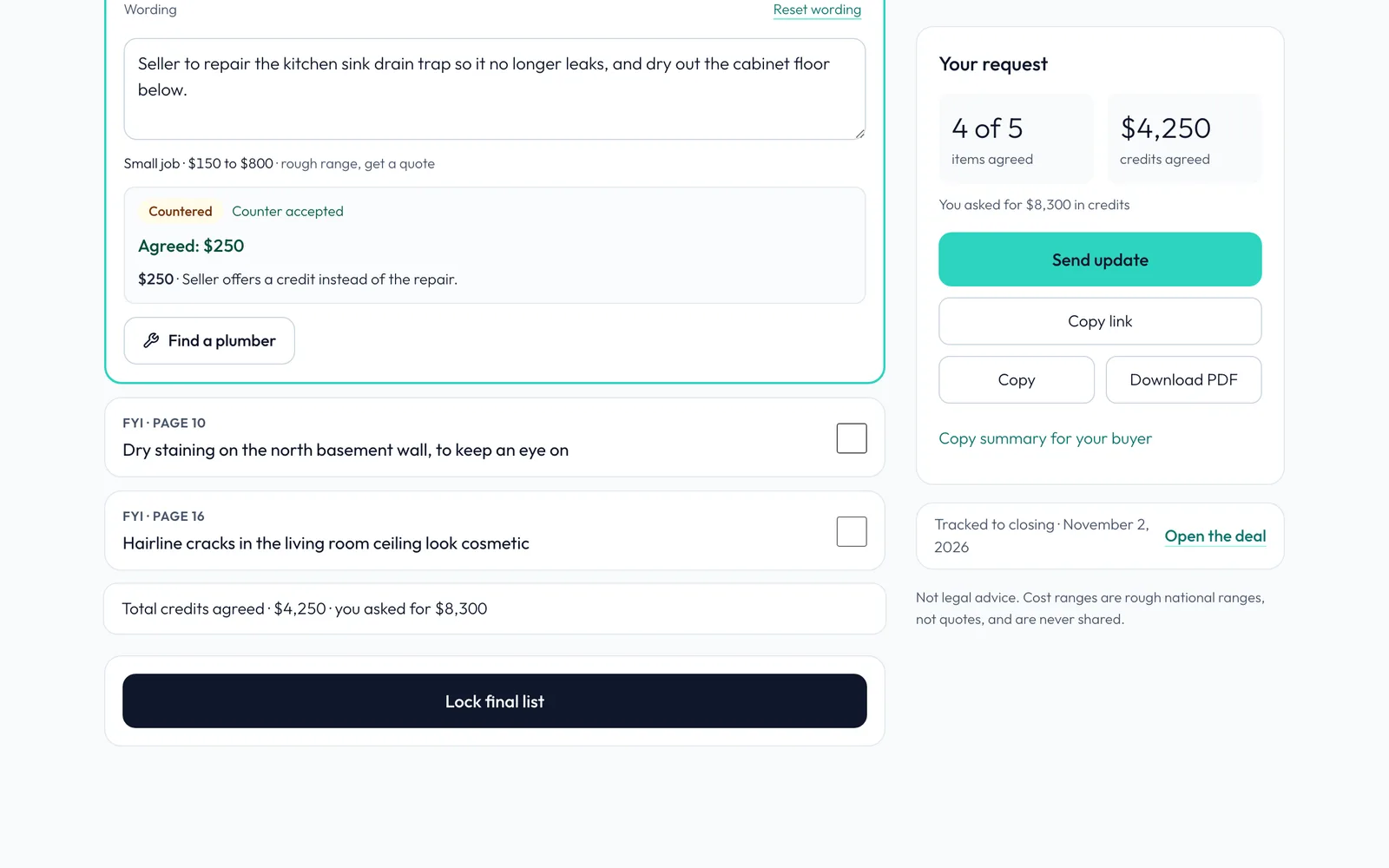
Take the $250 credit instead of the repair.
-
Declined items
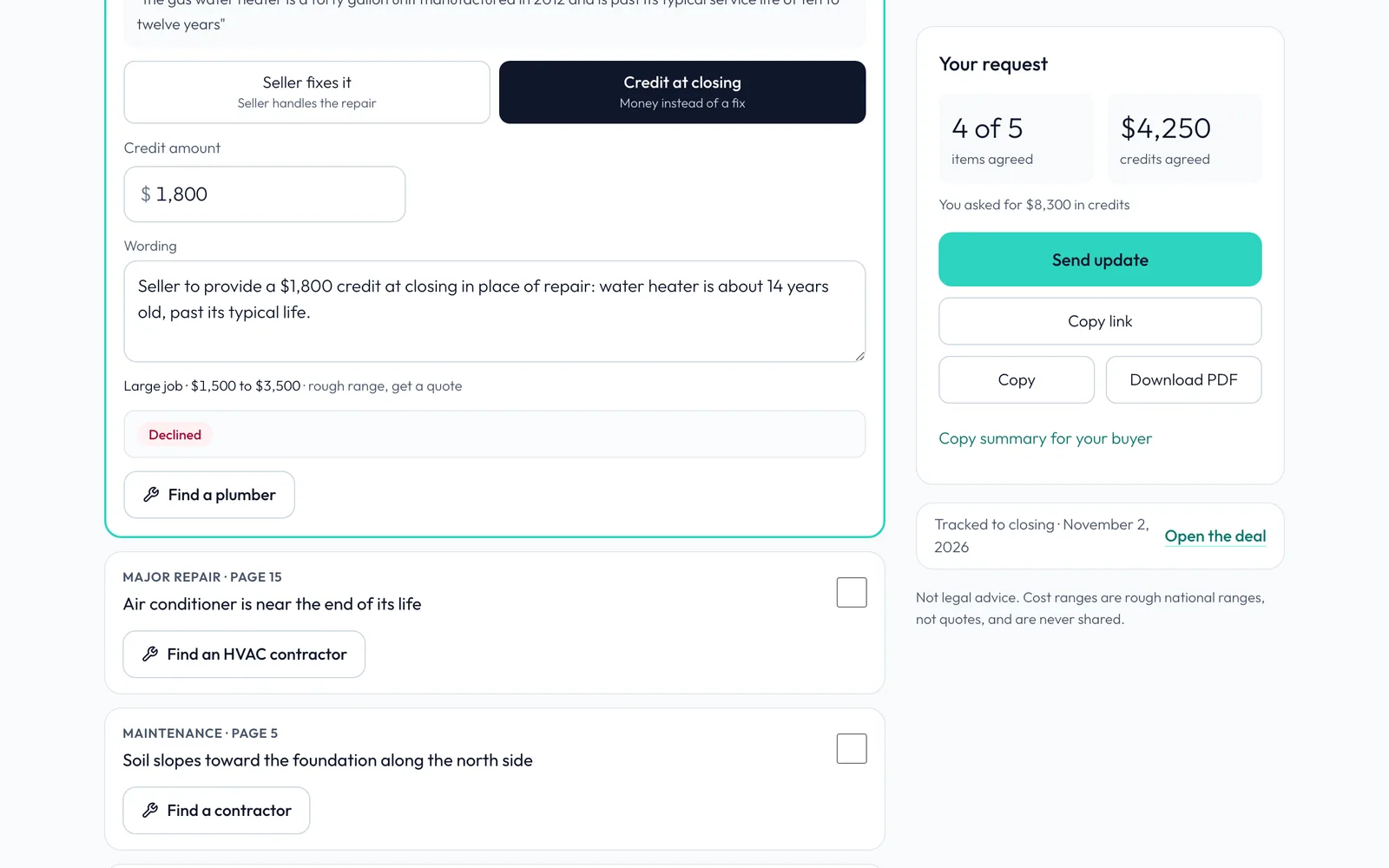
The water heater was declined, with the seller's reason. It goes on your buyer's list as theirs to handle.
-
What was agreed
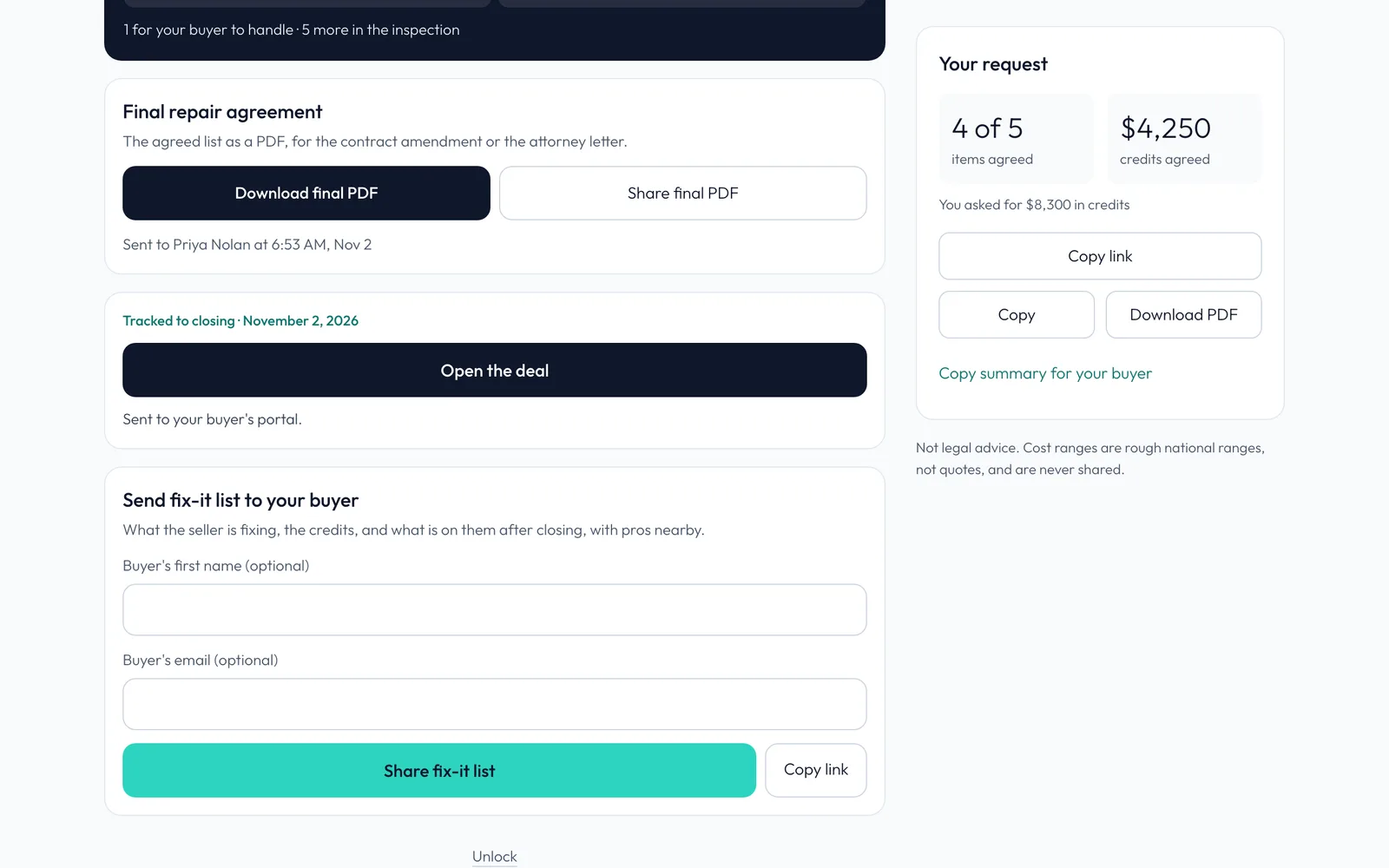
Once every item has an answer and every counter has yours, the total shows what was agreed, $4,250, with what you asked for beside it.
-
Your request card
The Your request card shows the same: 4 of 5 items agreed and the credits agreed.
-
Ready to lock
When everything's answered, the button reads Lock final list. You can lock earlier: open items go on your buyer's list as not agreed.
-
Lock it
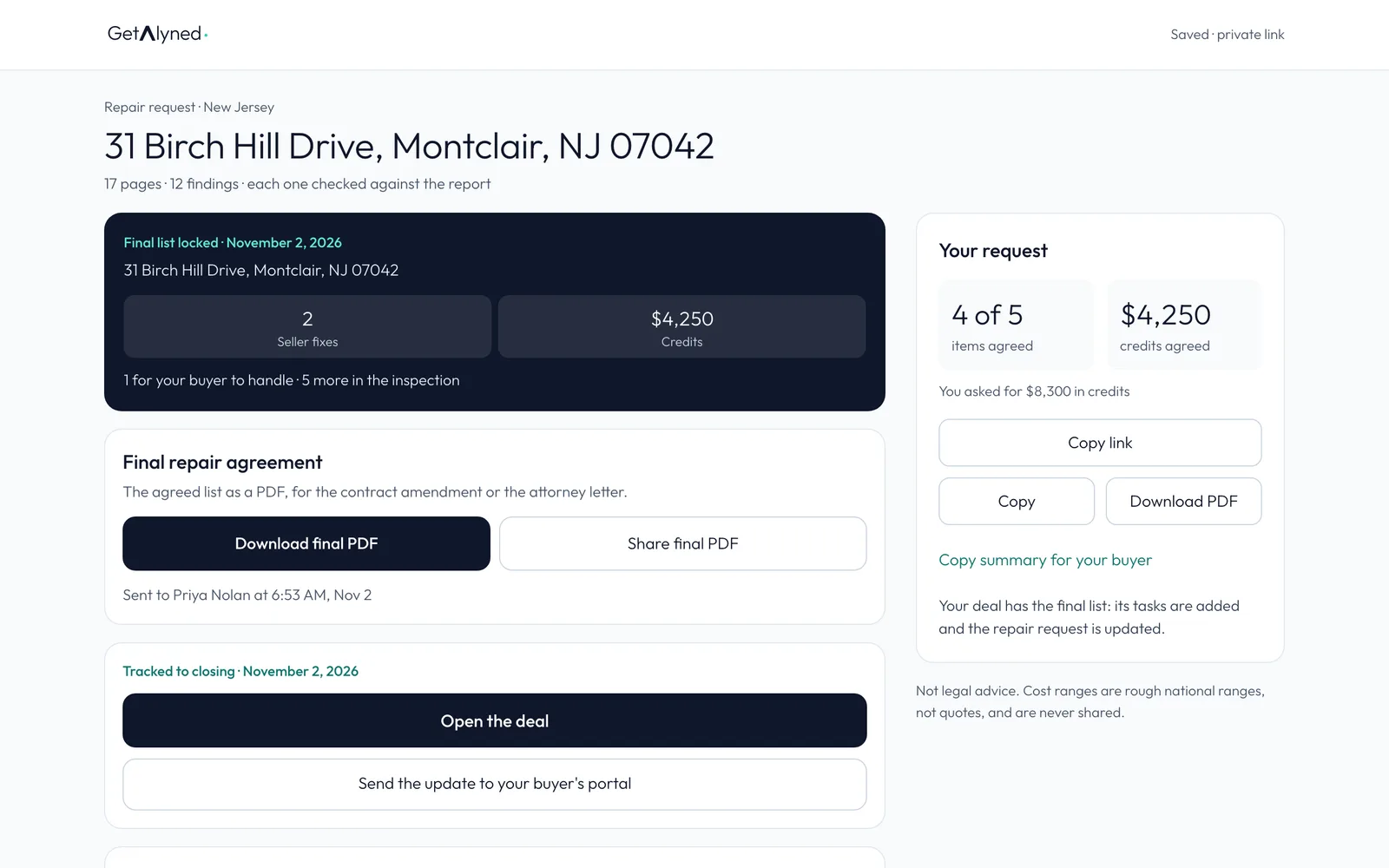
Click Lock final list. Both sides now have the same agreed version.
-
The final list
The final list: what the seller is fixing, the credits, what's on your buyer, and the rest of the inspection.
-
The final PDF
Download final PDF gives you the agreement for the contract amendment or attorney letter. No cost ranges. The seller's side was emailed the same agreement.
-
Locked means locked
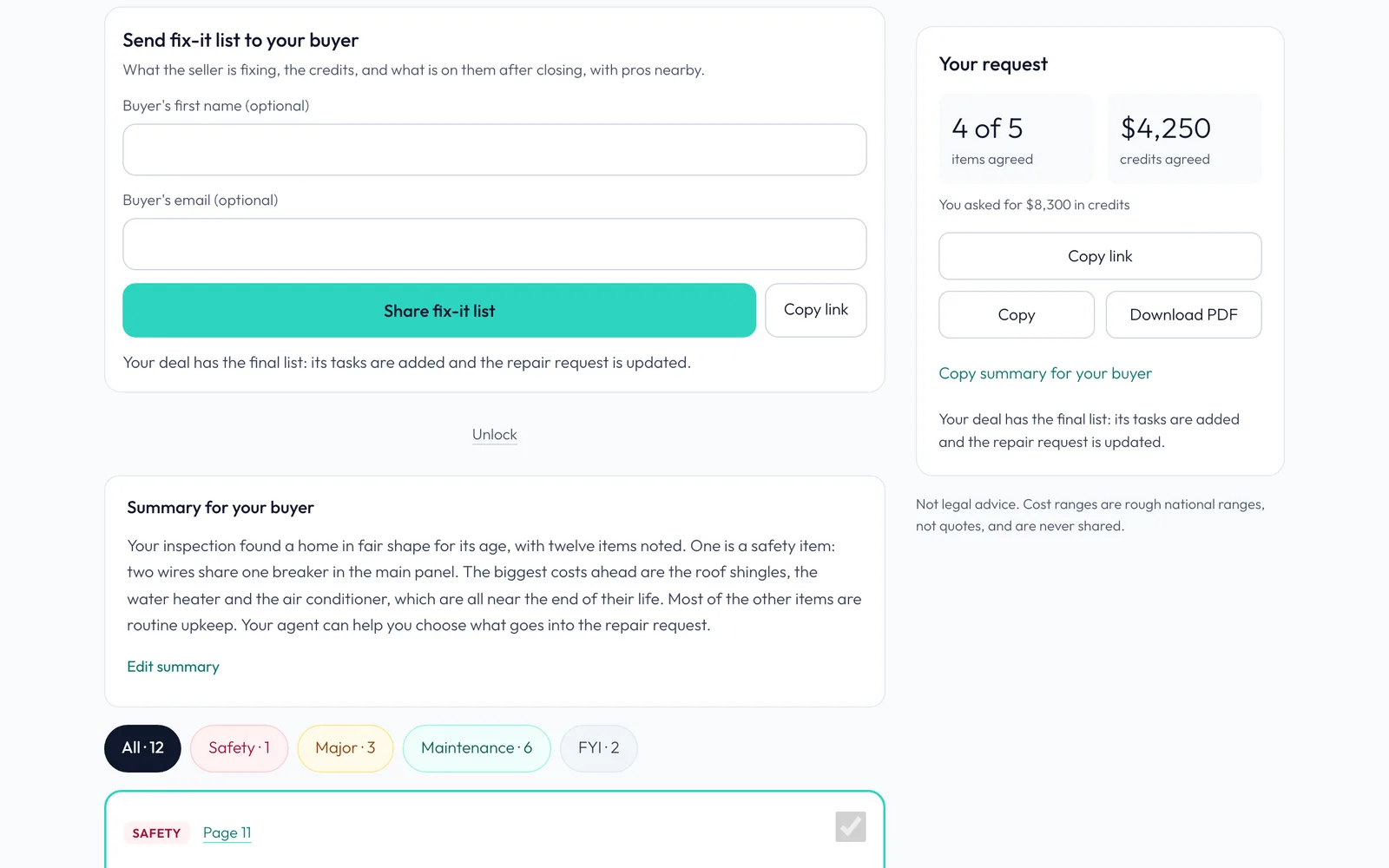
Items can't be edited now, and the answer link shows the final list. If something changes, Unlock reopens it and tells the seller's side by email.
-
Buyer not on the portal?
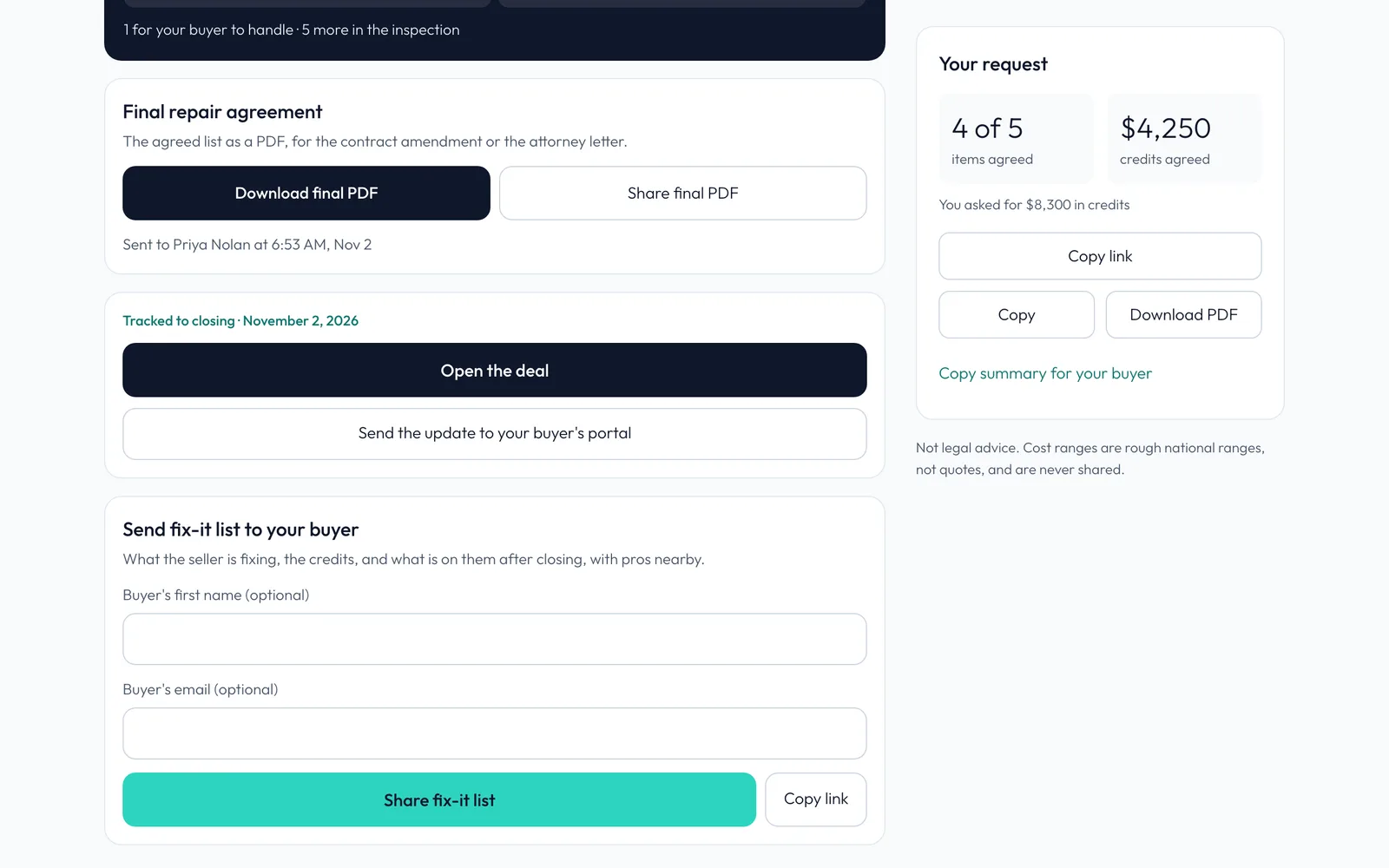
For a buyer with no portal, Send fix-it list to your buyer sends it as a link.
-
Send to the portal
Your buyer is in the client portal, so click Send the update to your buyer's portal.
-
Sent
It's on their portal right away, and the final tasks are added to your deal.
-
What your buyer sees
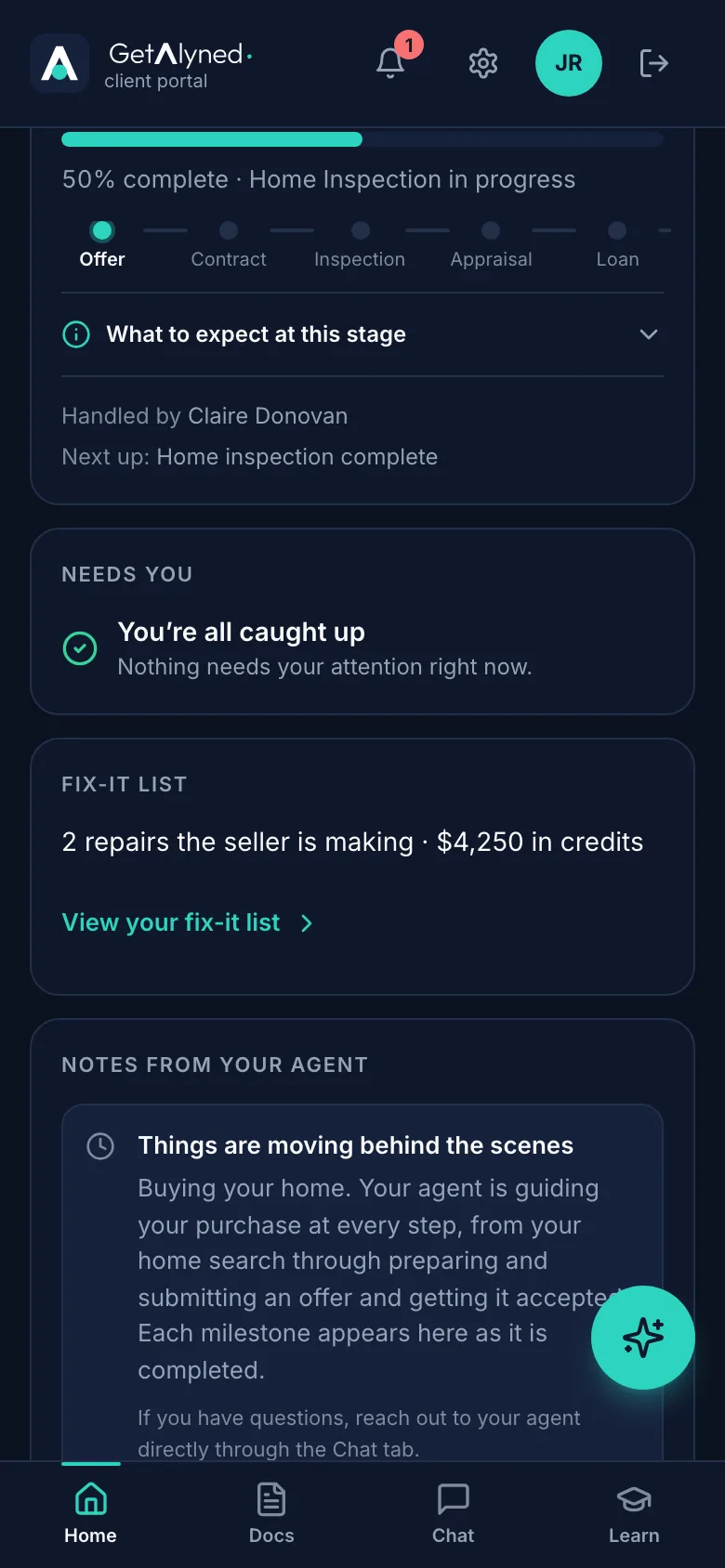
Your buyer sees a Fix-it list card on their portal home, with no cost ranges.
Related guides
- Build a repair request from an inspection report · Turn the inspector's report into a clear repair request in minutes: a plain-words summary for your buyer, every finding sorted by priority, and one link for the other side to answer. Start it from the deal, or from Repair Ask in the menu.
- Your fix-it list after inspection · For buyers: see what the seller is fixing, the credits you're getting at closing, what's on you after closing, and find a pro for anything you handle.
- Close a deal · Finish the last steps on a deal, close it out, and see the commission show up in Financials.