Review and download documents
For clients · 1 min
Open the documents your agent shares with you, mark them reviewed, and save copies to your phone.
Watch
Or read it step by step
-
Open Docs
Docs is in the bar at the bottom.
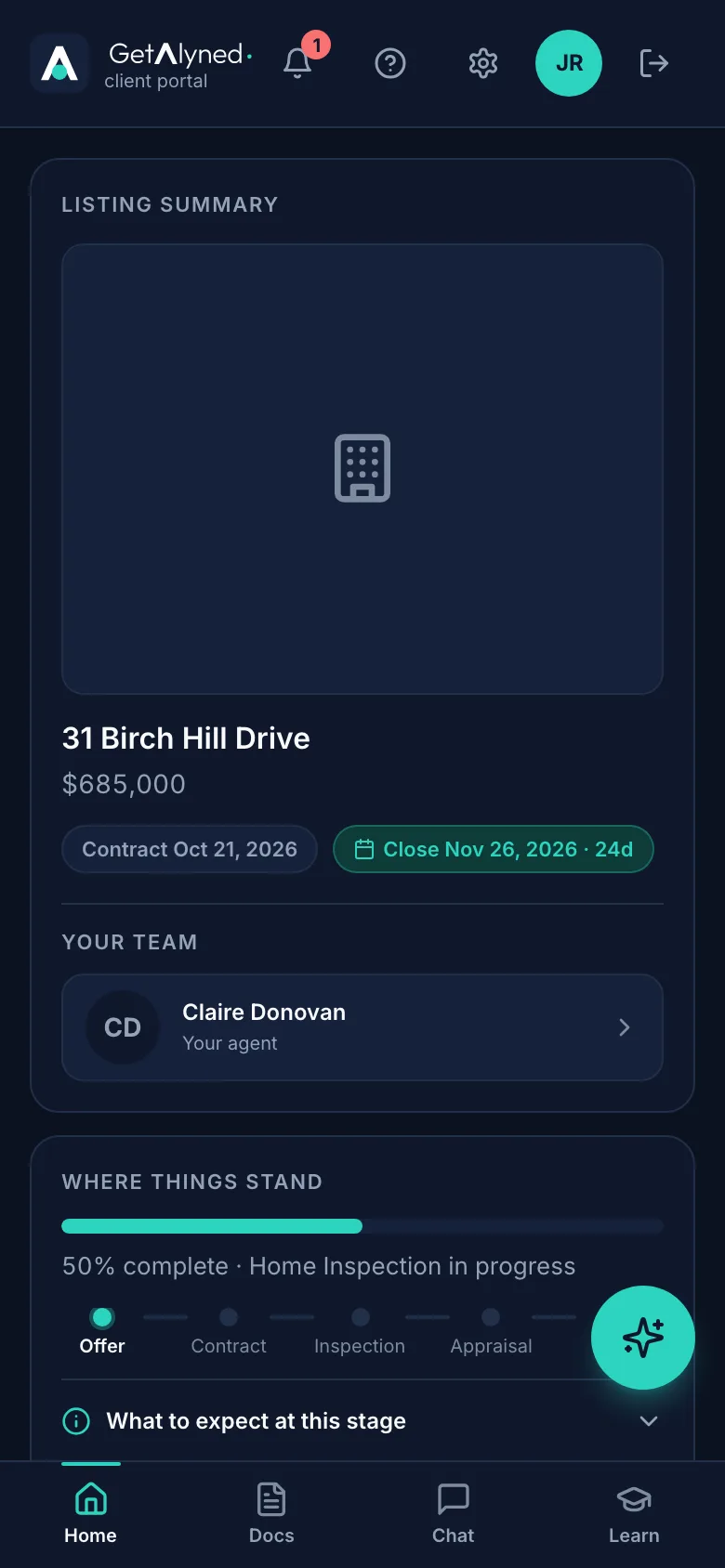
-
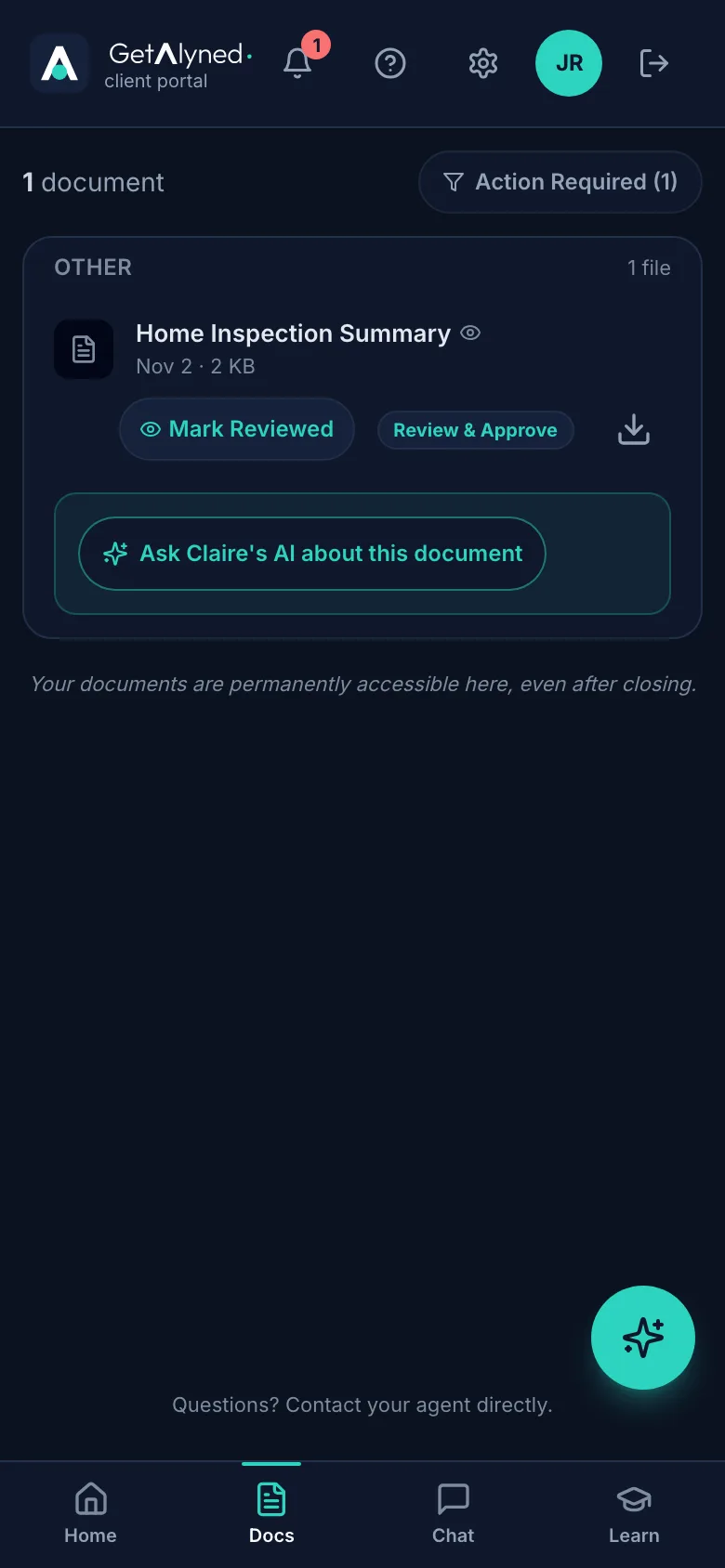
Your documents
Everything your agent has shared is here, sorted by kind. You're told when something new comes in.
-
Mark Reviewed
Mark Reviewed shows on anything your agent wants you to read and confirm.
-
Open one
Tap the name to open it.
-
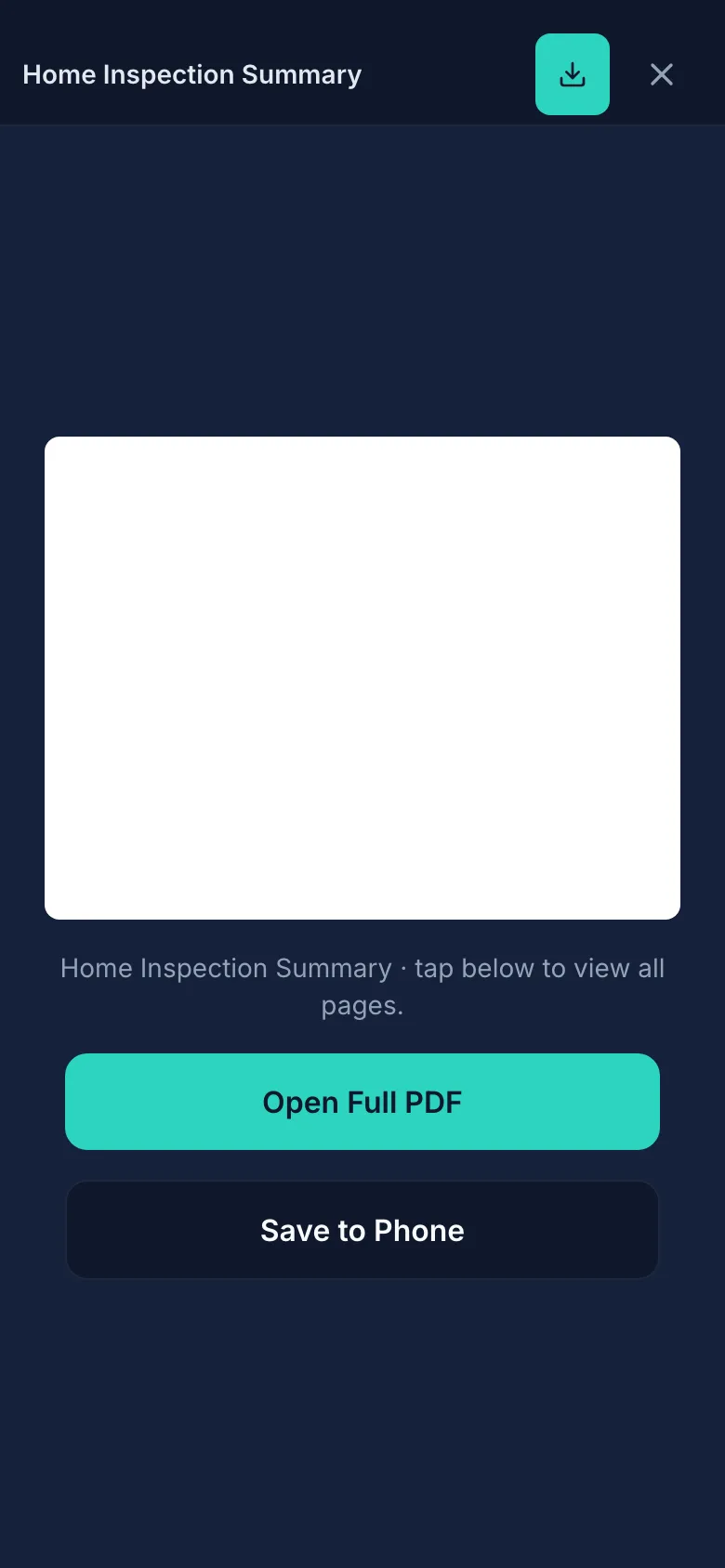
Read it
The first page shows at the top. Open Full PDF shows every page.
-
Save a copy
Save to Phone keeps a copy.
-
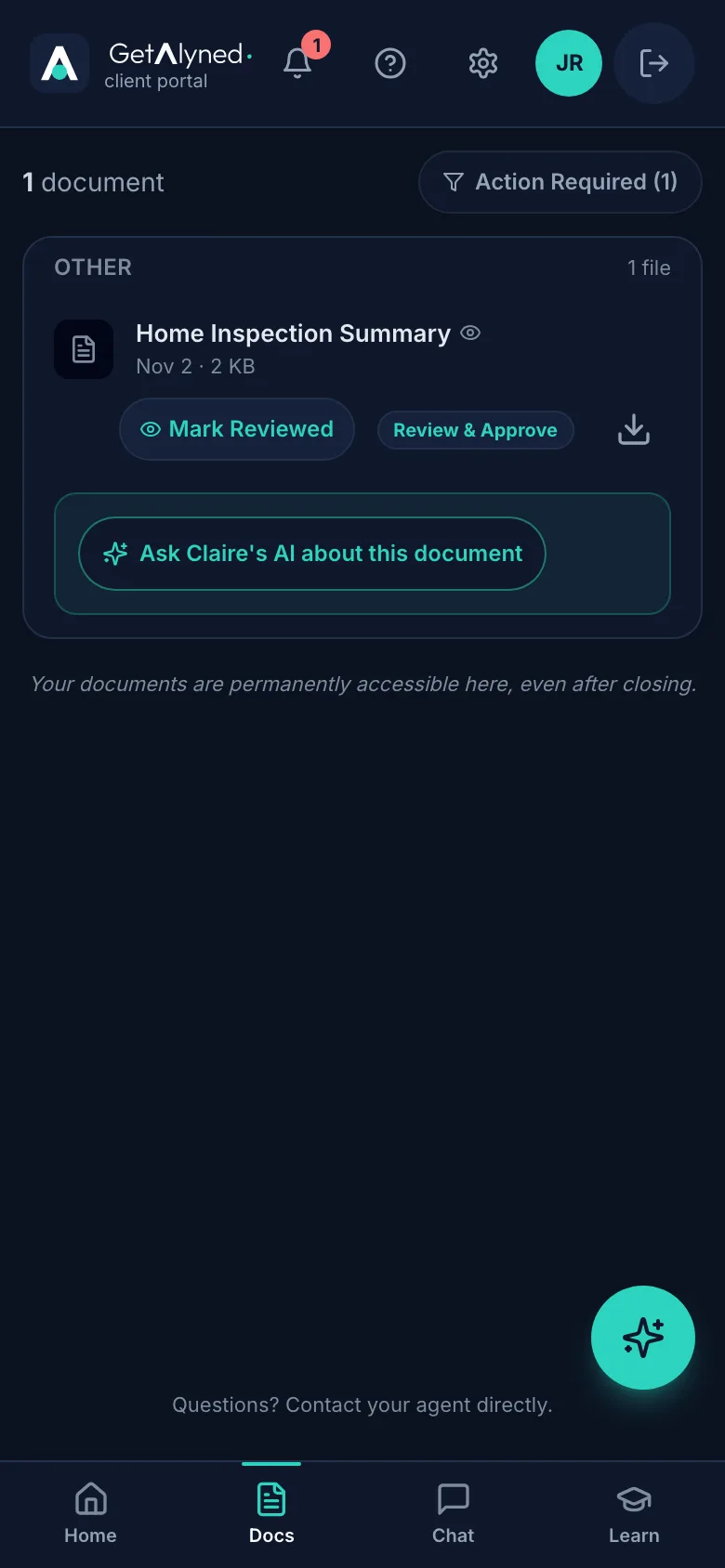
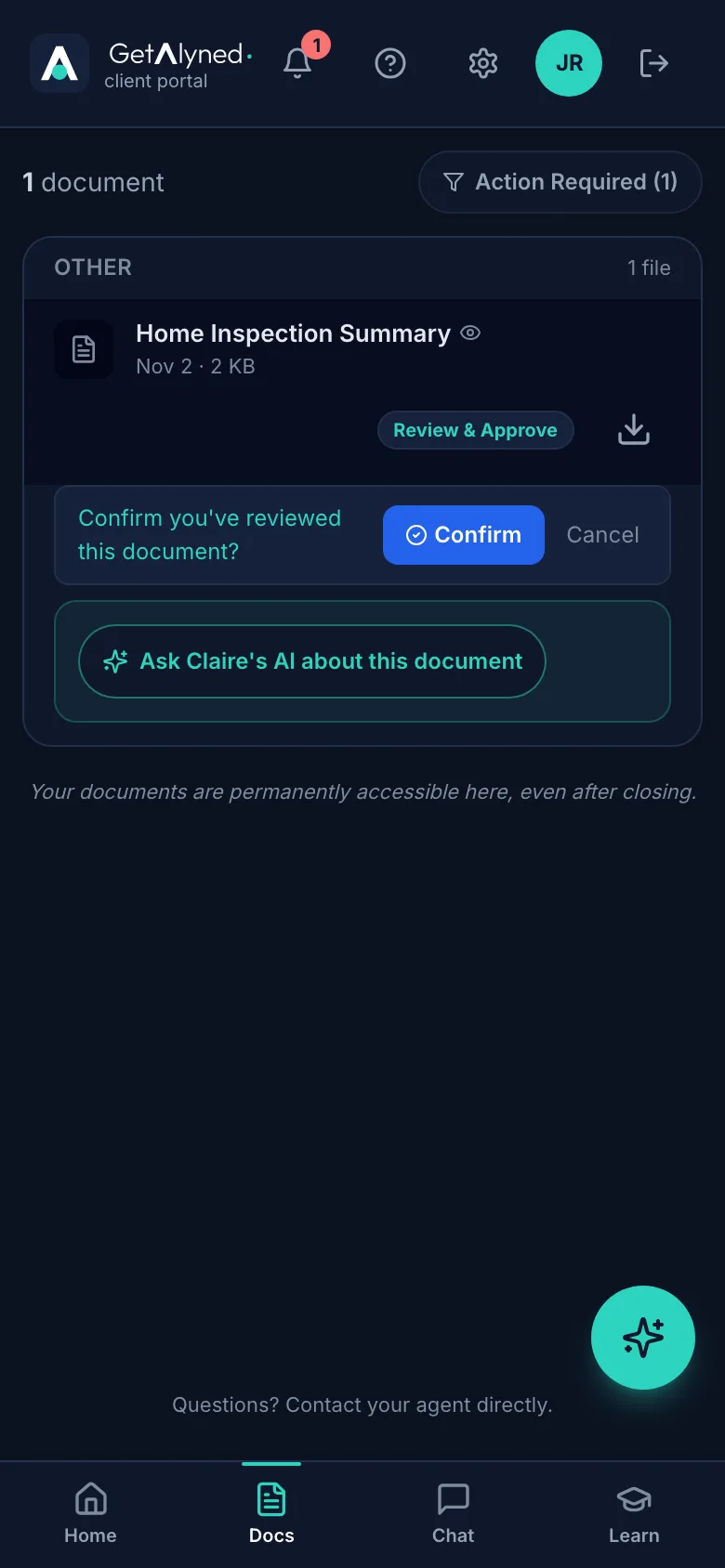
Mark it reviewed
When you've read it, tap Mark Reviewed.
-
Confirm
Tap Confirm. This isn't a signature. It just tells your agent you've read it.
-
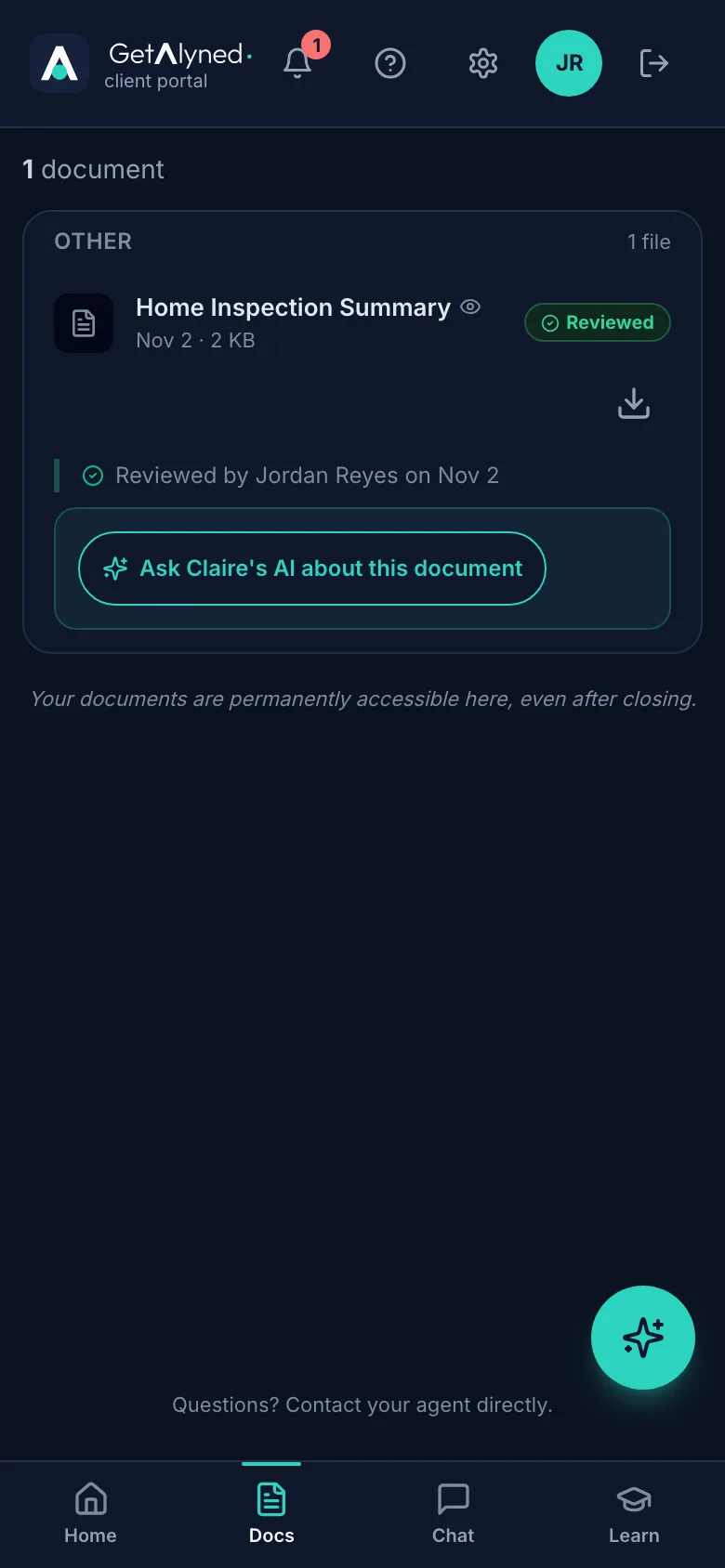
Reviewed
It now shows you reviewed it, and when.
-
Download any time
Download from the list any time. Your documents stay here even after closing.
Related guides
- Sign in to your portal for the first time · Your agent invites you to your own portal for your home. Here's how to get in the first time, and every time after.
- See where your deal stands · Your portal home shows how far along your purchase is, what happens next, and who to call.
- Message your agent and loan officer · Use the deal chat to talk with everyone on your purchase, or the private chat for something just for your agent.