Sign in to your portal for the first time
For clients · 2 min
Your agent invites you to your own portal for your home. Here's how to get in the first time, and every time after.
Watch
Or read it step by step
-
Your invite
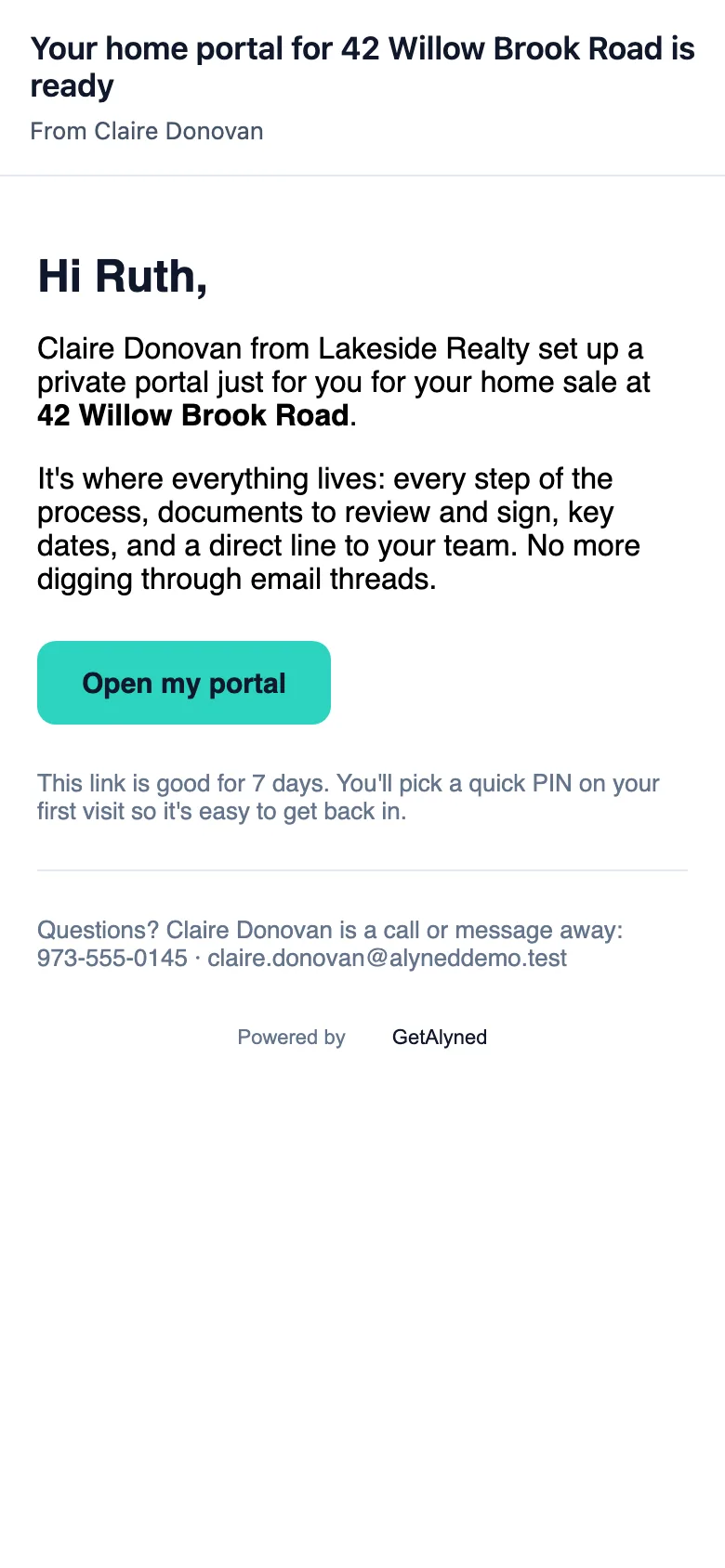
Your agent invites you by email. It comes from Alyned, in your agent's name.
-
Open my portal
Tap Open my portal. The link is just for you, so please don't forward it.
-
Welcome
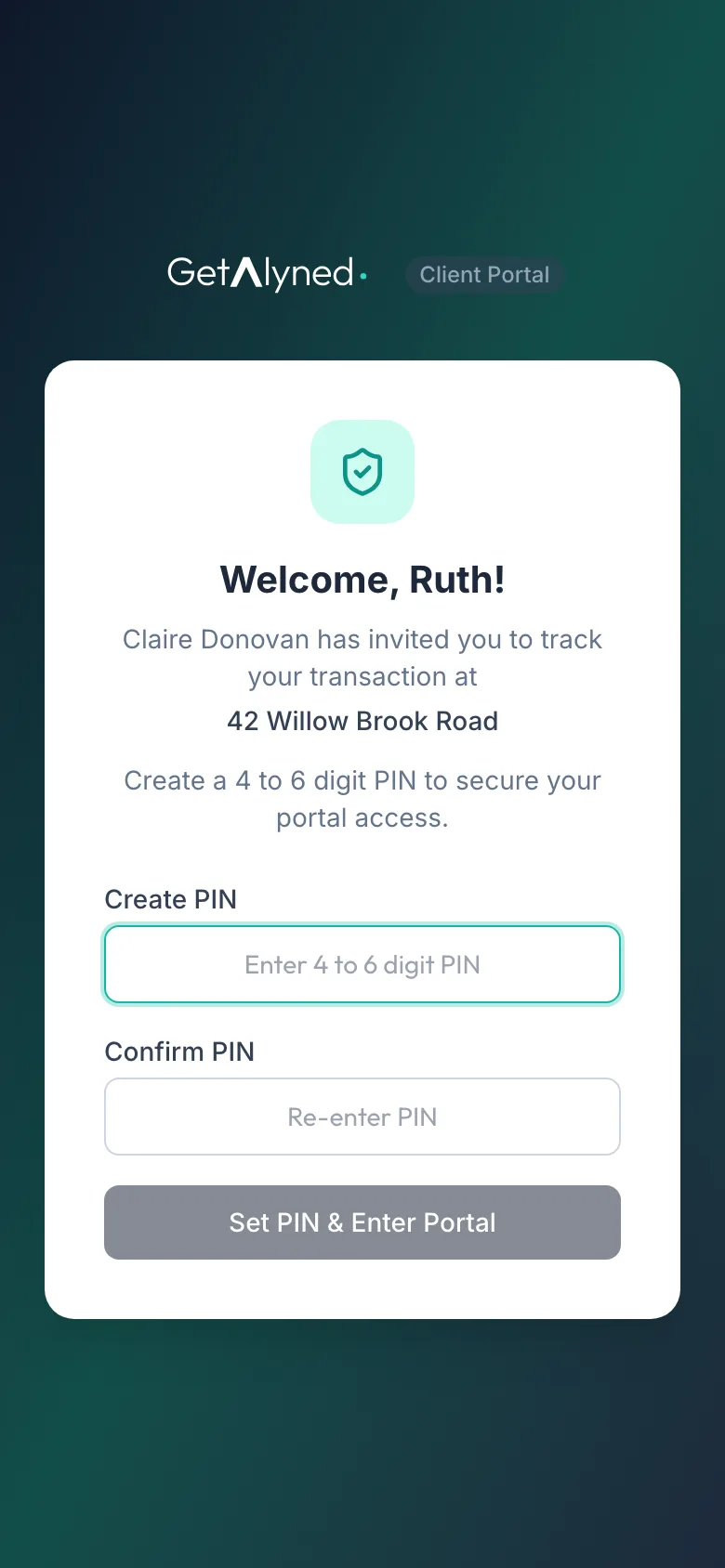
The link opens your own portal, with your agent's name and your home.
-
Choose a PIN
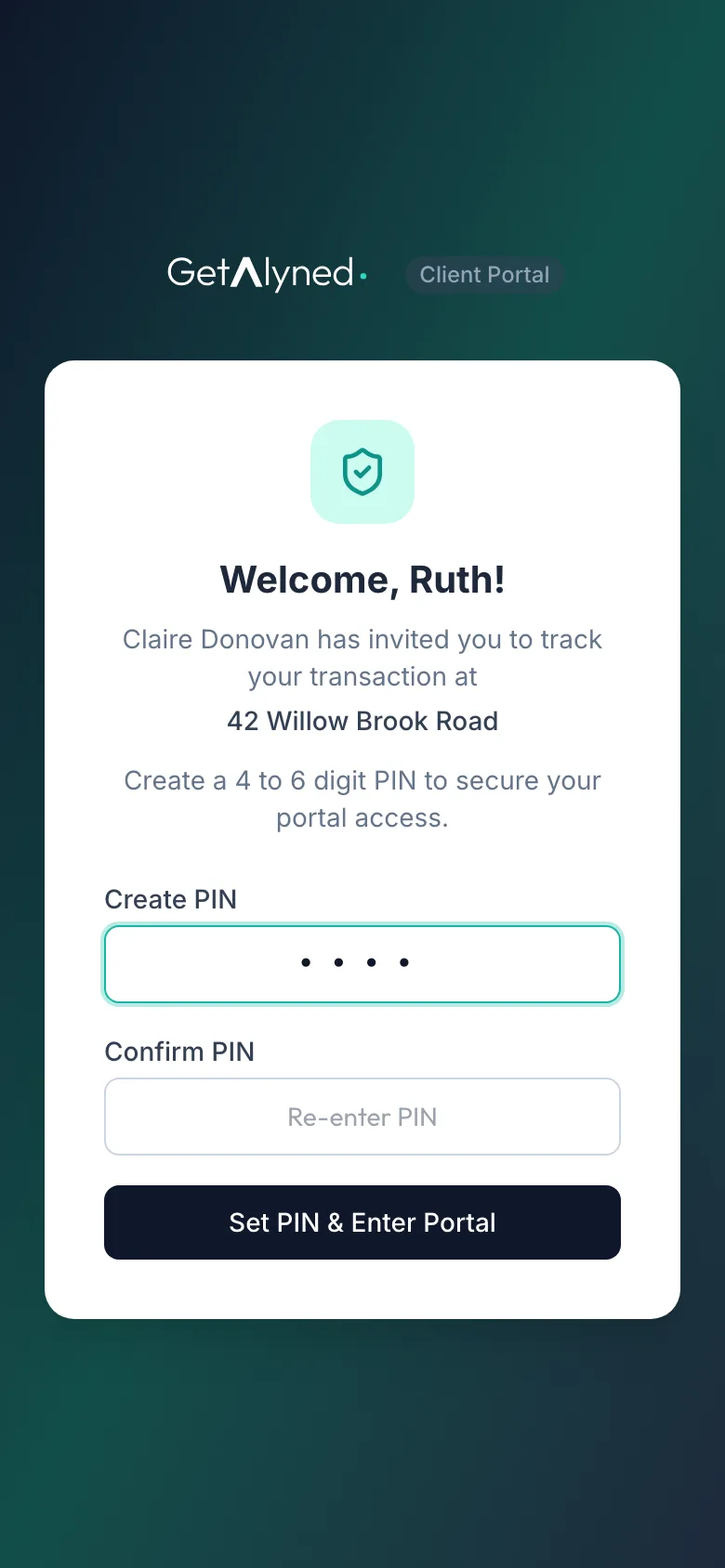
Choose a PIN of 4 to 6 digits. It's how you sign in from now on.
-
Confirm it
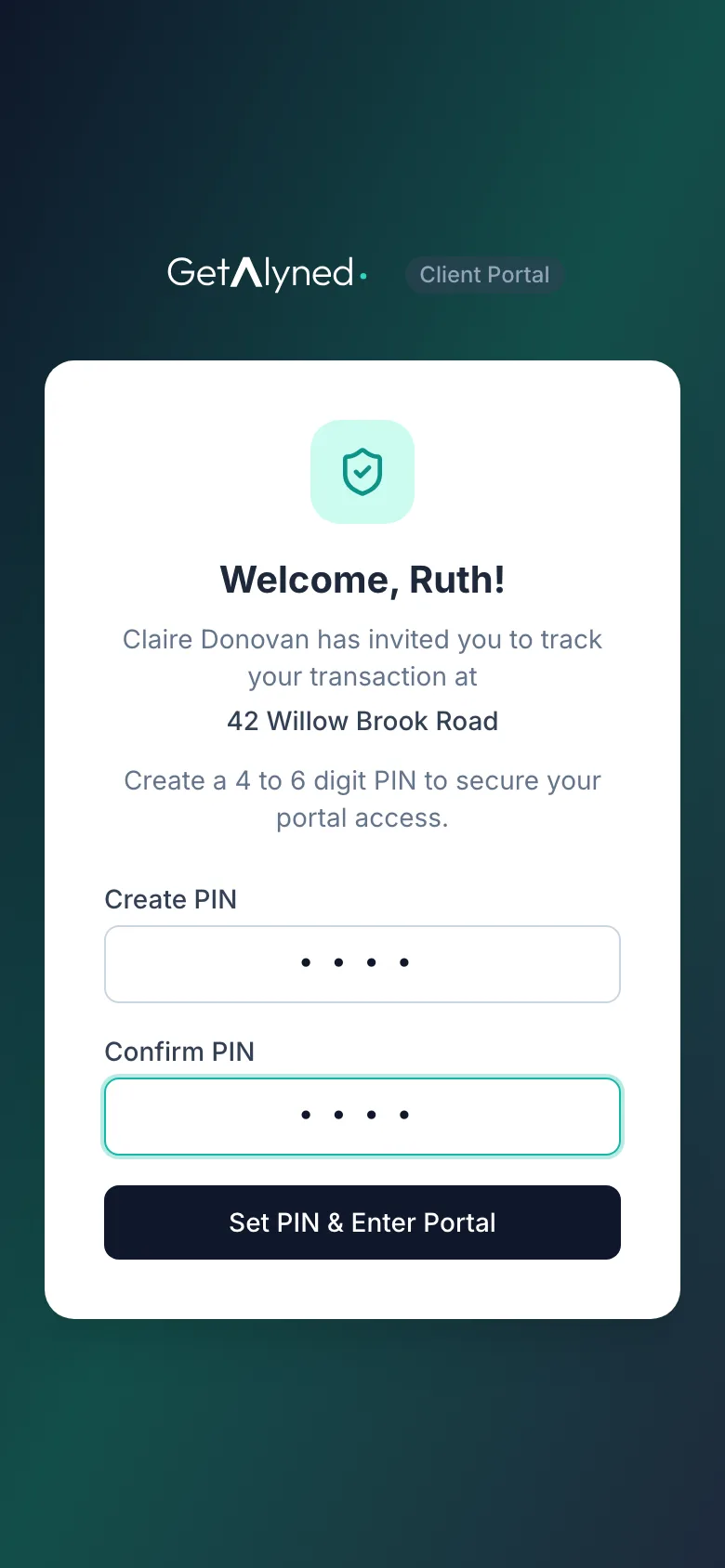
Type it again.
-
That's it
Tap Set PIN & Enter Portal. No password, and no app to download.
-
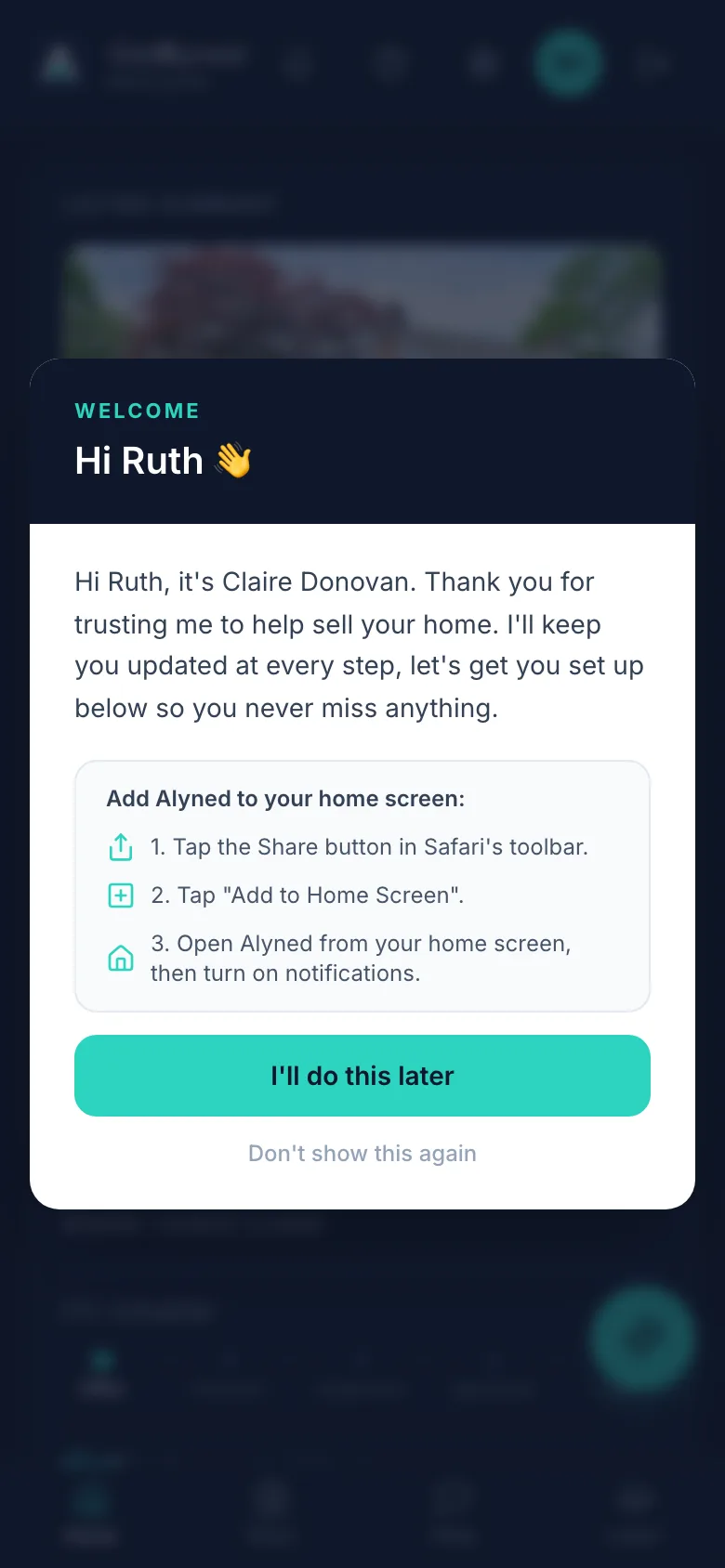
A welcome
The first time in, you see a welcome from your agent.
-
Add to home screen
Add the portal to your home screen so it opens like an app. Open it from there to turn on notifications.
-
Or later
You can do it now, or later.
-
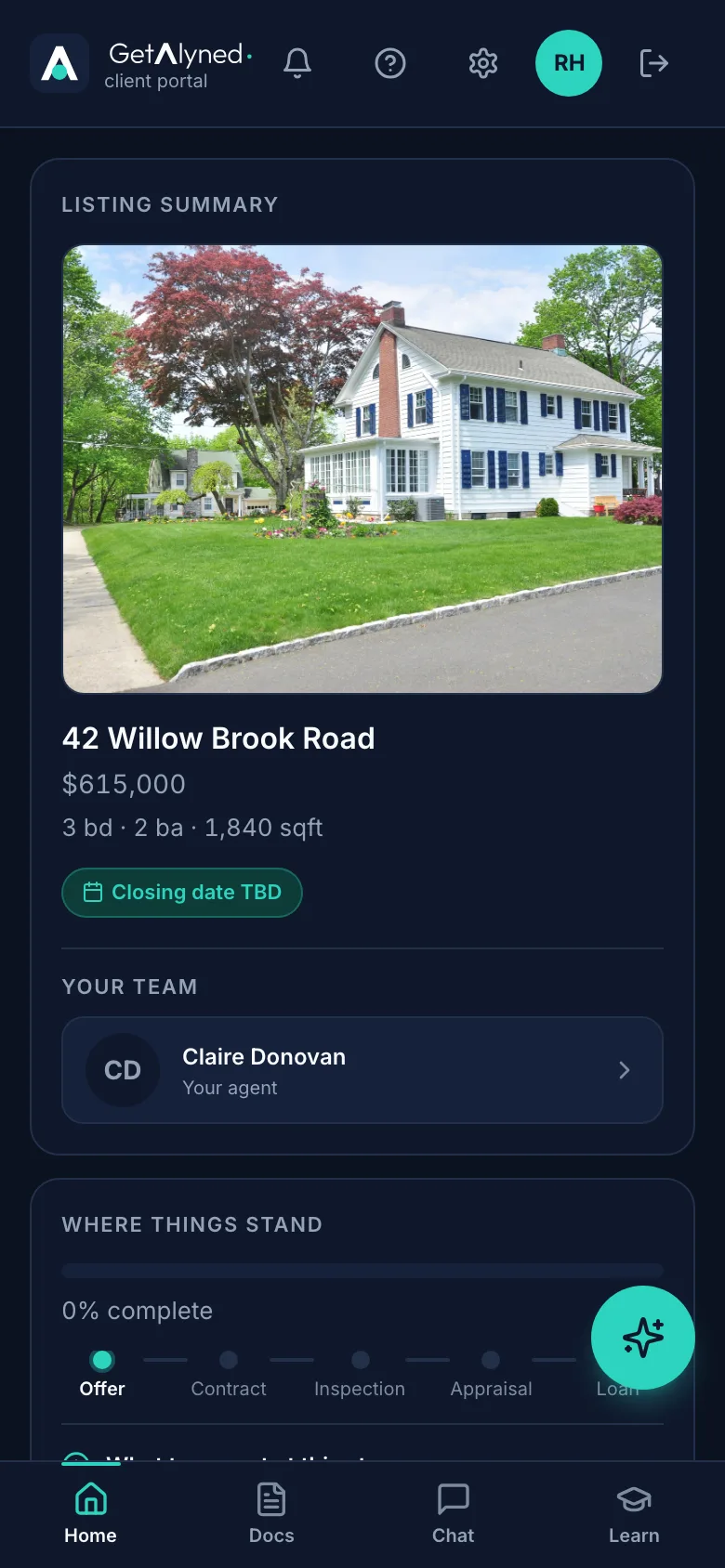
Your portal
This is your portal: where things stand, your team, your documents and your chat.
-
Signing back in
To see how you get back in next time, sign out.
-
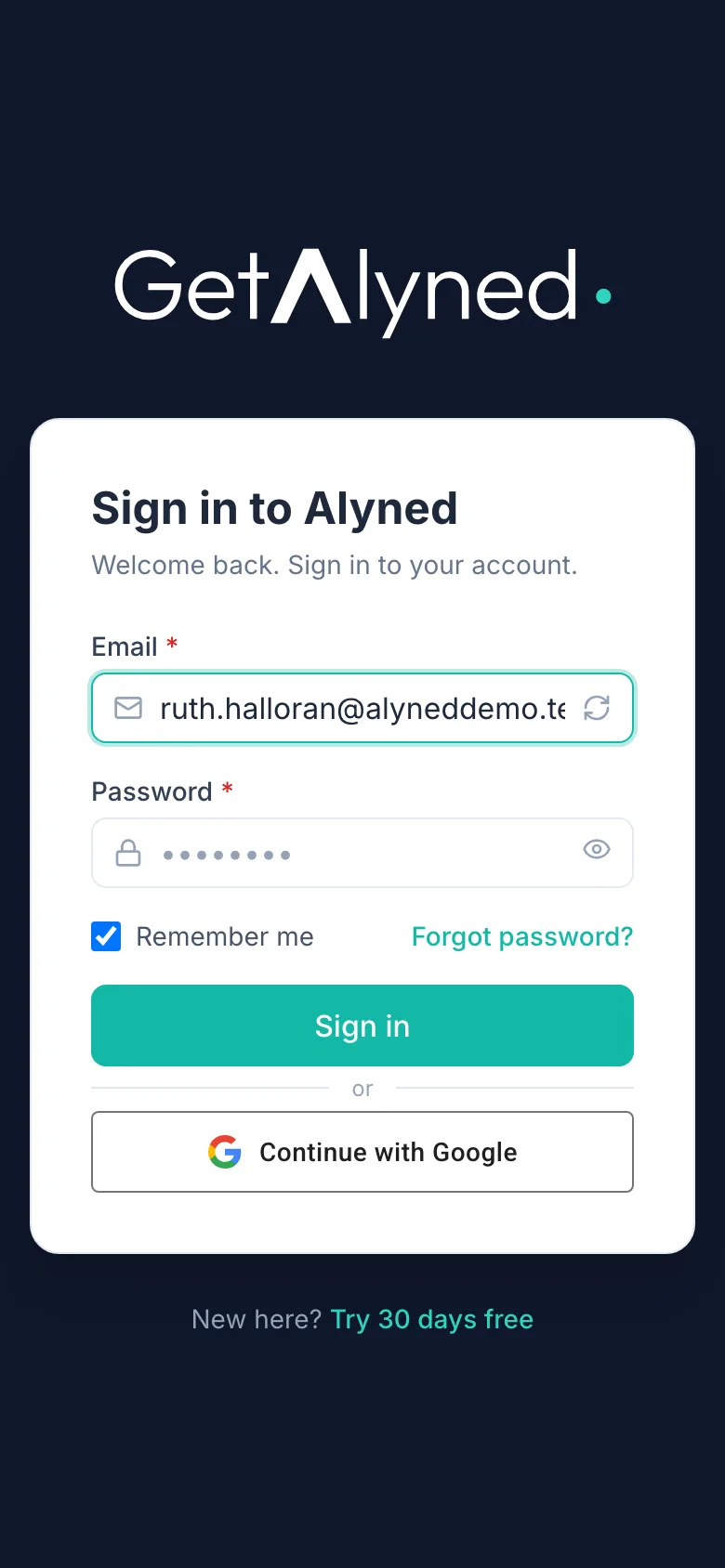
Your email
Next time, go to the sign-in page and type your email.
-
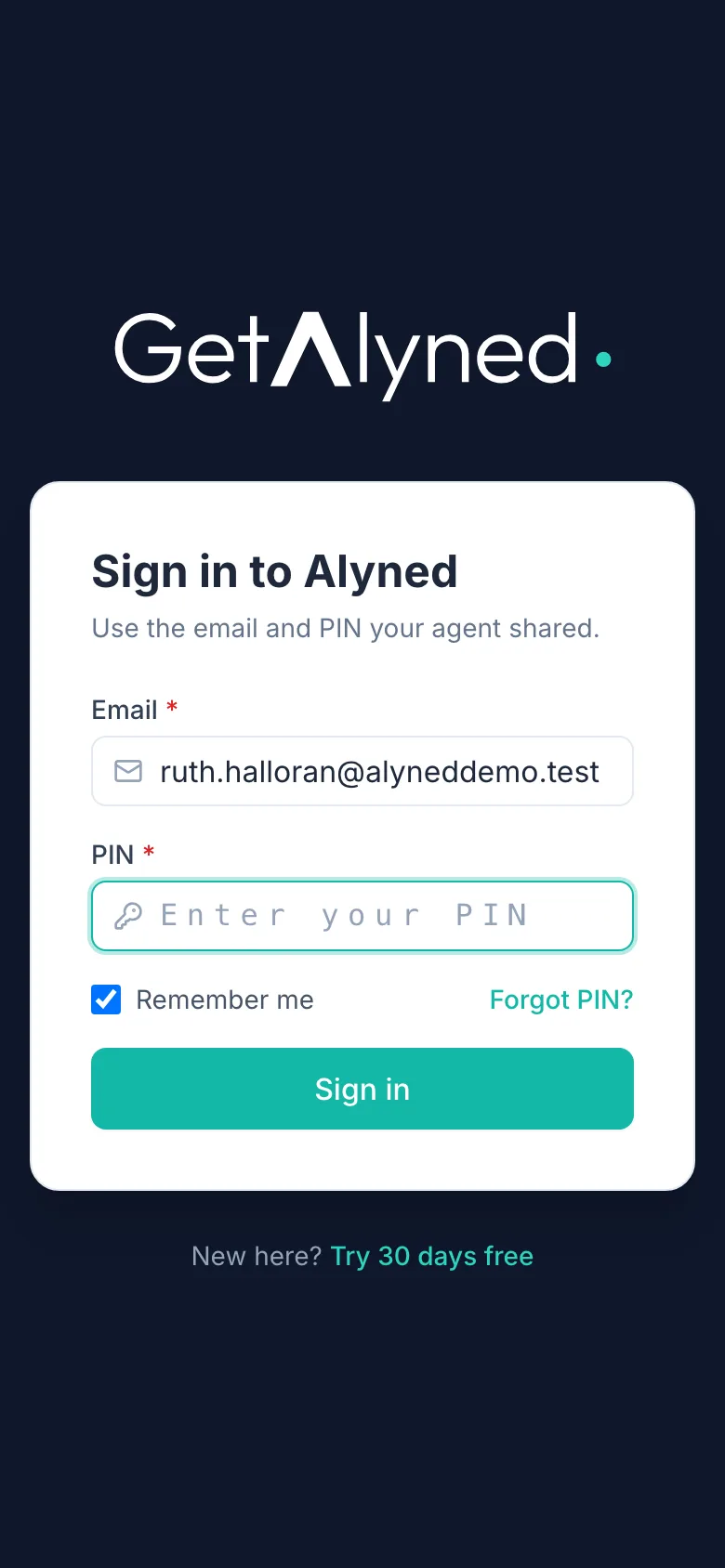
Your PIN
It asks for your PIN. Forgot it? Forgot PIN emails you a way to set a new one.
Related guides
- See where your deal stands · Your portal home shows how far along your purchase is, what happens next, and who to call.
- Review and download documents · Open the documents your agent shares with you, mark them reviewed, and save copies to your phone.
- Message your agent and loan officer · Use the deal chat to talk with everyone on your purchase, or the private chat for something just for your agent.