See where your deal stands
For clients · 2 min
Your portal home shows how far along your purchase is, what happens next, and who to call.
Watch
Or read it step by step
-
Your home
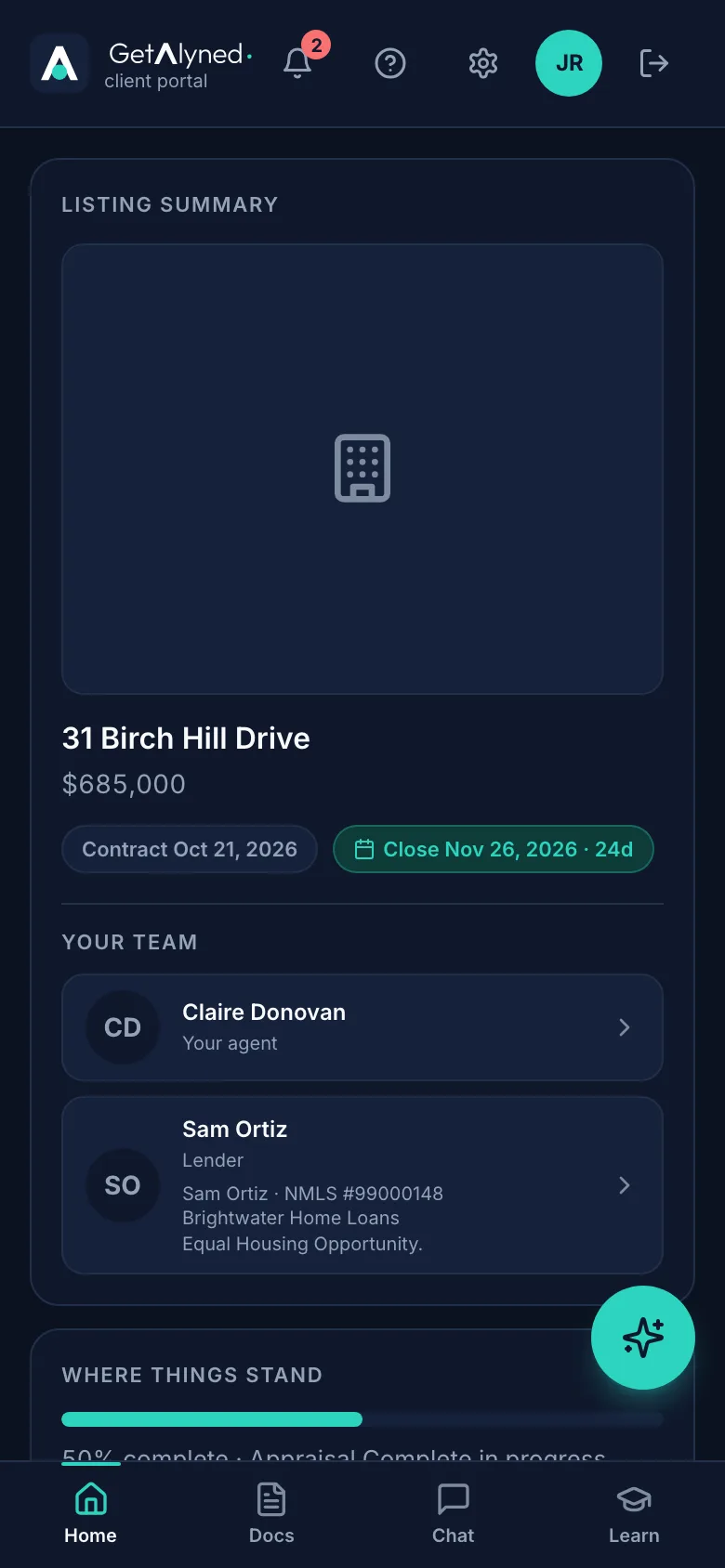
Home shows your home, its price and the dates that matter.
-
Closing countdown
The closing date counts down, so you always know how long is left.
-
Your team
Your team is everyone working on your deal.
-
Your agent
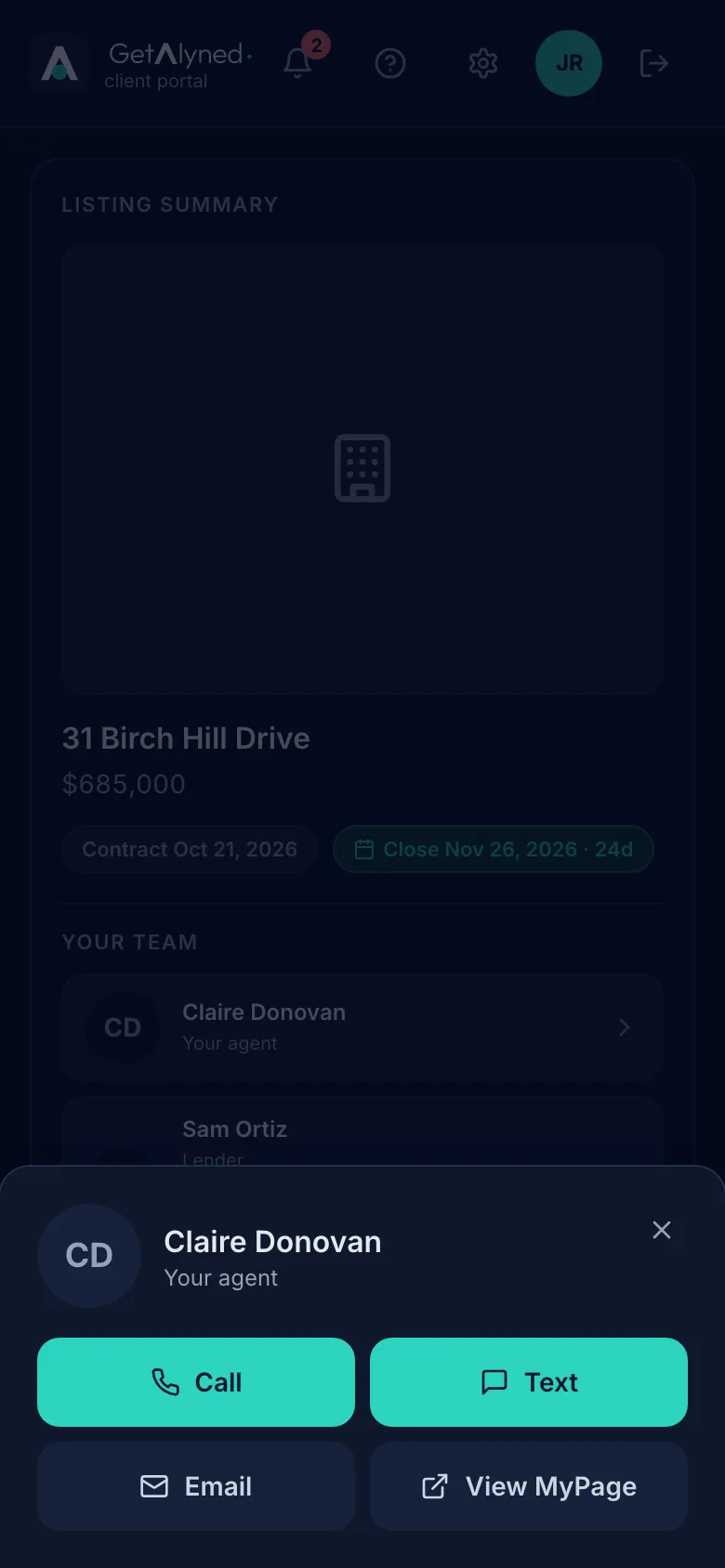
Tap your agent to call, text or email them, or see their page.
-
Reach them
Each button opens your own phone or email.
-
Your loan officer
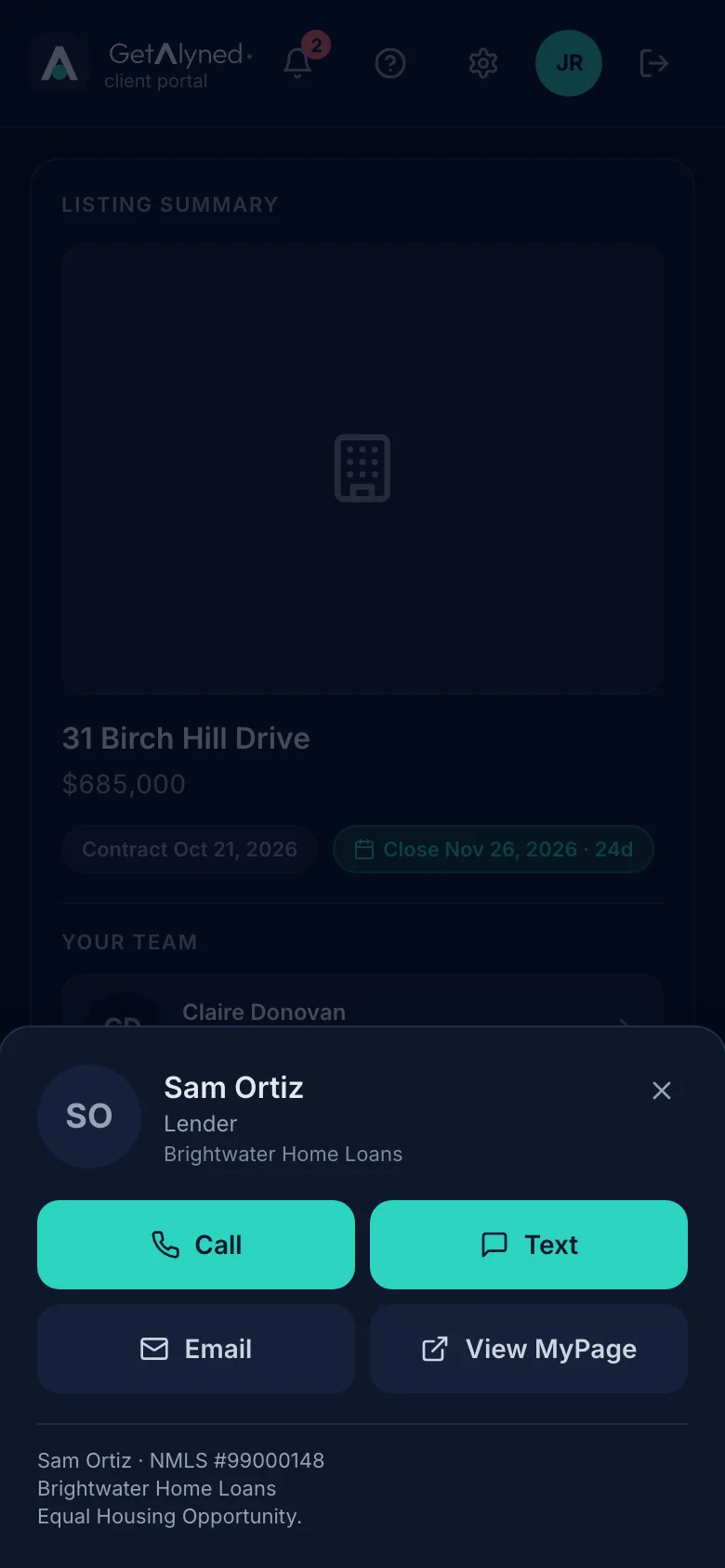
Your loan officer is here too, with their license number.
-
Reach them too
Reach your loan officer the same way.
-
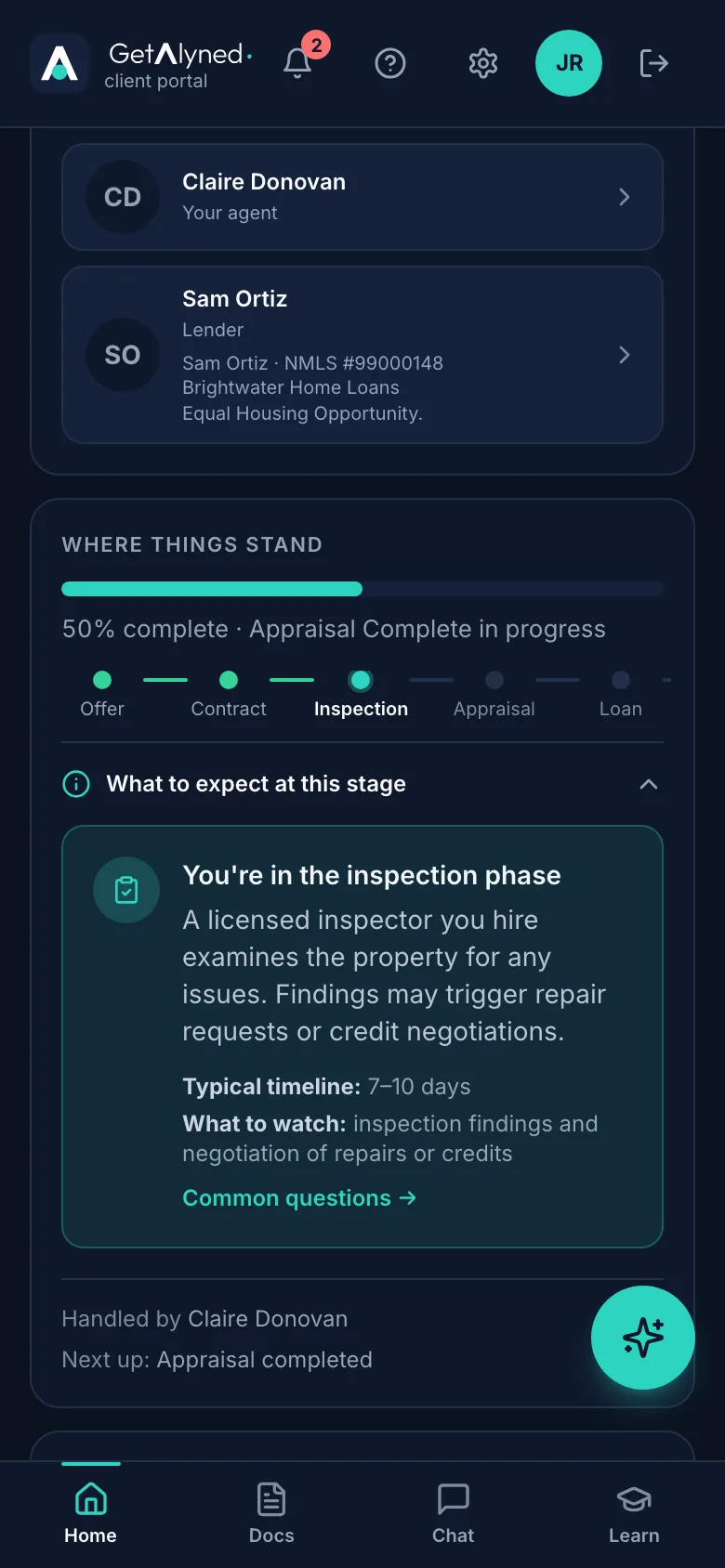
Where things stand
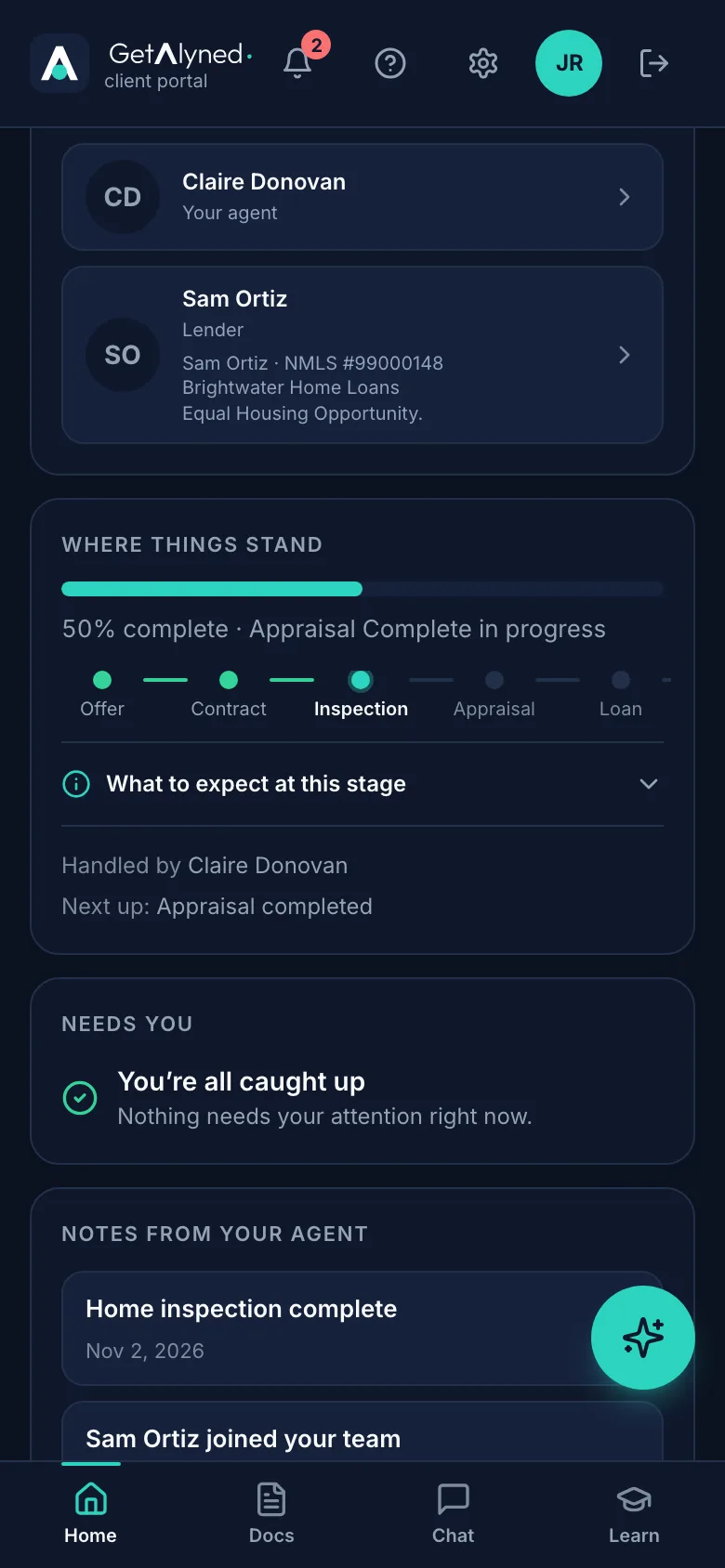
Where things stand shows how far along you are, and which stage you're in.
-
What to expect
Tap What to expect at this stage for a plain explanation.
-
Next up
Next up is the next thing that has to happen, and who's handling it.
-
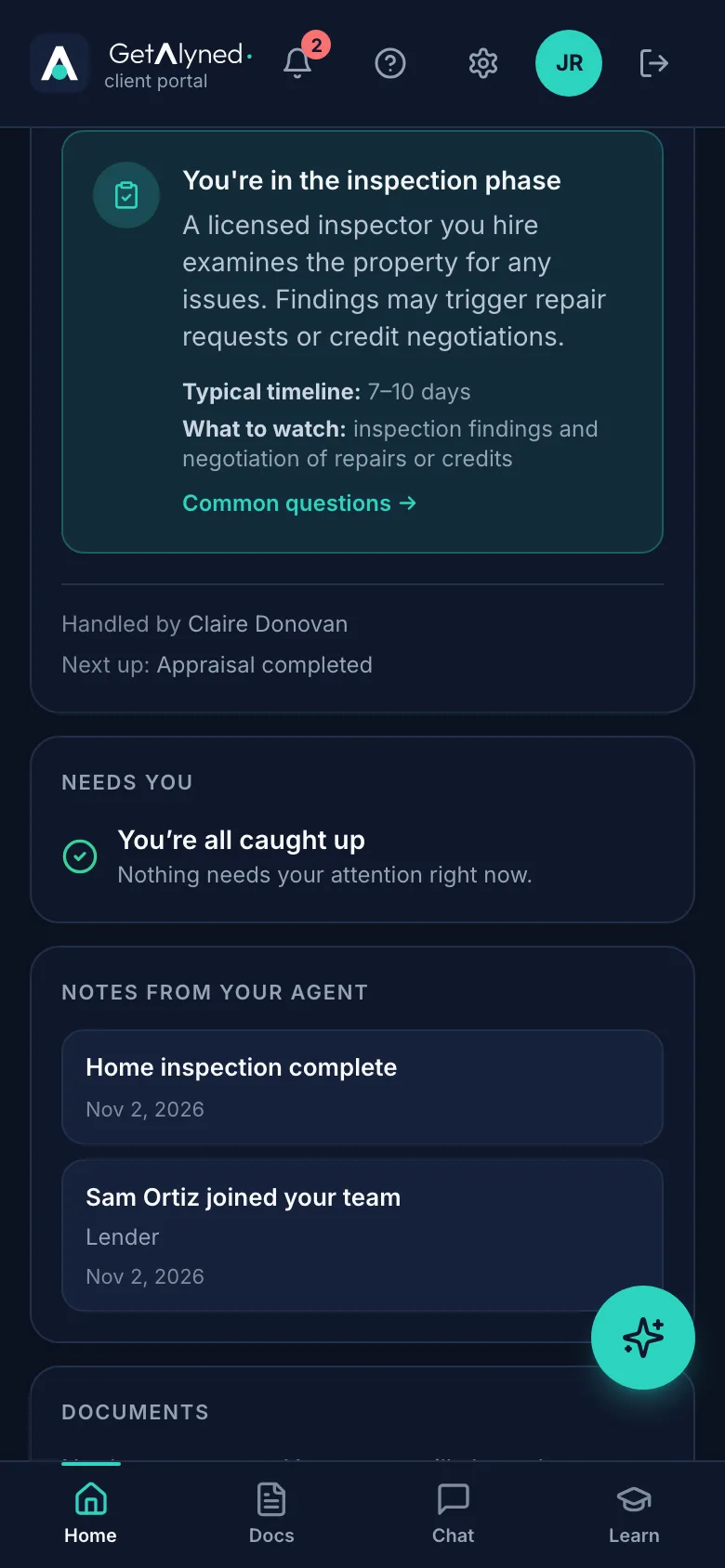
Needs you
Needs you is anything waiting on you. All caught up means nothing to do.
-
Notes from your agent
Notes from your agent is the latest news on your deal.
-
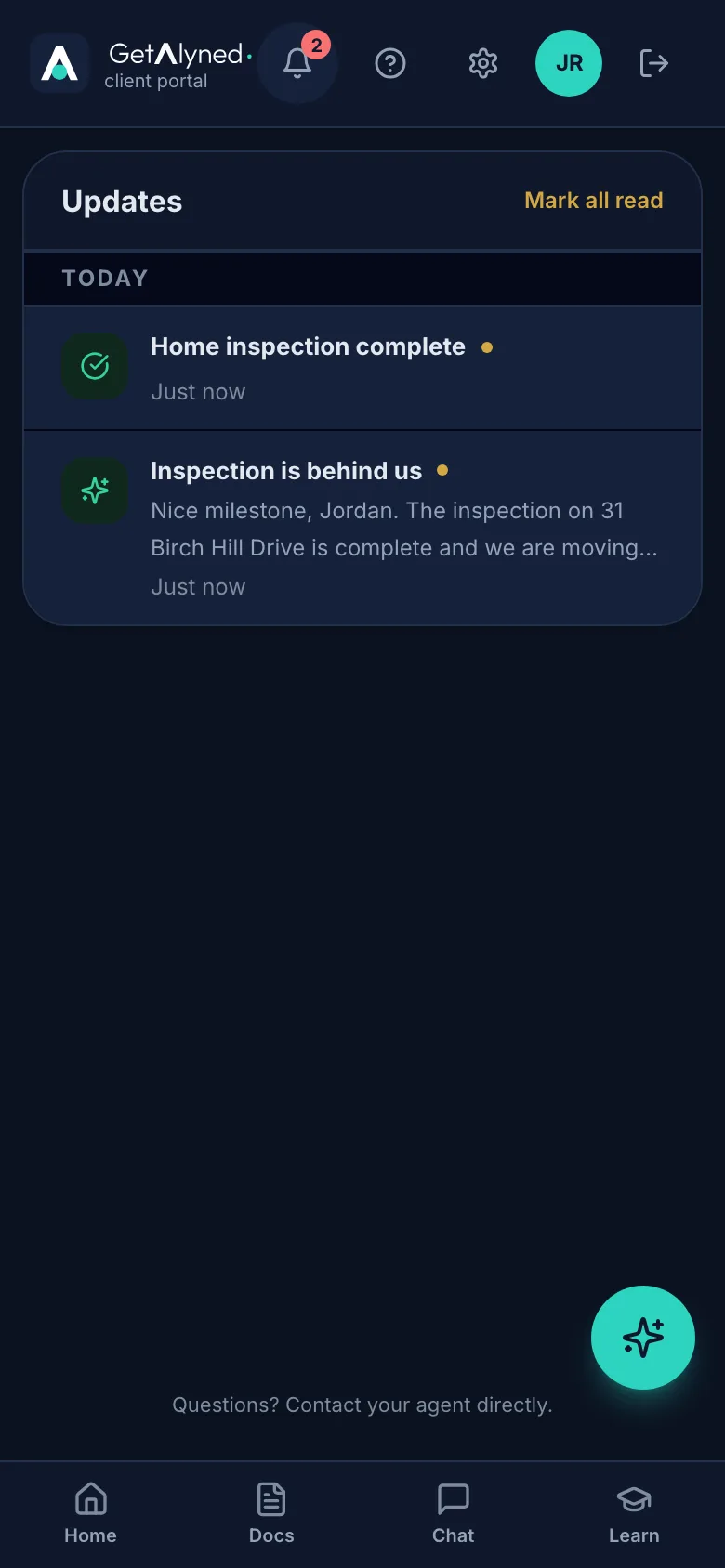
The bell
The bell shows how many updates you haven't read.
-
Updates
Updates lists every change on your deal, newest first.
-
Mark all read
Mark all read clears the count.
Related guides
- Sign in to your portal for the first time · Your agent invites you to your own portal for your home. Here's how to get in the first time, and every time after.
- Review and download documents · Open the documents your agent shares with you, mark them reviewed, and save copies to your phone.
- Message your agent and loan officer · Use the deal chat to talk with everyone on your purchase, or the private chat for something just for your agent.