Check your AI Visibility and Presence Audit
For agents · 3 min
See whether AI answers recommend you when buyers and sellers ask about your market, and what to fix so AI tools read your pages well.
Watch
Or read it step by step
-
Open AI Optimization
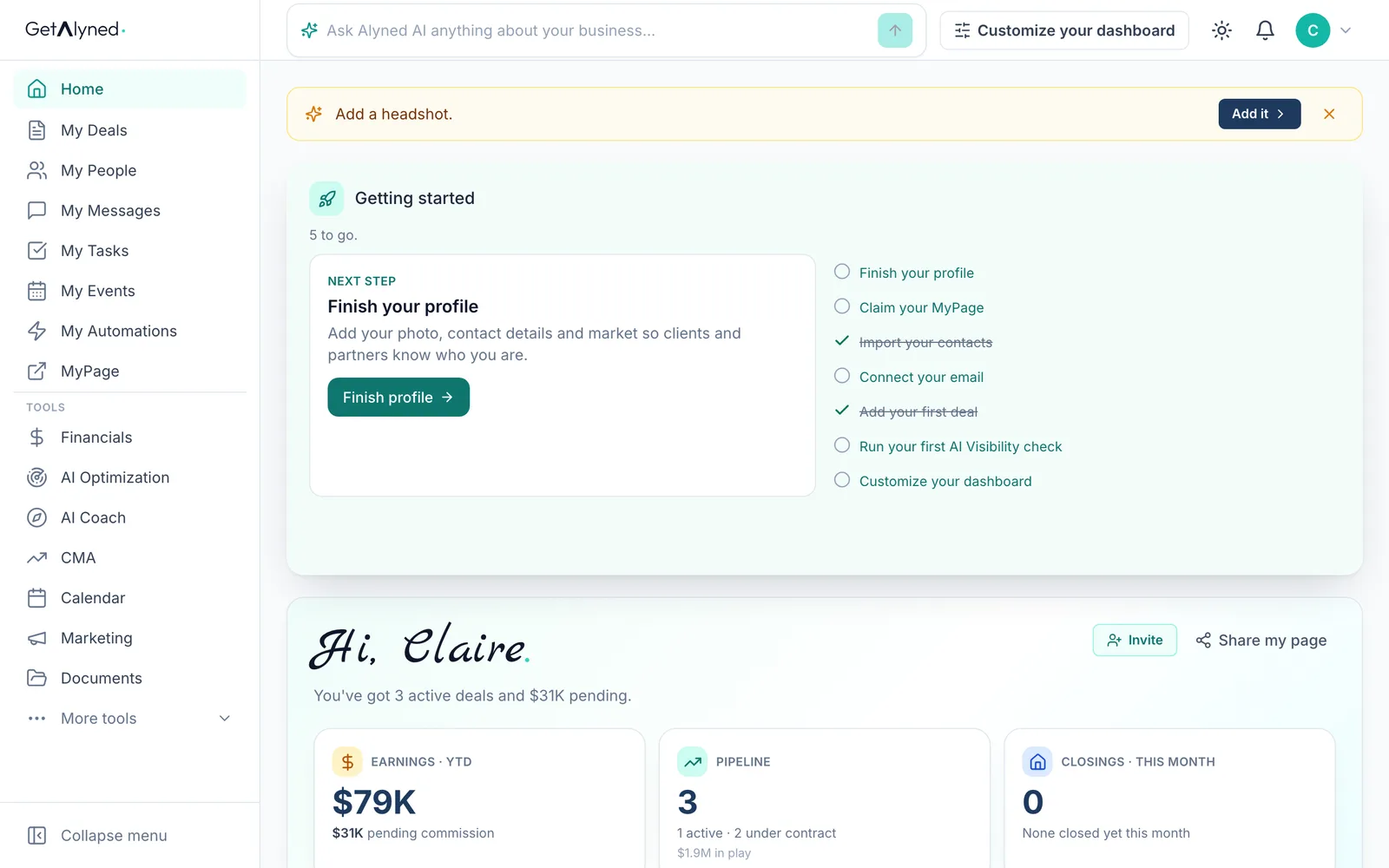
AI Optimization is under Tools. It shows how your business shows up in AI search and answers.
-
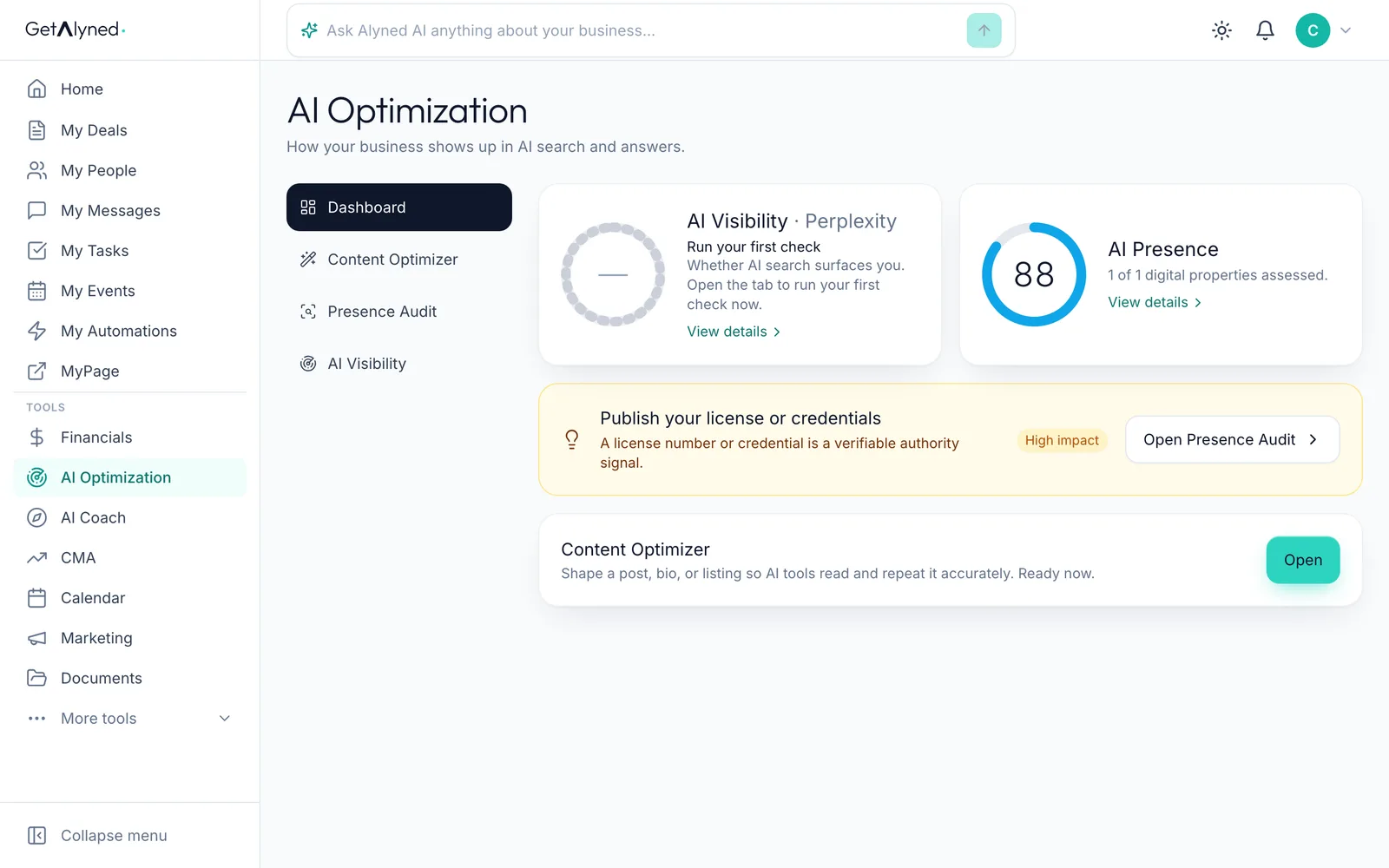
Two scores
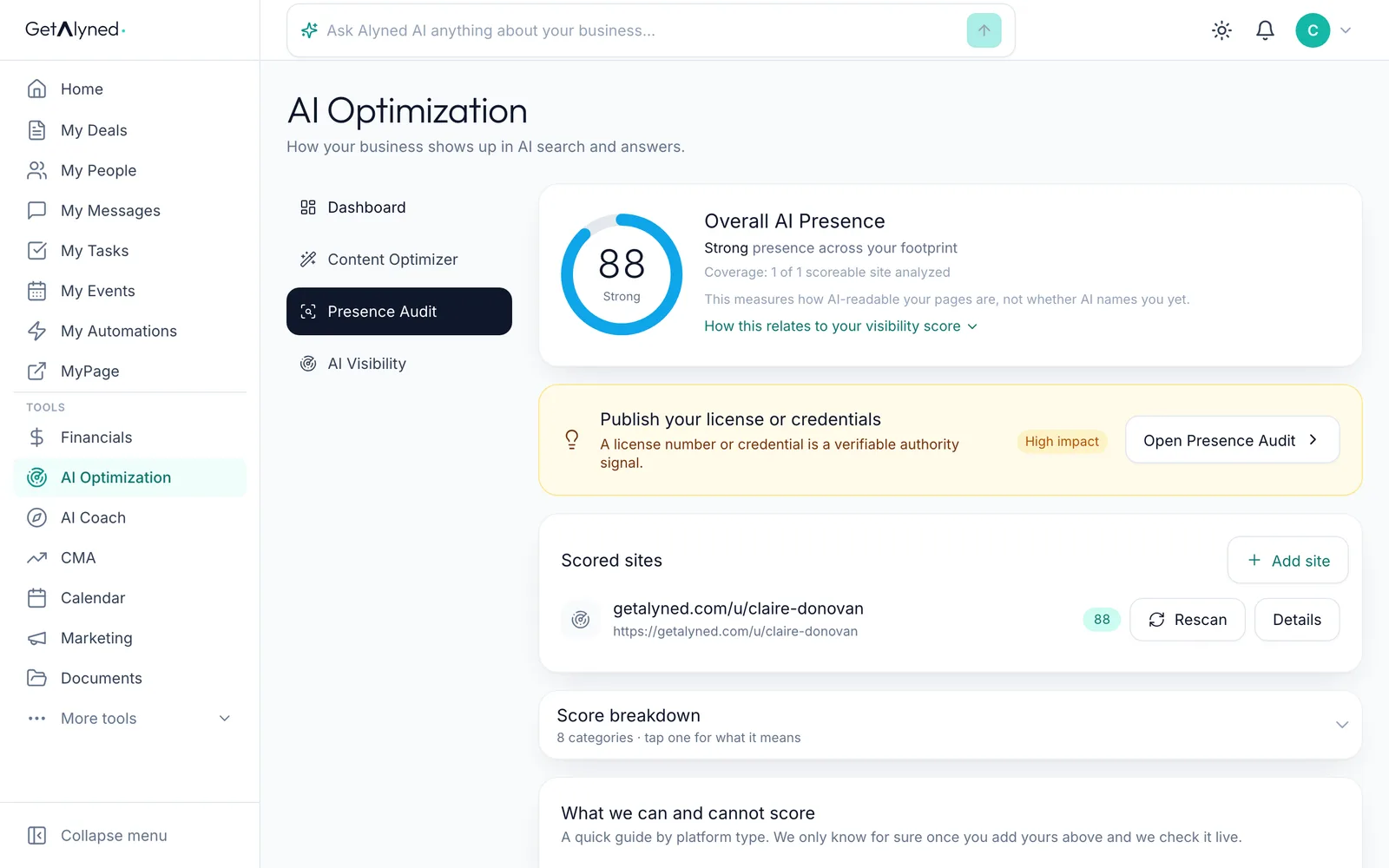
AI Visibility is whether AI answers name you. AI Presence is how well AI tools can read your pages.
-
Start with AI Visibility
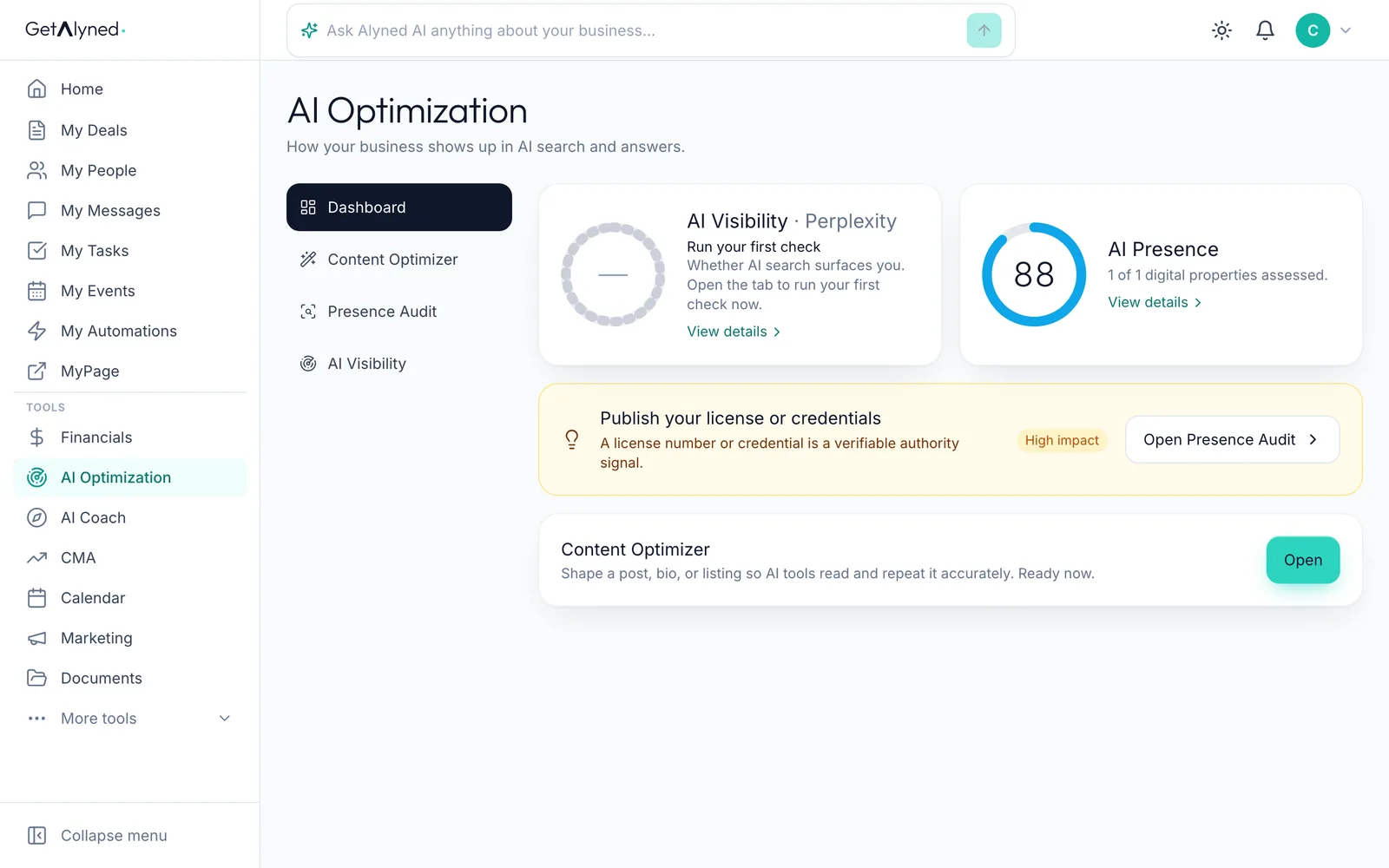
Click AI Visibility.
-
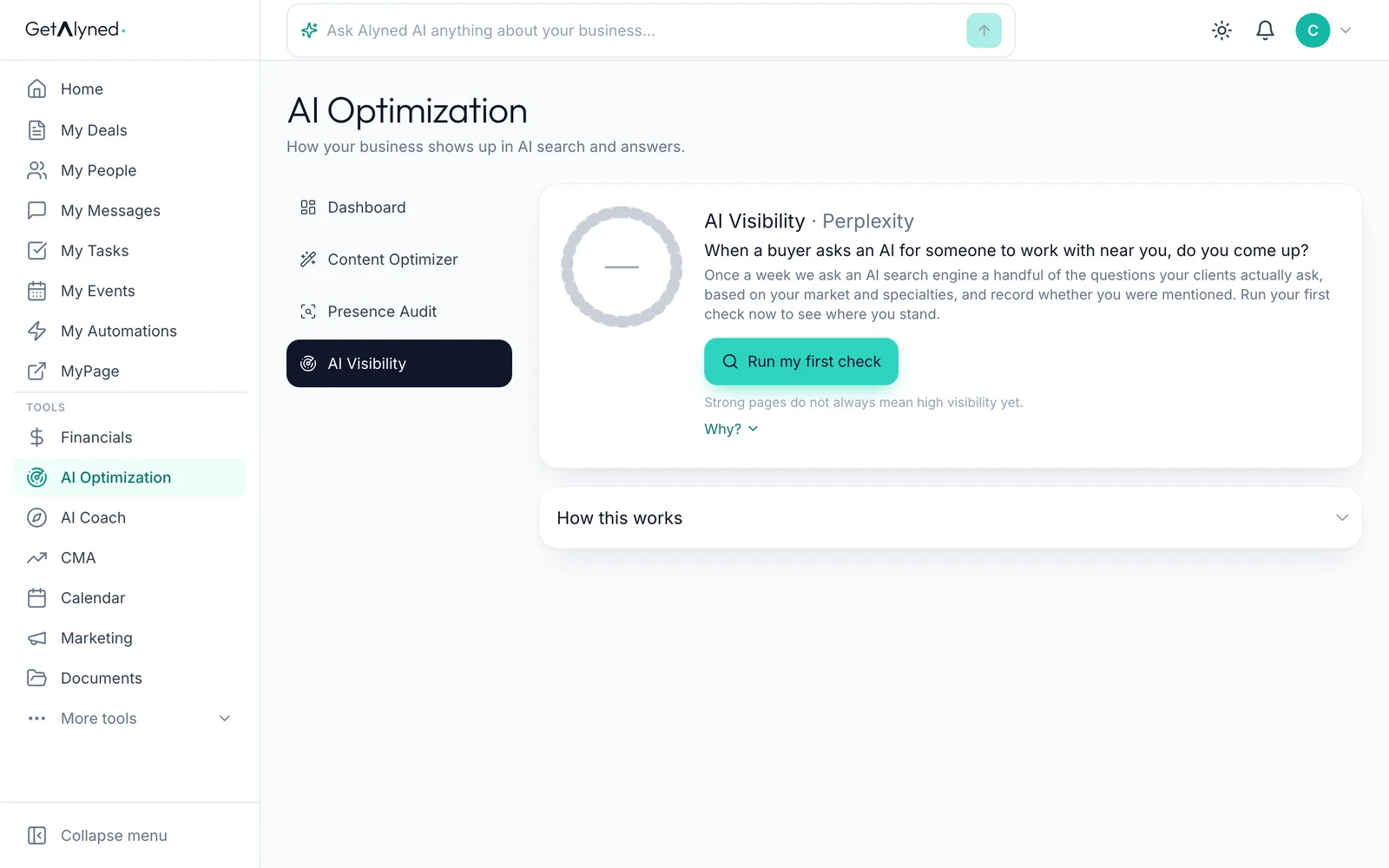
Run your first check
Click Run my first check. After that, it runs by itself every week.
-
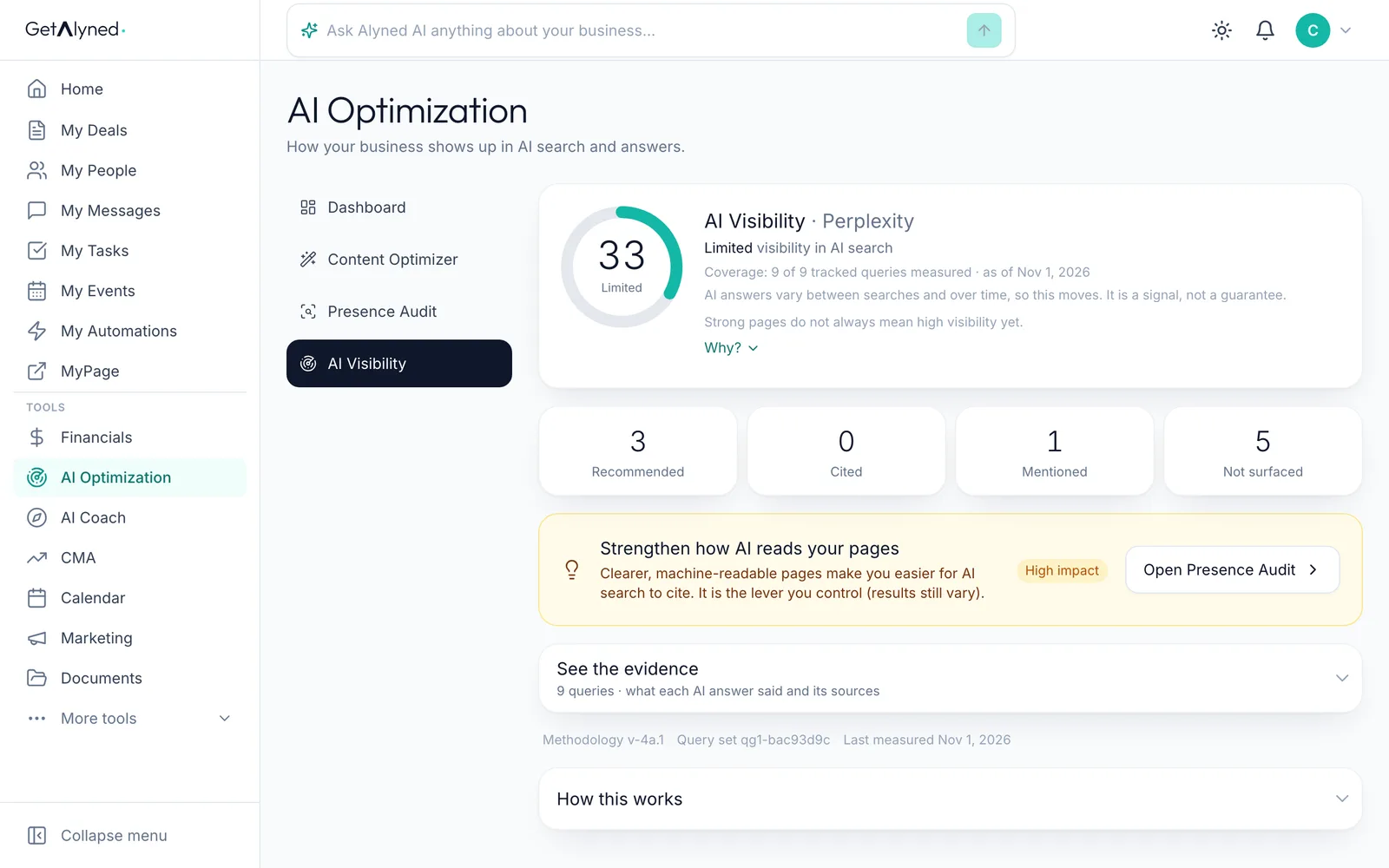
Your visibility score
Alyned asks an AI answer engine the questions buyers and sellers ask about your market, and scores how often you come up.
-
How you came up
Recommended, cited, mentioned or not surfaced: how you came up across those questions.
-
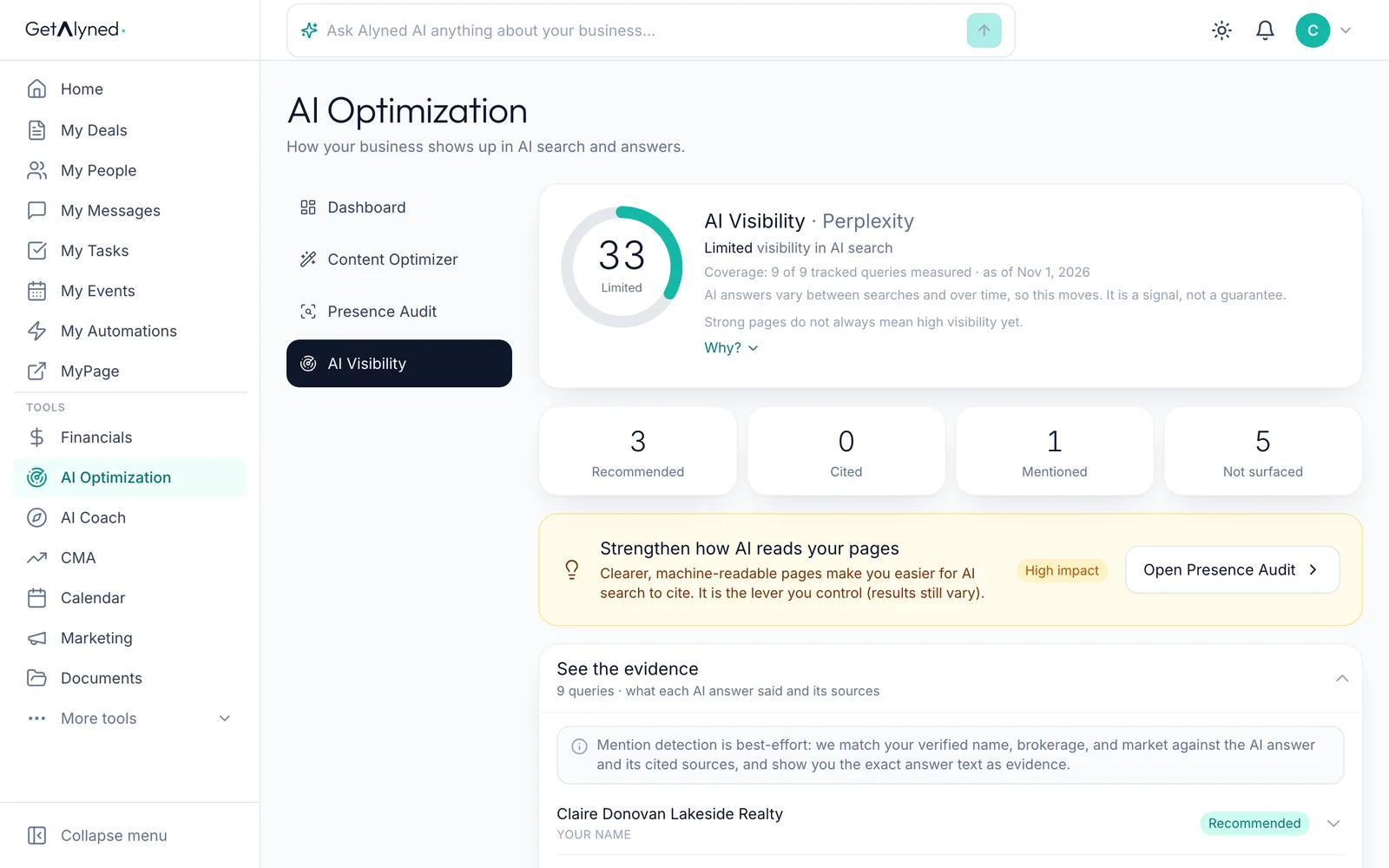
See the evidence
Click See the evidence.
-
Open a question
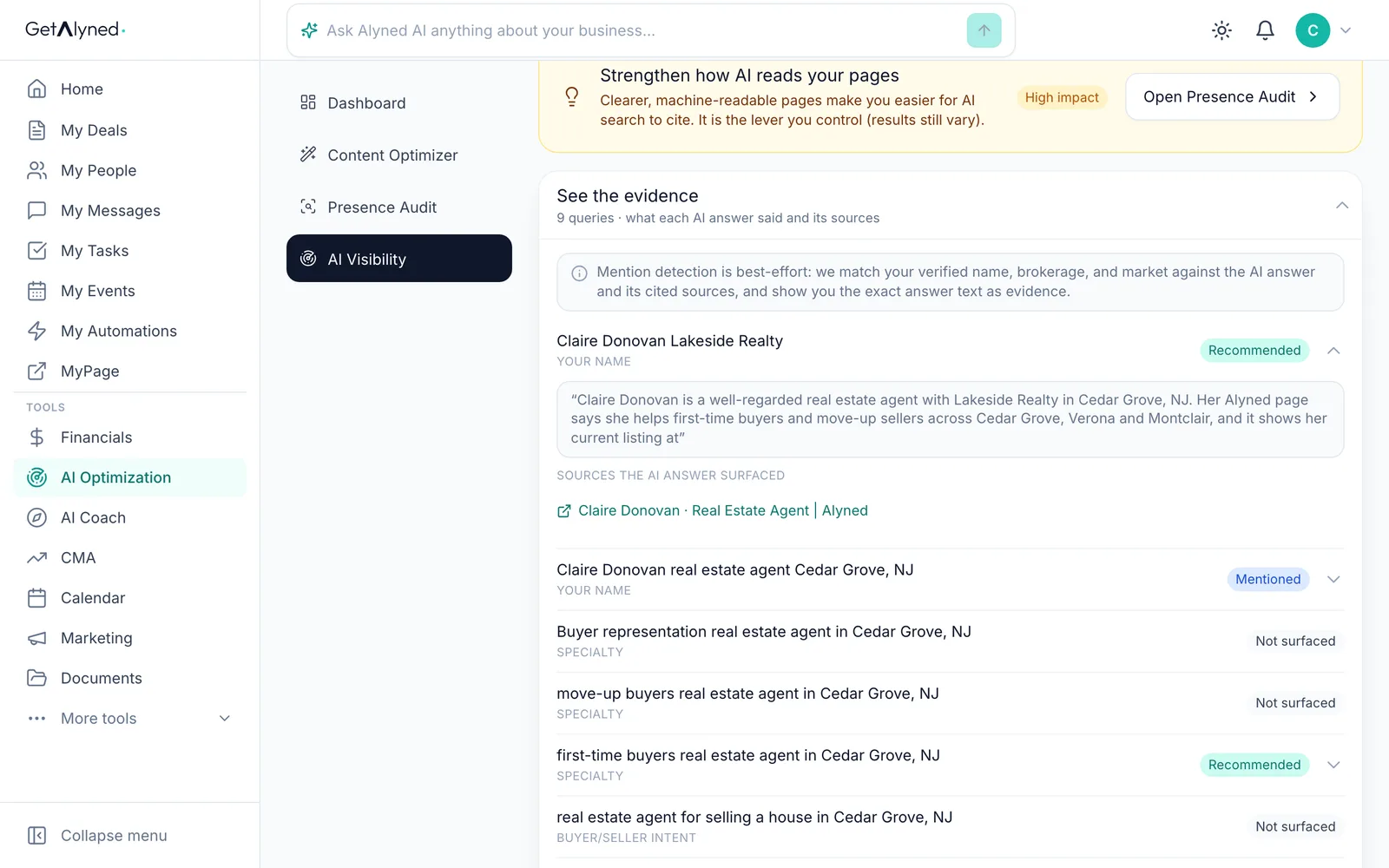
The evidence lists every question Alyned asked and how you came up. Open one to read the answer.
-
What it said about you
You see what the answer said about you, and the pages it drew on.
-
Open the Presence Audit
Click Presence Audit.
-
Your presence score
Your presence score covers every site you track. Your MyPage is added for you.
-
Your next best action
The next best action is the one fix worth the most points.
-
Open the details
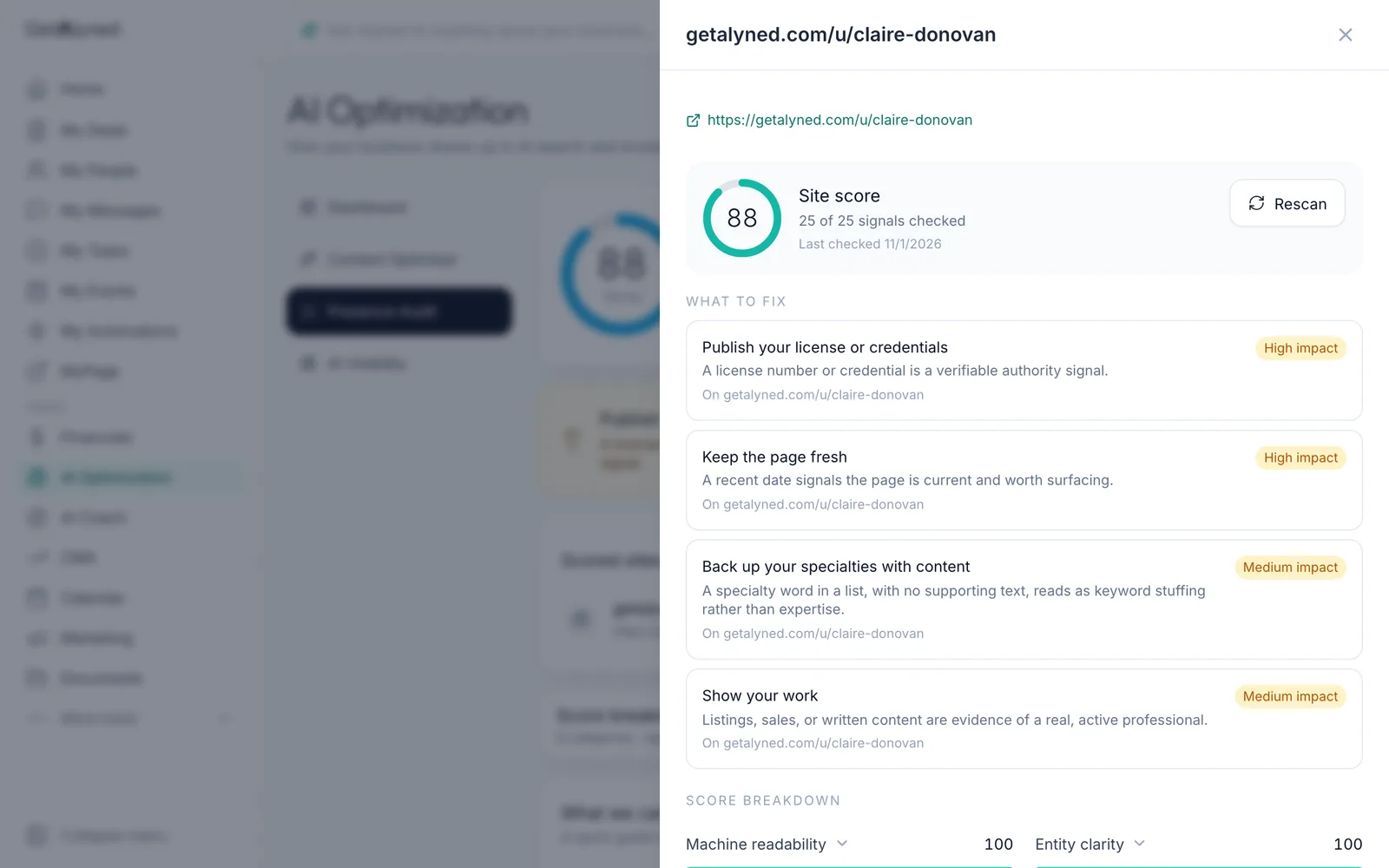
Details shows one site in full.
-
What to fix
What to fix lists the changes that would raise this site's score, biggest first.
-
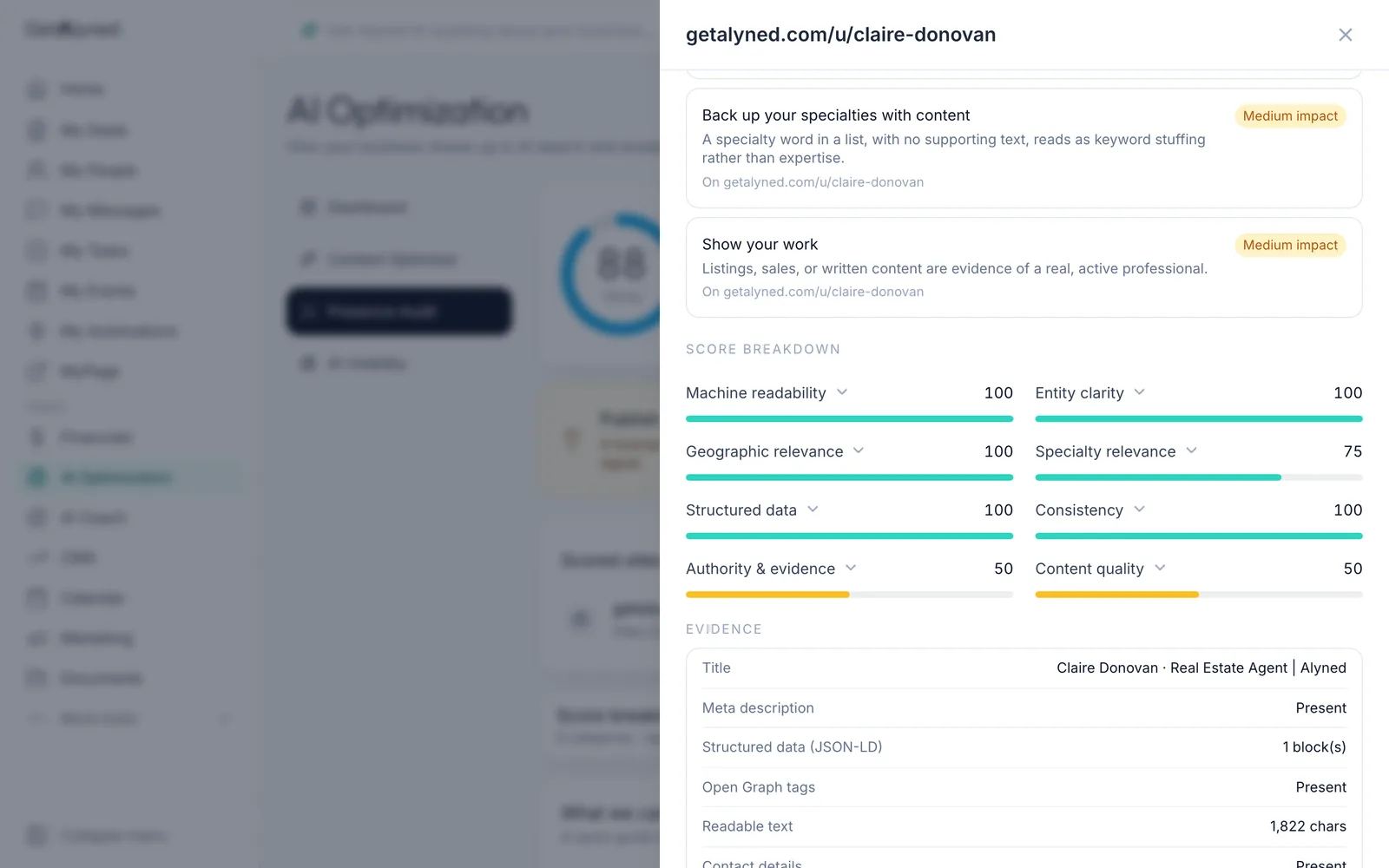
The score breakdown
The score breakdown shows how each part scored, so you can see what's already working.
-
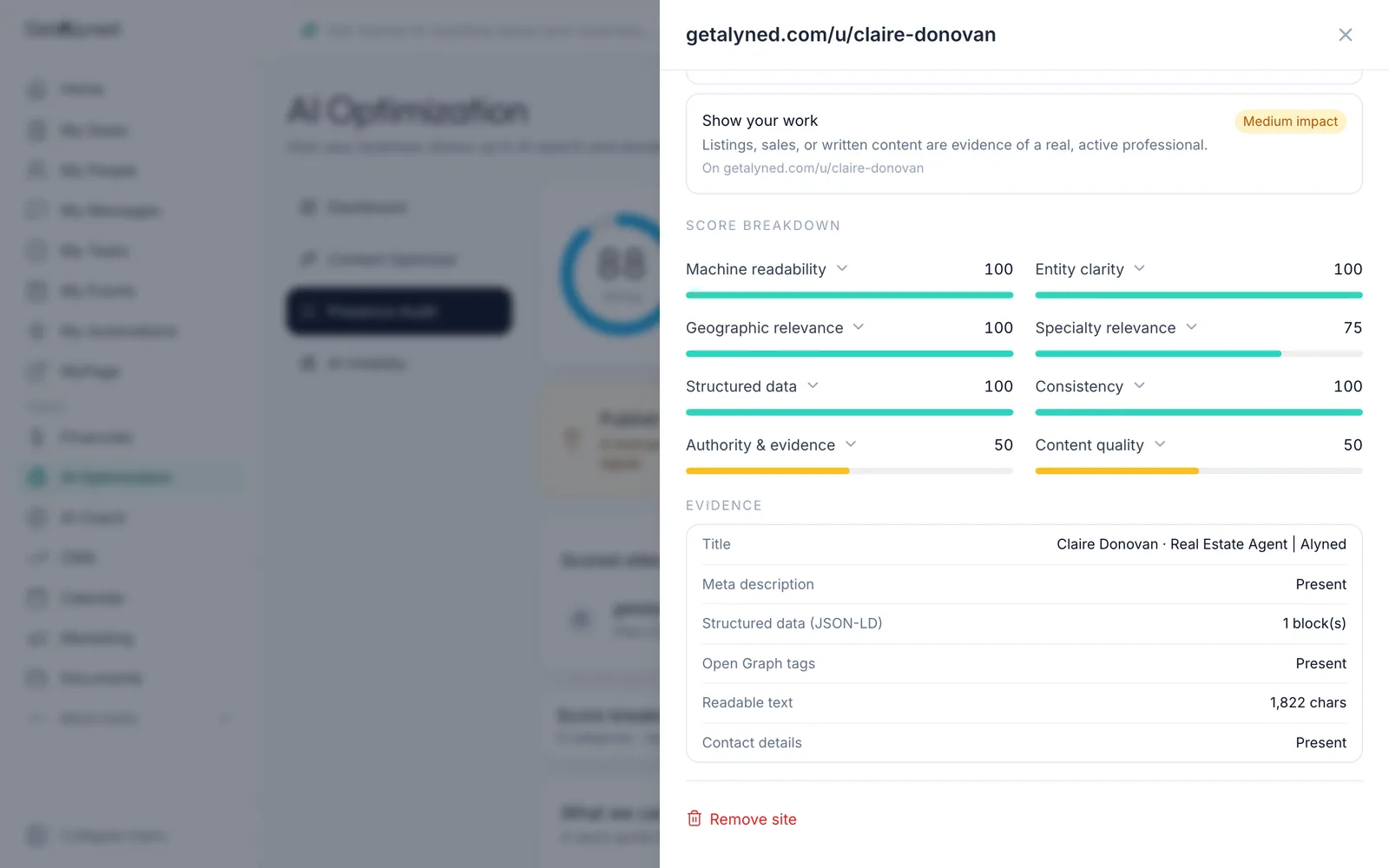
What AI tools read
Evidence shows what AI tools read on the page: the title, description, structured data and contact details.
Related guides
- Use the free Content Optimizer · Paste something you wrote and get a version shaped for every place you post, in your own words, with no made-up facts.
- Set up your MyPage · Fill in the parts of your public page that make it yours: your handle, photo, bio and the areas you cover. Then see it the way visitors do.
- Share your MyPage · Send your page out by link or QR code, and see what visitors can do when they open it on their phone.