Refer a contact to your loan officer
For agents · 2 min
Send a client's details to a loan officer you work with, with a note, in a few clicks.
Watch
Or read it step by step
-
Open the contact
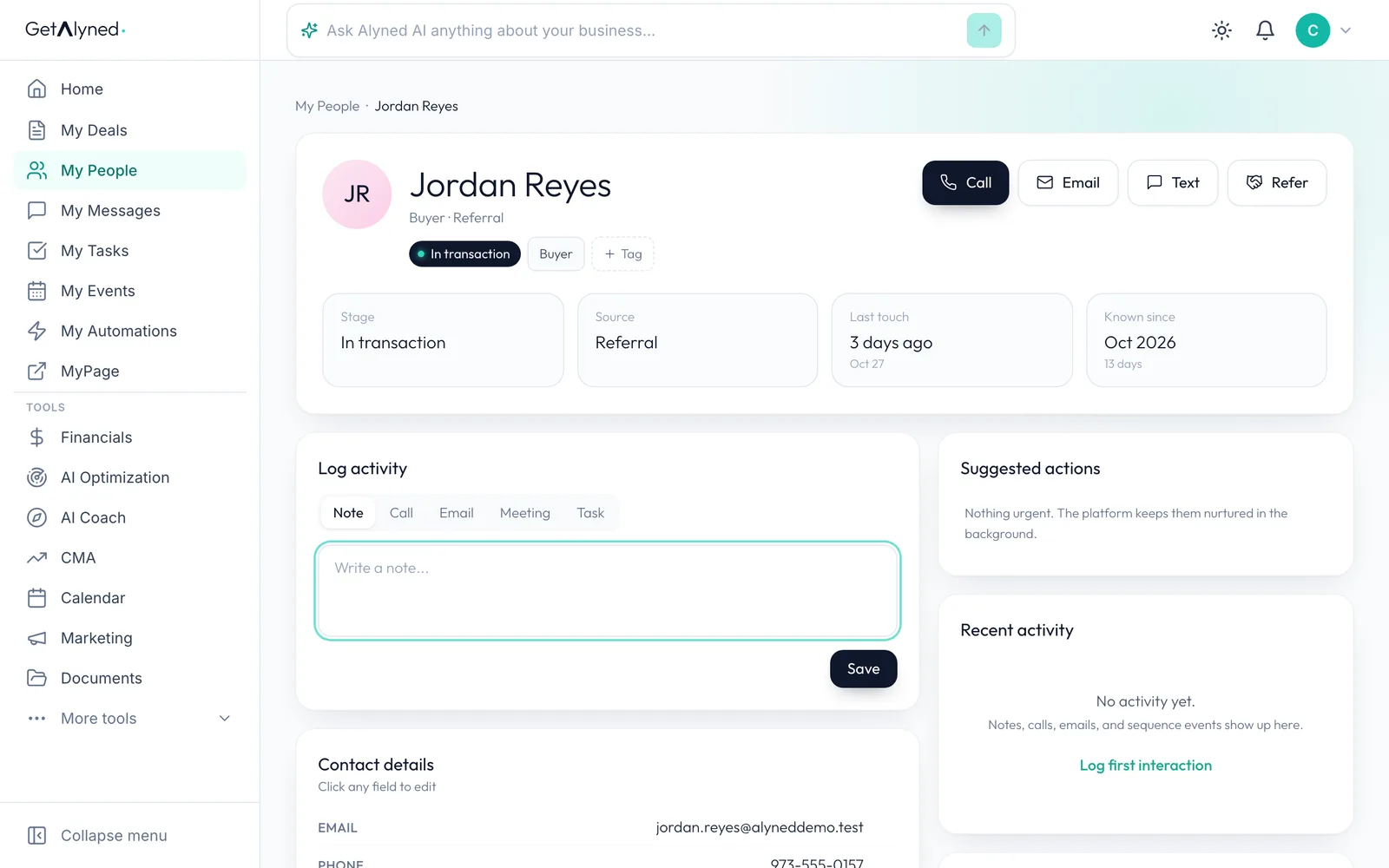
In My People, click the client you want to refer.

-
Click Refer
Click Refer, next to Call, Email and Text.
-
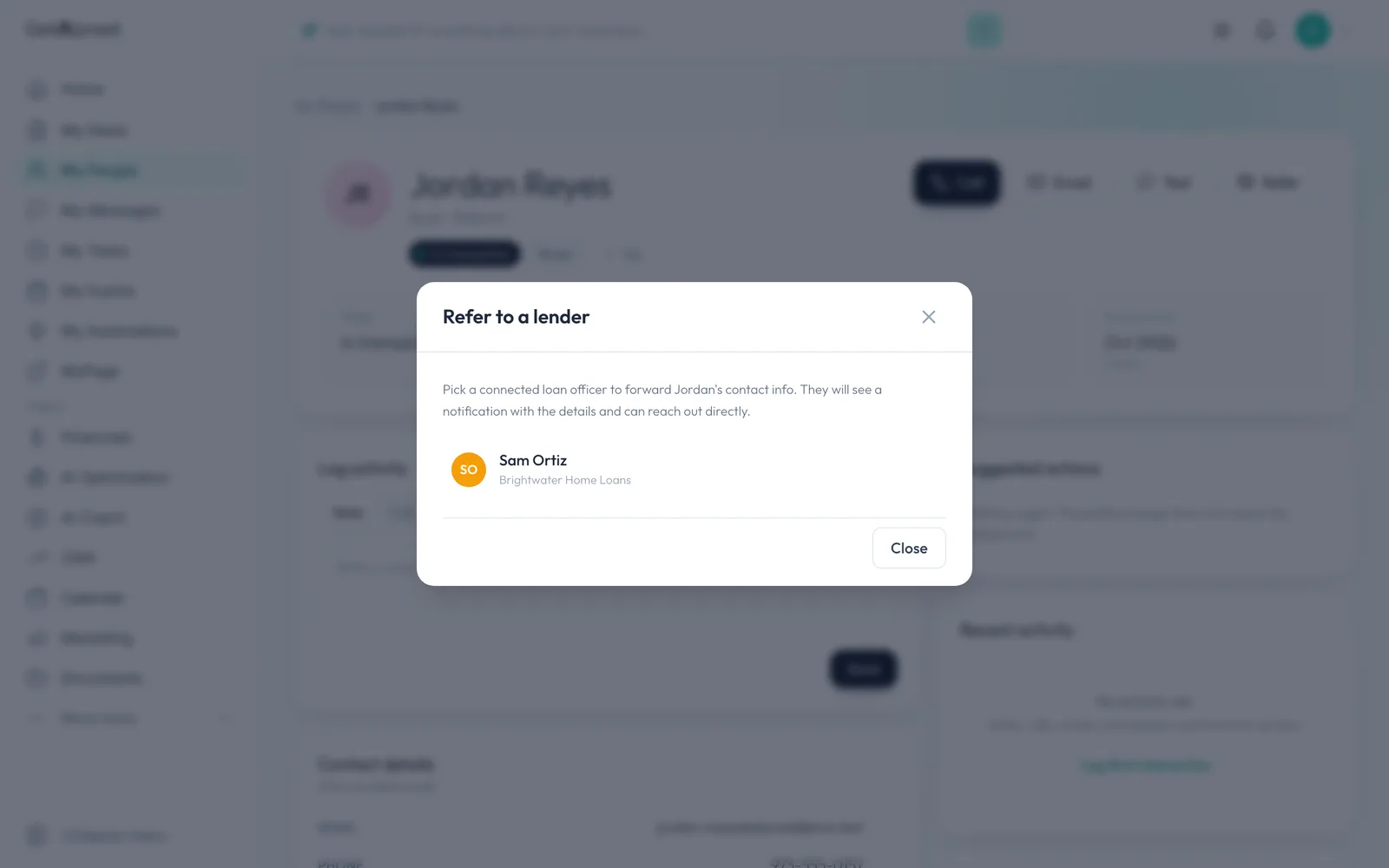
Your loan officers are listed
Every loan officer you're connected to is listed here.
-
Pick your loan officer
Click the loan officer you want to send them to.
-
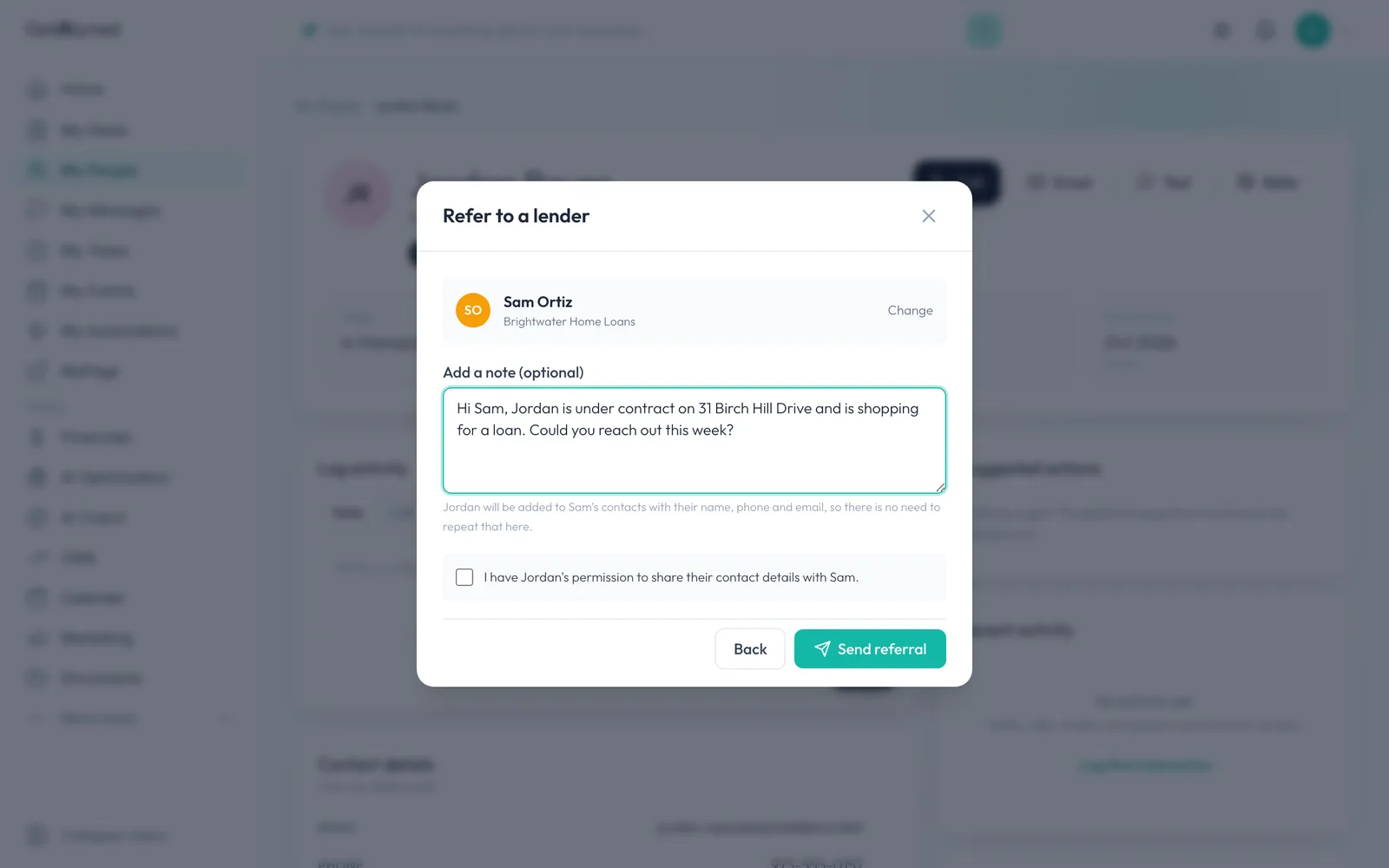
Add a note
Add a short note if you like. Their name, phone and email go across on their own.
-
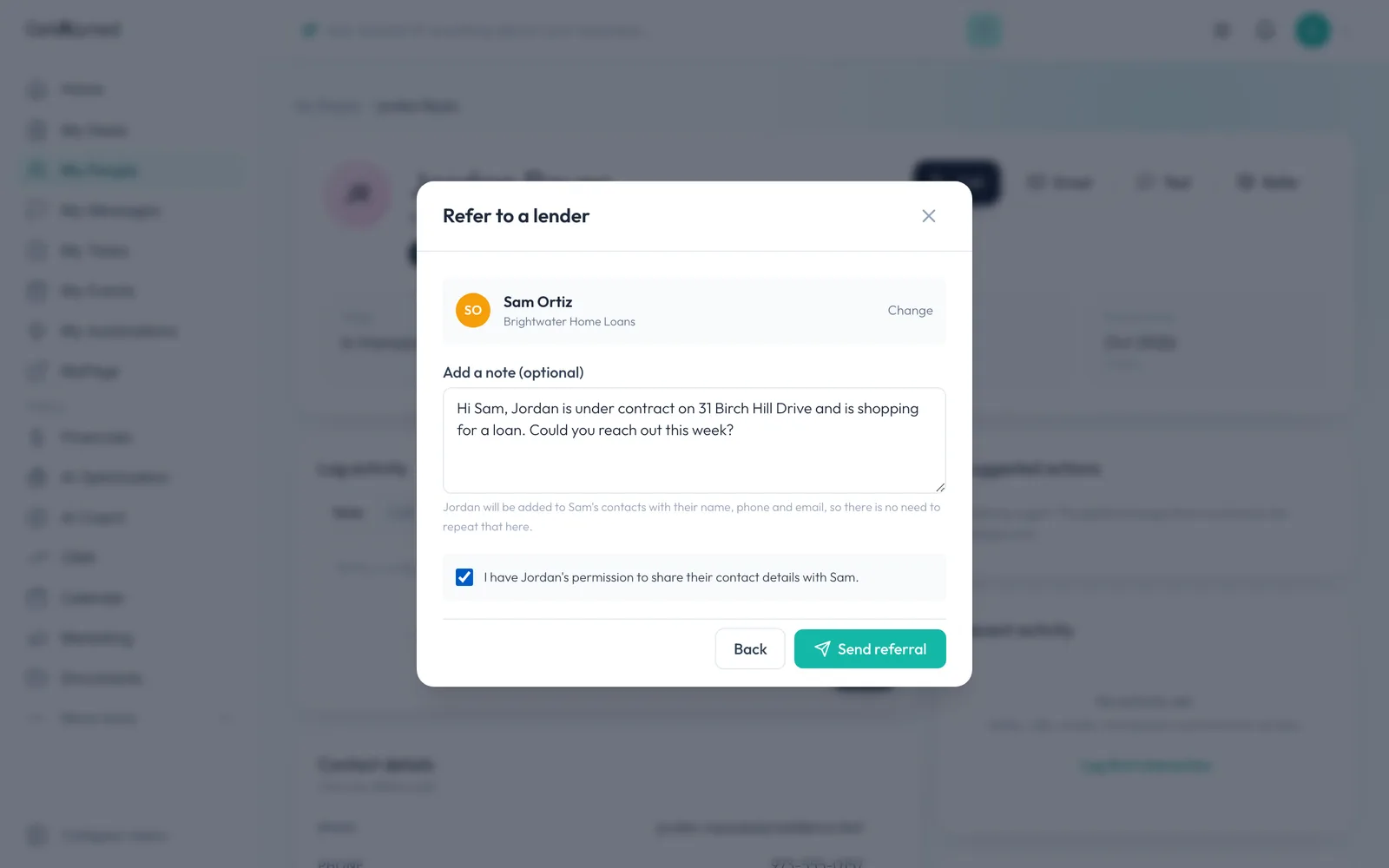
Confirm you have permission
Tick the box to confirm your client agreed to be introduced.
-
Send the referral
Click Send referral.
-
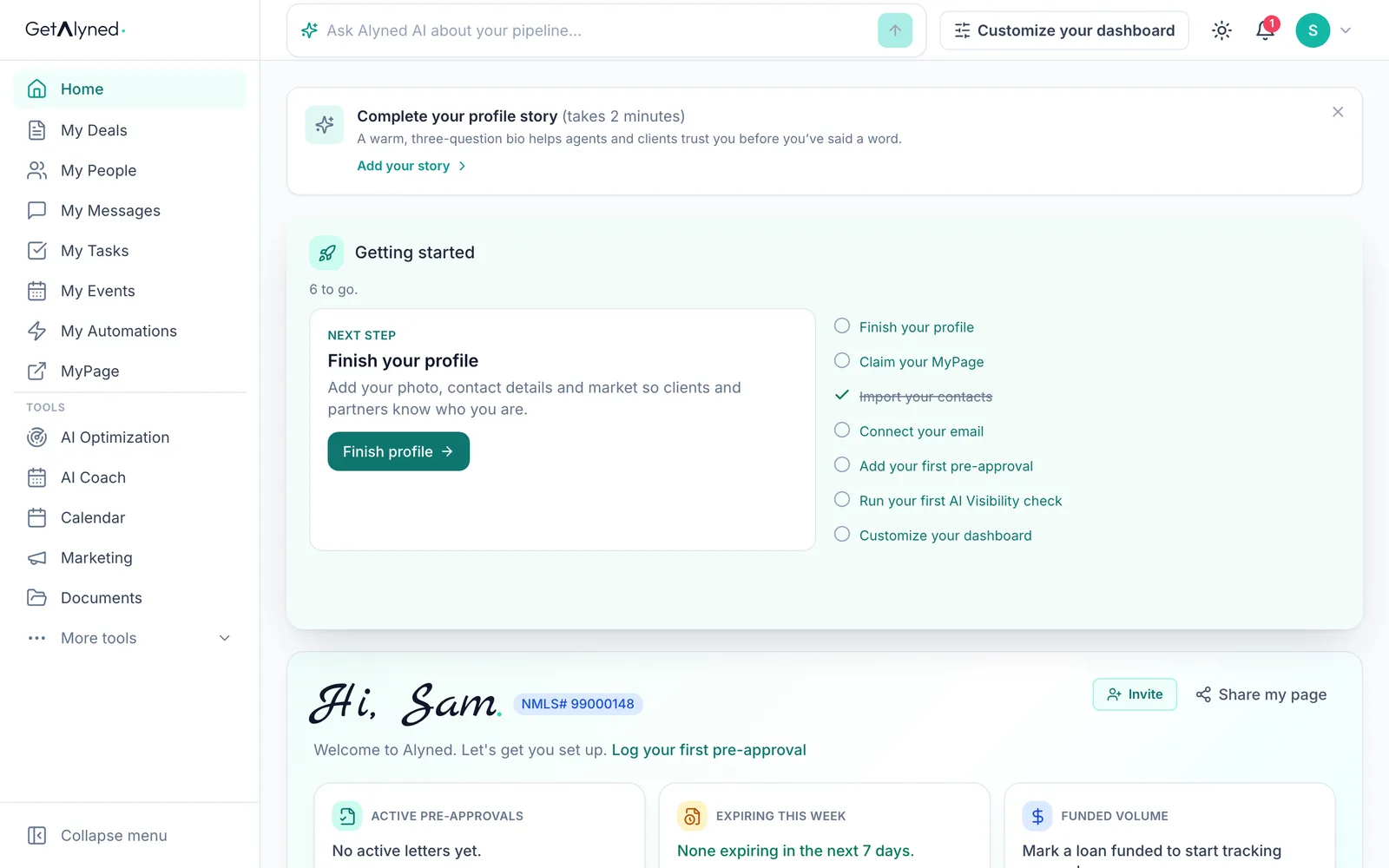
Your loan officer is told right away
On your loan officer's side, a notification arrives right away.
-
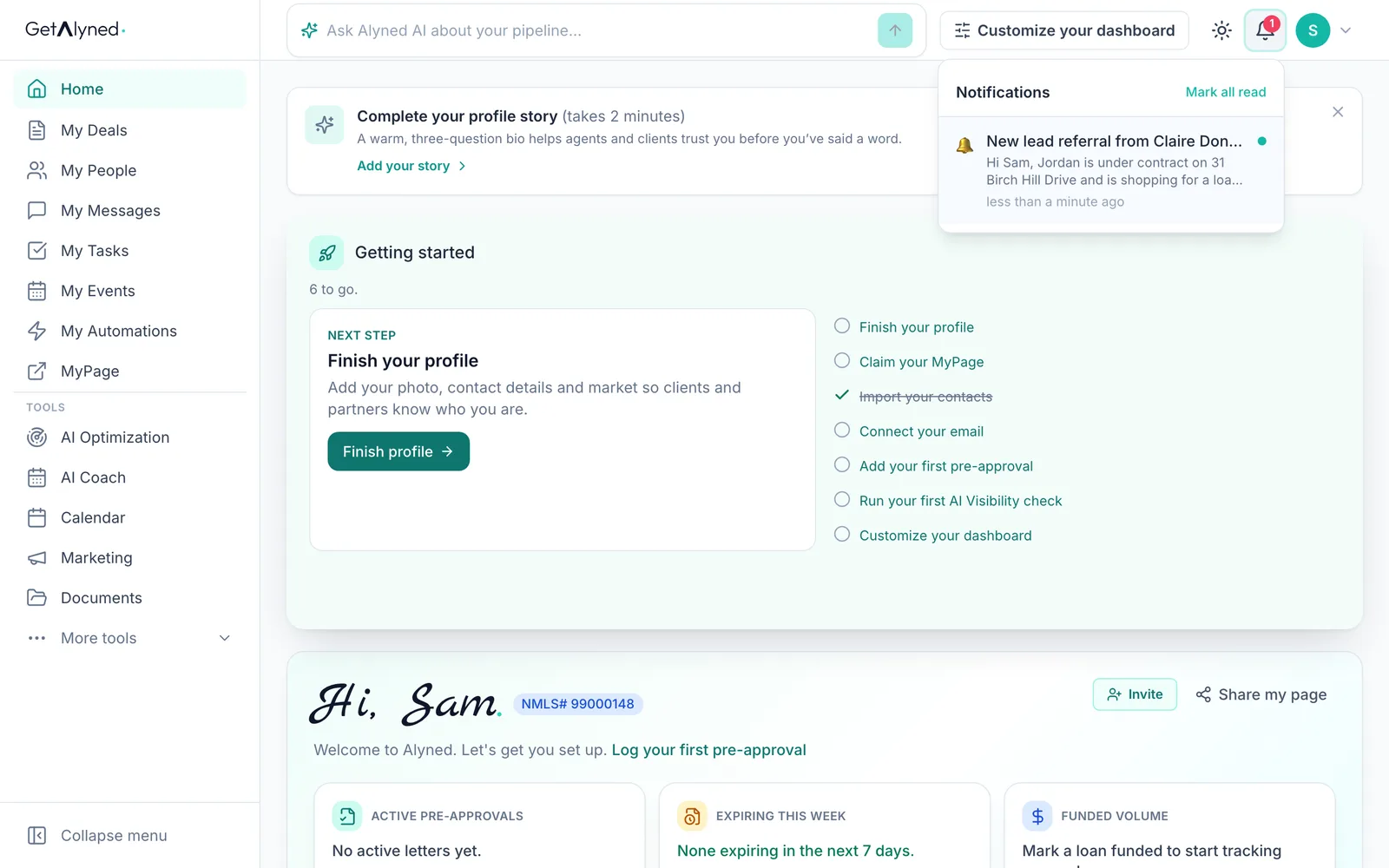
Your note comes with it
The notification shows who sent it and carries your note.
-
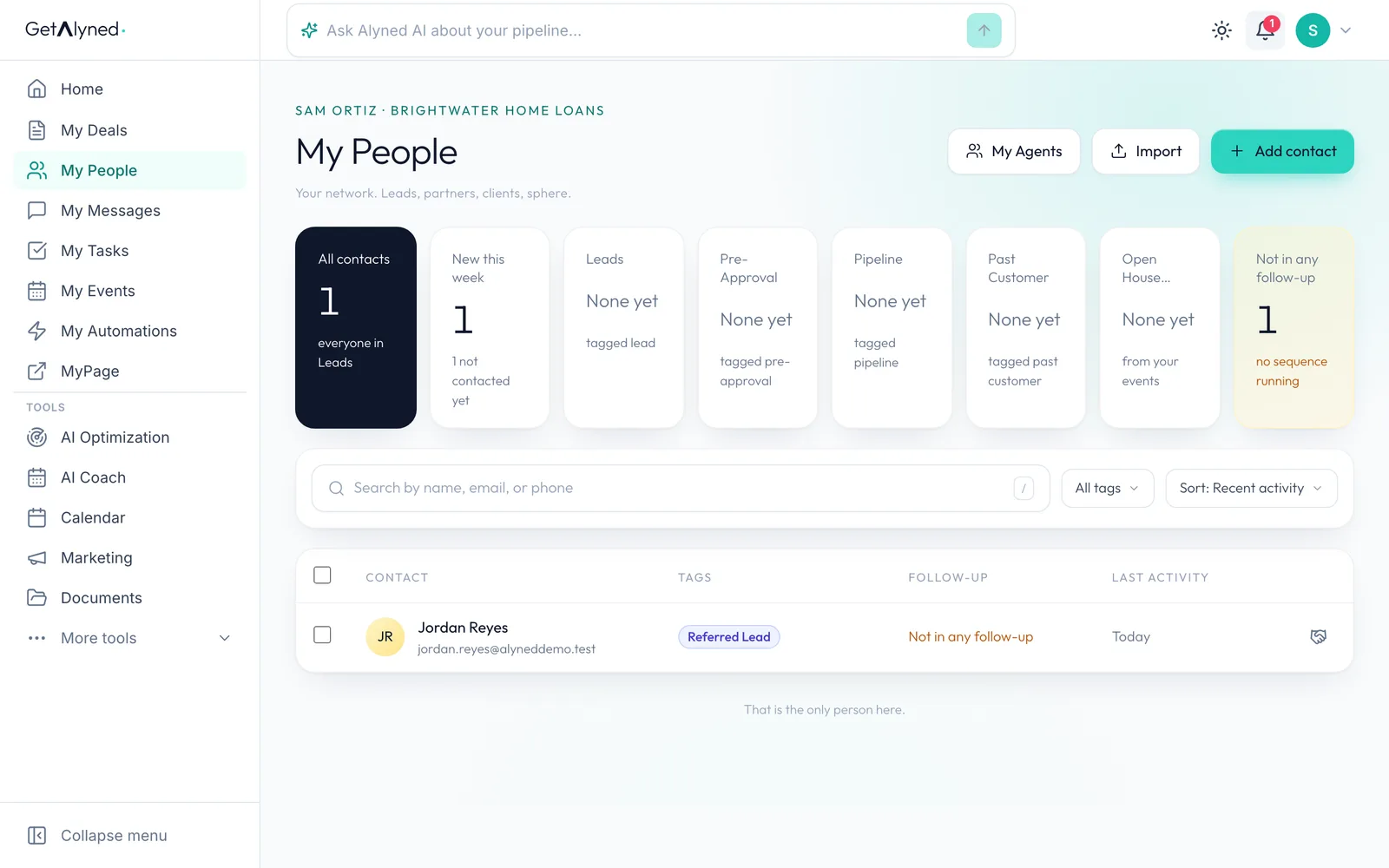
Ready for them to reach out
Your client is now in their contacts, tagged Referred Lead, ready for them to reach out.
Related guides
- Everything you can set up on a contact · Add someone to My People, then take a tour of their record: tags, details, notes, tasks, automatic follow-ups and referrals to your loan officer.
- Add your loan officer to a deal · Bring your loan officer onto a deal so their financing steps show up on your timeline and your client's, and they join the deal chat.
- Co-host an event with your loan officer · Add your loan officer as co-host on an event so you share one guest list and can both promote it.
- Start a buyer deal and use the deal chat · Set up a new purchase in a couple of minutes, bring in your client and your loan officer, and post your first update where everyone on the deal can see it.