Co-host an event with your loan officer
For agents · 2 min
Add your loan officer as co-host on an event so you share one guest list and can both promote it.
Watch
Or read it step by step
-
Open your event
On My Events, click Manage event.
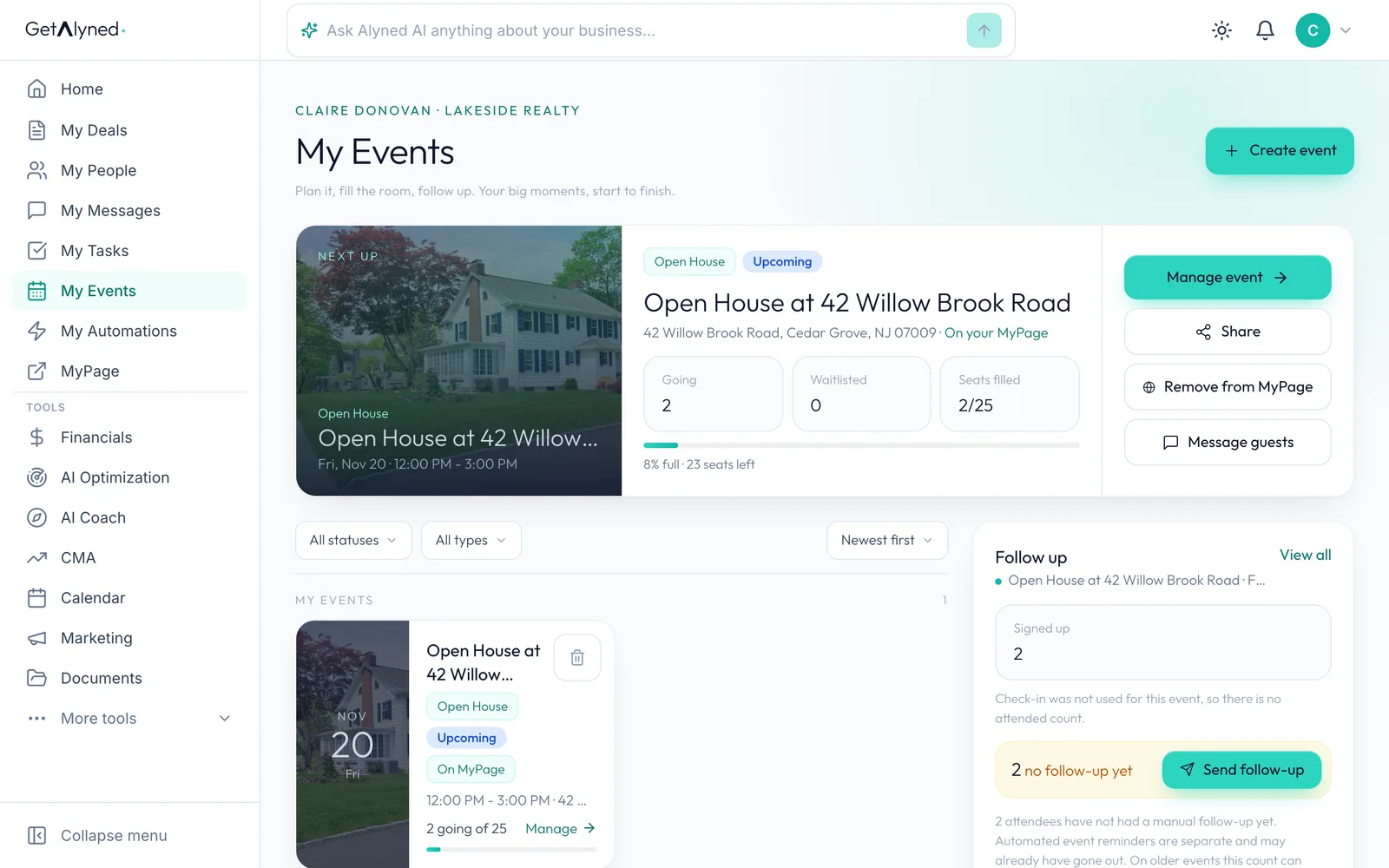
-
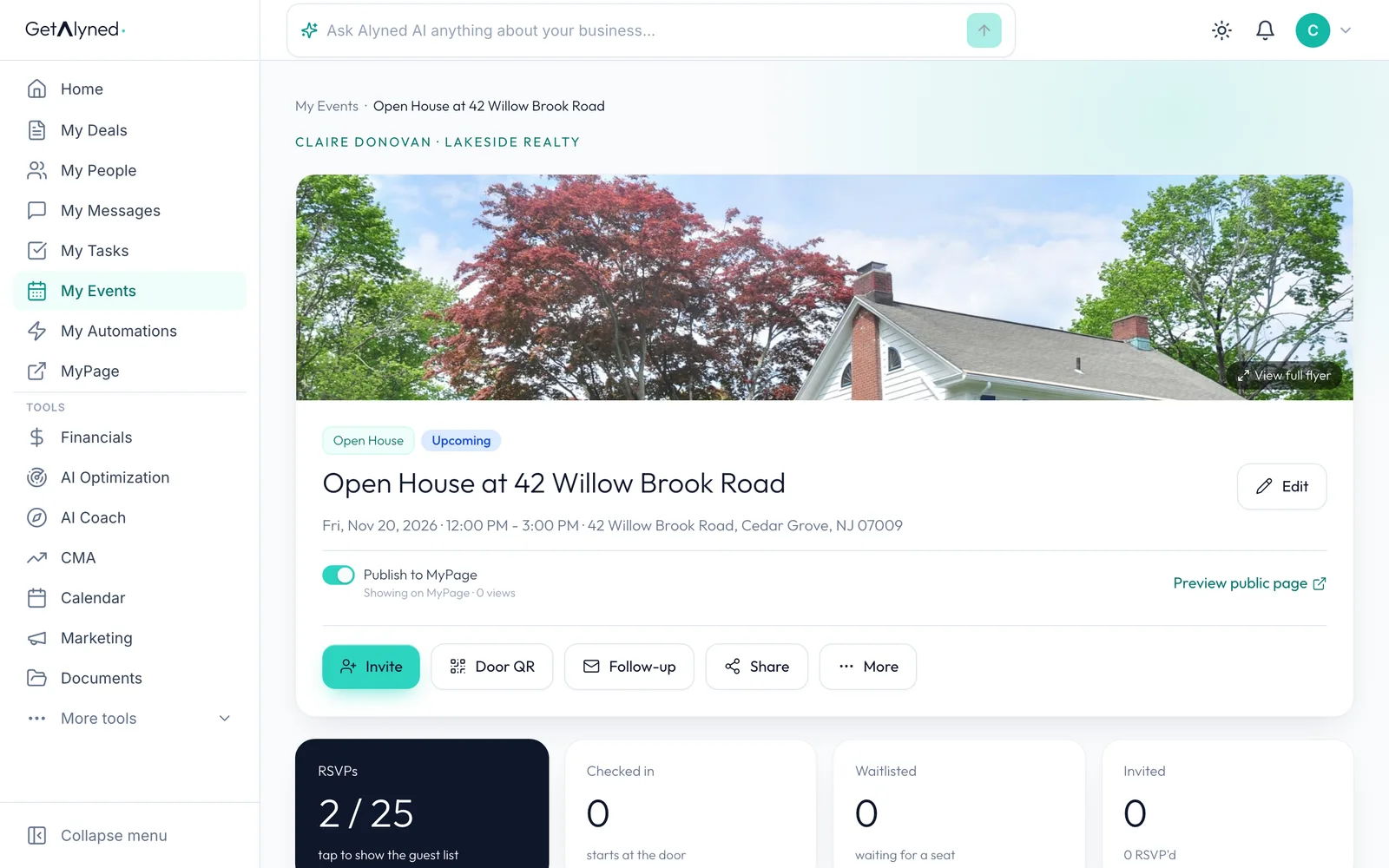
Click Edit
The co-host is set in Edit.
-
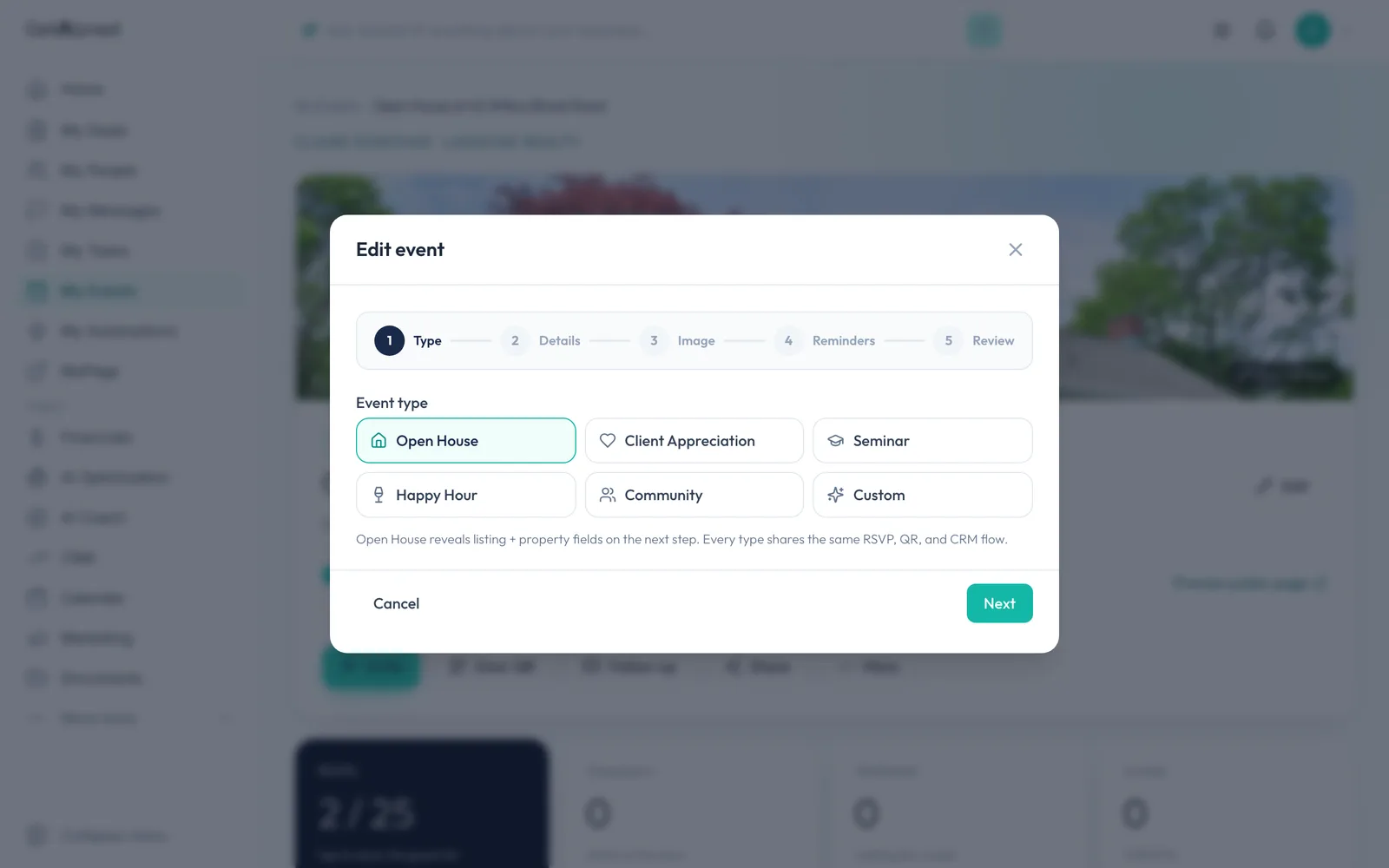
Click Next
Click Next to reach the details.
-
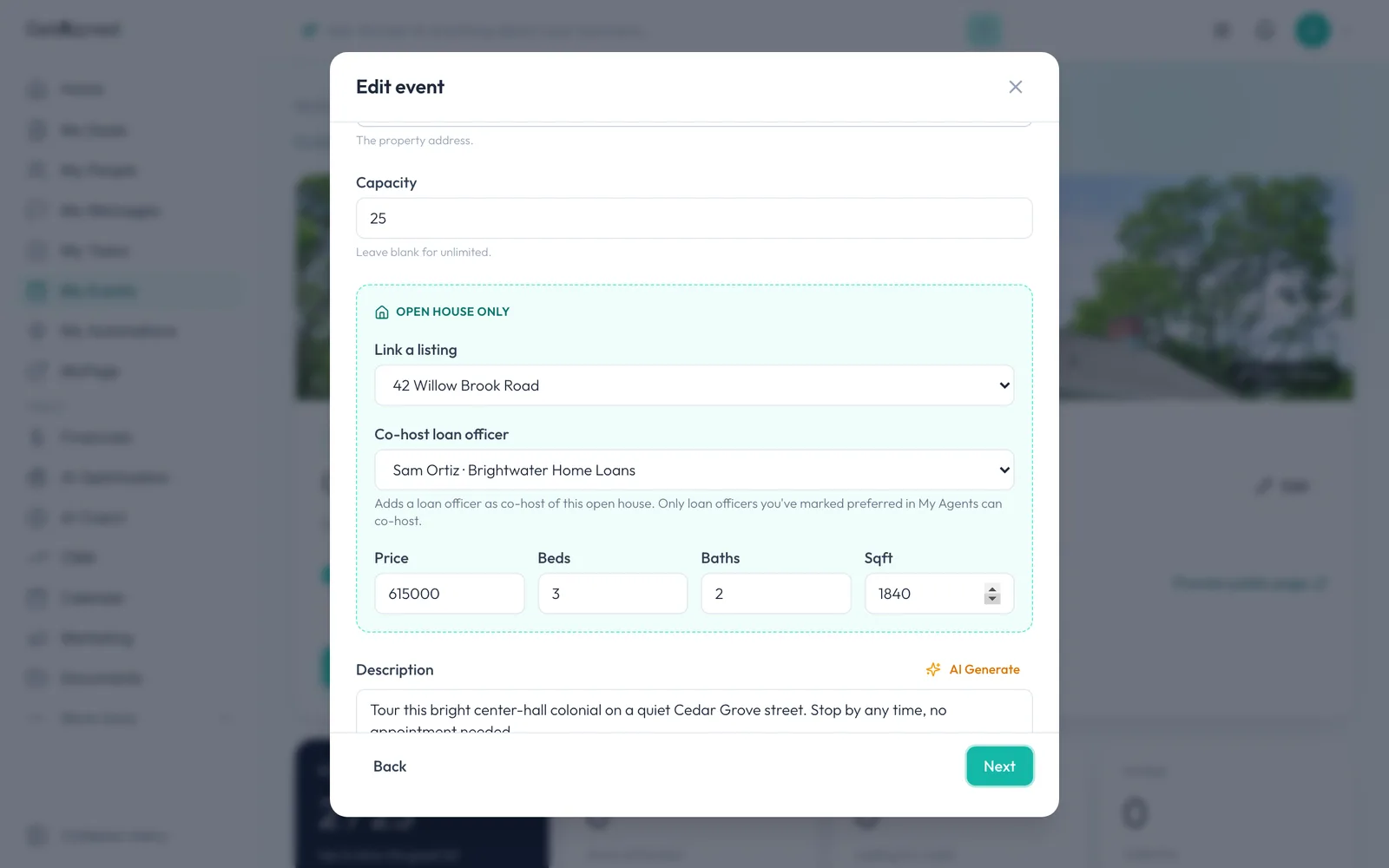
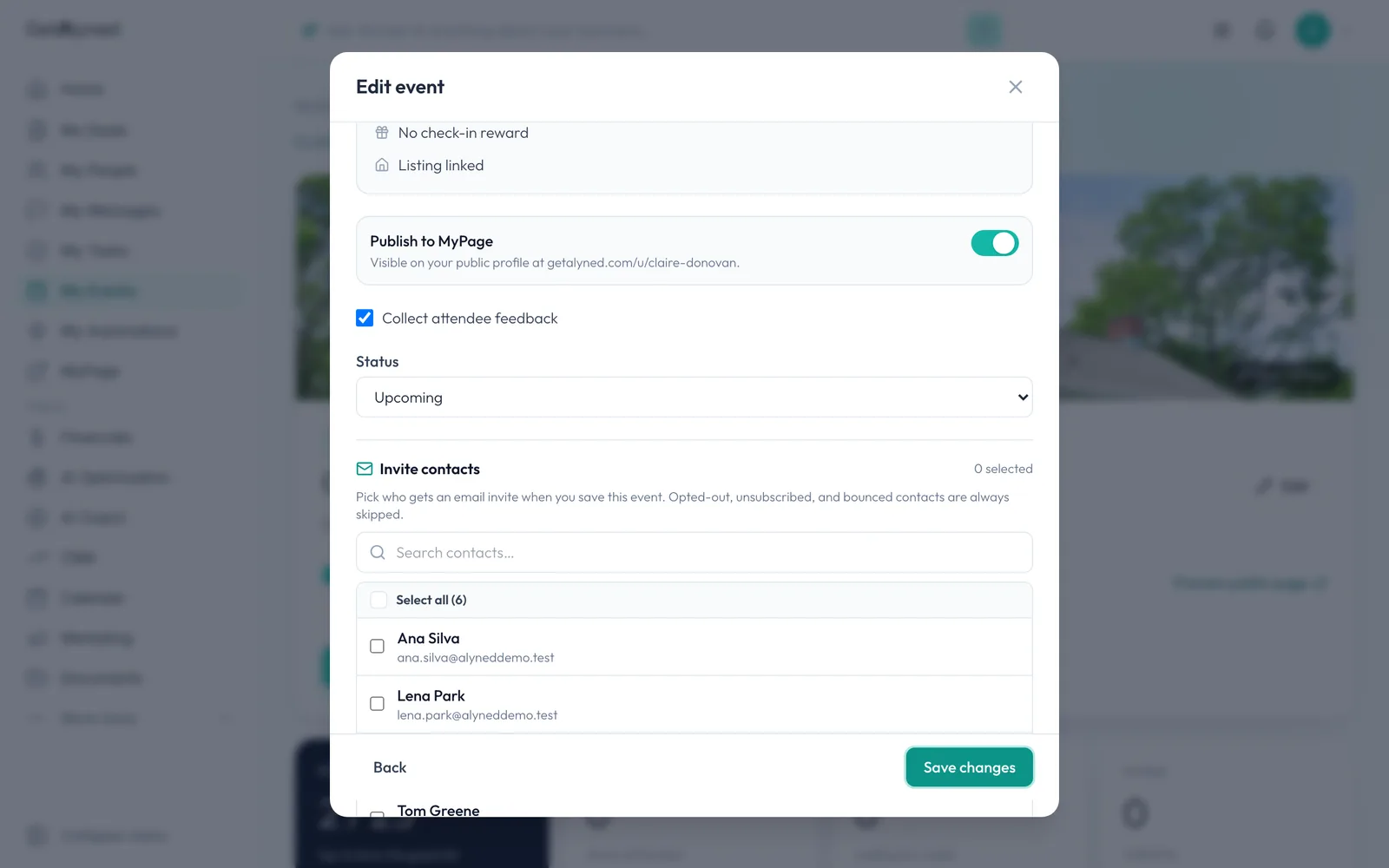
Pick your loan officer
Under Co-host loan officer, pick yours. Only loan officers you've marked preferred in your network can co-host.
-
Save changes
Click Save changes on the last step. Your loan officer is told they're co-hosting.
-
On your loan officer's side
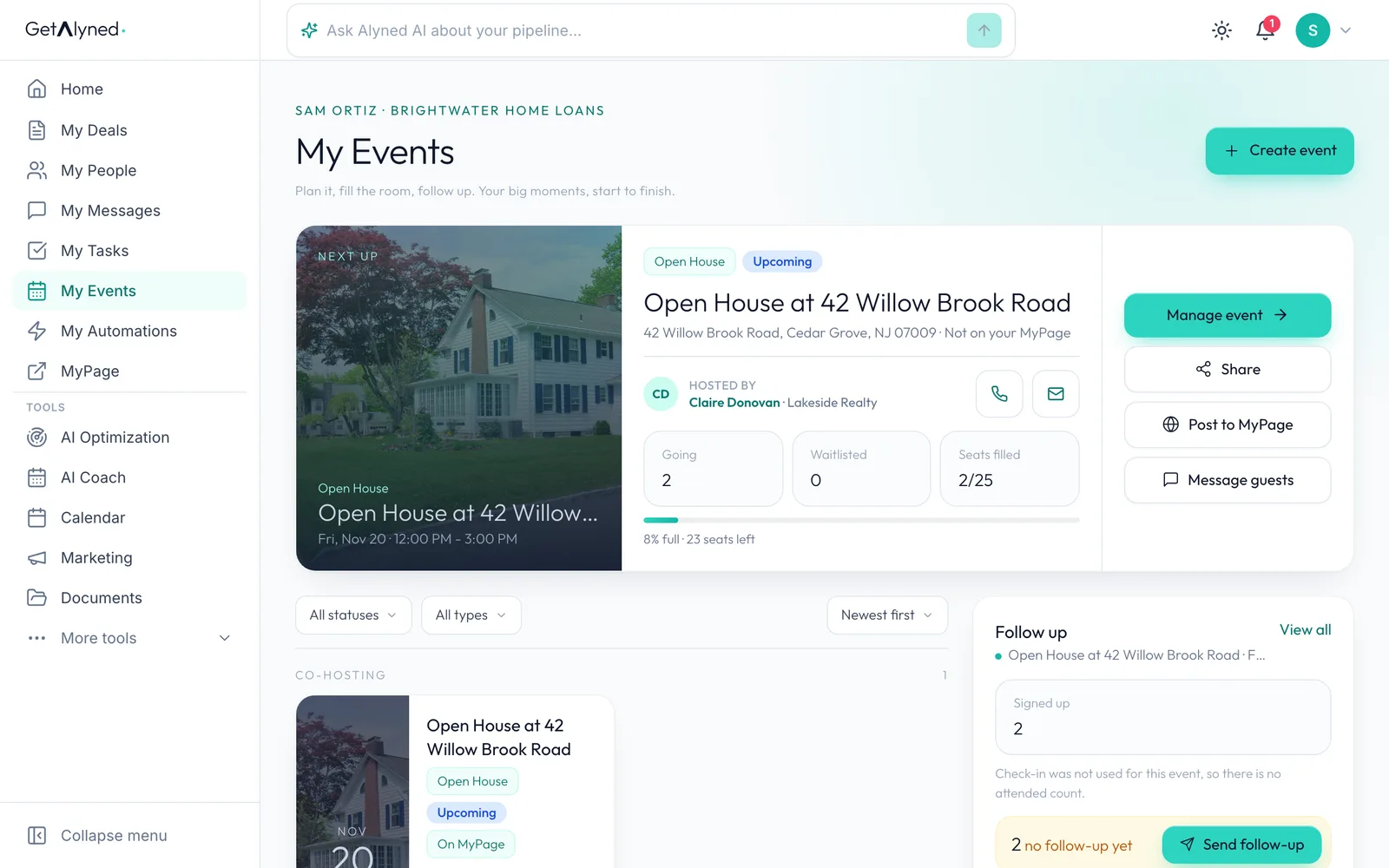
Your loan officer sees the event in their own My Events, hosted by you.
-
Listed under Co-hosting
It's listed under Co-hosting.
-
They open the event
They click Manage event.
-
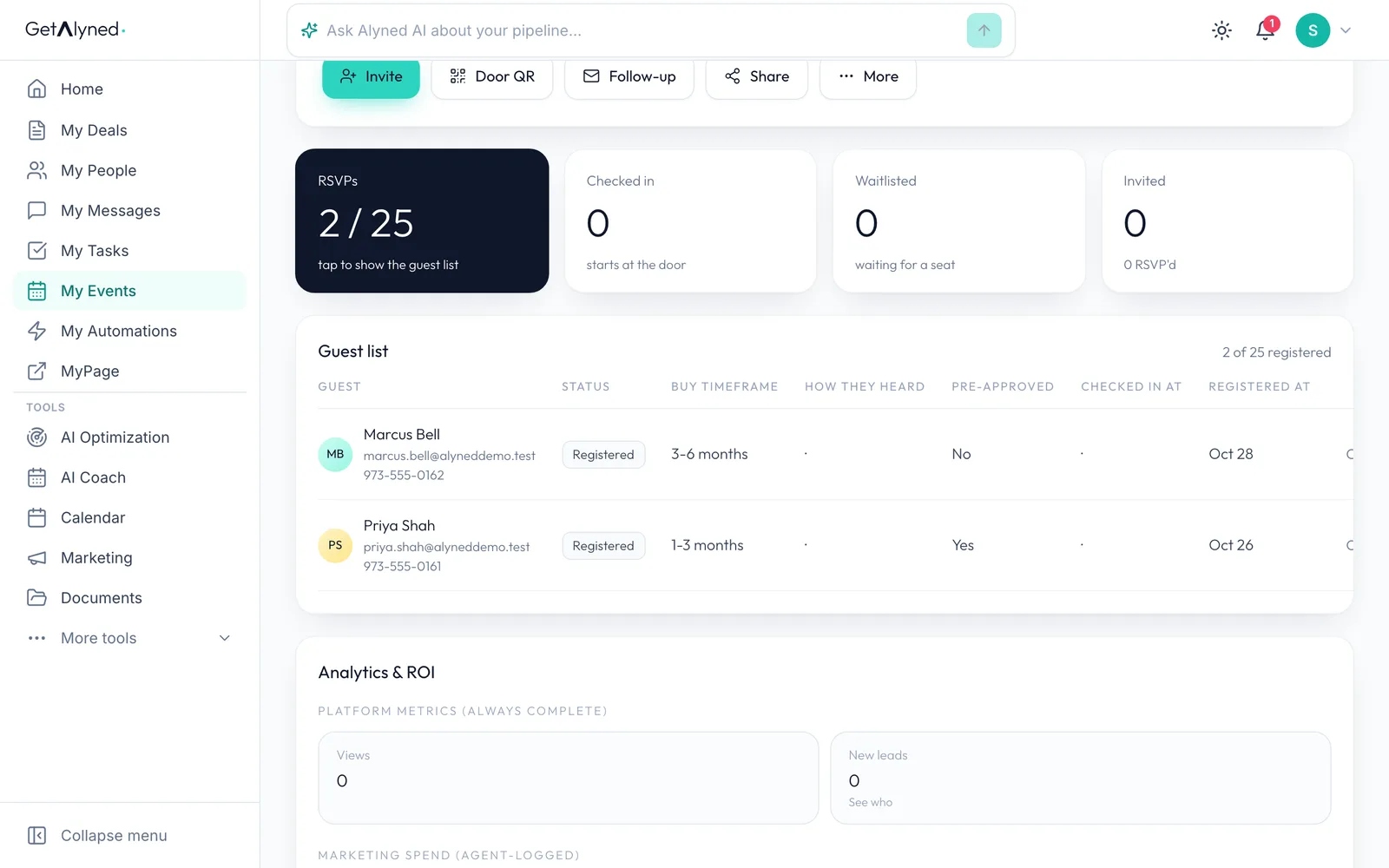
One shared guest list
You share one guest list, so you both see every RSVP and check-in.
-
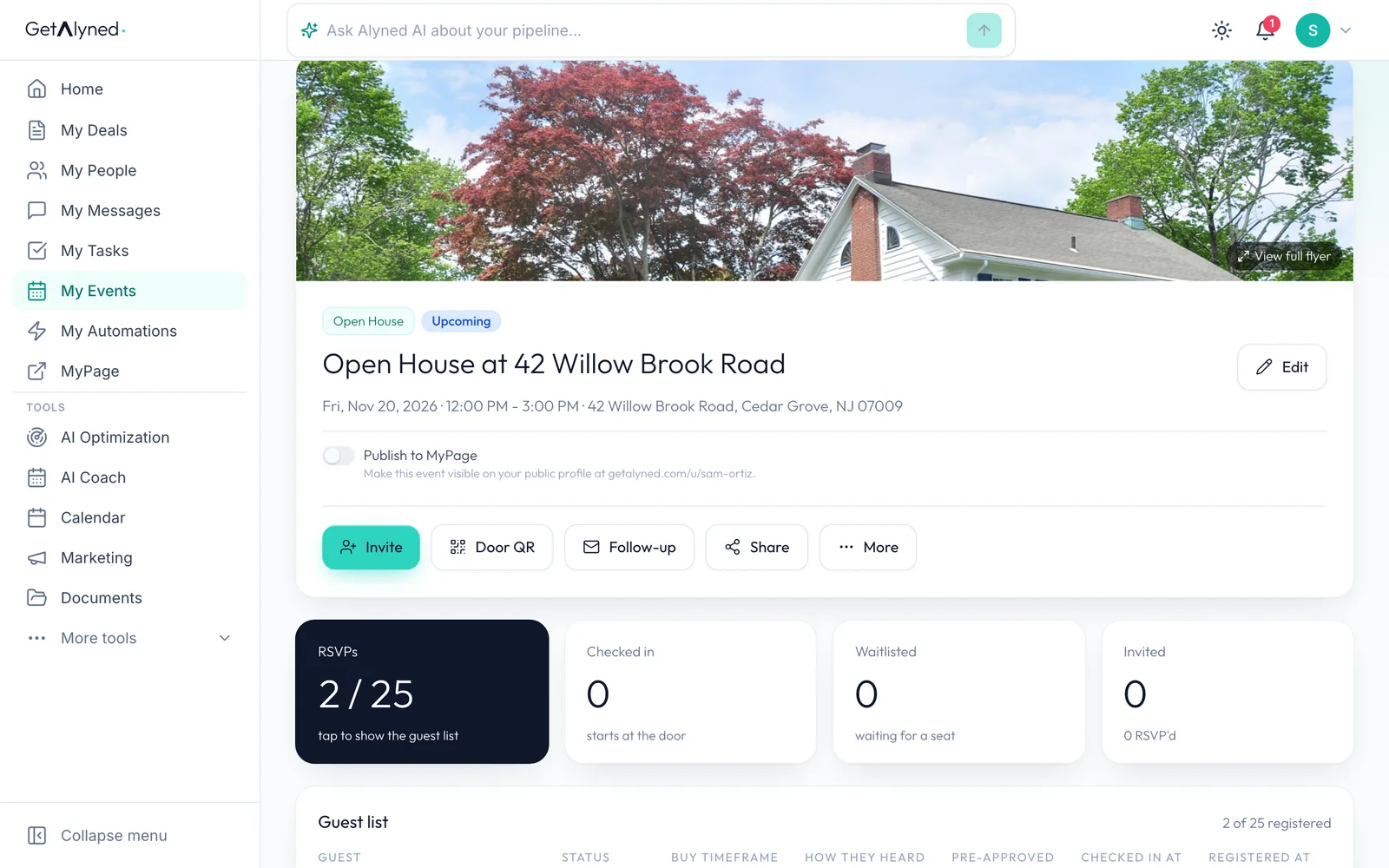
On their MyPage too
Your loan officer can also show the event on their own MyPage with Publish to MyPage.
Related guides
- Create an event, make its flyer, and get it on your MyPage · Plan an open house, turn your photo into a branded flyer with a QR code, and publish it to your MyPage so people can RSVP, all in one flow.
- Invite contacts and track RSVPs · Email your contacts an invitation to your event, then watch the RSVPs, guest list and waitlist fill in.
- Sign visitors in at the door · Turn a QR code or a tablet into your open house sign-in sheet, so every visitor becomes a contact you can follow up with.
- Refer a contact to your loan officer · Send a client's details to a loan officer you work with, with a note, in a few clicks.