Invite contacts and track RSVPs
For agents · 3 min
Email your contacts an invitation to your event, then watch the RSVPs, guest list and waitlist fill in.
Watch
Or read it step by step
-
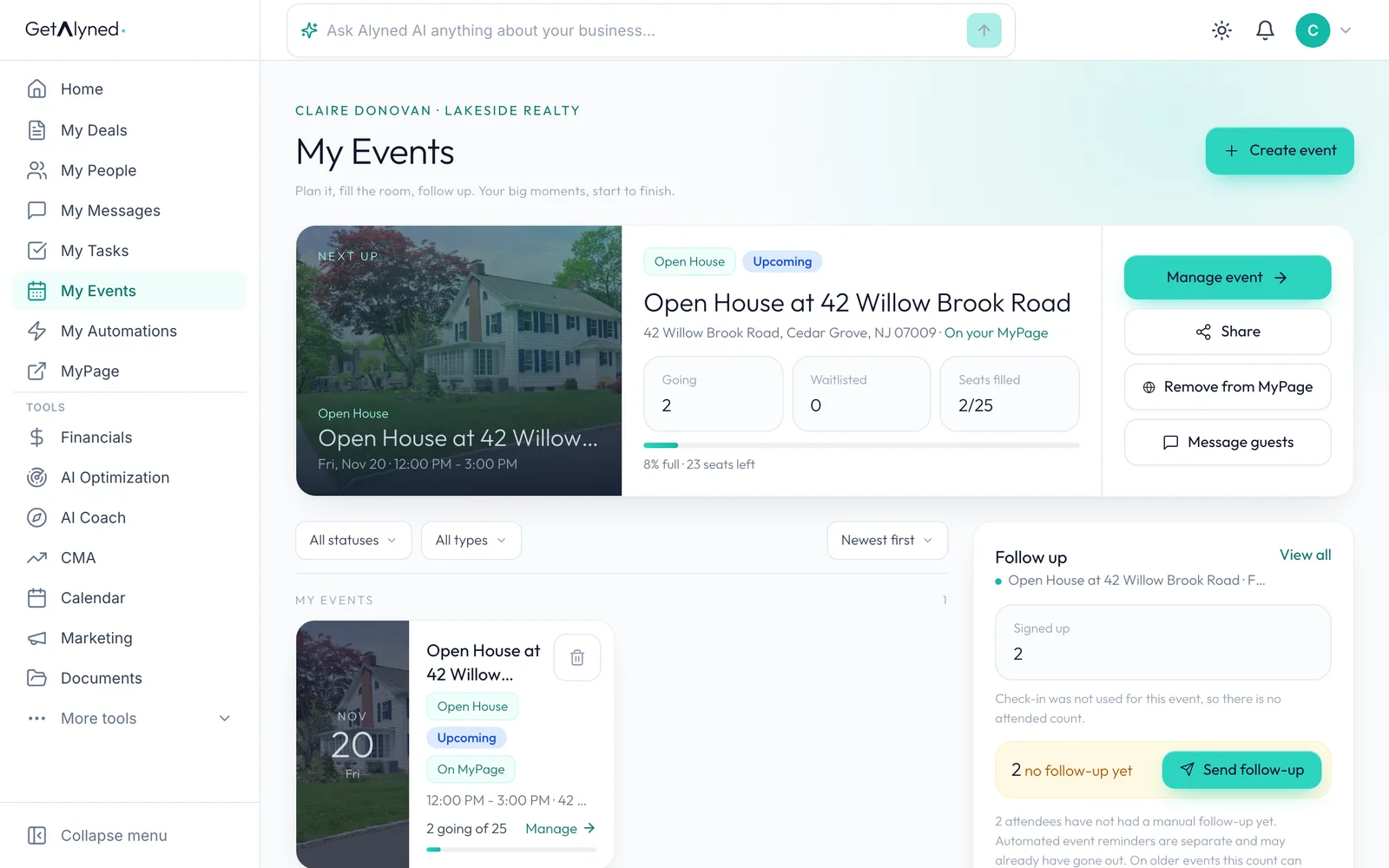
Open your event
Your next event is at the top of My Events. Click Manage event.
-
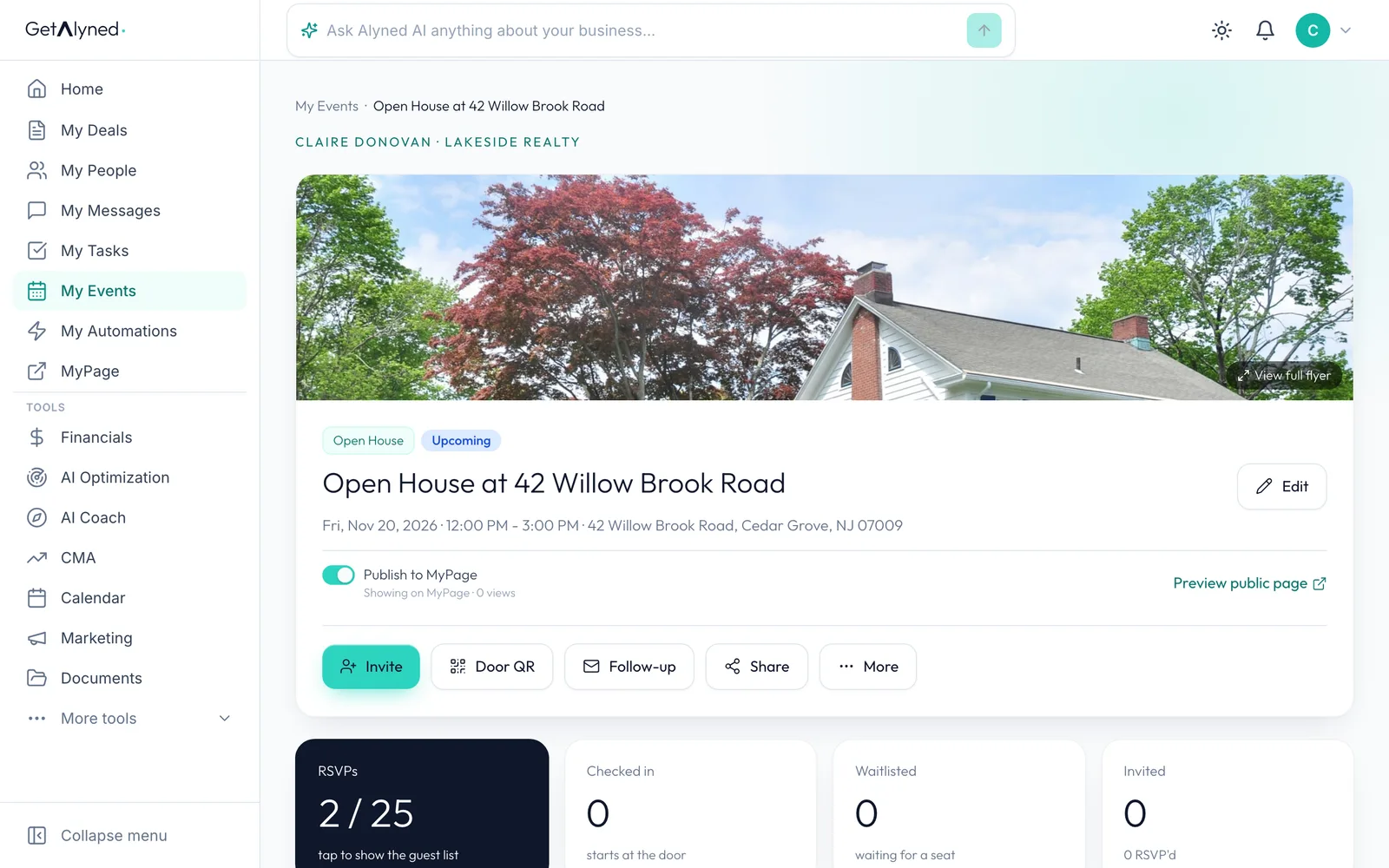
Click Invite
Invite emails your contacts an invitation with an RSVP button.
-
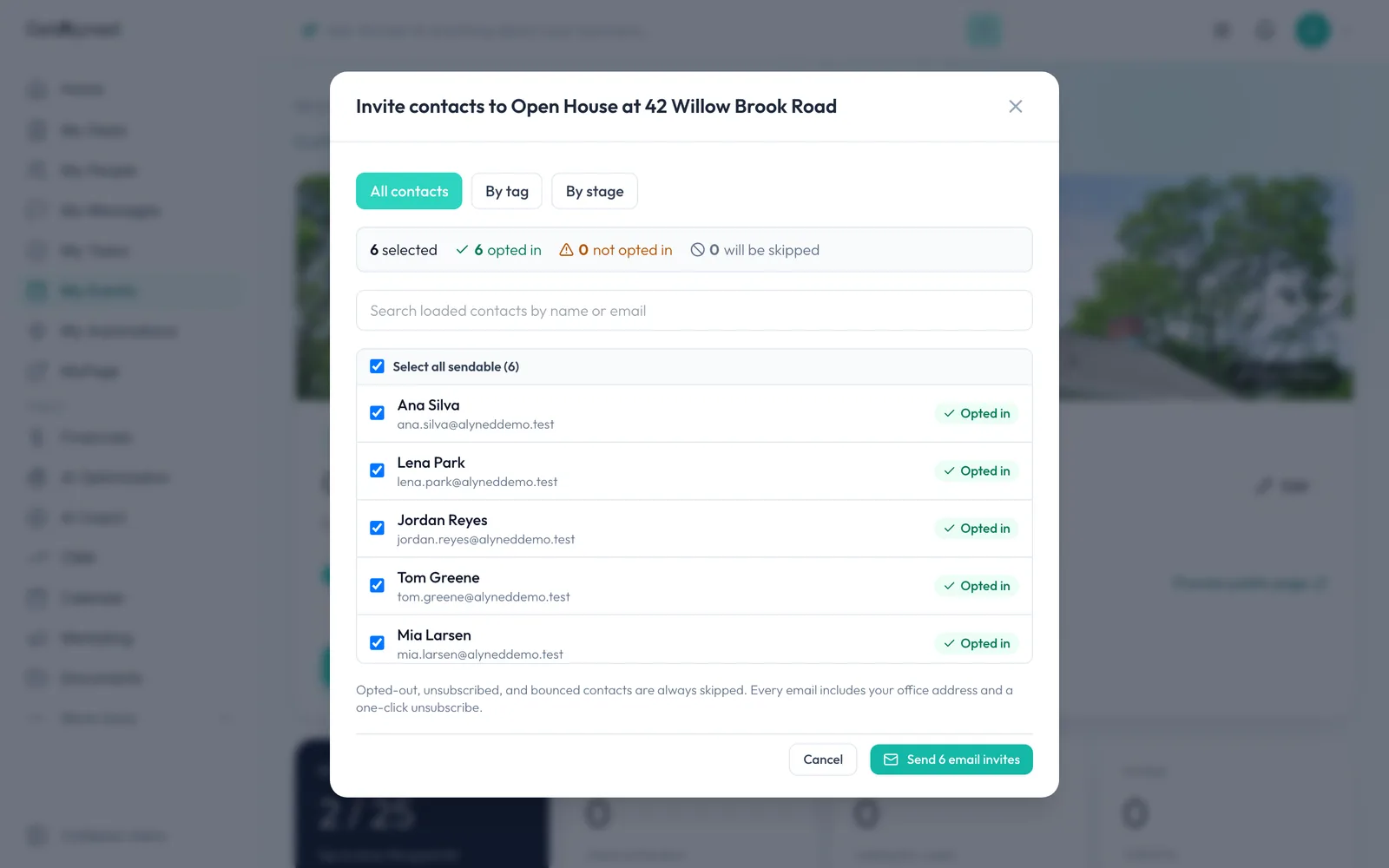
Everyone you can email
All contacts lists everyone you can email. People who opted out or bounced are left off for you.
-
Or invite a group
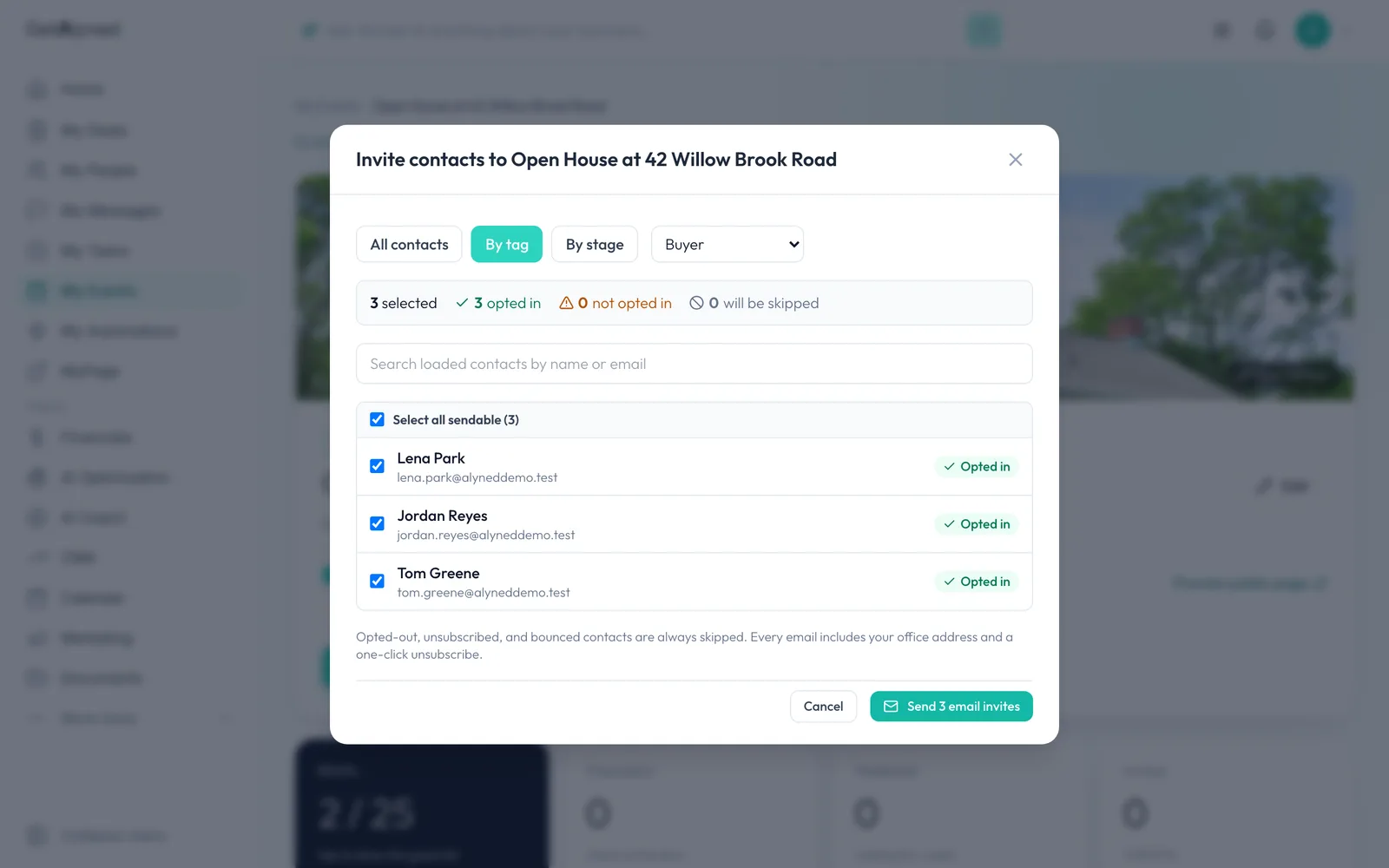
To invite a group instead, click By tag. You can also invite by stage.
-
Pick a tag
Choose the tag for the group you want, like buyers.
-
Check who's included
Only contacts with that tag are listed and ticked. Untick anyone you want to leave out.
-
Send the invitations
Click Send 3 email invites. The button counts who's ticked. Every invitation carries your office address and an unsubscribe link.
-
Invited is counted
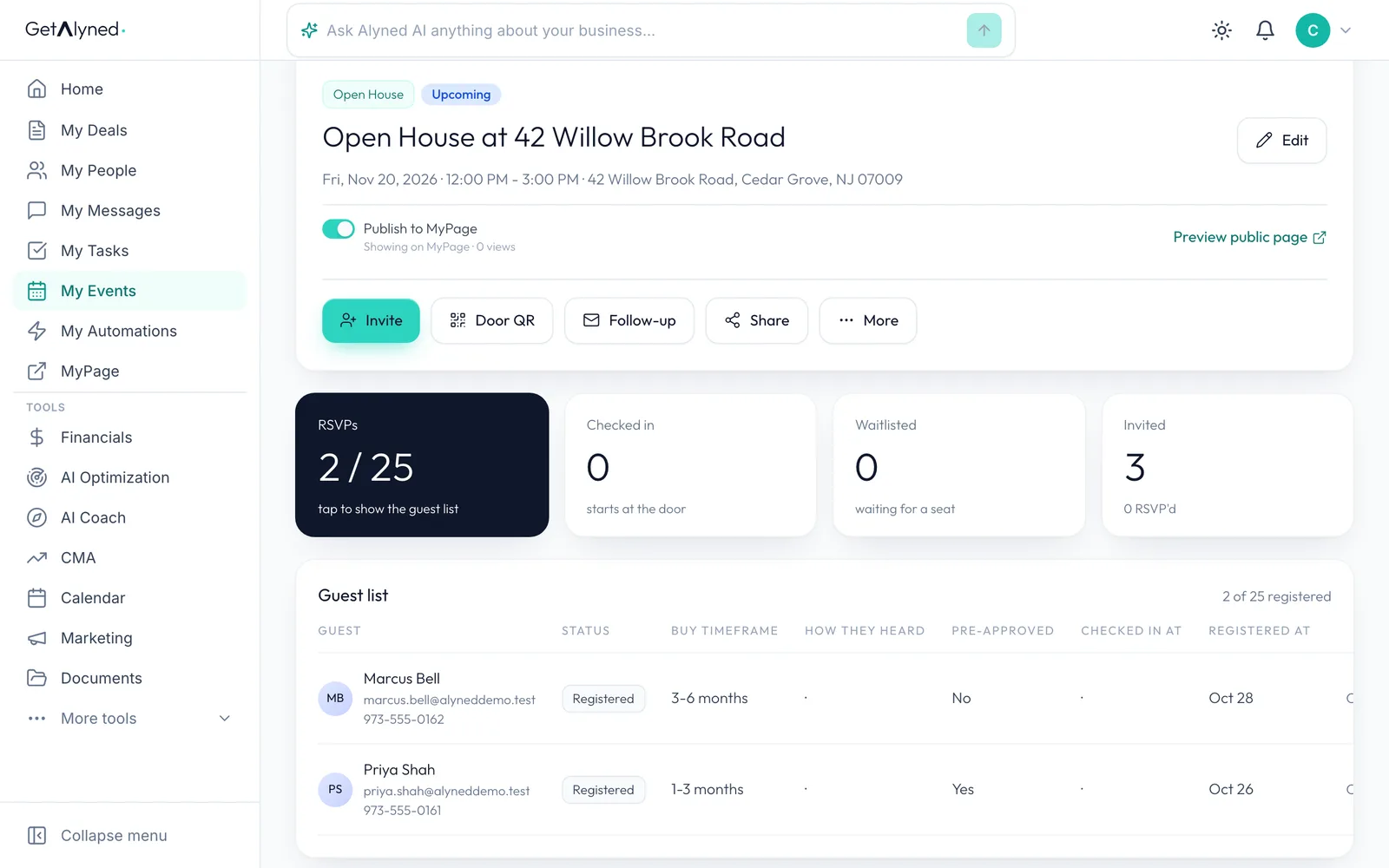
Invited counts who you invited and how many of them RSVP.
-
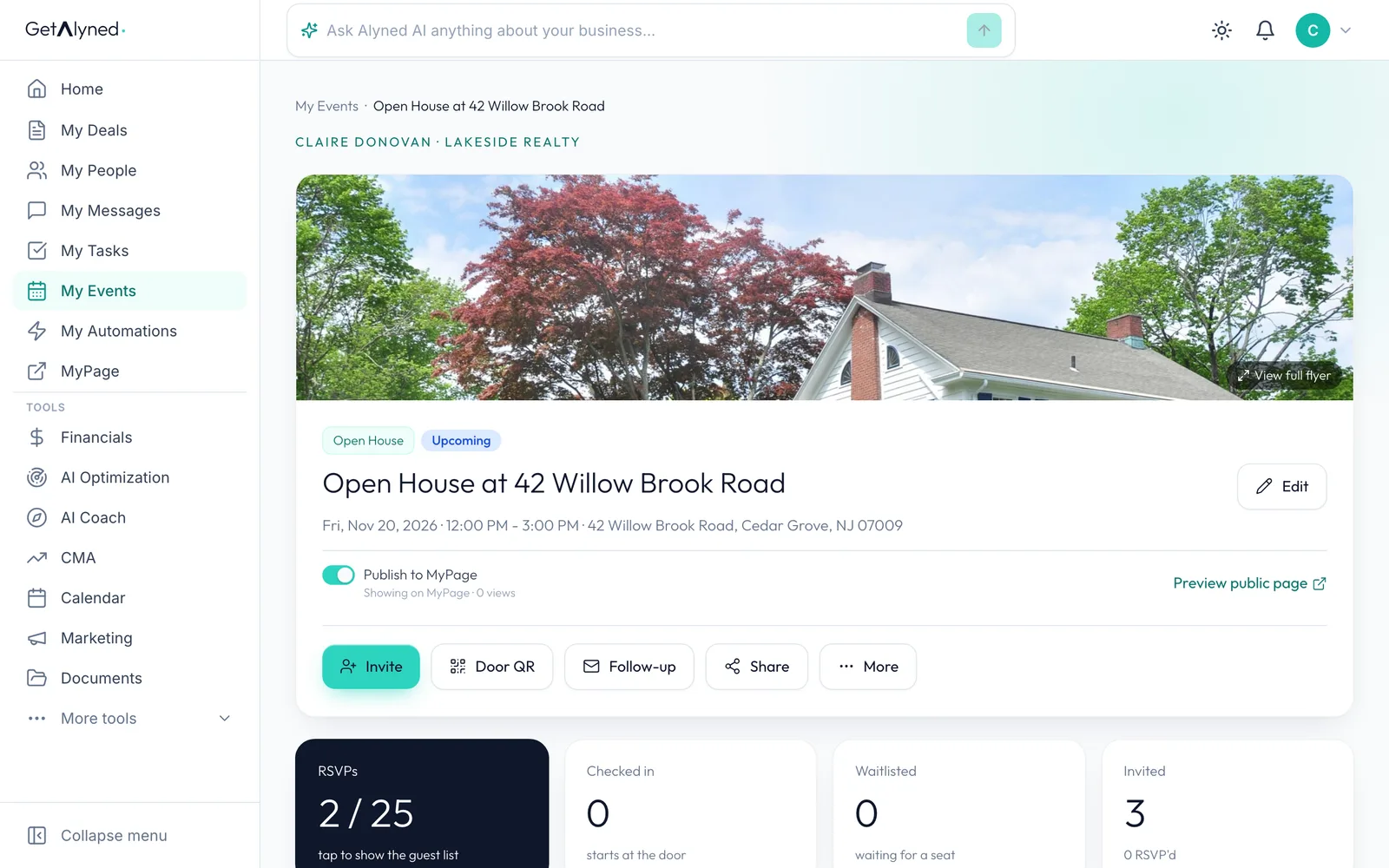
Back to My Events
Click My Events.
-
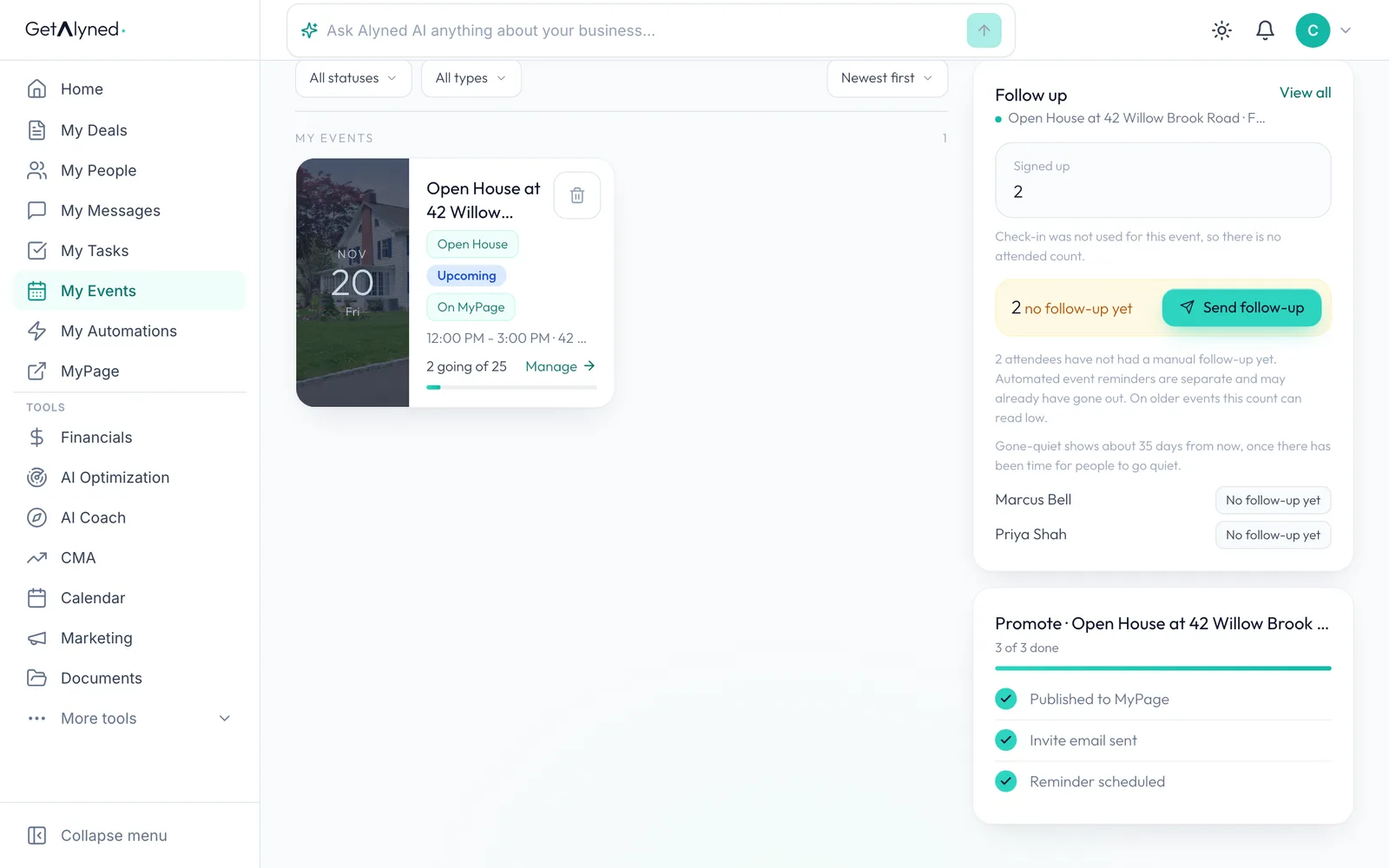
The Promote checklist
The Promote checklist ticks off each way of filling the room: published to MyPage, invitations sent and reminders scheduled.
-
Open the event again
Click Manage event.
-
See your RSVPs
RSVPs shows how many are coming against the event's capacity. Click it for the guest list.
-
The guest list
Each RSVP shows their timeframe, whether they're pre-approved, and when they registered. Cancel removes someone.
-
The waitlist
When the event is full, new RSVPs join the waitlist and move up when a seat opens. Set the capacity in Edit.
Related guides
- Create an event, make its flyer, and get it on your MyPage · Plan an open house, turn your photo into a branded flyer with a QR code, and publish it to your MyPage so people can RSVP, all in one flow.
- Sign visitors in at the door · Turn a QR code or a tablet into your open house sign-in sheet, so every visitor becomes a contact you can follow up with.
- Co-host an event with your loan officer · Add your loan officer as co-host on an event so you share one guest list and can both promote it.
- Send a bulk email · Write one email, pick who gets it, check the list and send it, with every person getting their own copy.