Sign visitors in at the door
For agents · 3 min
Turn a QR code or a tablet into your open house sign-in sheet, so every visitor becomes a contact you can follow up with.
Watch
Or read it step by step
-
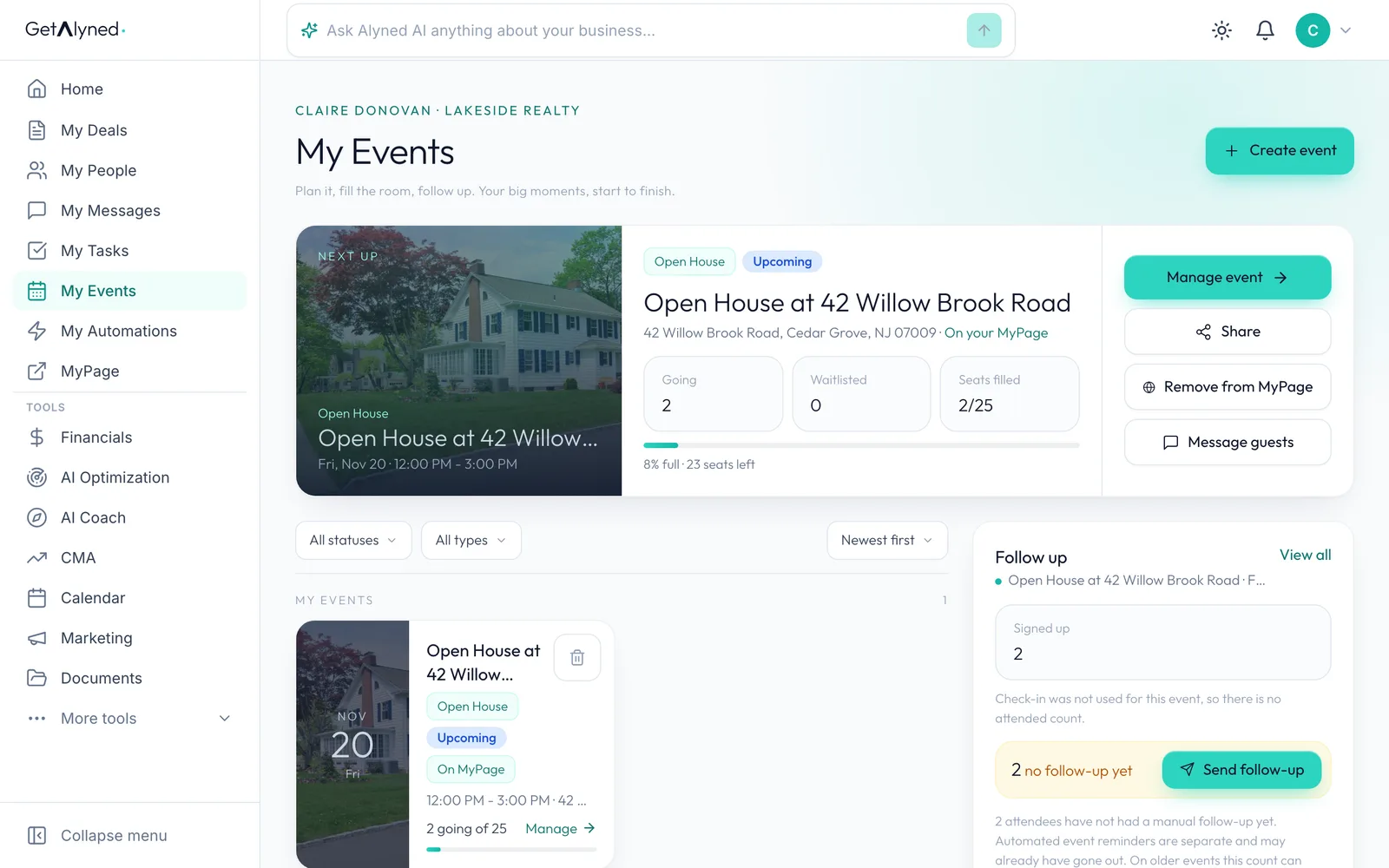
Open your event
On My Events, click Manage event.
-
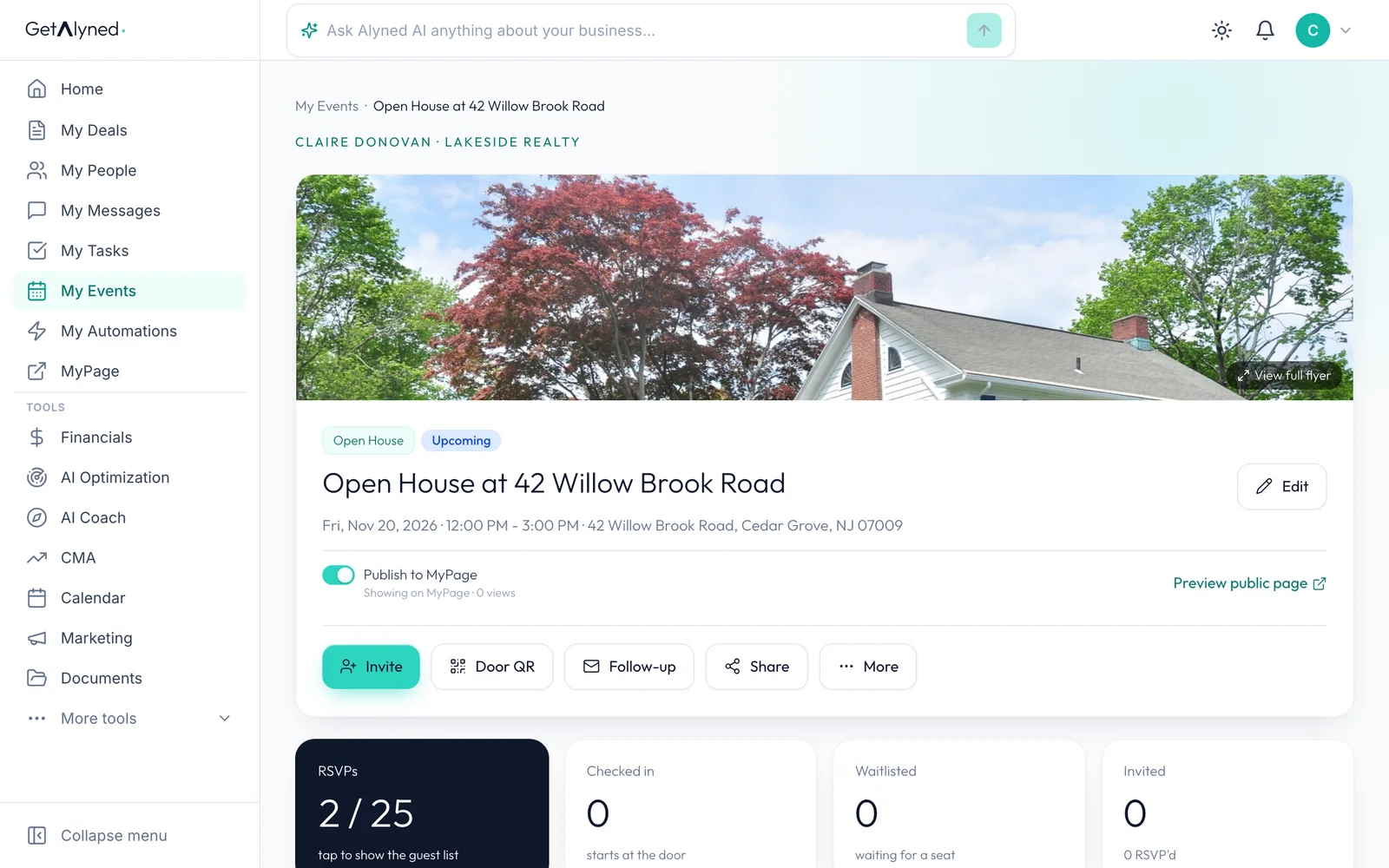
Click Door QR
Door QR is for signing people in on the day.
-
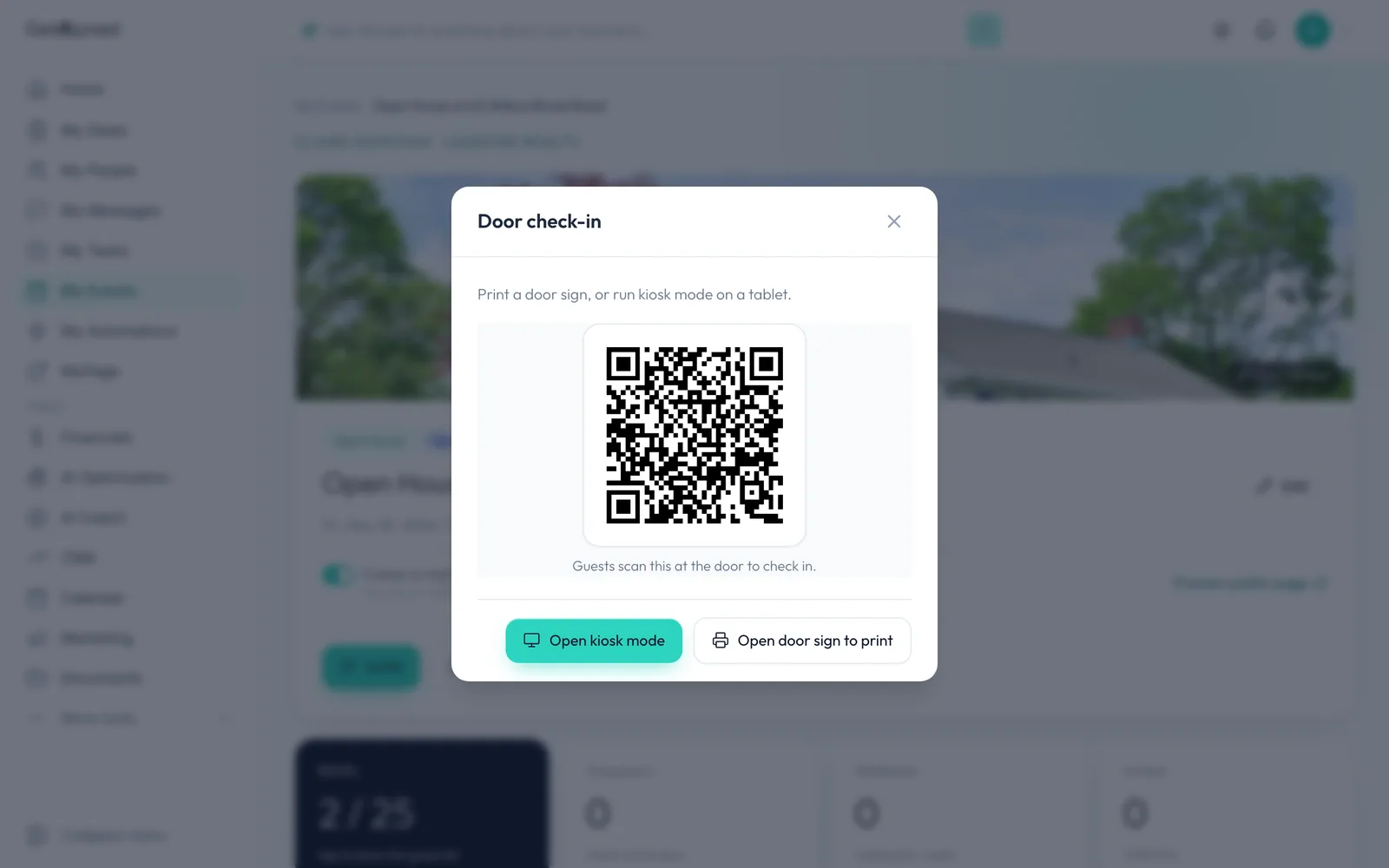
The door QR code
Visitors scan this code with their phone camera to sign in. Open door sign to print gives you a sign with the same code.
-
Open kiosk mode
Open kiosk mode turns a tablet into a sign-in station. It opens in its own tab.
-
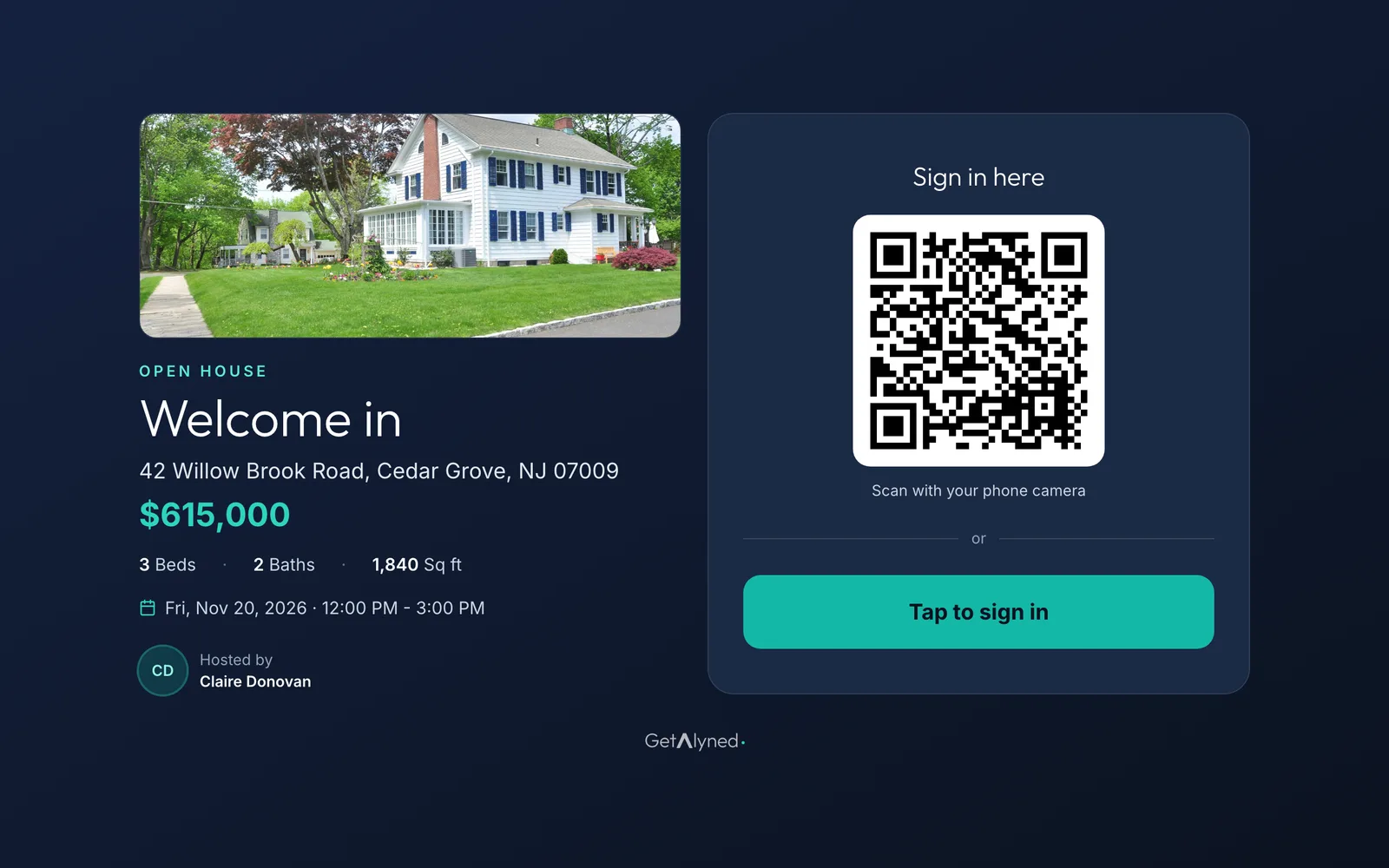
Set the tablet by the door
Visitors can scan the code or tap to sign in on the tablet.
-
A visitor taps to sign in
The visitor taps Tap to sign in.
-
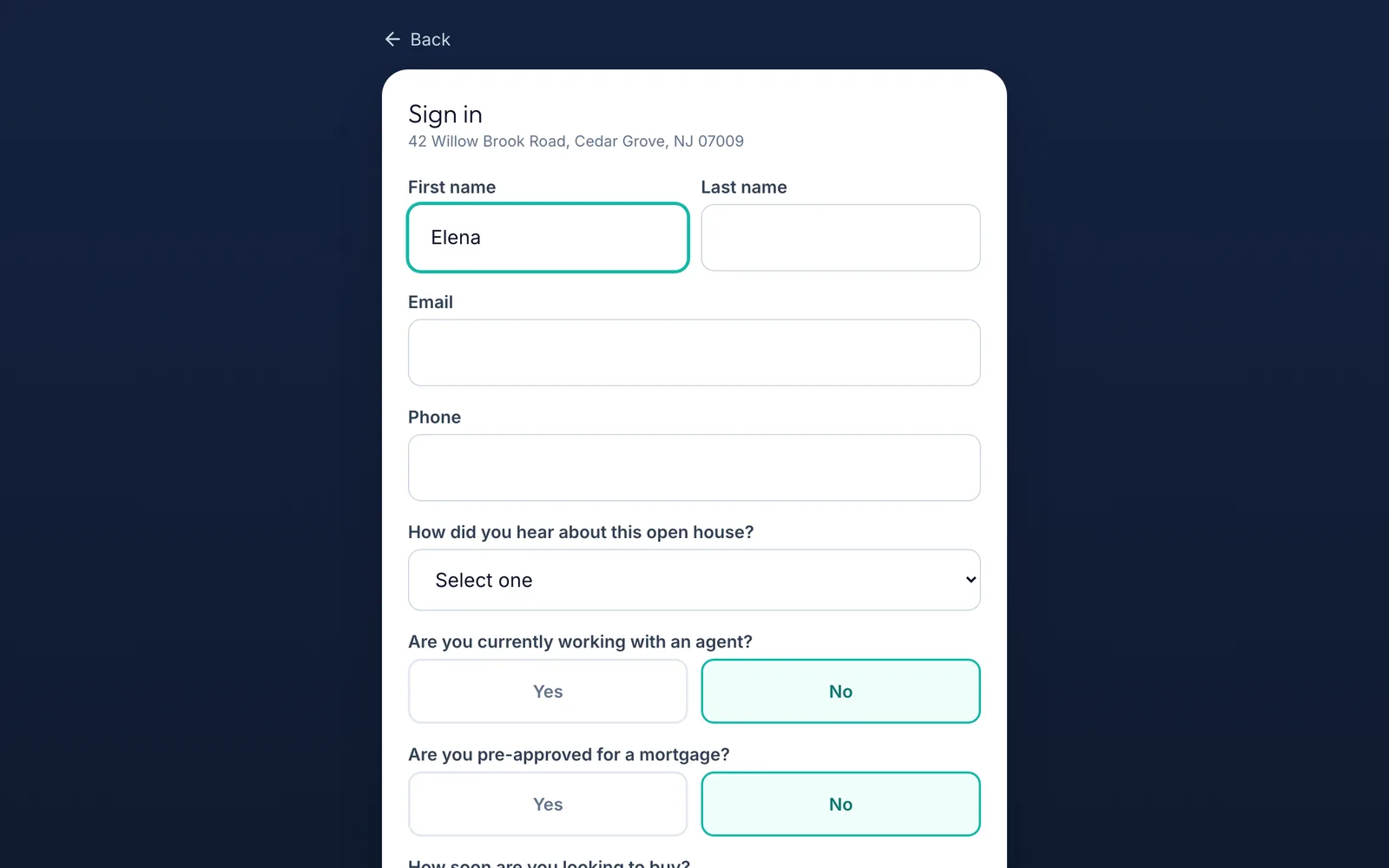
They add their details
They fill in their name, email and phone.
-
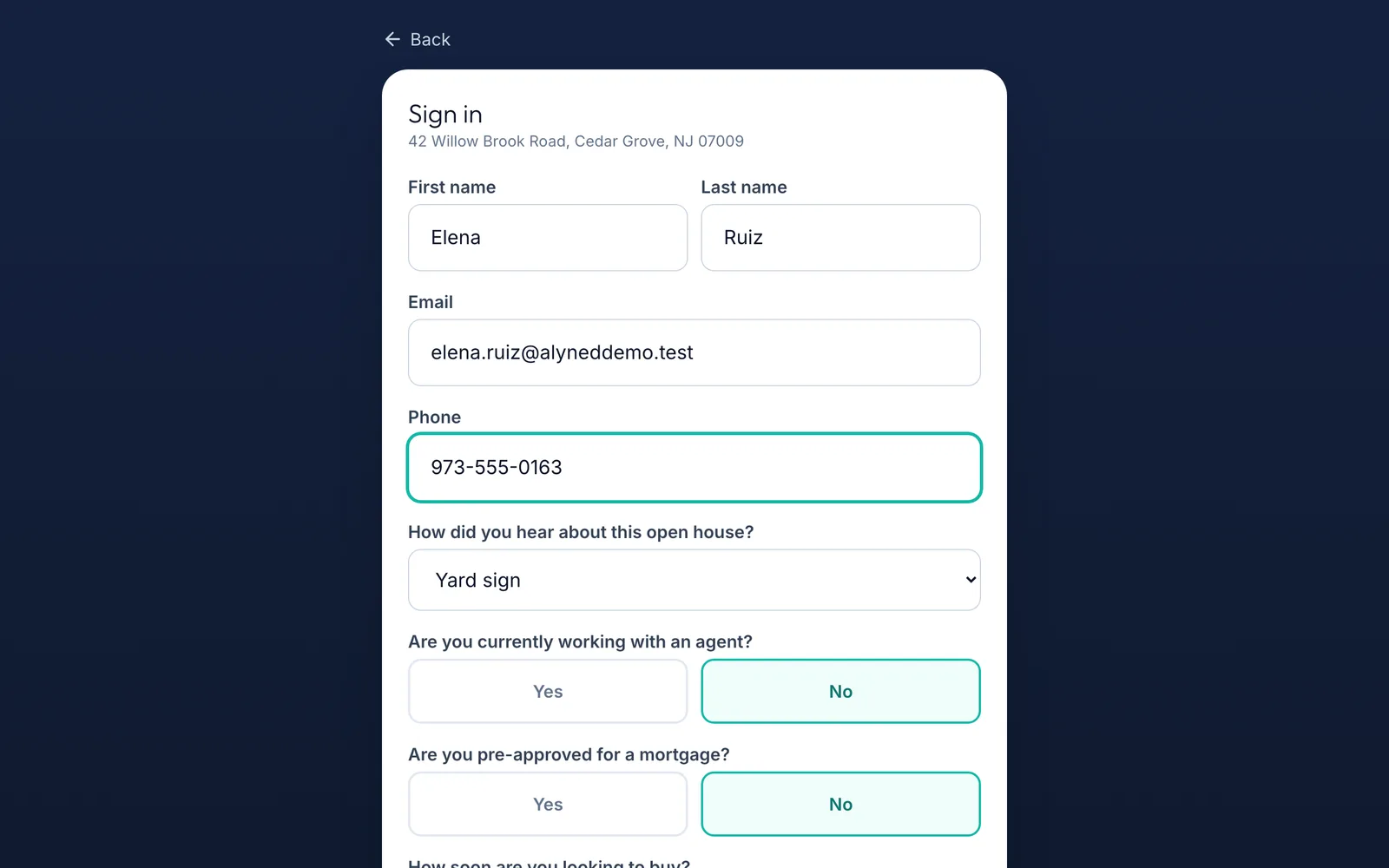
A few quick questions
How they heard about it, whether they have an agent, whether they're pre-approved and when they hope to buy. Their answers help your follow-up.
-
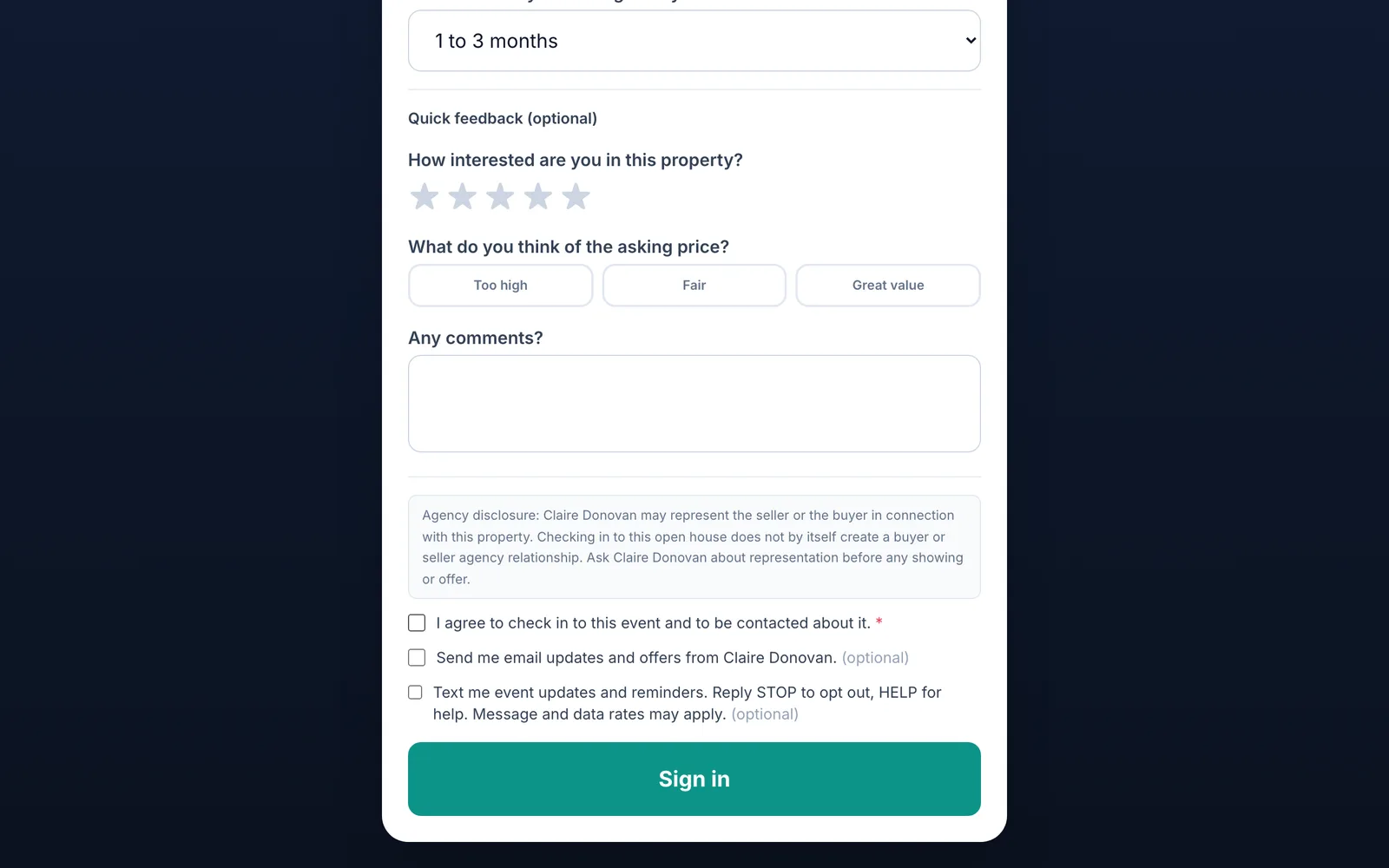
They agree to be contacted
They agree to be contacted about the event. Email and text updates are their choice.
-
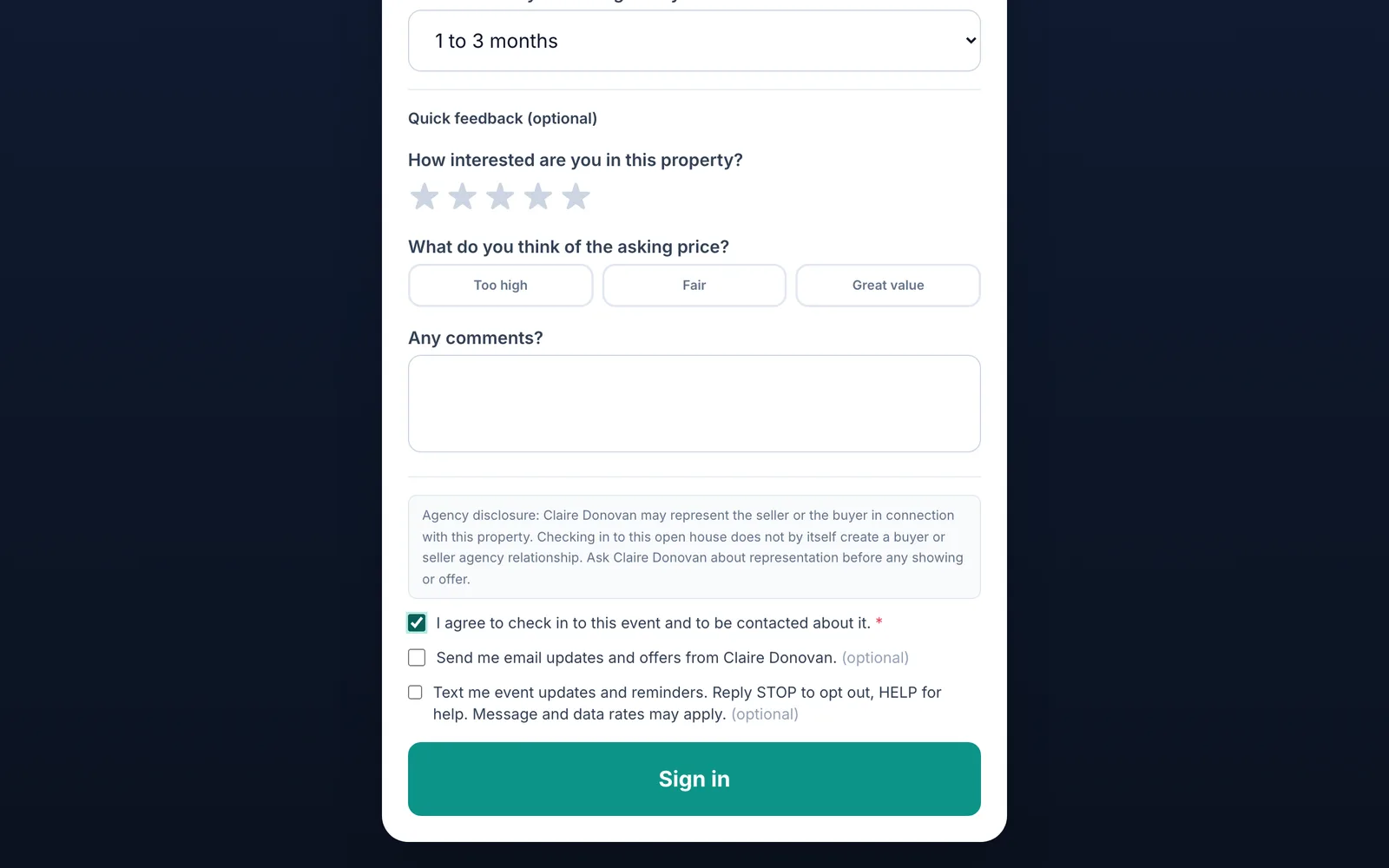
Sign in
They tap Sign in.
-
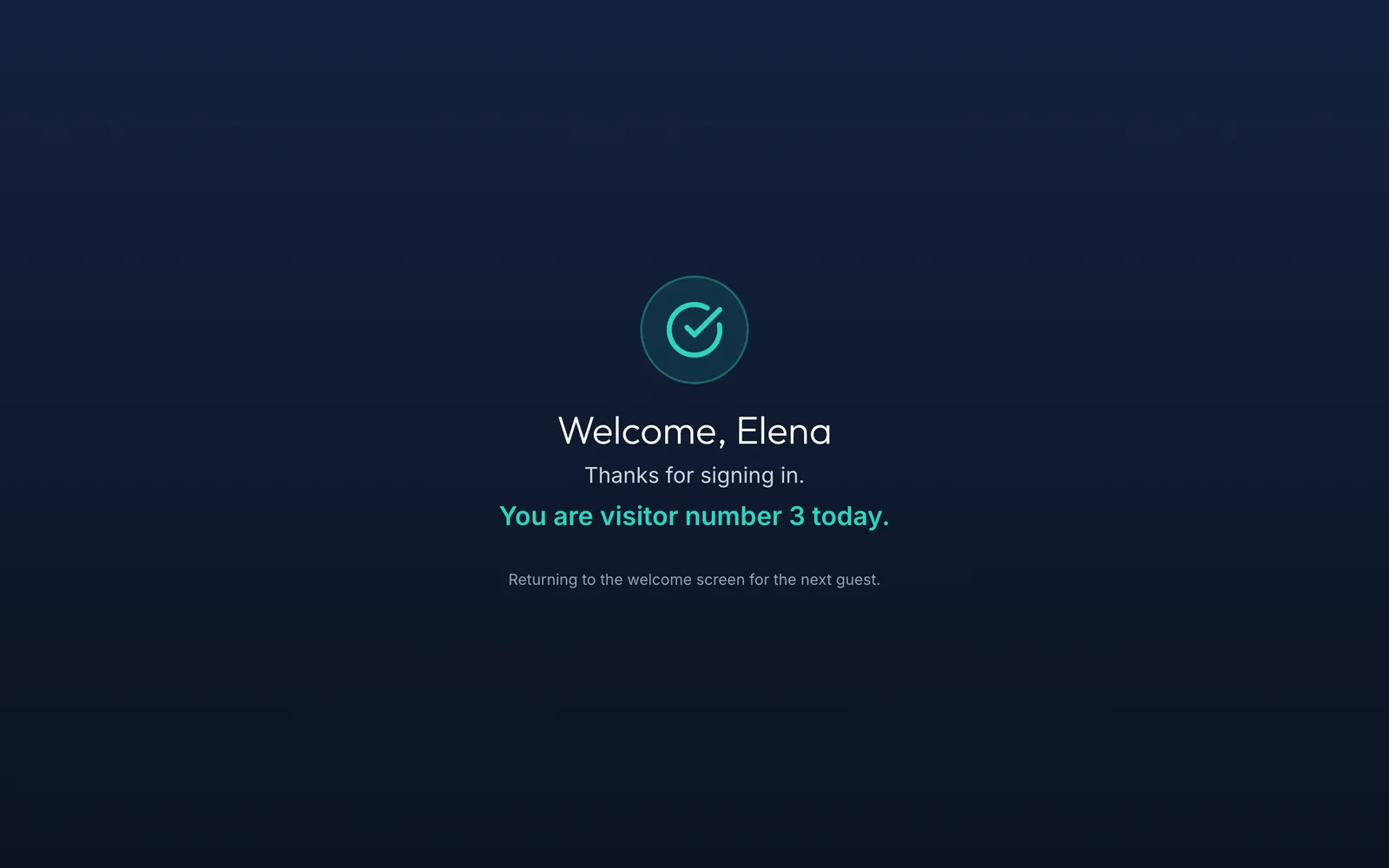
Ready for the next visitor
The kiosk thanks them by name and resets for the next person.
-
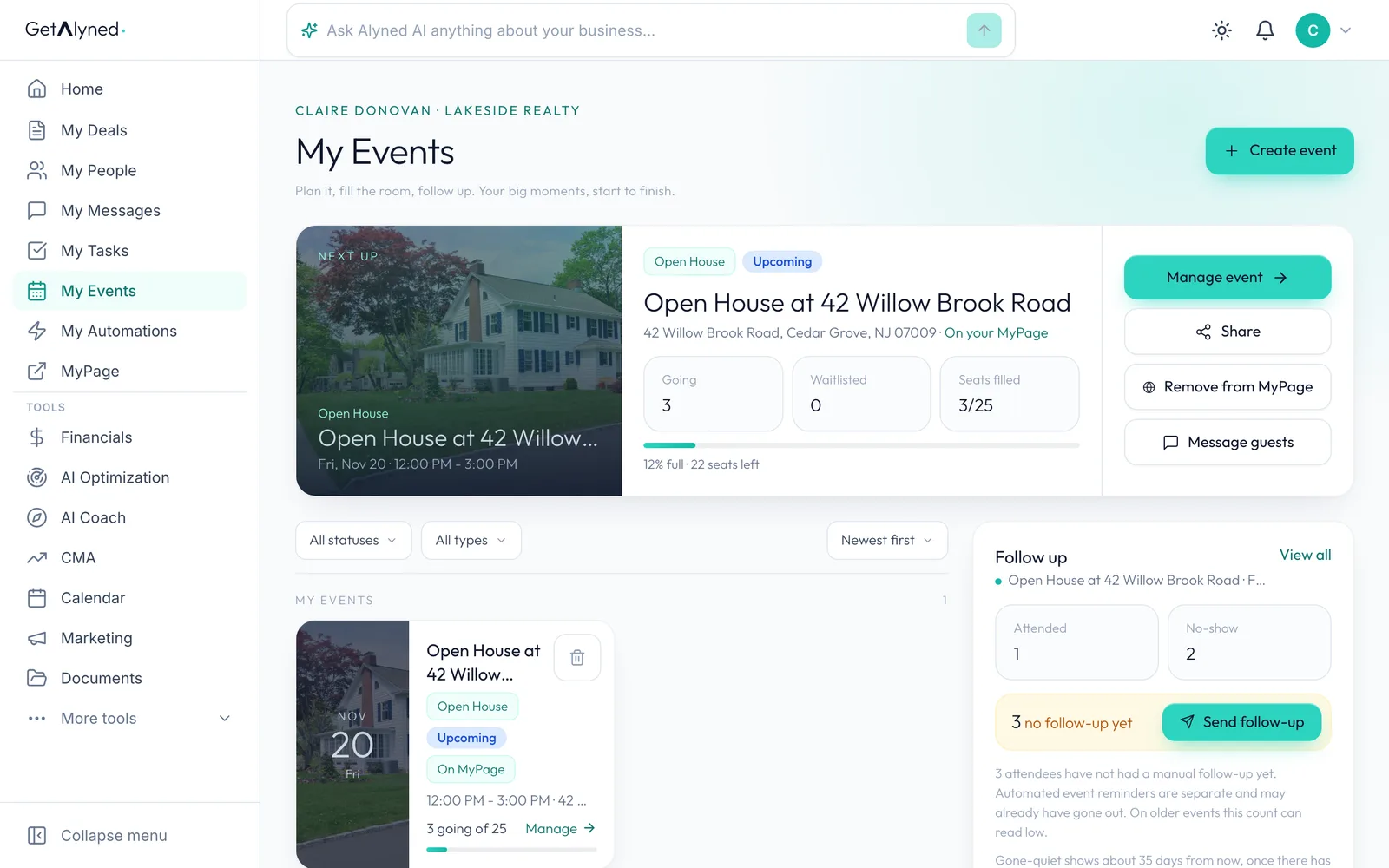
Back on your event
Open the event again with Manage event.
-
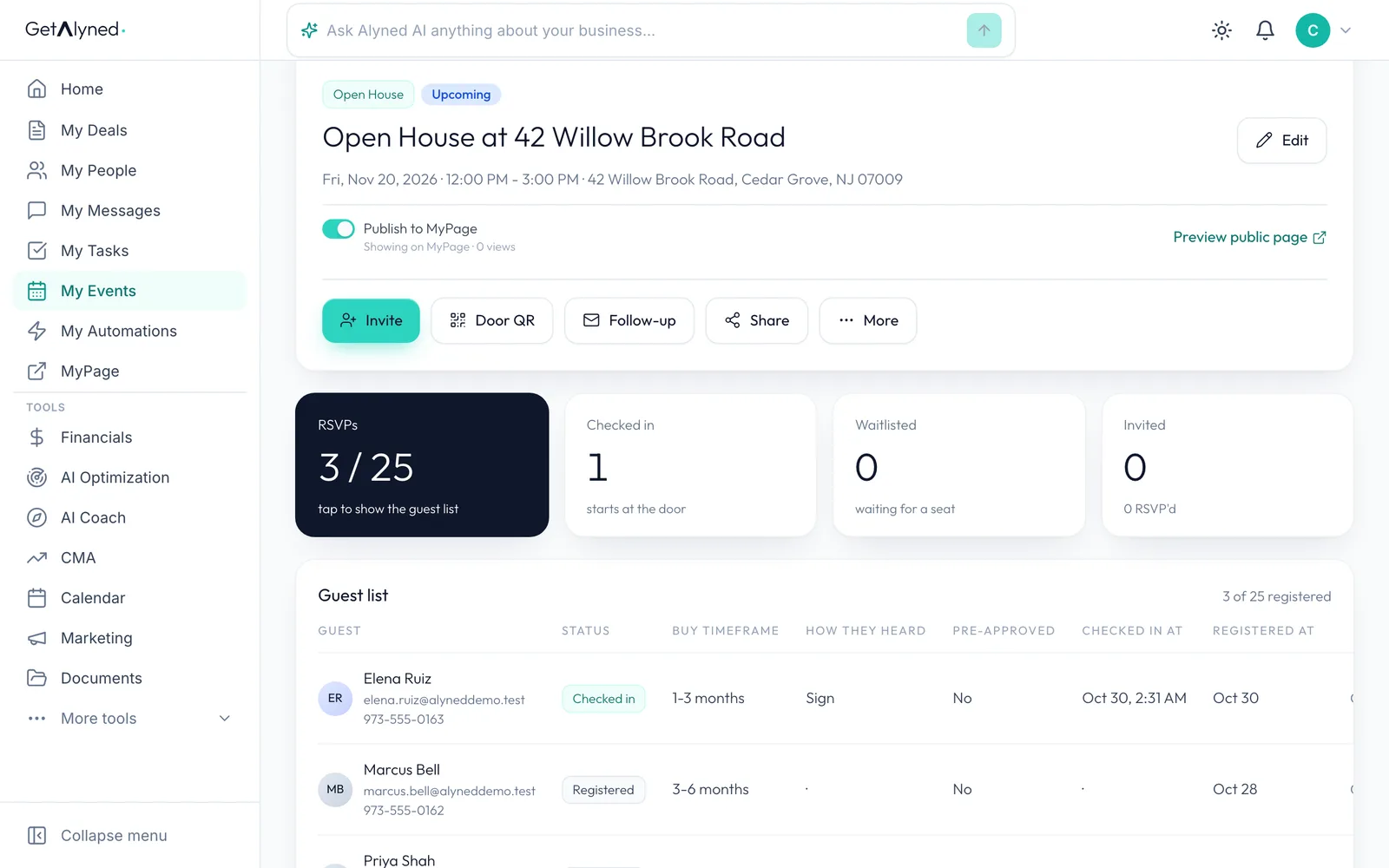
Checked in is counted
Checked in counts who came through the door.
-
Walk-ins join the guest list
Walk-ins join the guest list, marked Checked in with the time they arrived.
-
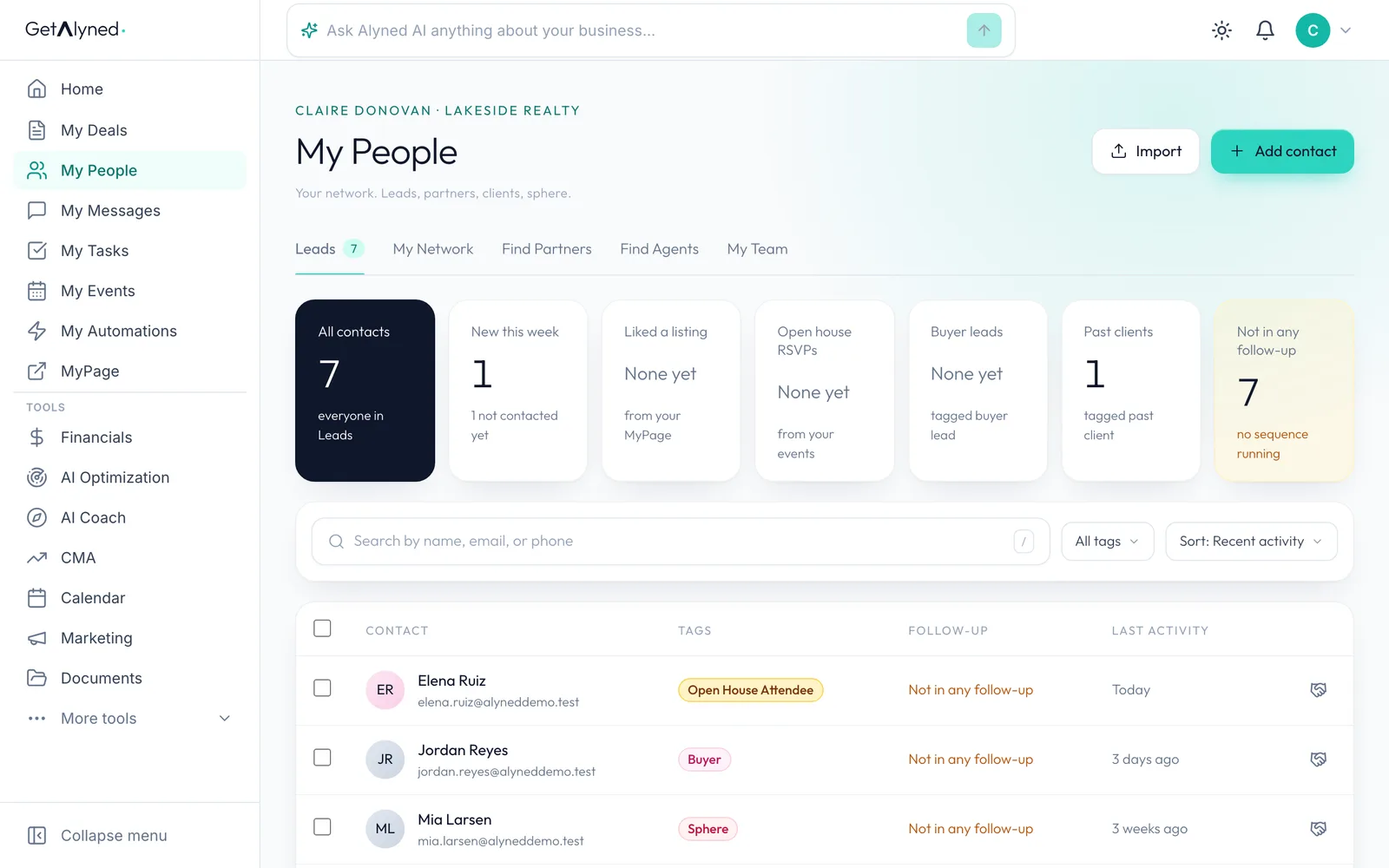
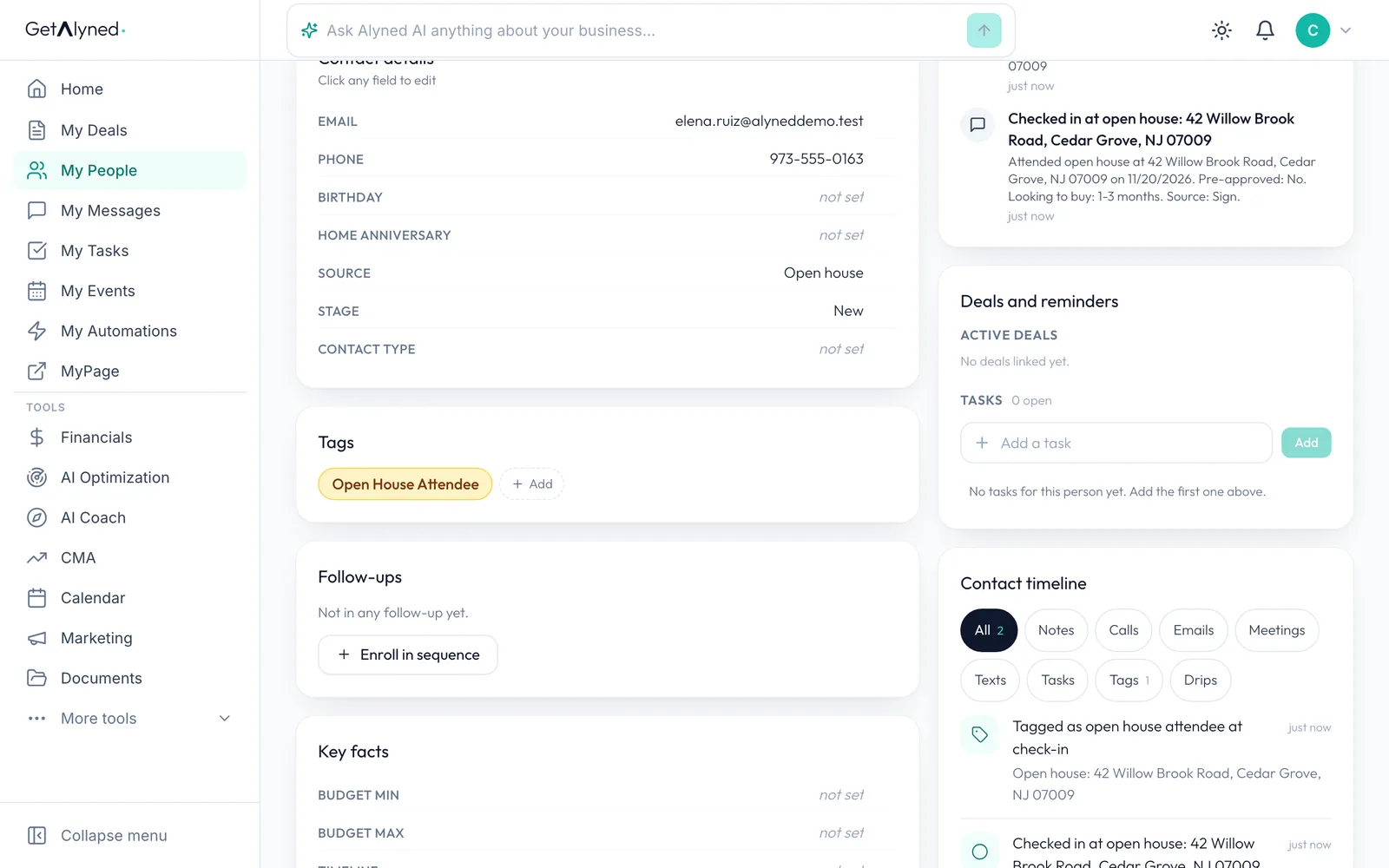
Every visitor is a contact
Every visitor becomes a contact in My People. Click one to open their record.
-
Tagged for follow-up
They're tagged Open House Attendee. Turn on the Open House Attendee sequence in My Automations to follow up with every visitor automatically.
Related guides
- Create an event, make its flyer, and get it on your MyPage · Plan an open house, turn your photo into a branded flyer with a QR code, and publish it to your MyPage so people can RSVP, all in one flow.
- Invite contacts and track RSVPs · Email your contacts an invitation to your event, then watch the RSVPs, guest list and waitlist fill in.
- Build an automatic follow-up sequence · Create your own tag and a series of emails that go out on their own whenever you add that tag to a contact.
- Everything you can set up on a contact · Add someone to My People, then take a tour of their record: tags, details, notes, tasks, automatic follow-ups and referrals to your loan officer.