Refer and receive referrals
For loan officers · 2 min
Send a client to an agent you trust with one click, and see how referrals from agents arrive on your side.
Watch
Or read it step by step
-
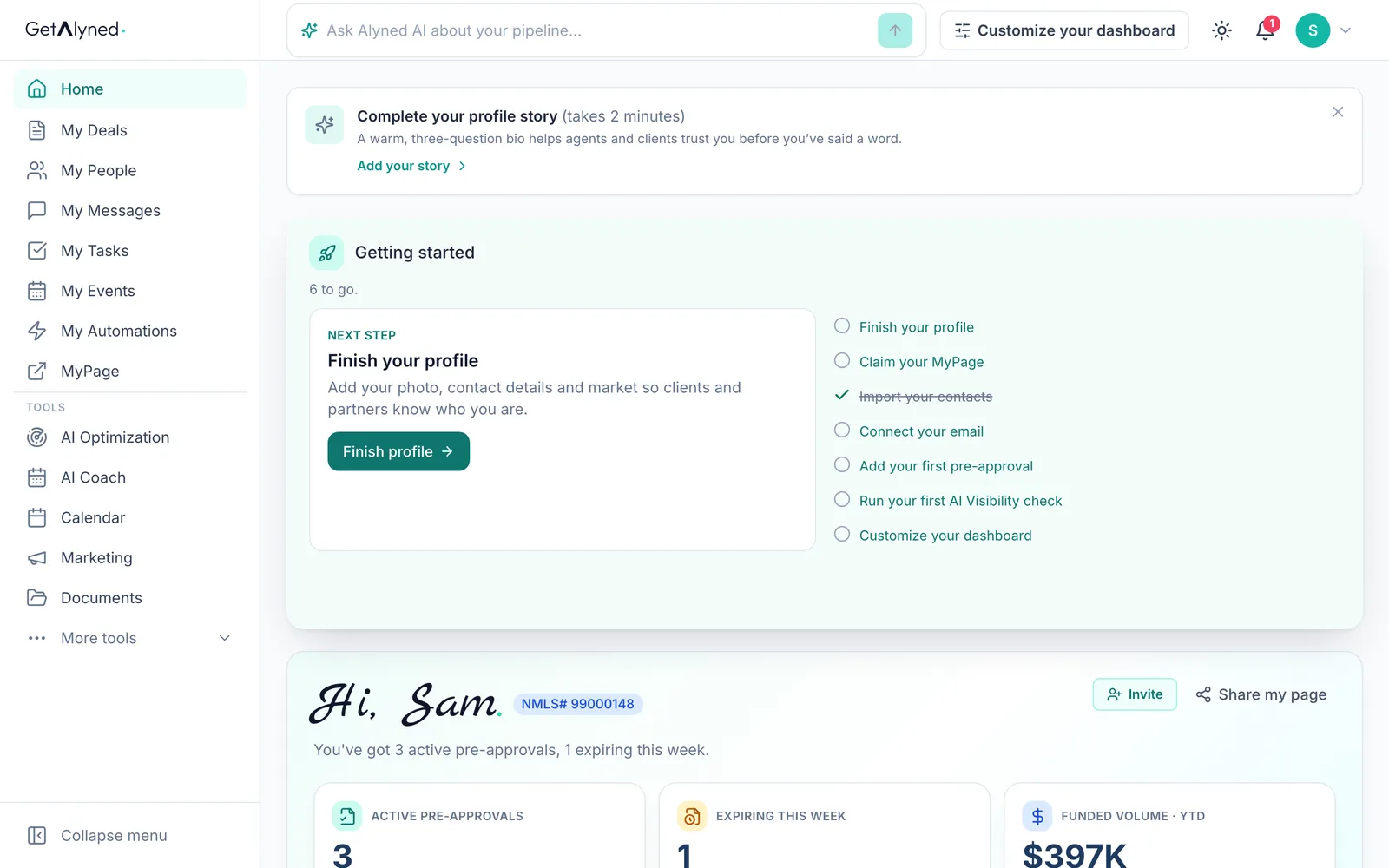
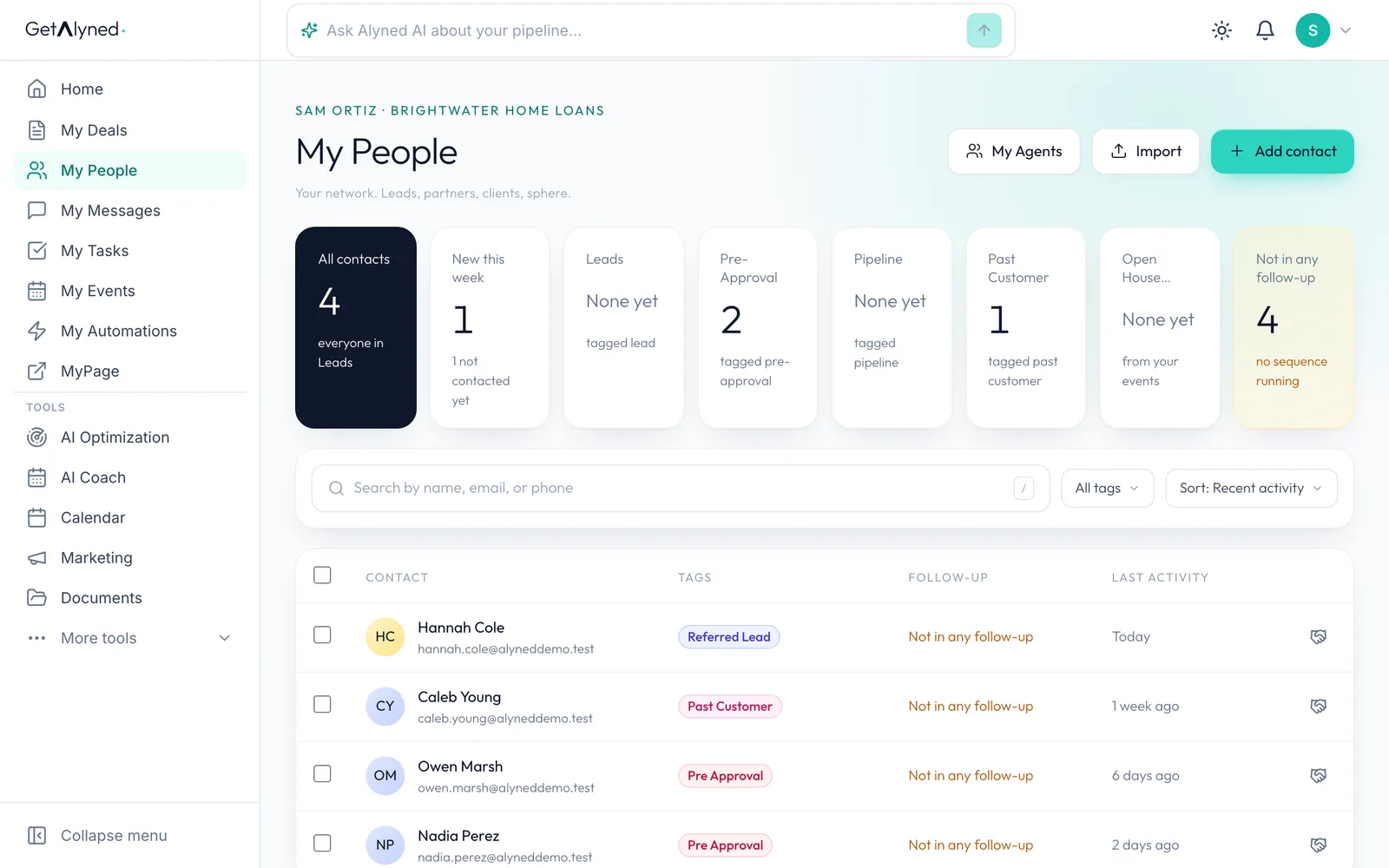
Open My People
A referral starts from My People.
-
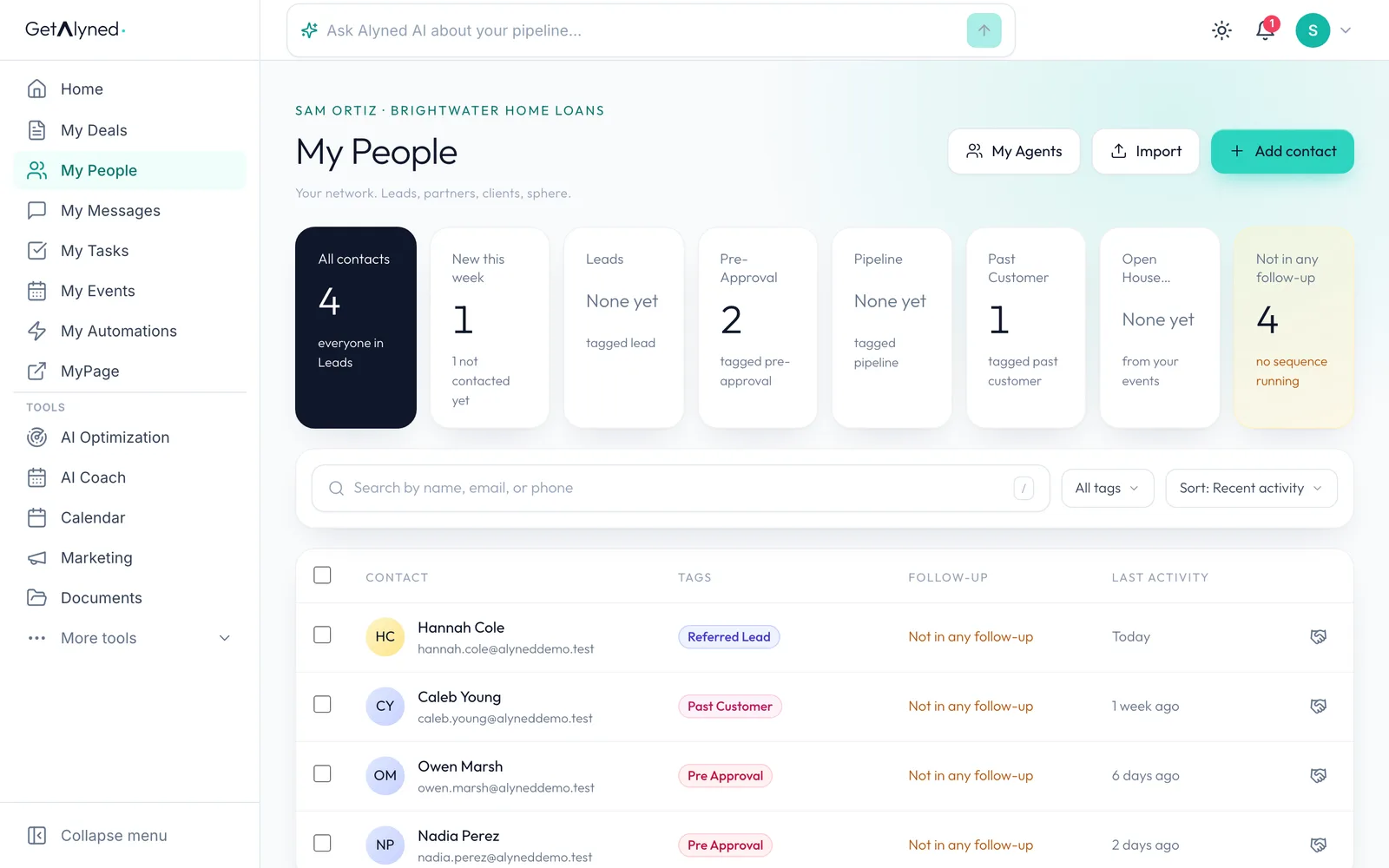
Refer a client
Refer a client is on each person's row.
-
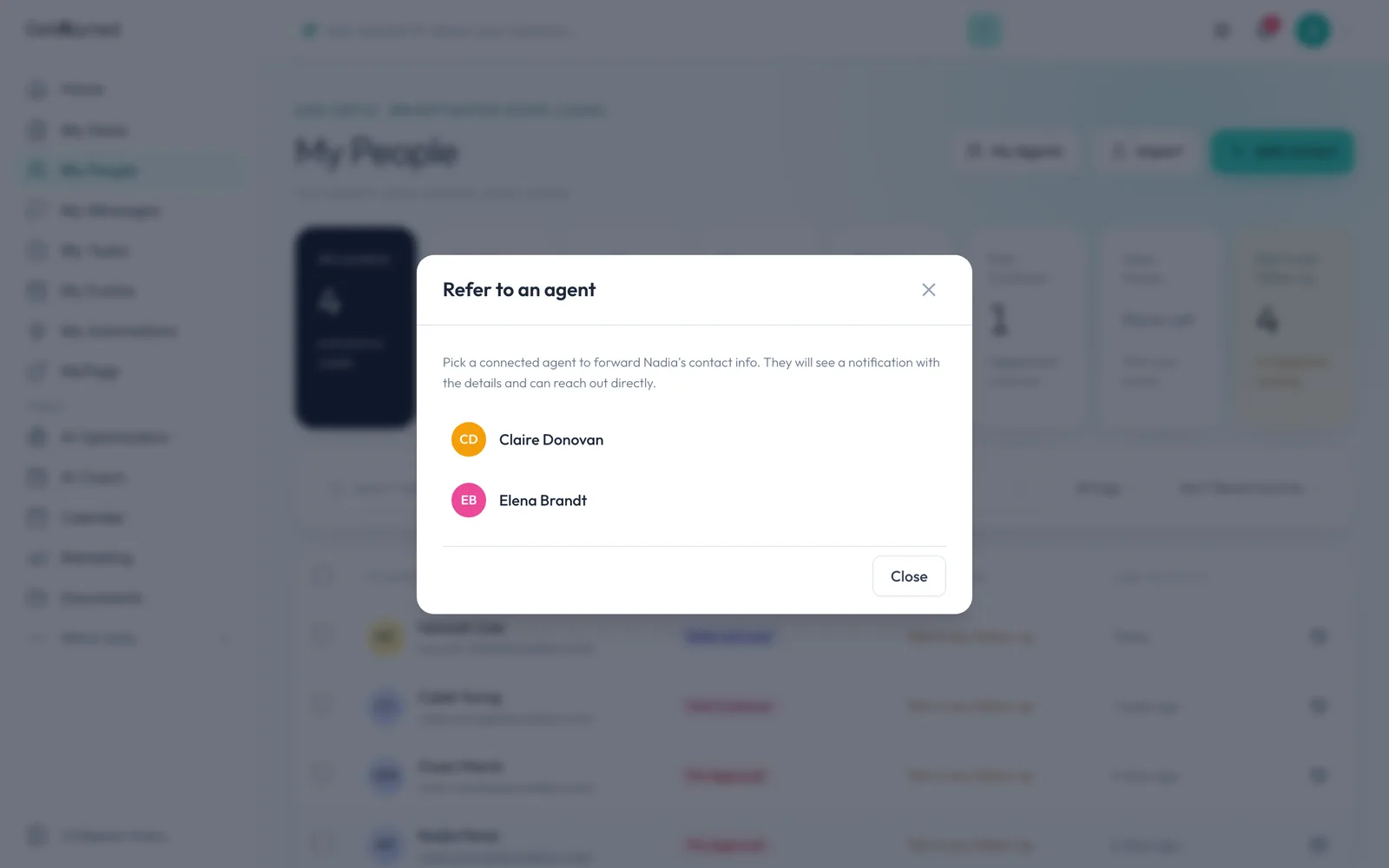
Connected agents
Only agents you're connected with are listed.
-
Pick the agent
Pick the agent.
-
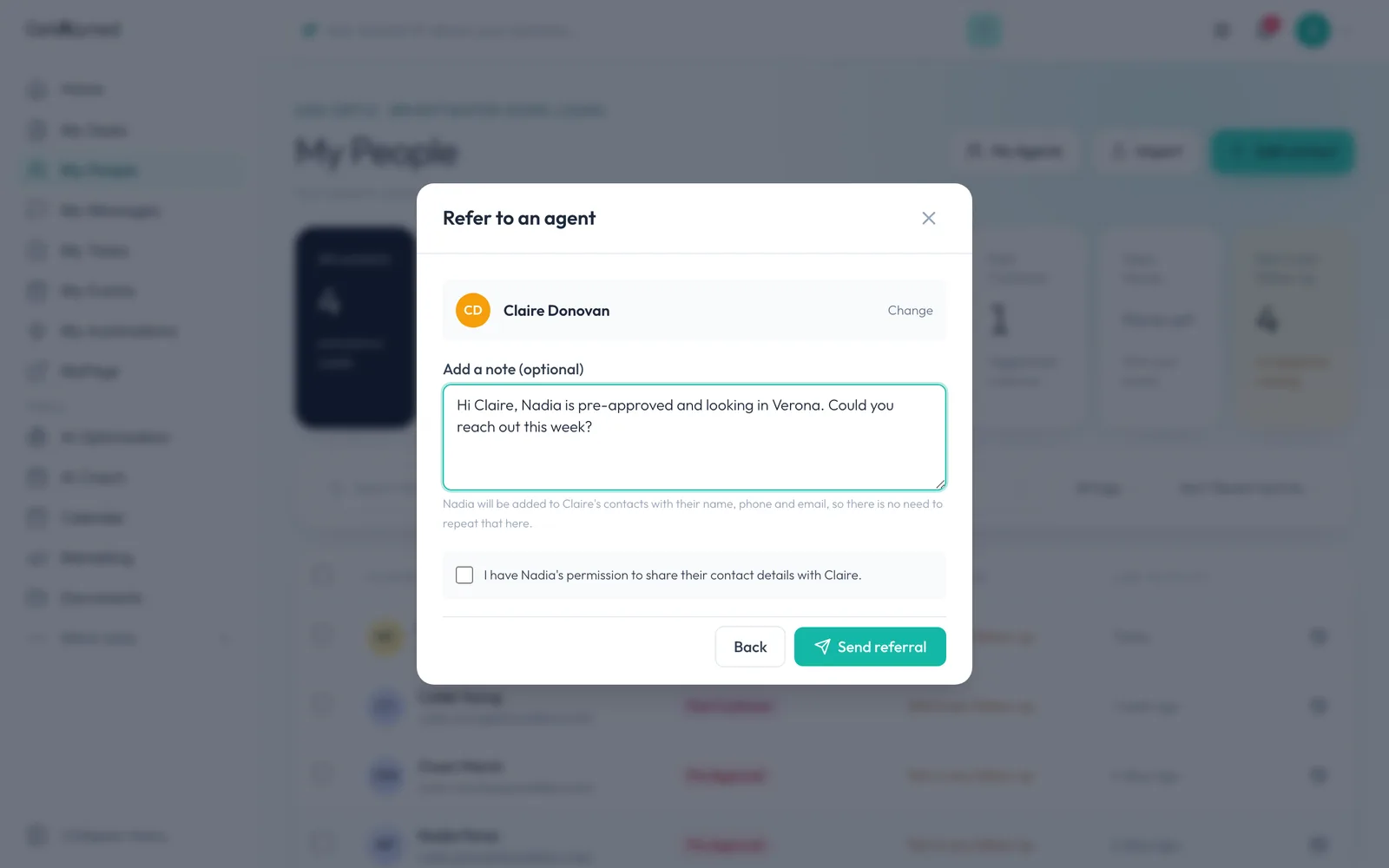
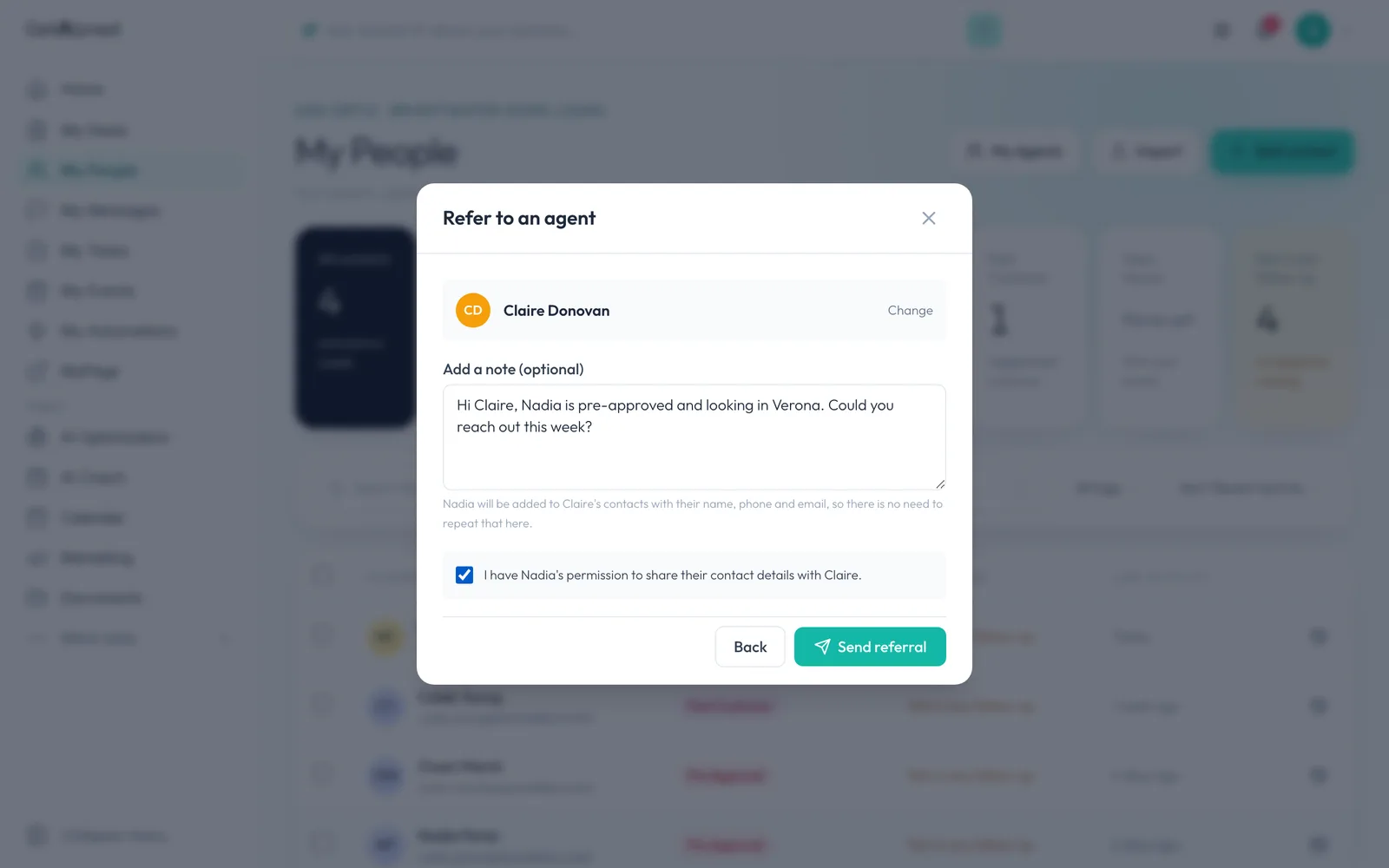
Add a note
Add a note. Their name, phone and email go across on their own.
-
Permission
Confirm your client agreed to be introduced. The referral can't go without it.
-
Send it
Click Send referral. The agent is notified, and your client becomes a contact on their side.
-
Receiving one
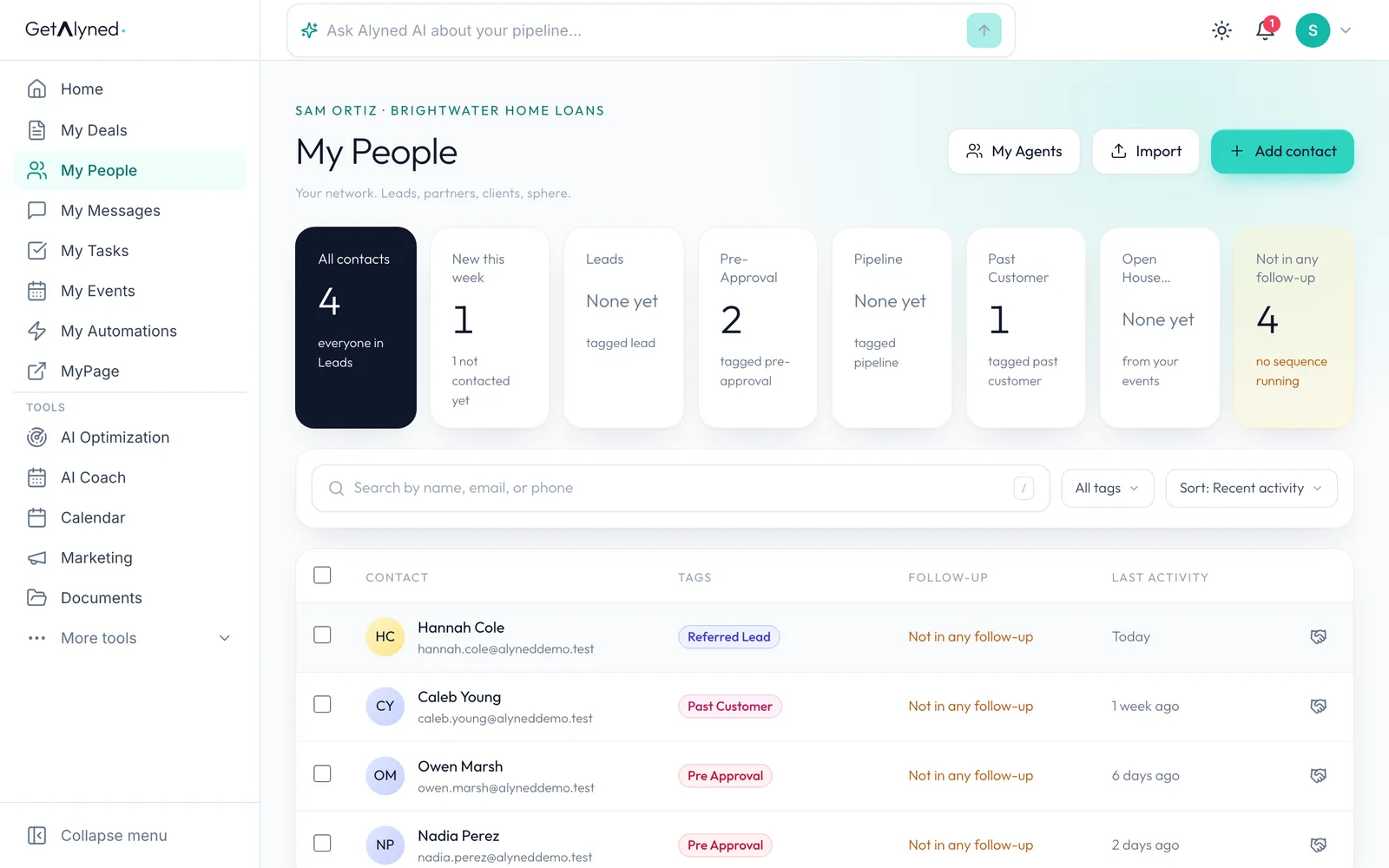
A referral coming to you starts at the bell.
-
From the agent
The notification names the agent and carries their note.
-
Nothing to accept
There's nothing to accept. They're already in your contacts, so click through and reach out.
-
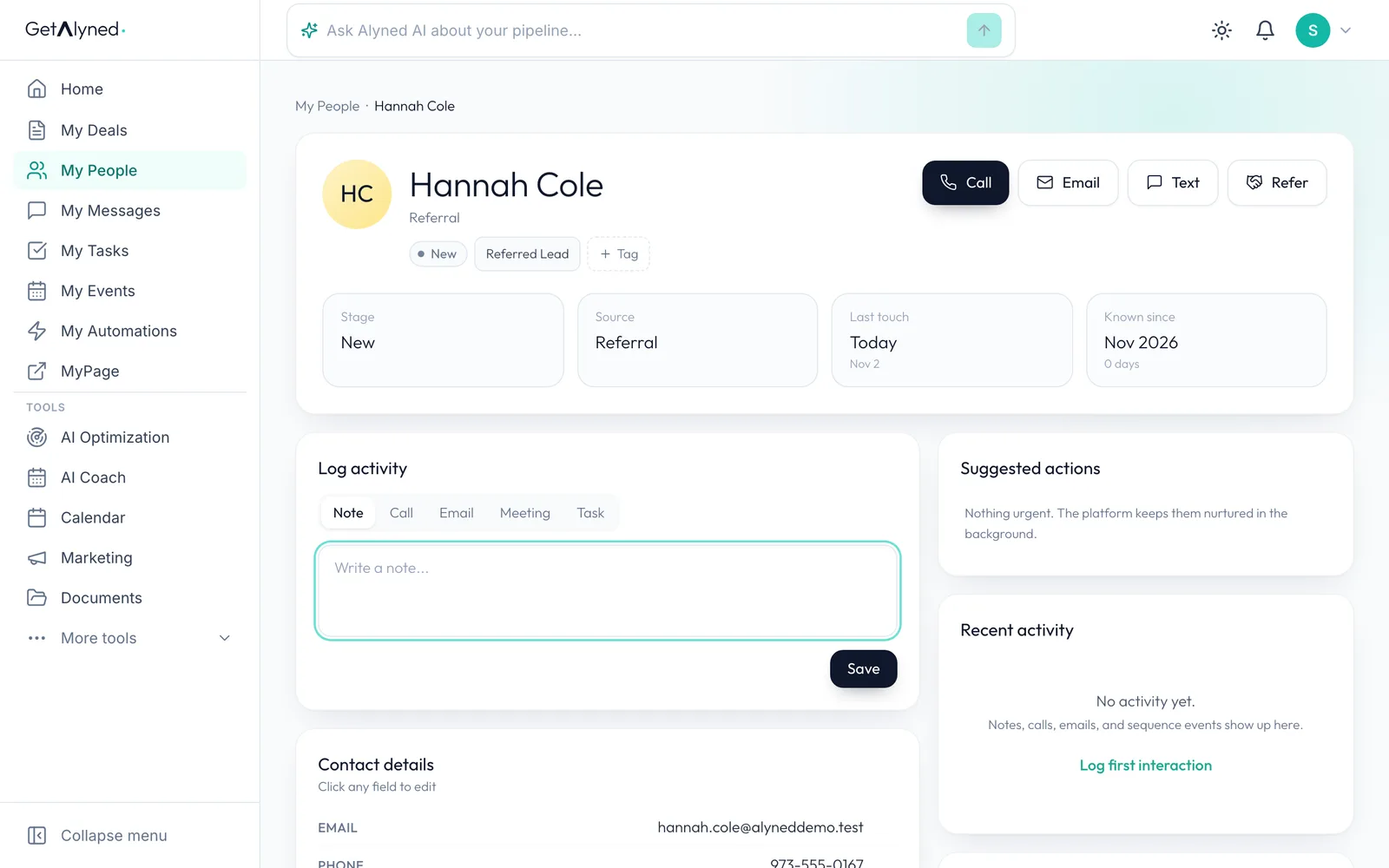
Their details
Their name, phone and email came across from the agent.
-
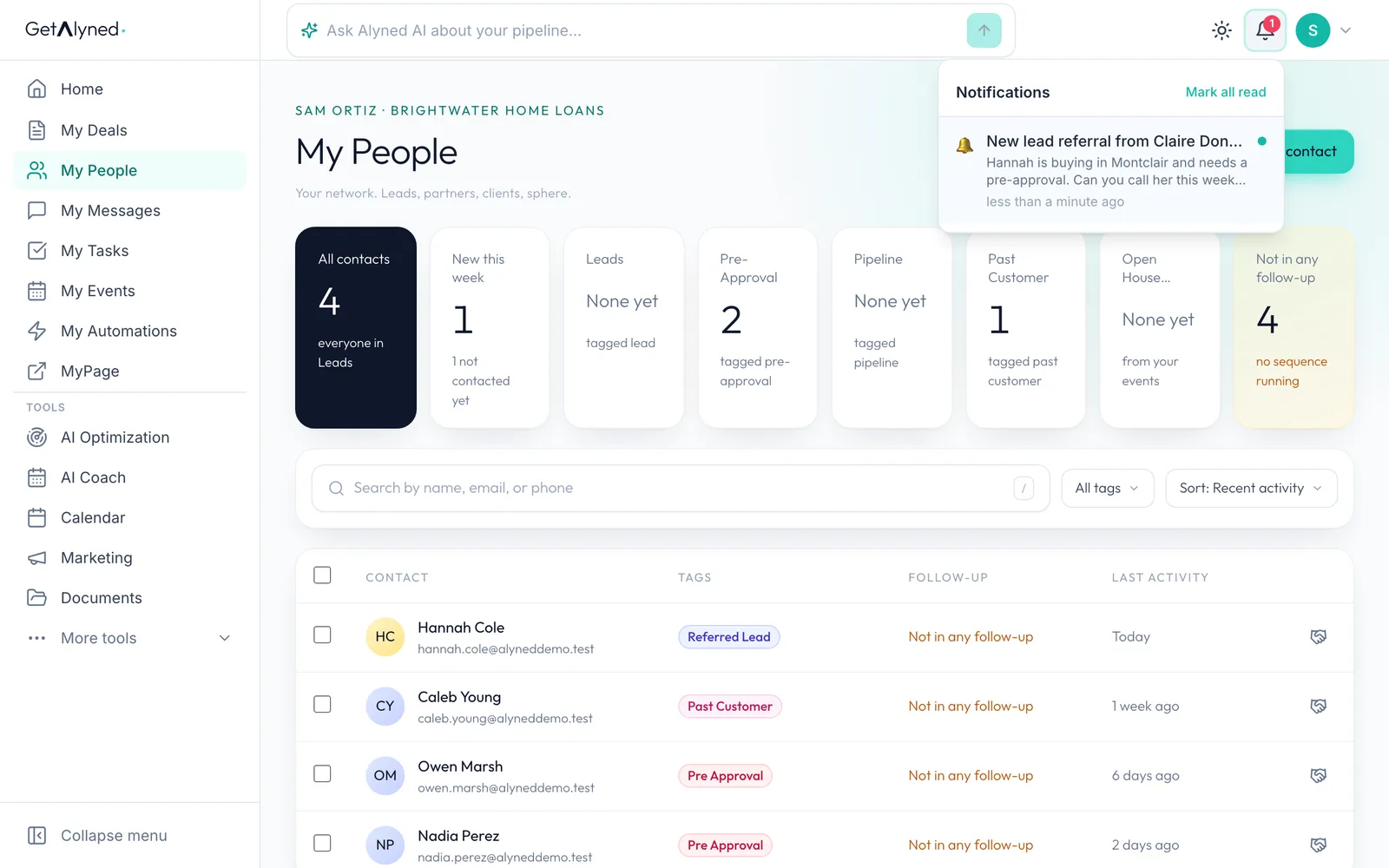
Tagged for you
They're tagged Referred Lead, so you can find them later.
-
In My People
They're on your list in My People too.
-
New this week
New this week counts them until you've been in touch.
Related guides
- Your loan officer dashboard at a glance · Your dashboard is the first thing you see when you sign in. Here's what each card tells you, and the one thing to click on each.
- Log a pre-approval · Log each pre-approval letter so Alyned tracks it, warns you before it expires, and counts it when the loan funds.
- Work an agent's deal · When an agent adds you to a deal, mark your lender steps done, choose whether the client hears about it, and keep everyone in the deal chat.