Run a CMA
For agents · 5 min
Price a home with a comparative market analysis: check the facts, pick the right comparable sales, adjust them, and send your client a polished report.
Watch
Or read it step by step
-
Open CMA
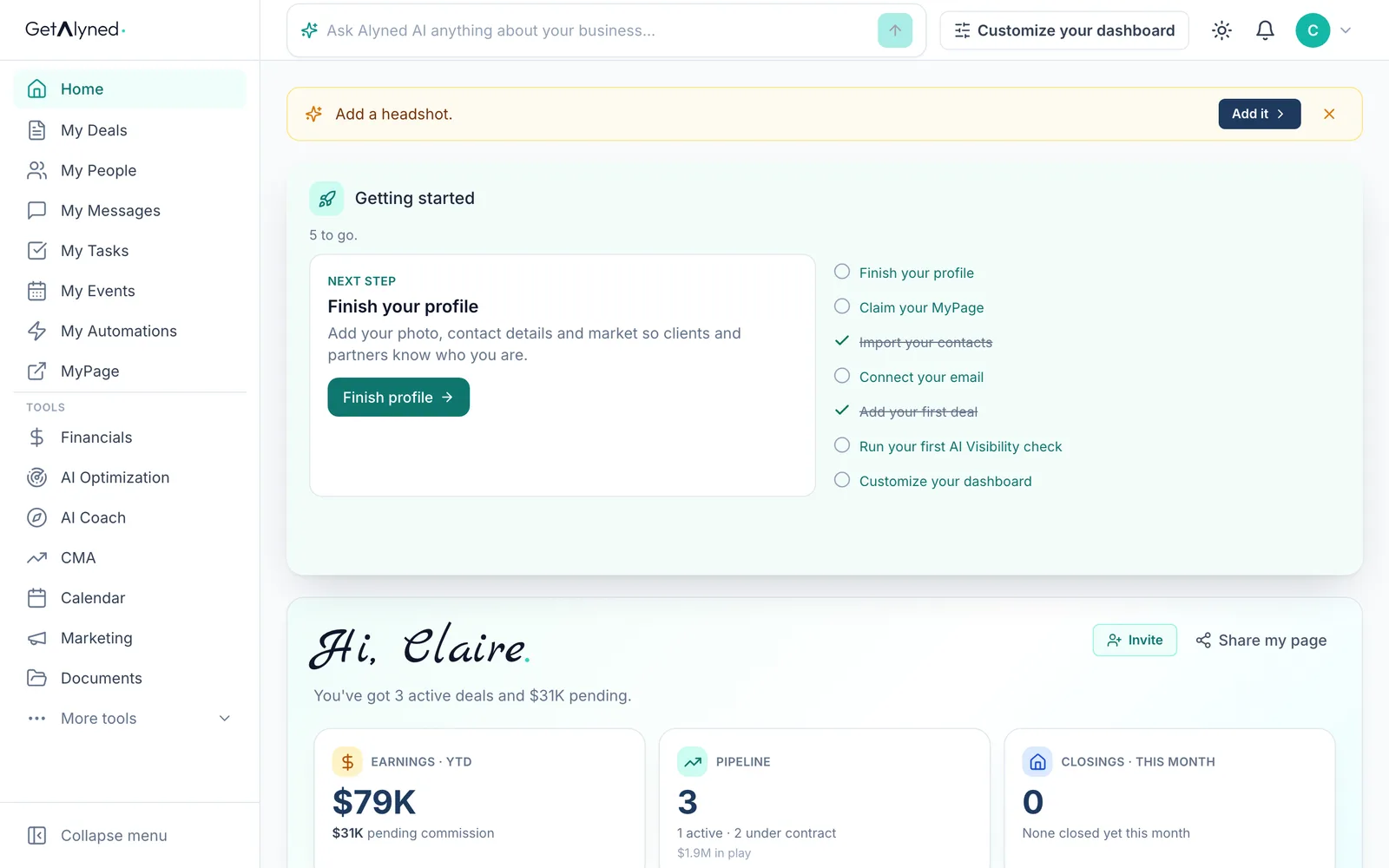
CMA is under Tools in the menu.
-
Enter the address
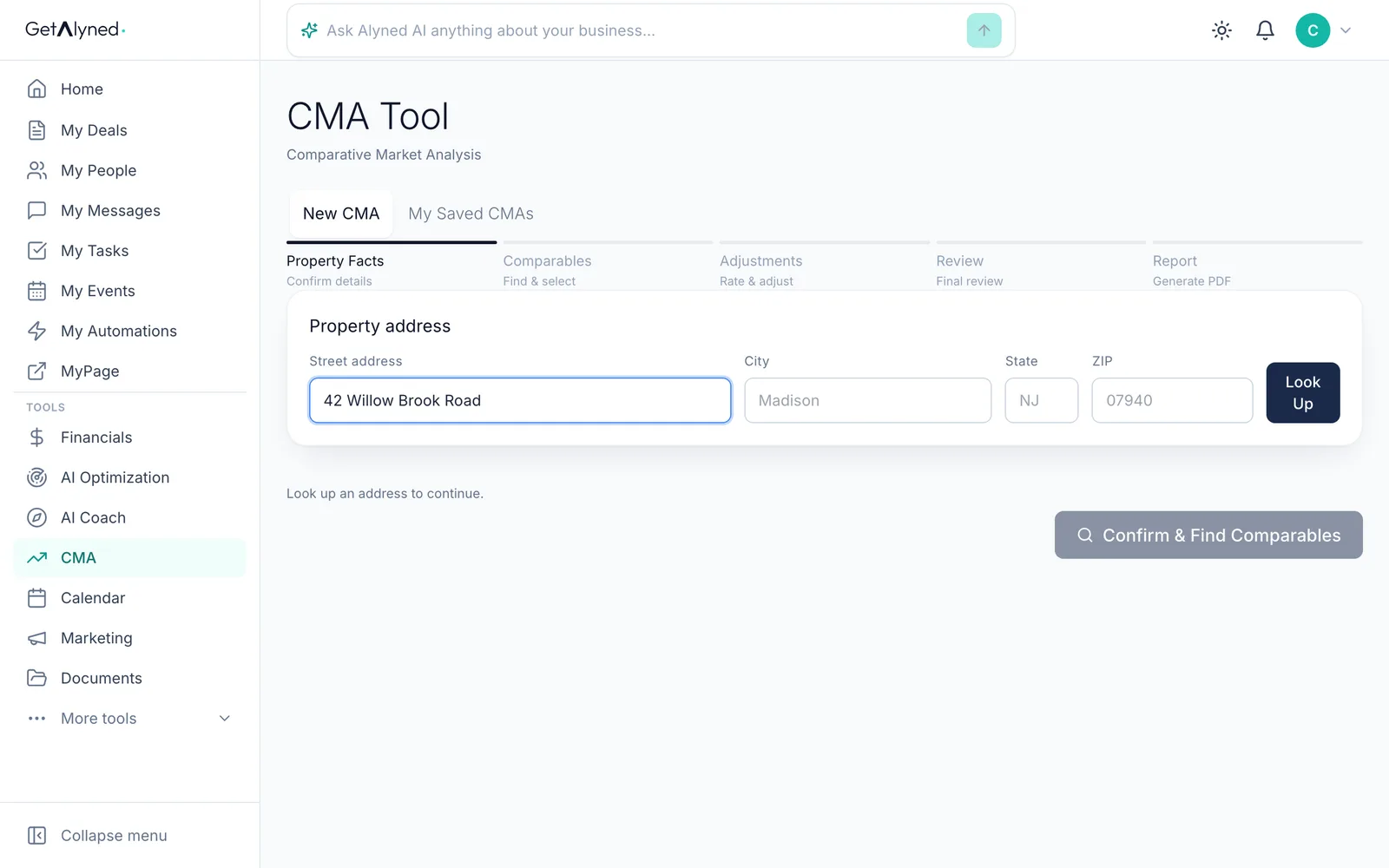
Step 1, Property Facts. Enter the home's street address.
-
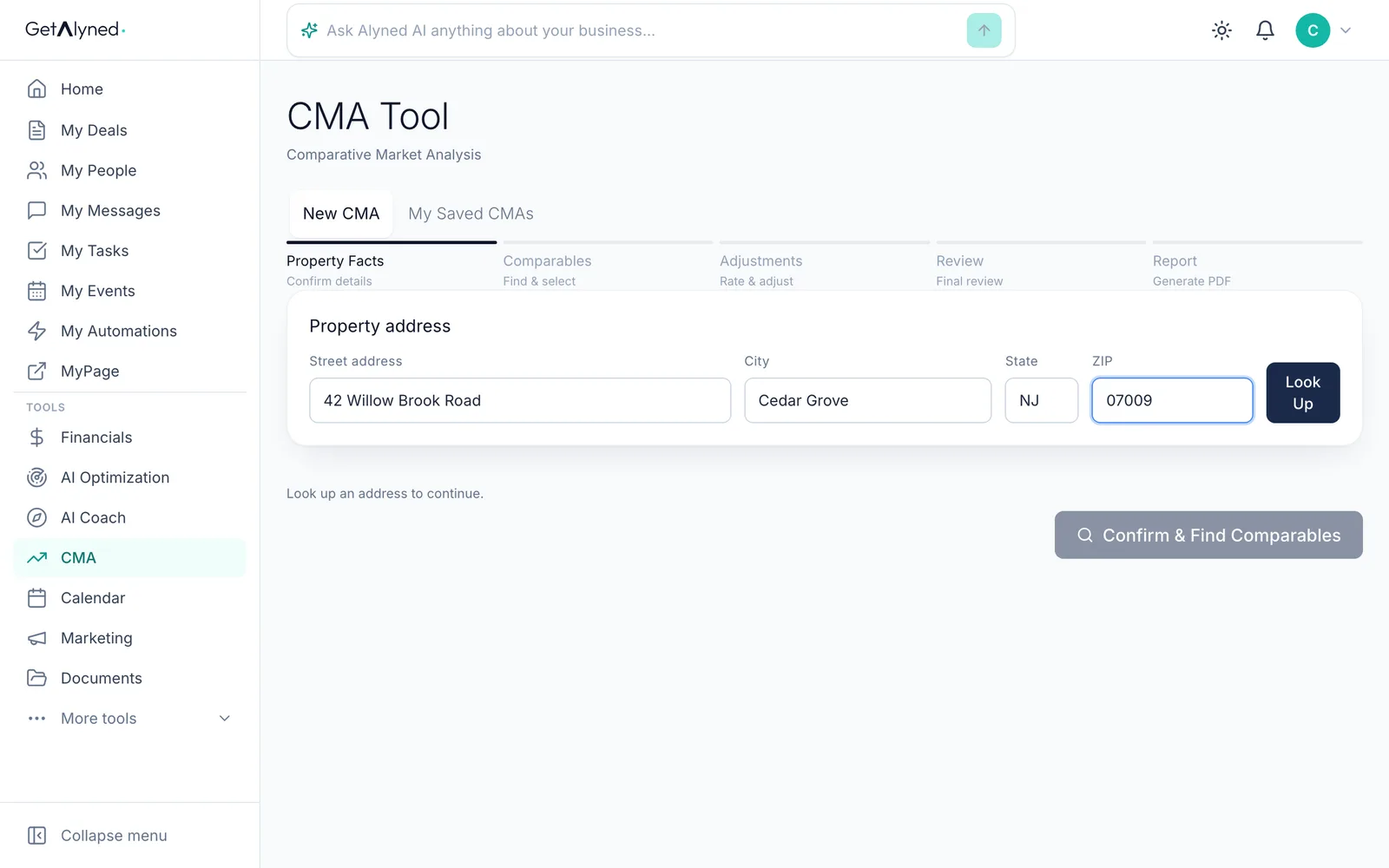
Look it up
Look Up pulls the home's public record.
-
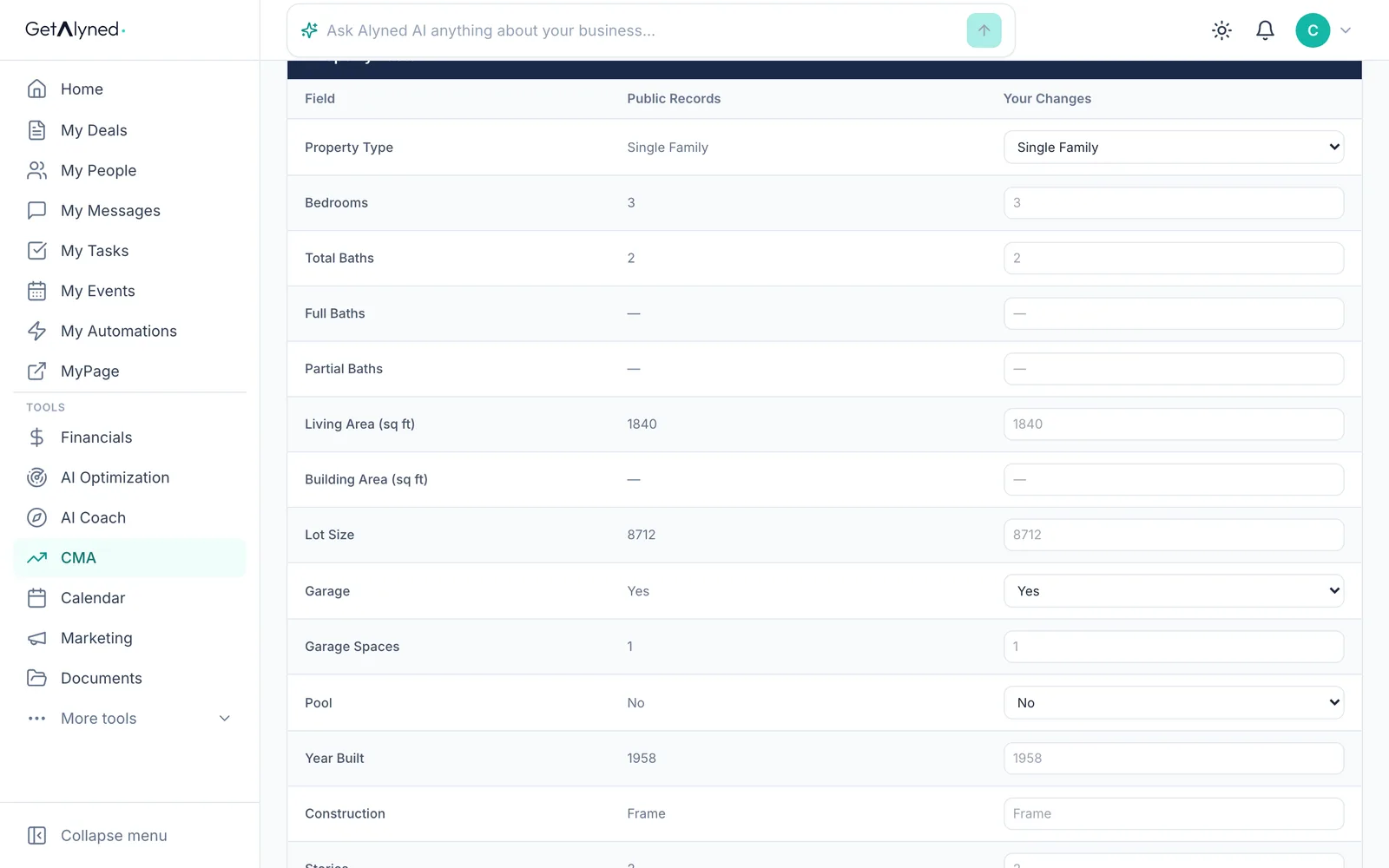
Check the facts
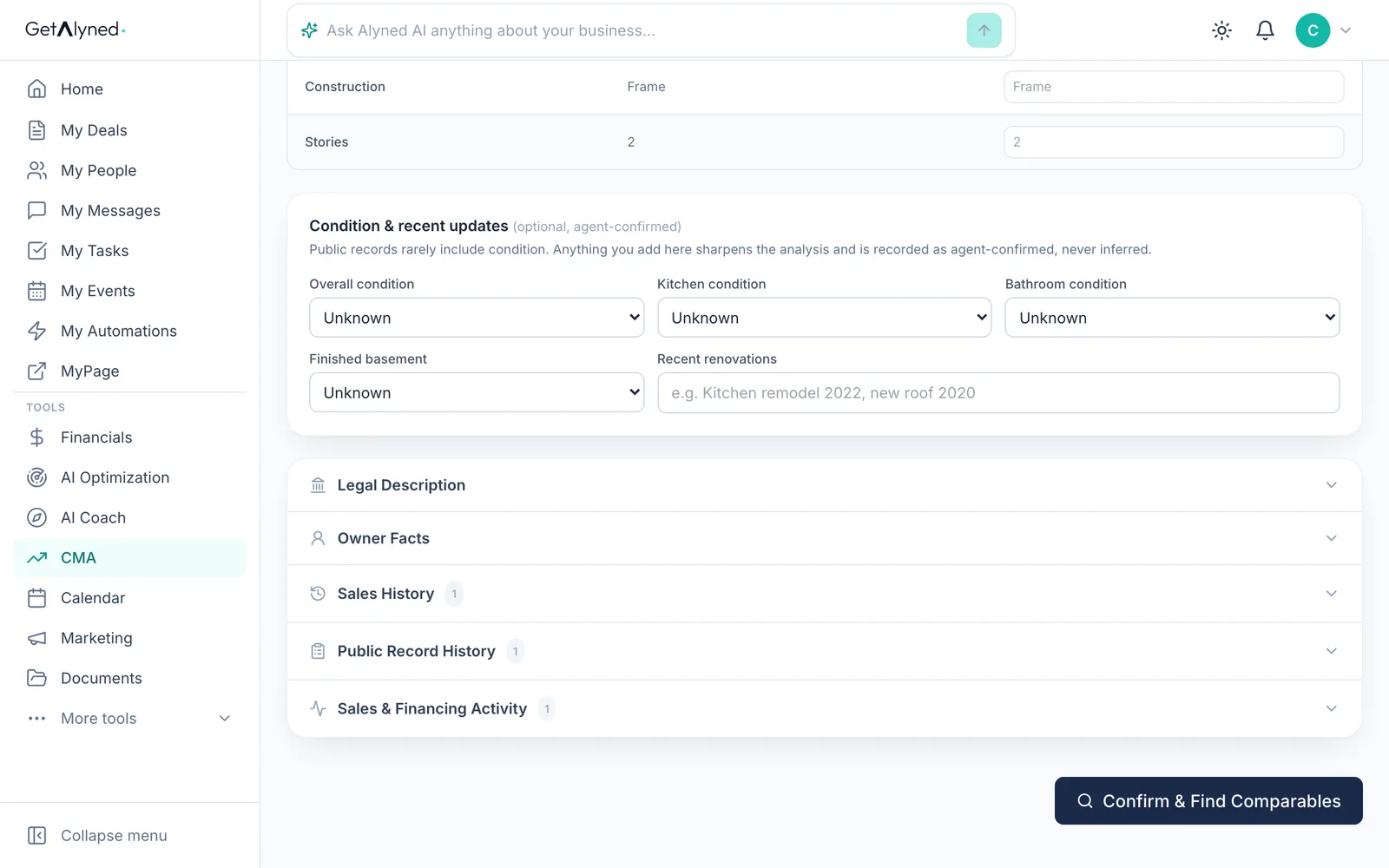
Check the facts from the public record, and change anything it has wrong. Add the home's condition and recent updates below.
-
Find comparables
Click Confirm & Find Comparables.
-
Review the comps
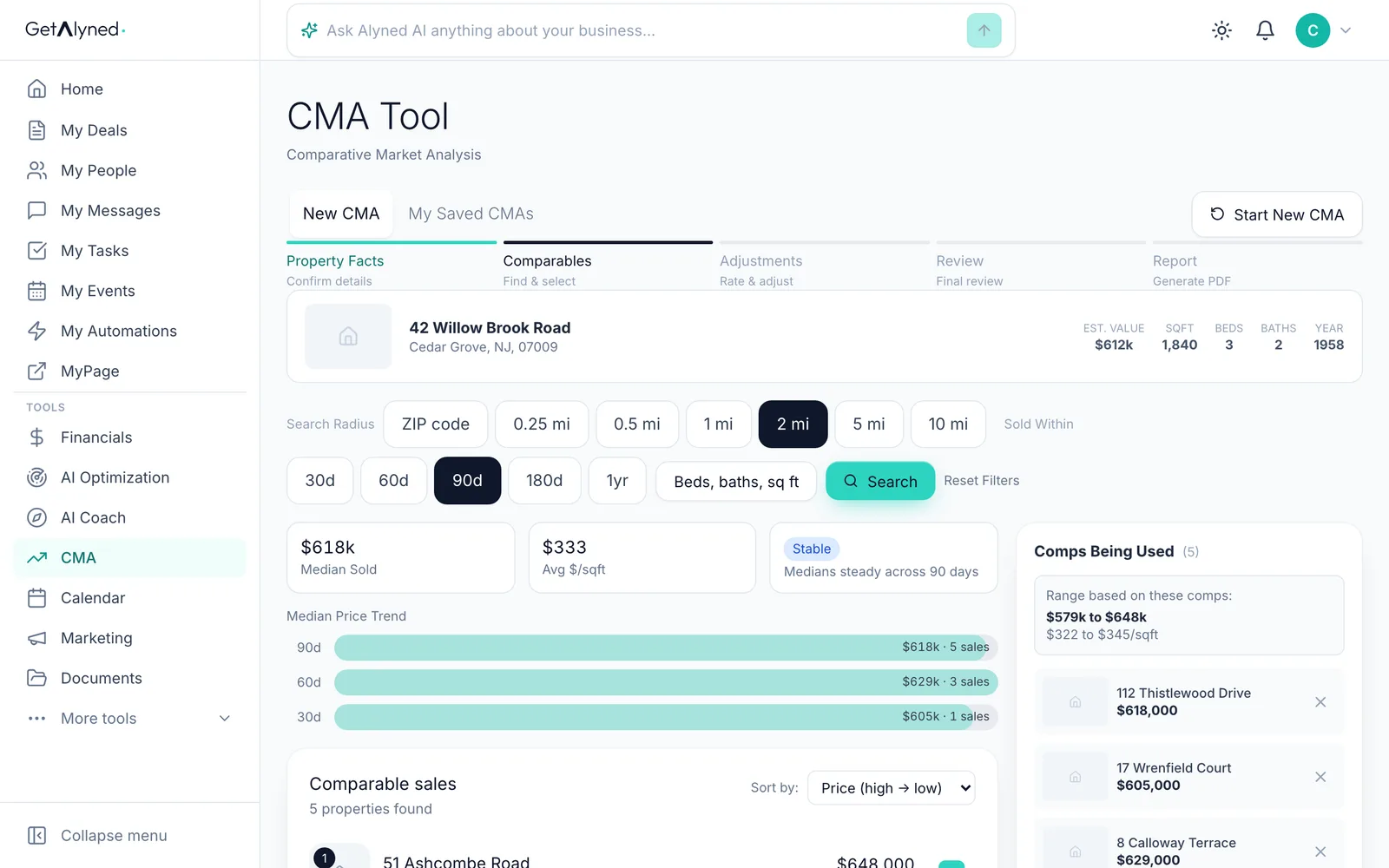
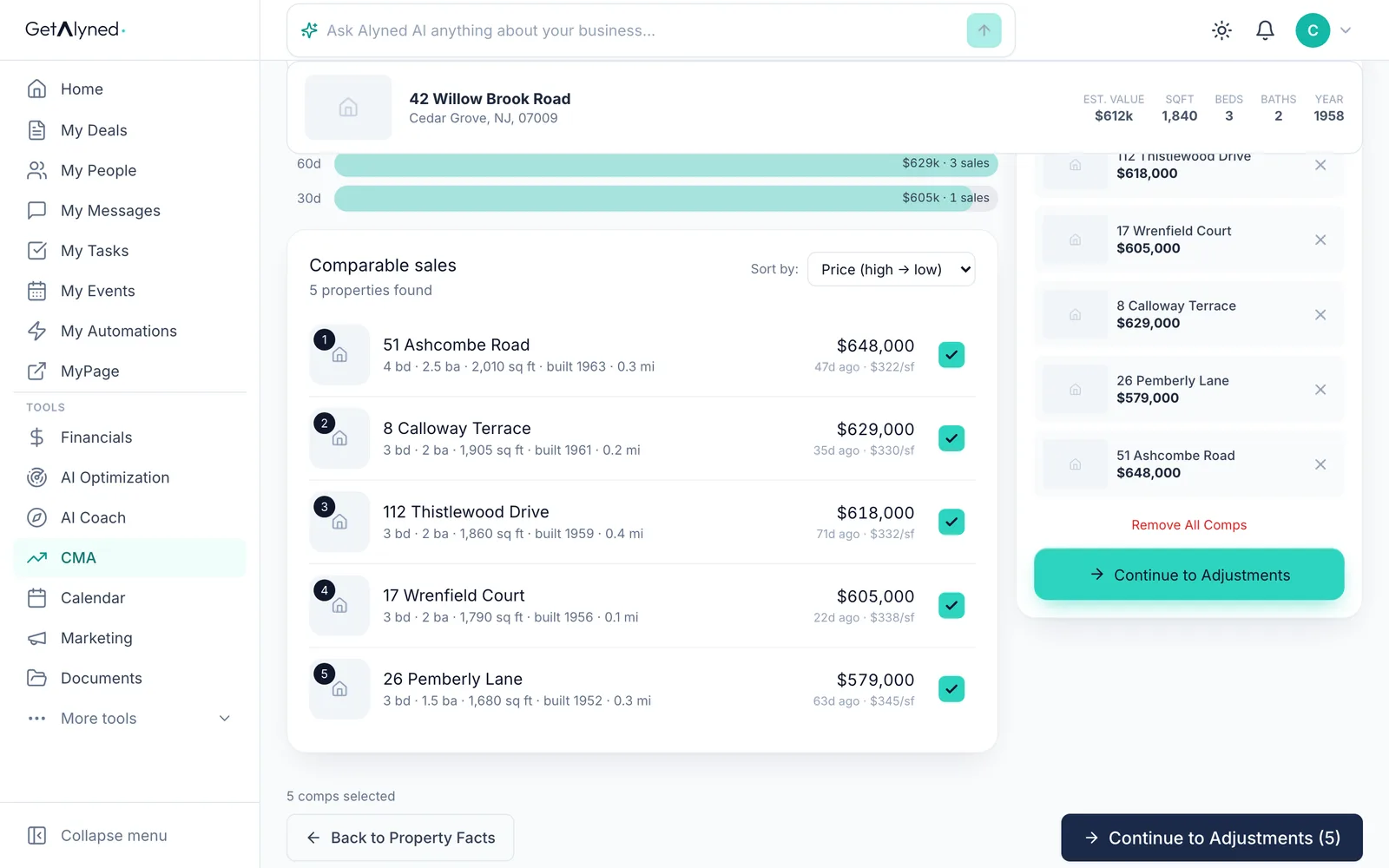
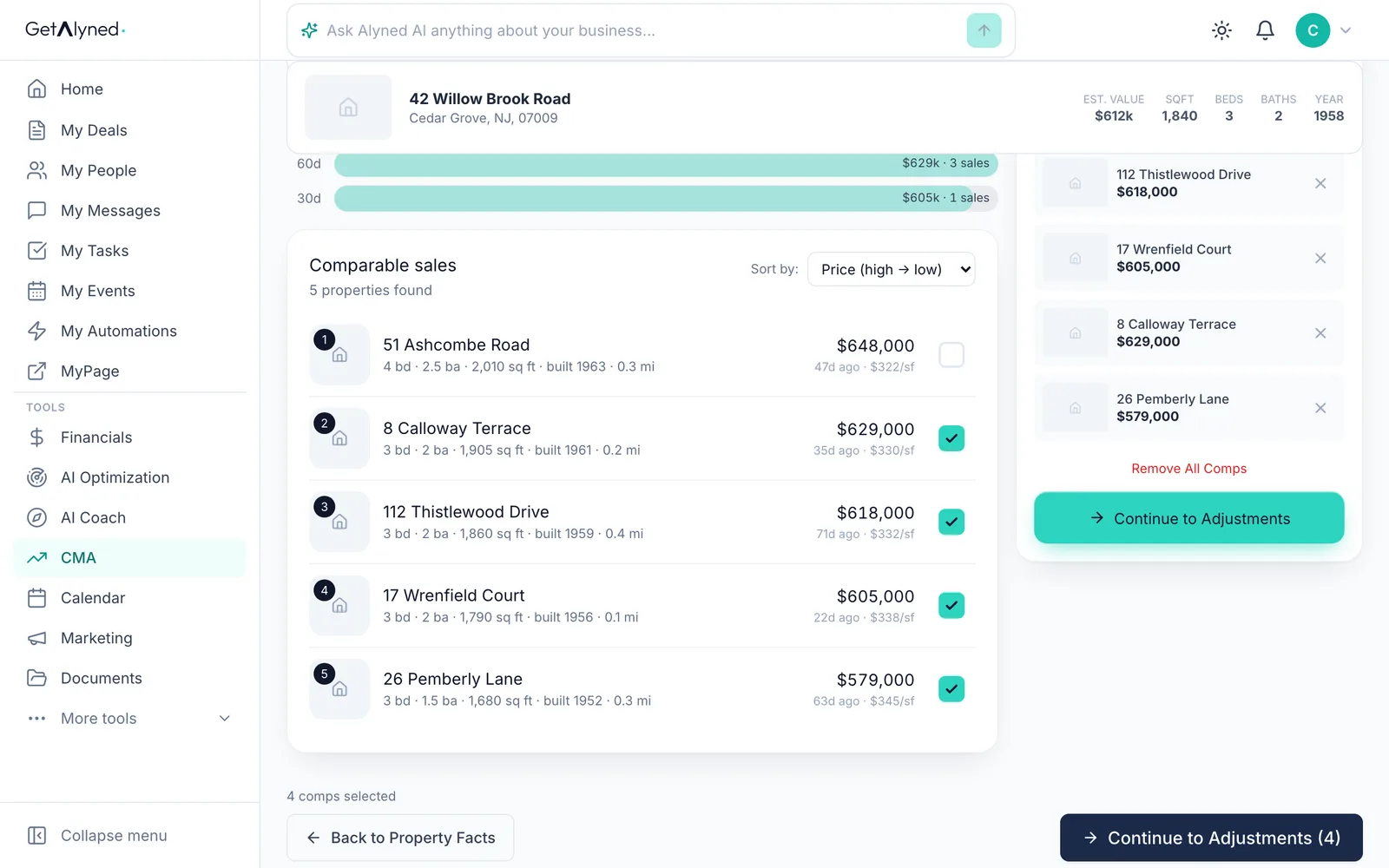
Step 2, Comparables: recent sales nearby. The comps you're using, and the range they give, are on the right.
-
Remove a poor match
Untick or remove a sale that isn't a fair match, like a bigger house with an extra bedroom.
-
Confirm
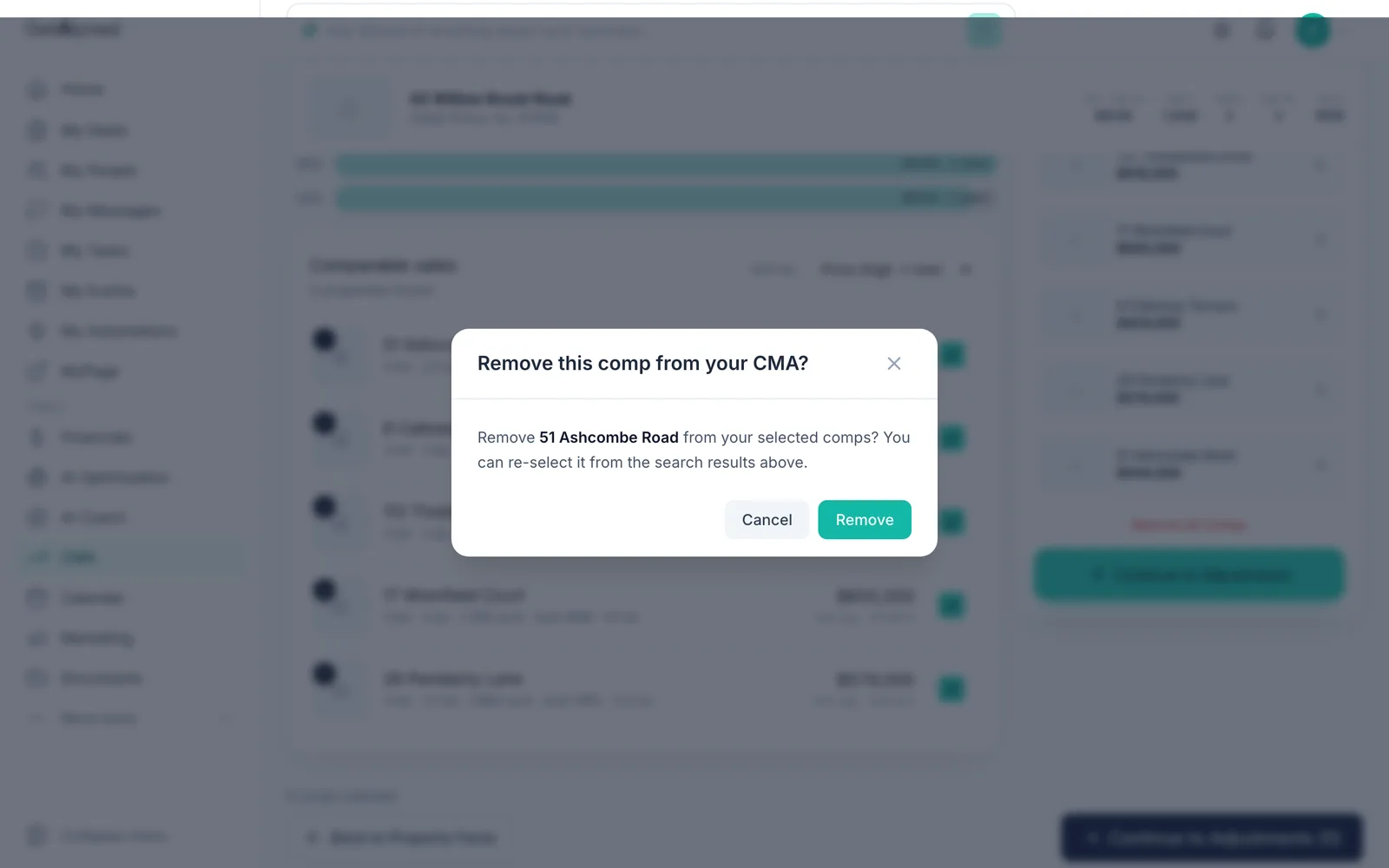
Click Remove. The range on the right updates to the comps you kept.
-
Go to adjustments
Click Continue to Adjustments.
-
Adjust feature by feature
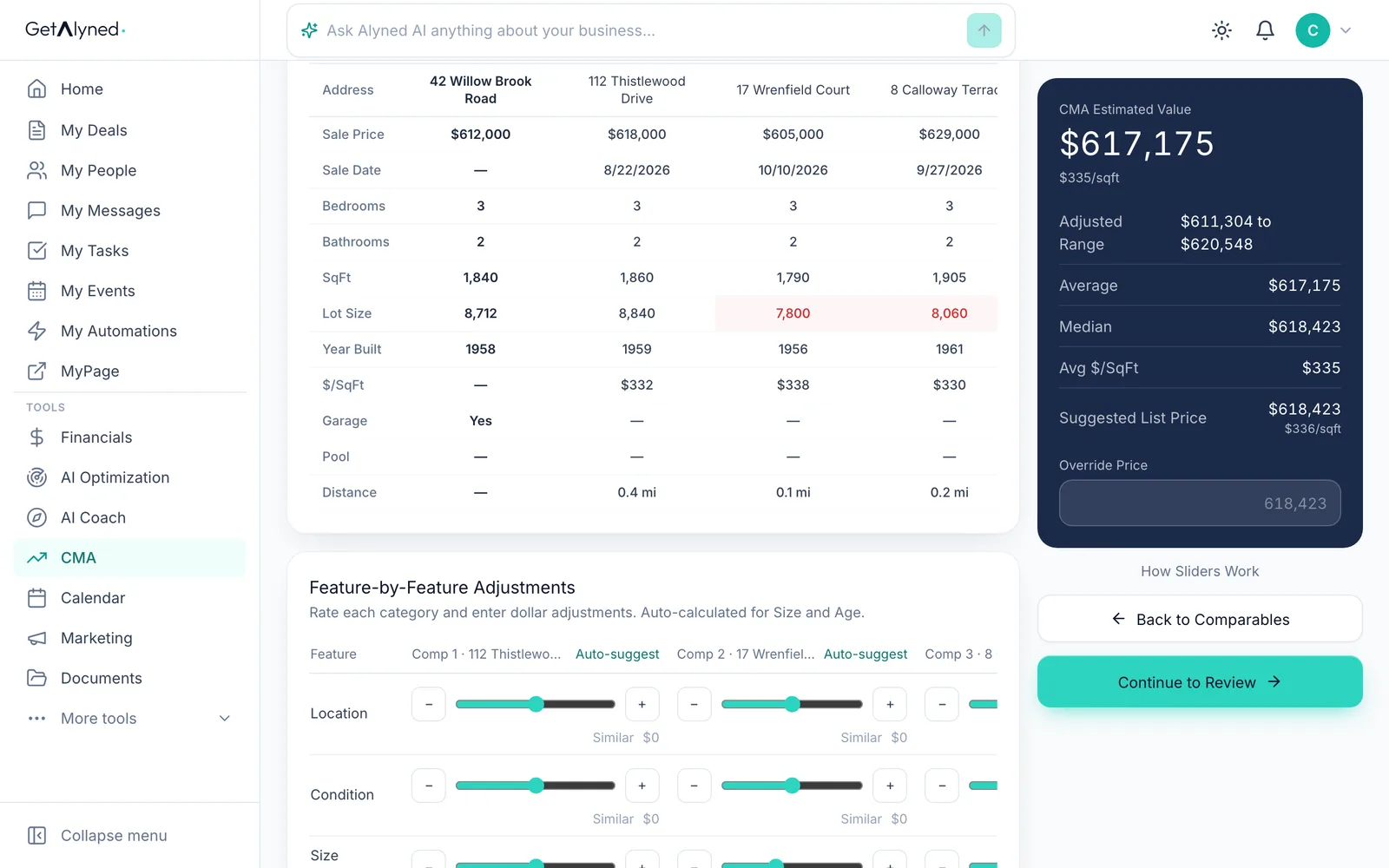
Step 3, Adjustments: rate each comp against your listing, feature by feature, from Much Worse to Much Better. Auto-suggest rates a row for you.
-
Rate a feature
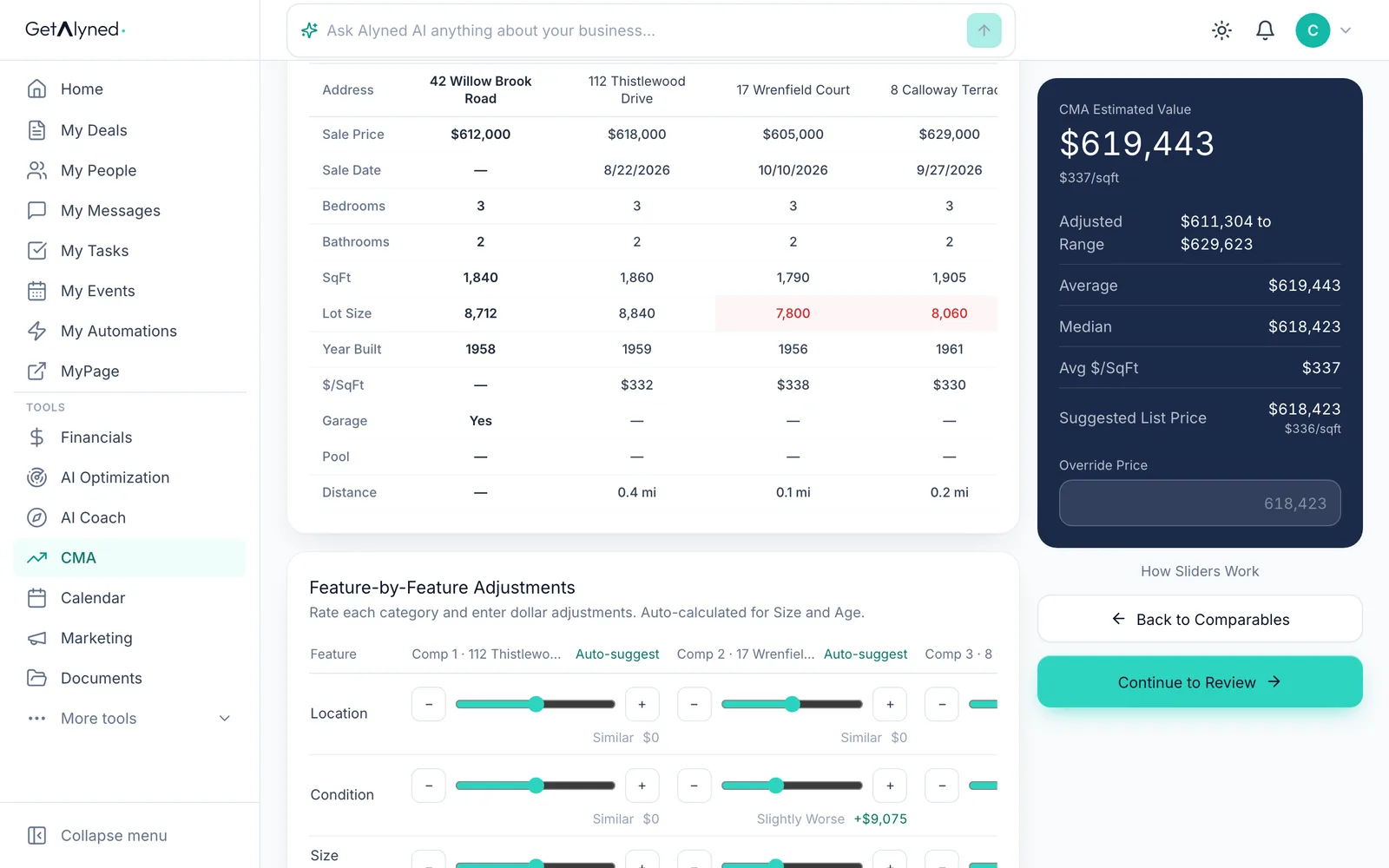
Here a comp's condition is a little worse than your listing's, so Alyned adjusts its price to match.
-
Watch the range
The adjusted range and suggested list price update as you go.
-
Go to review
Click Continue to Review.
-
Your recommended price
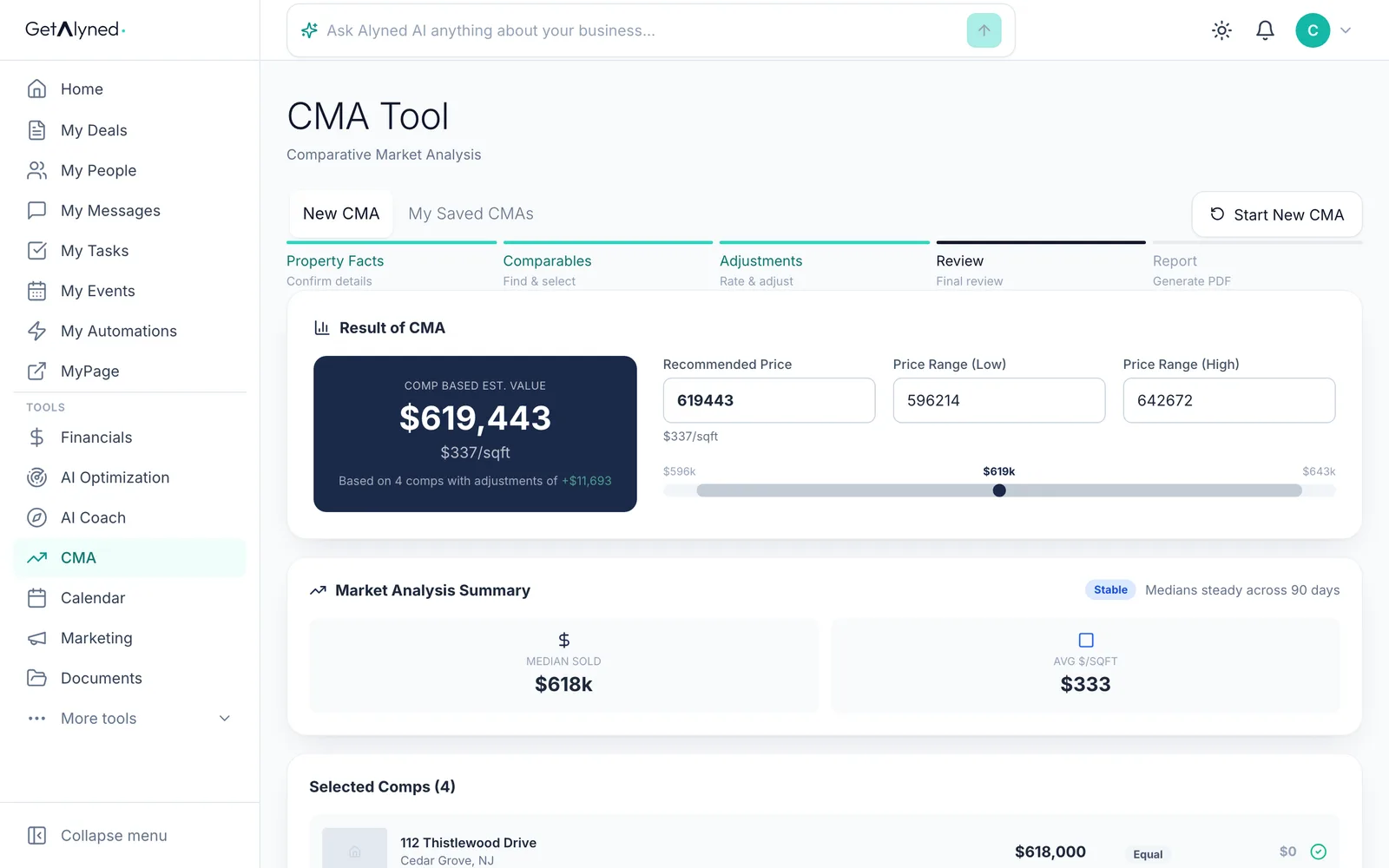
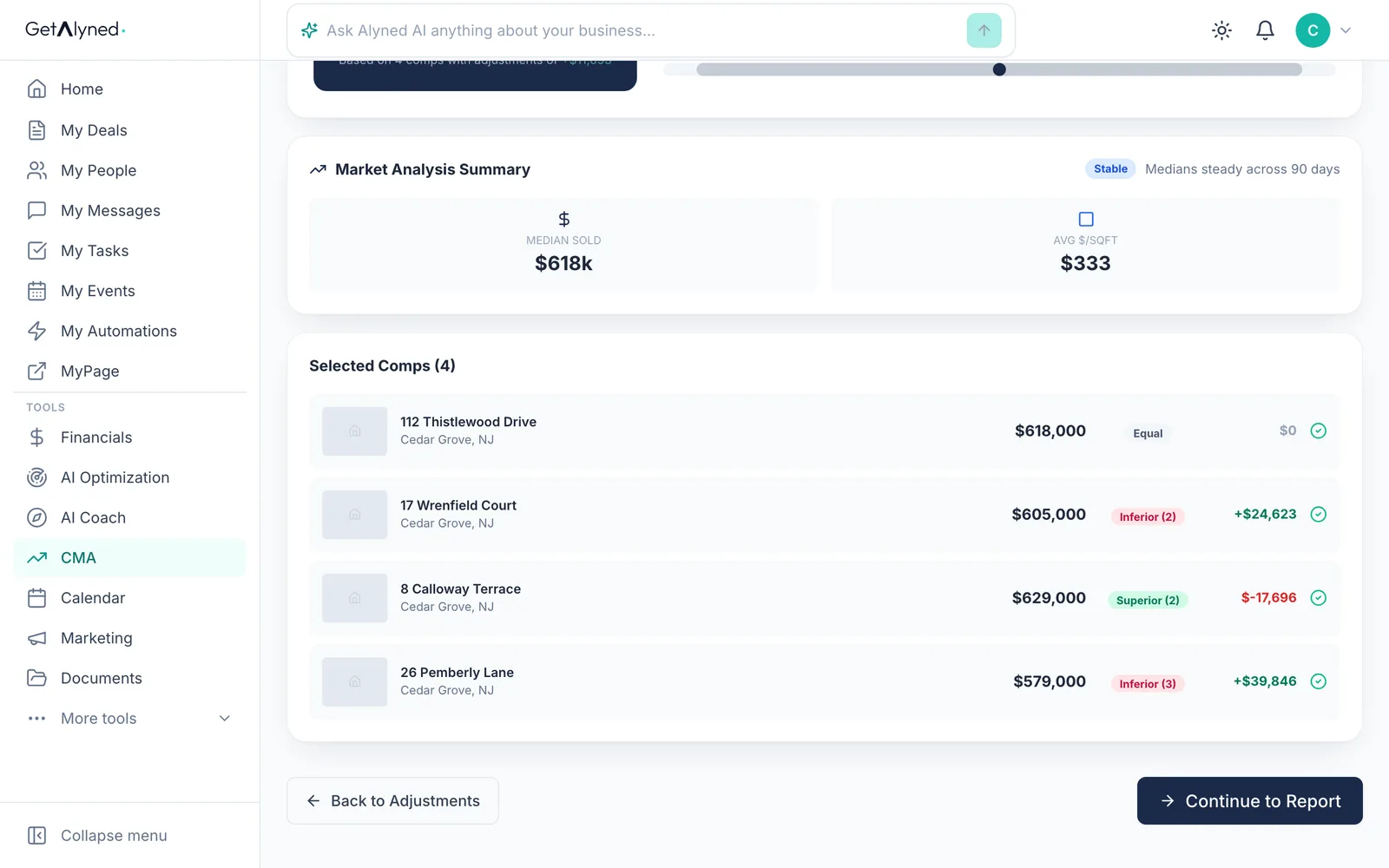
Step 4, Review: the recommended price and the range.
-
Go to the report
Click Continue to Report.
-
Set up the report
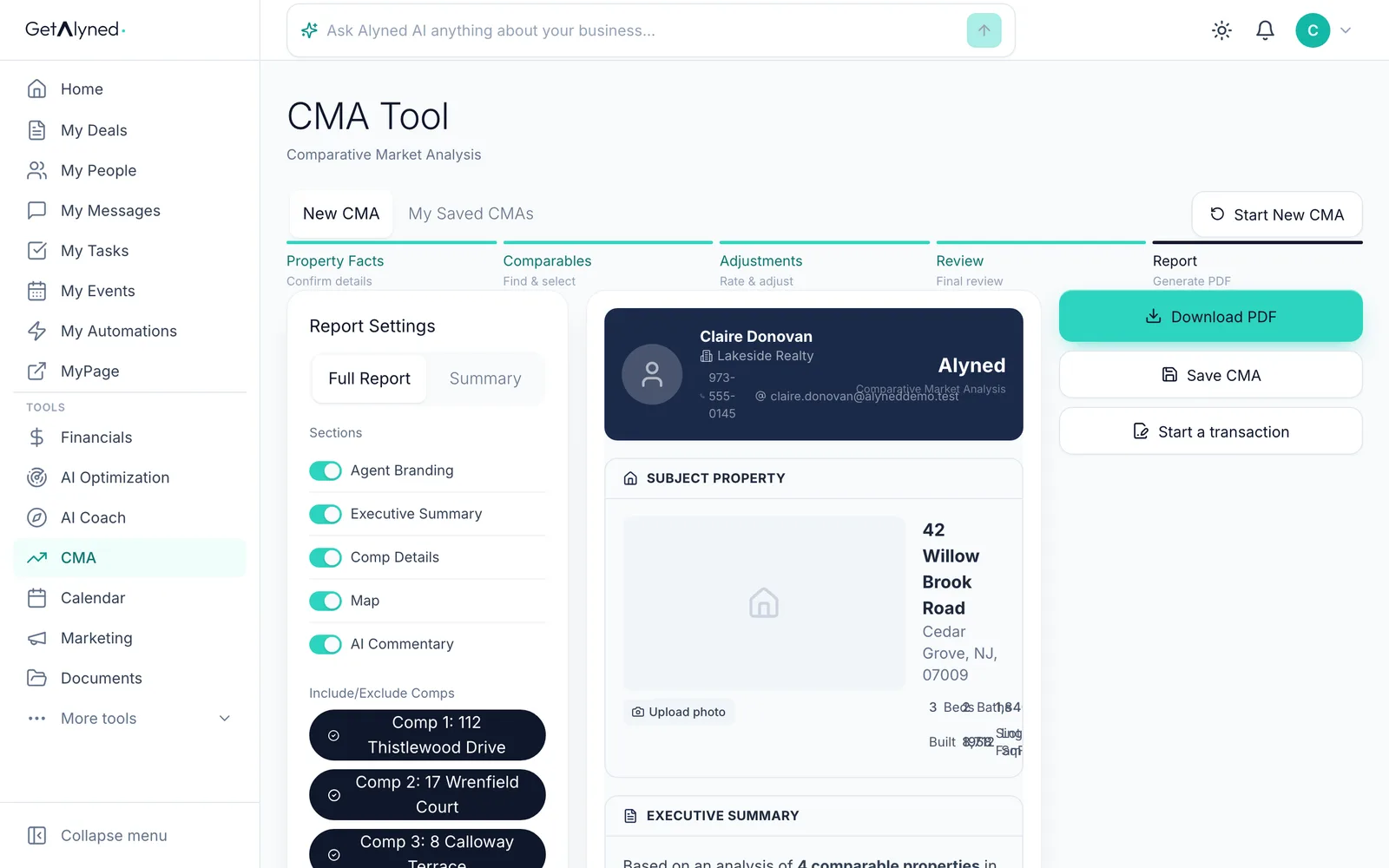
Step 5, Report: pick a full report or a summary, and add your notes. The written pricing and market sections can be regenerated.
-
Download the PDF
Download PDF makes the report.
-
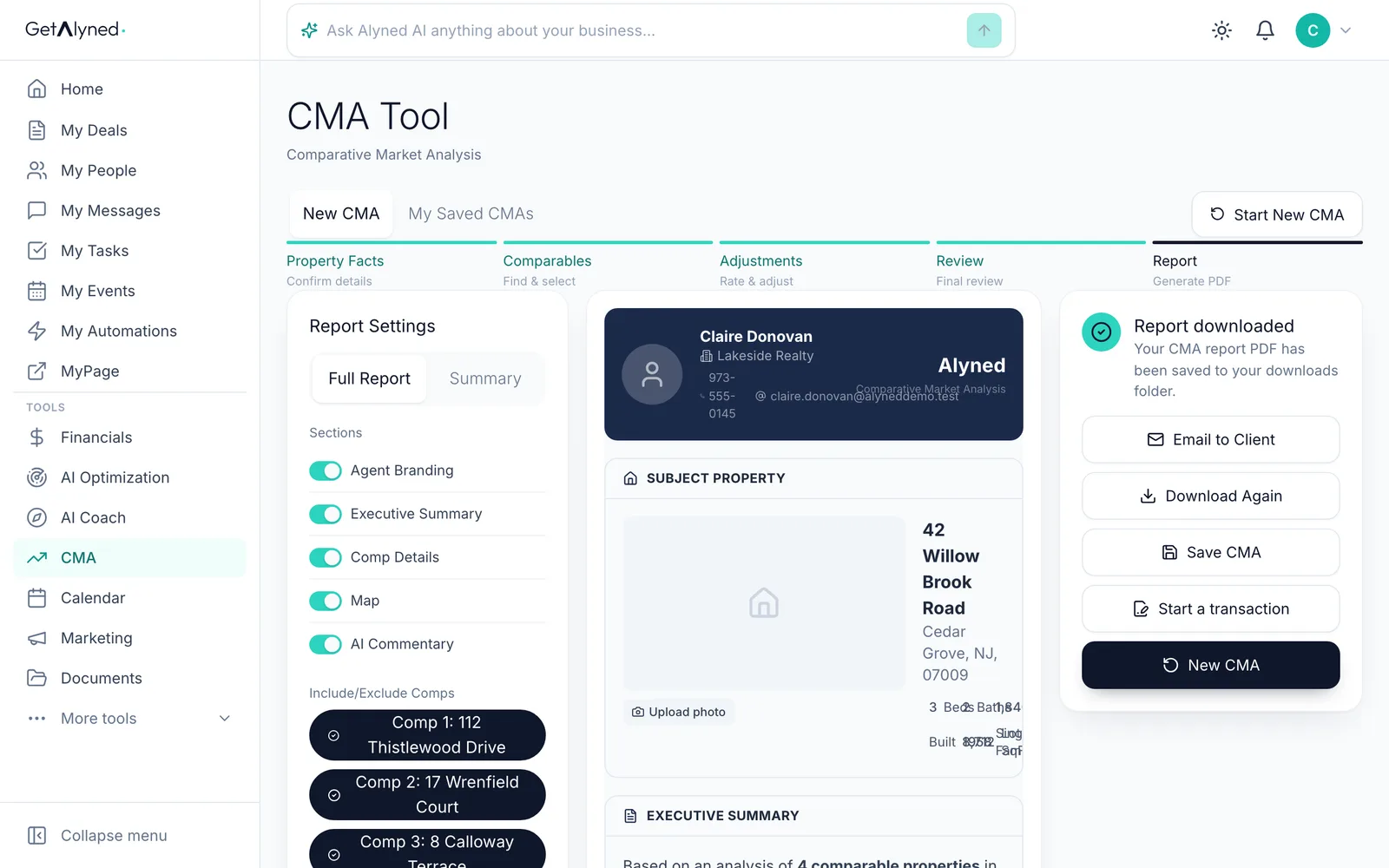
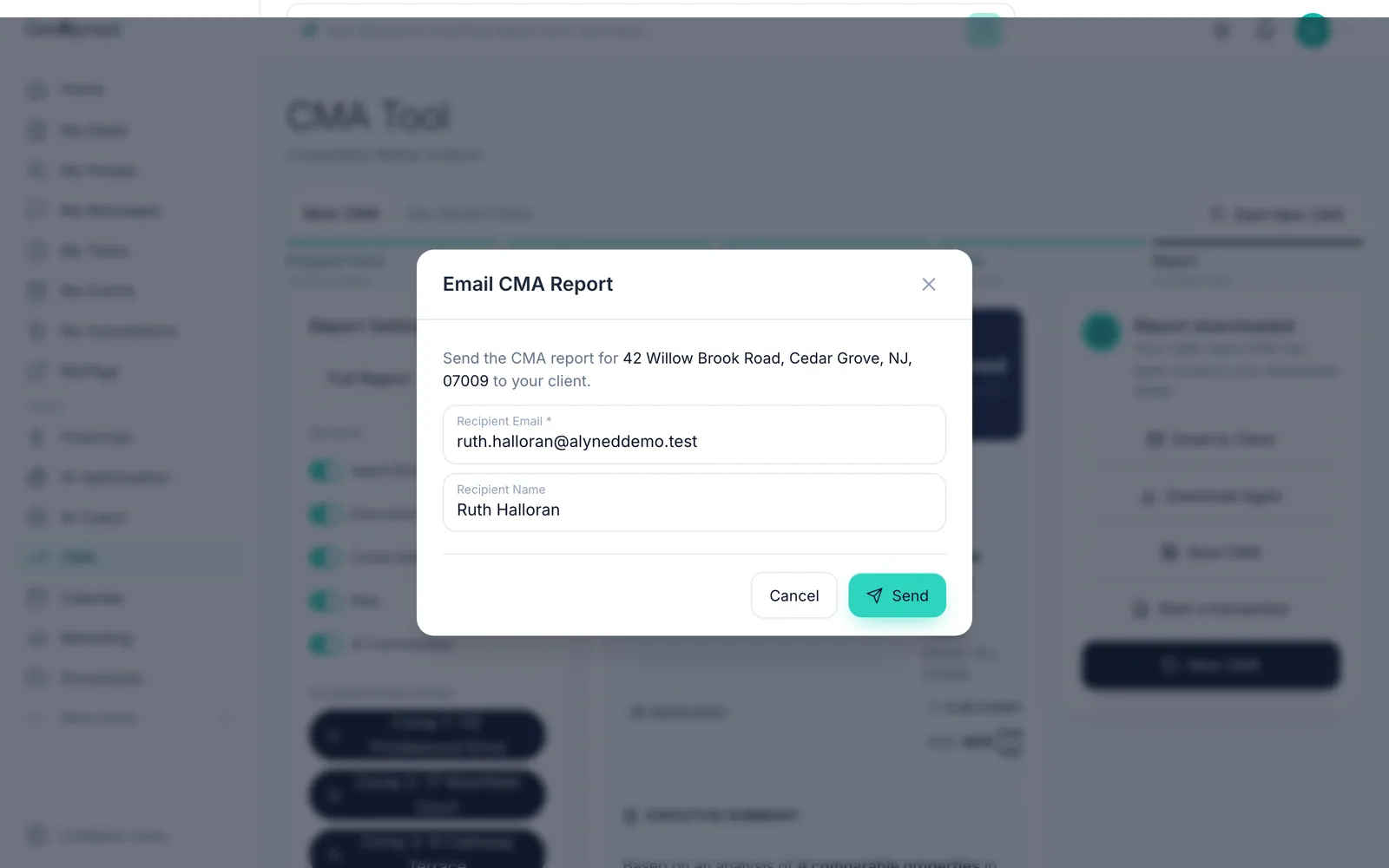
Or email it
Email to Client sends it as a PDF.
-
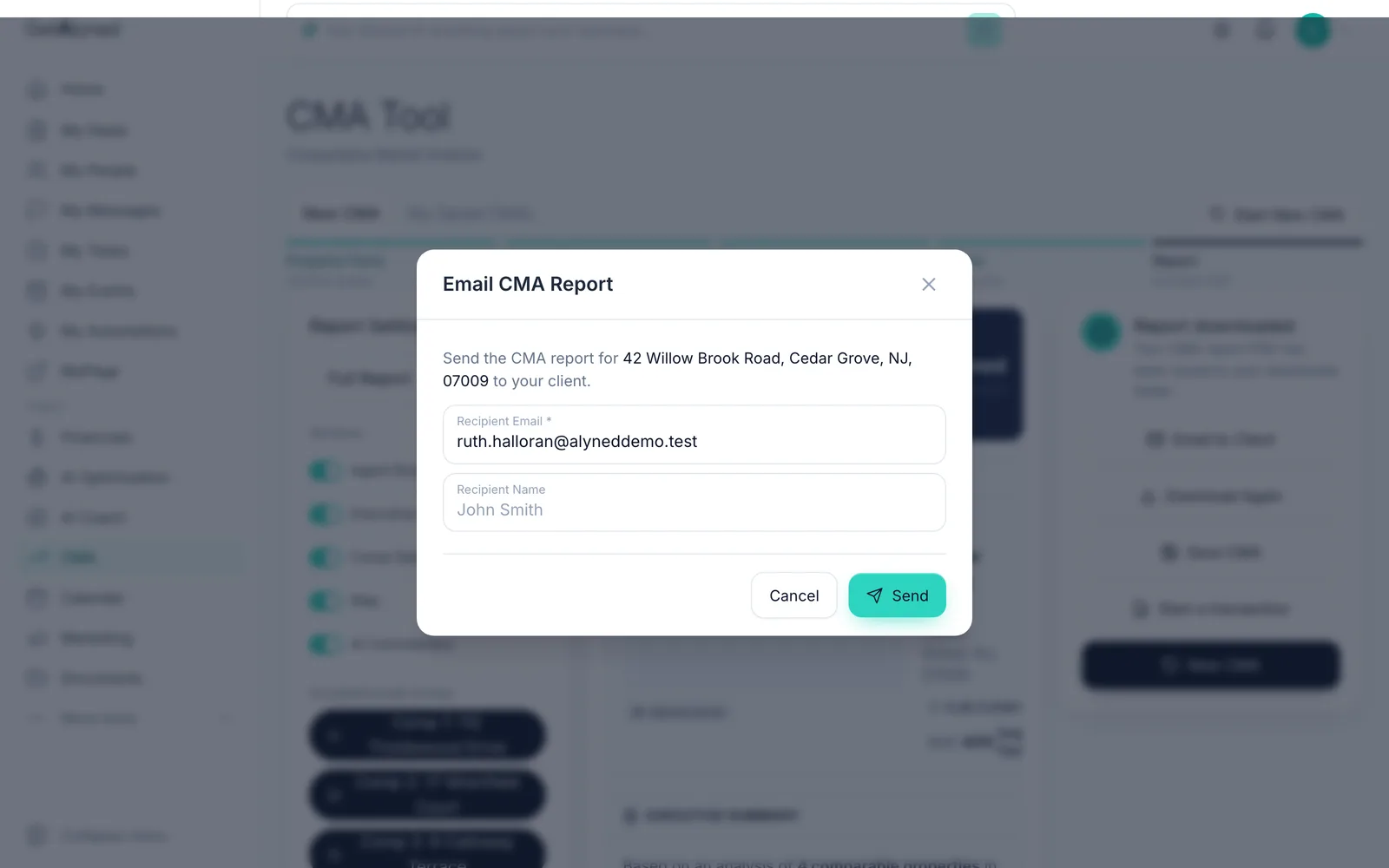
Add your client's email
Add your client's email, and their name if you like.
-
Send it
Click Send. Your client gets the report as a PDF.
-
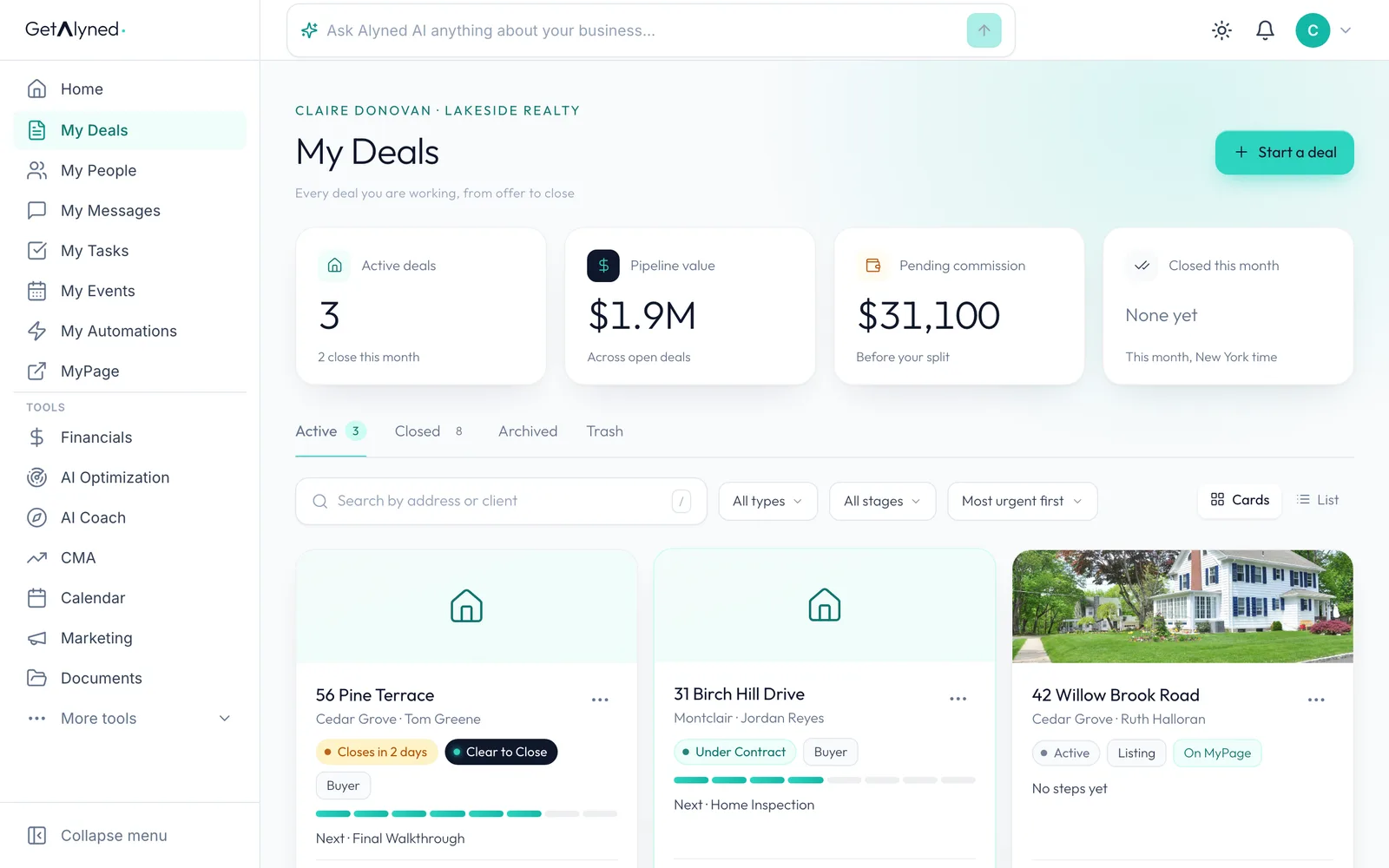
Start from a deal
You can also start a CMA from a deal. Open the deal.
-
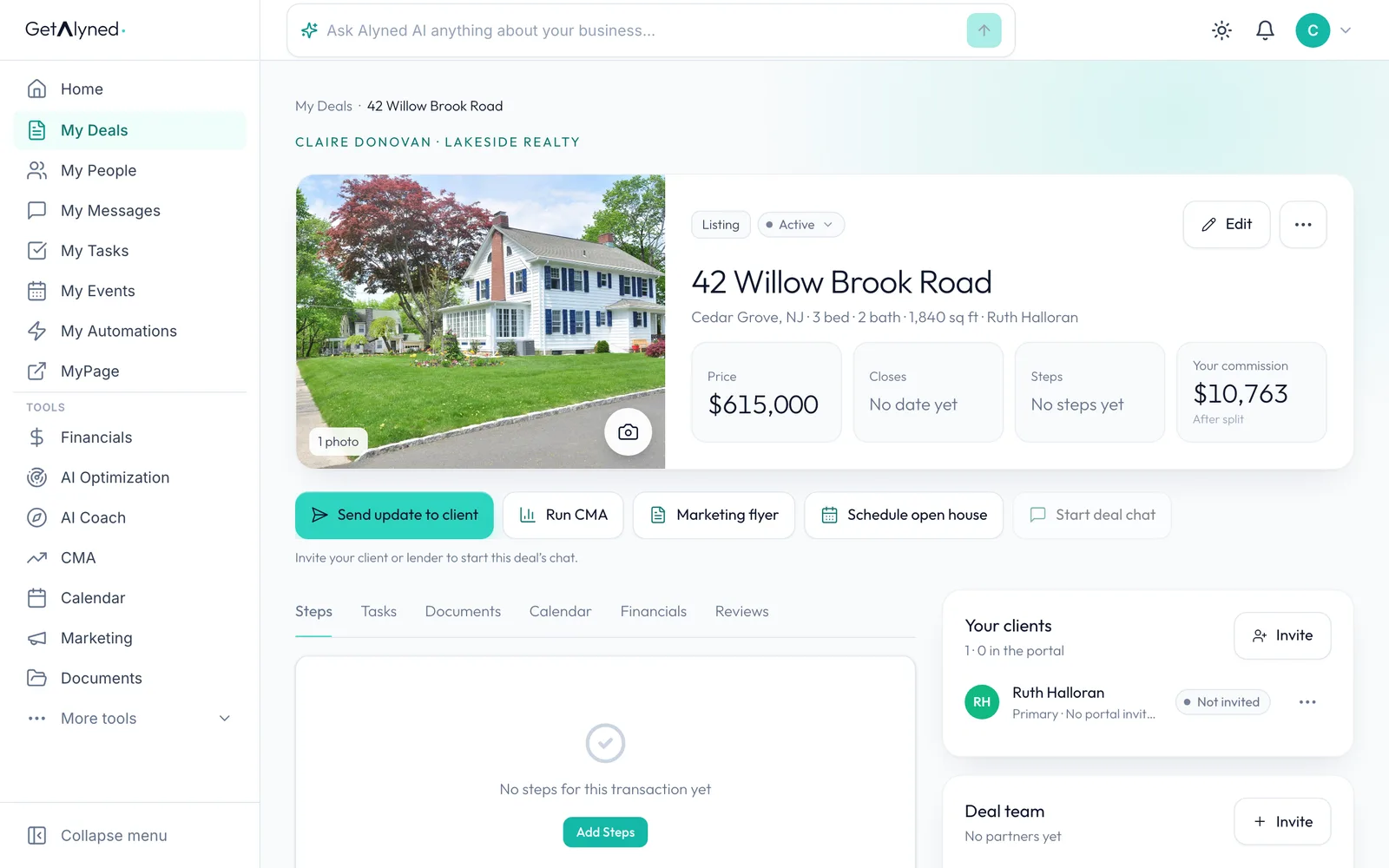
Run CMA
Run CMA opens the CMA with the deal's address already filled in.
Related guides
- Start a listing deal and publish it to MyPage · Set up a new listing, add the facts, a description and a cover photo, and publish it to your MyPage so buyers can see it right away.
- Make a property flyer and social images · Turn an address and a photo into a print-ready flyer, plus matching images sized for Instagram, Facebook and LinkedIn.
- Ask Alyned AI anything · Ask Alyned AI how to do something in Alyned, or ask about your own deals, contacts and tasks. It answers in plain words, from your own data.