Share a contact or deal with your team
For team leads · 4 min
Everything in Alyned is private until you share it. Share one contact or deal at a time with your team's managers, and see exactly what they can read.
Watch
Or read it step by step
-
Private by default
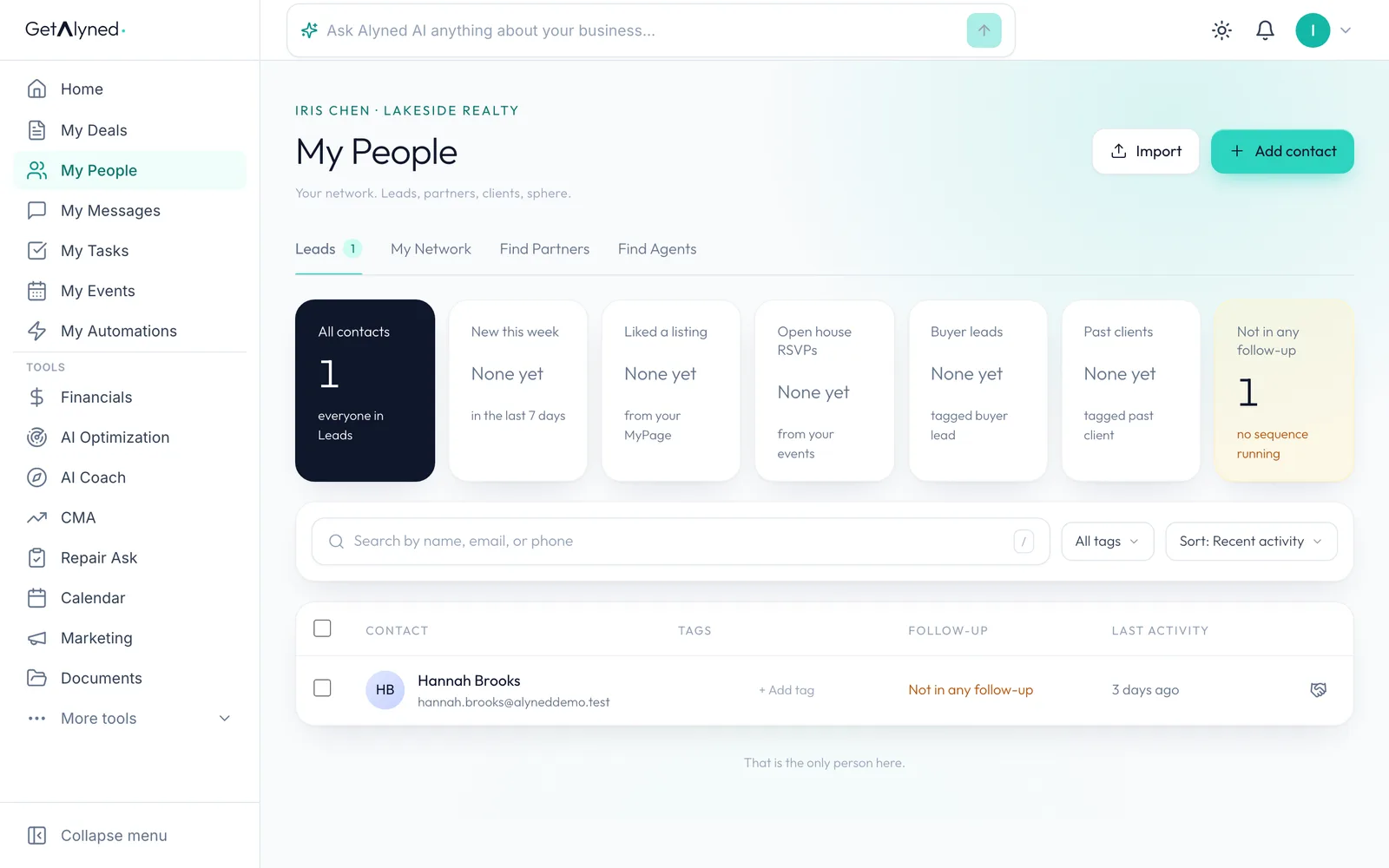
Everything in your Alyned is private until you share it, one record at a time. Here's a team member with one of her contacts.
-
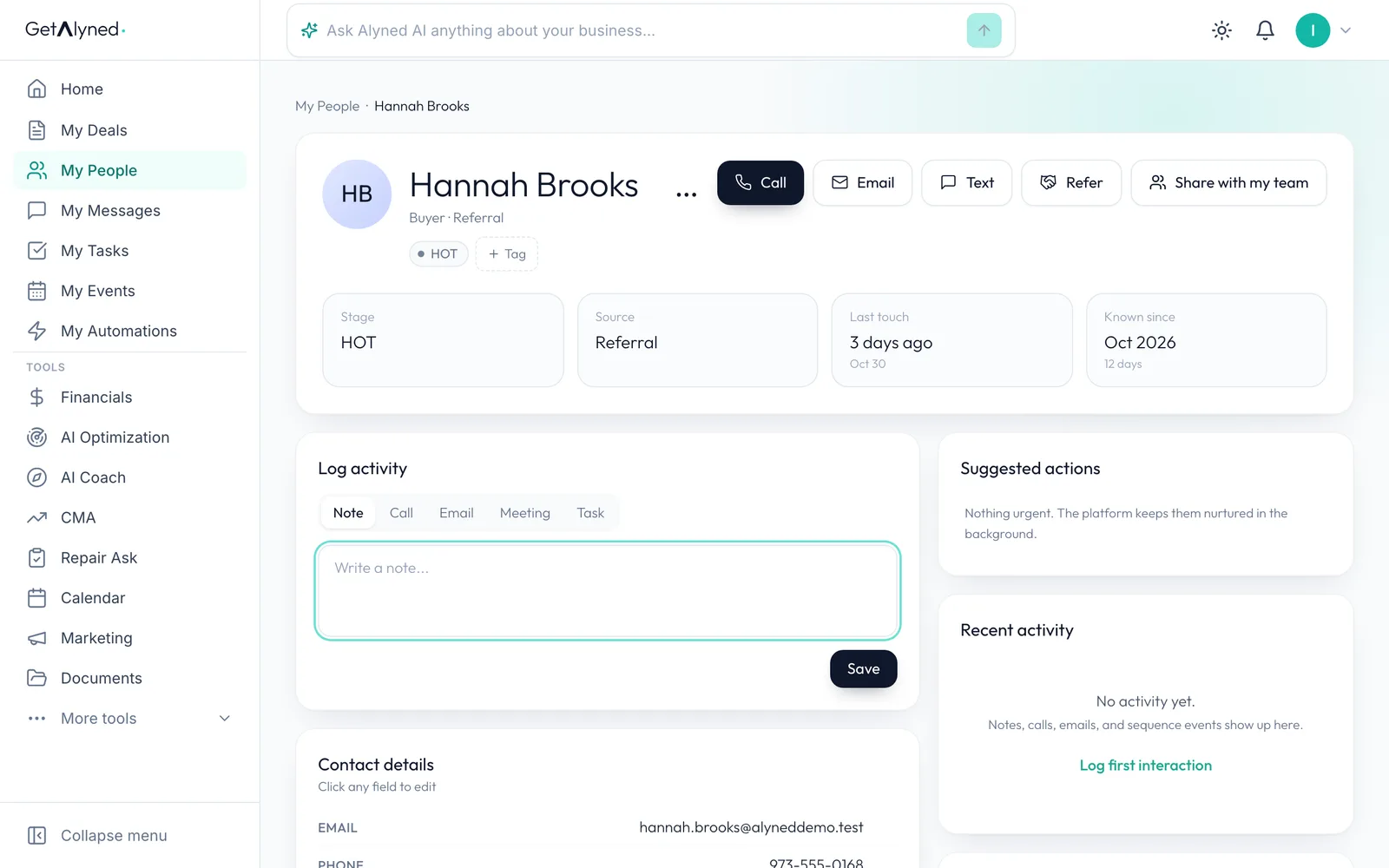
Share with my team
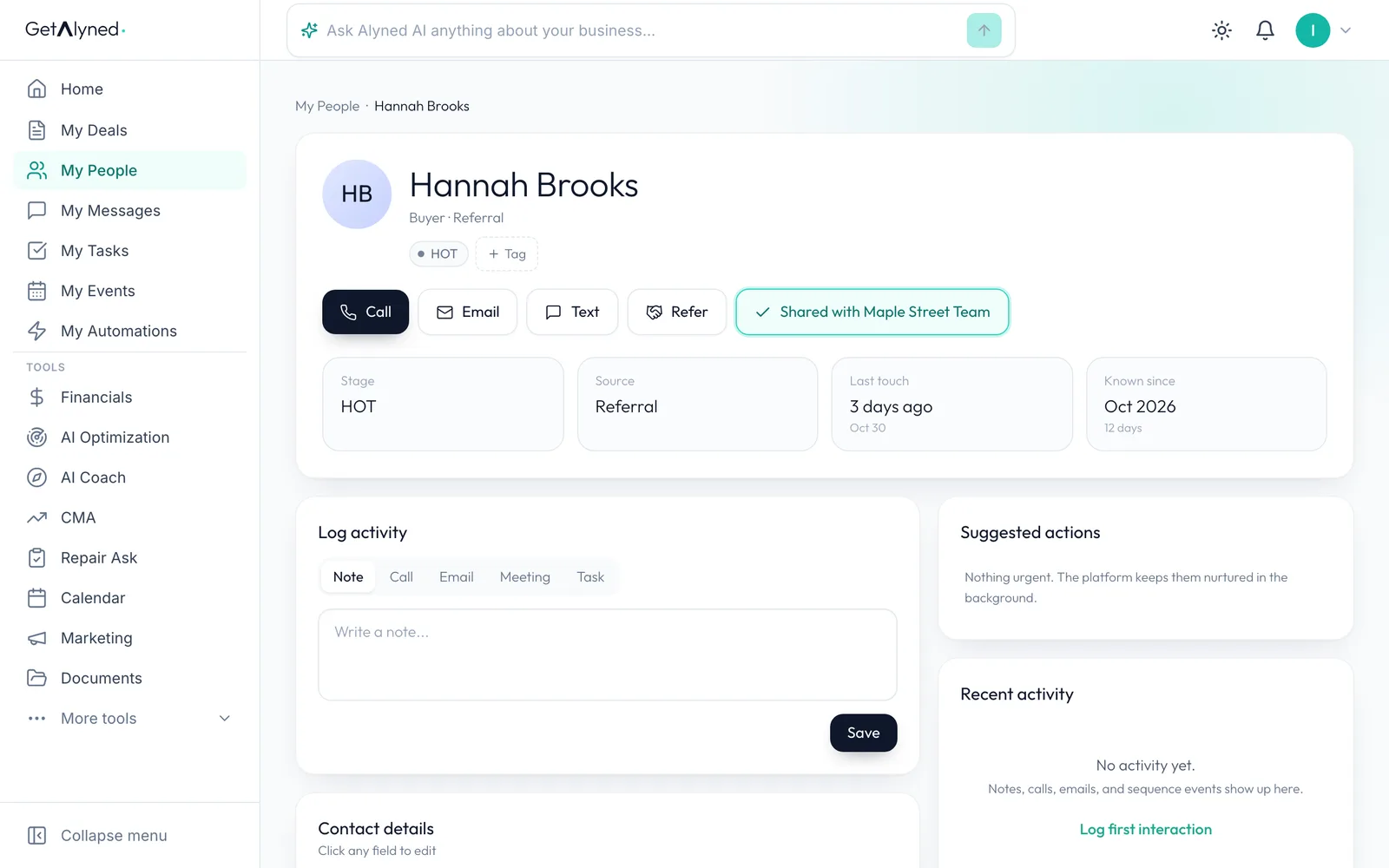
Share with my team is on the contact, beside its other actions.
-
Who sees it
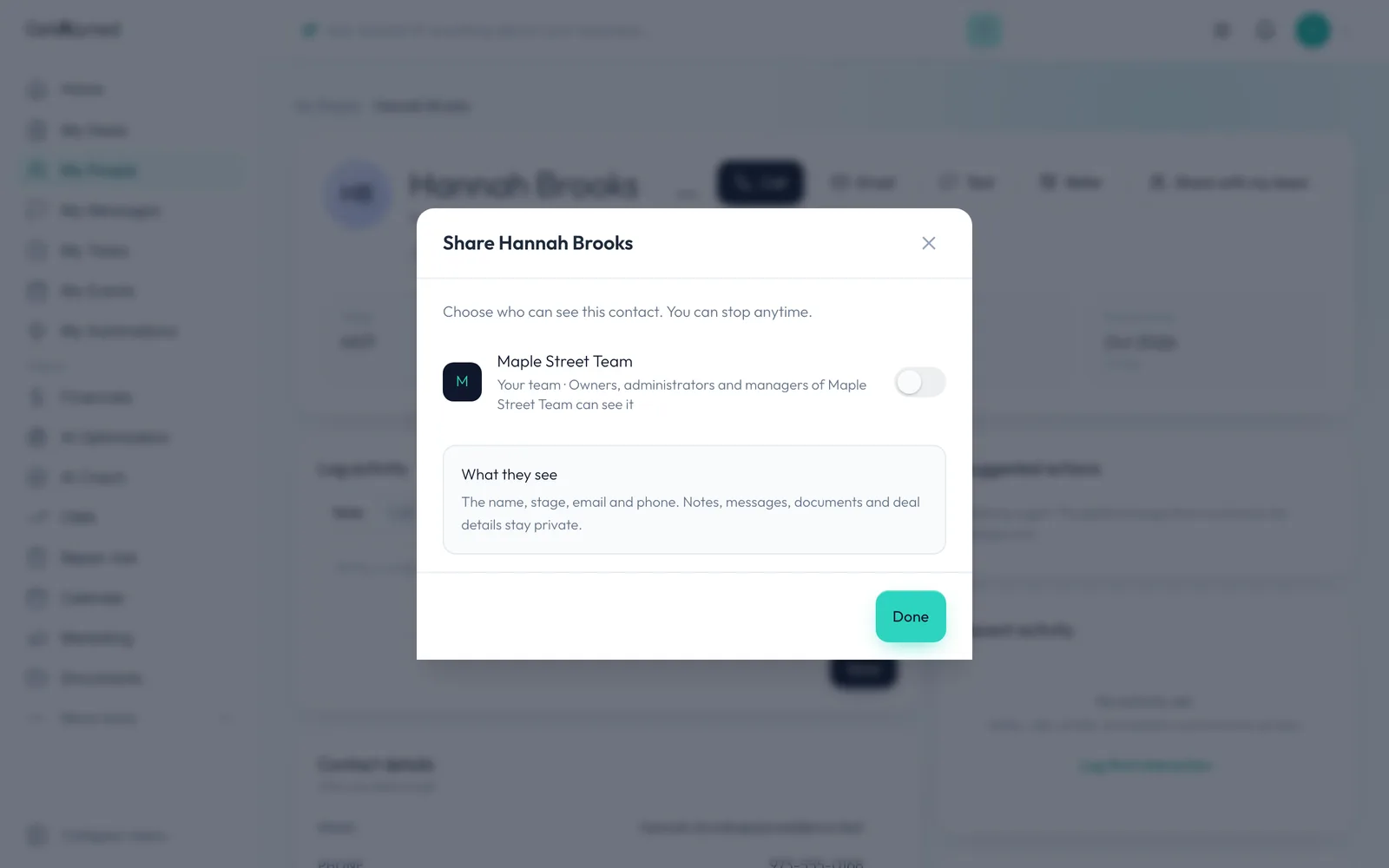
There's one switch for each team you can share with. Its owners, admins and managers see what you share. Other team members don't.
-
What they see
They see the name, stage, email and phone. Notes, messages, documents and deal details stay private.
-
Turn it on
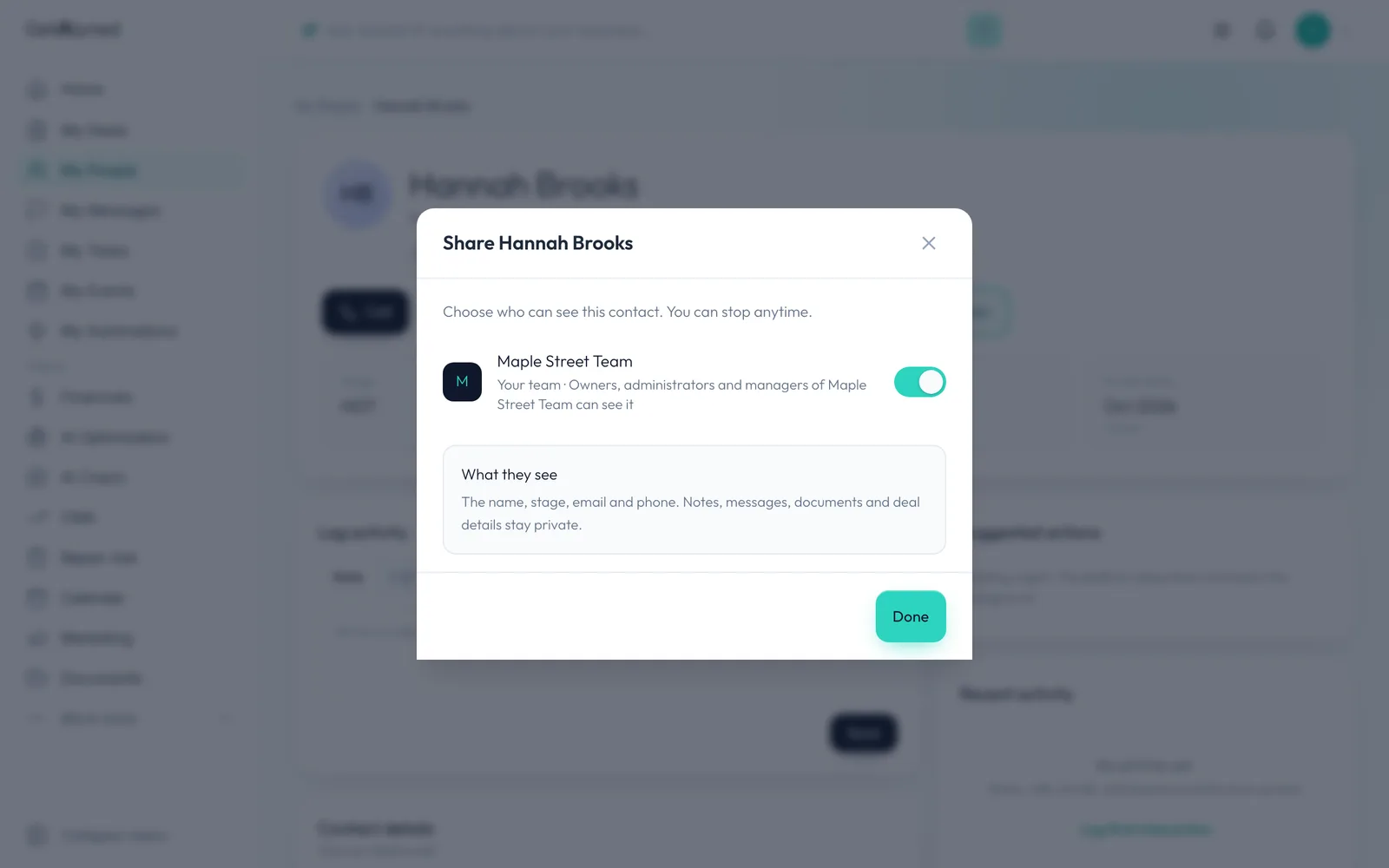
Turn it on. It saves right away, and you can stop any time.
-
Done
Click Done. That's the whole share.
-
Shared
The button now names the team it's shared with.
-
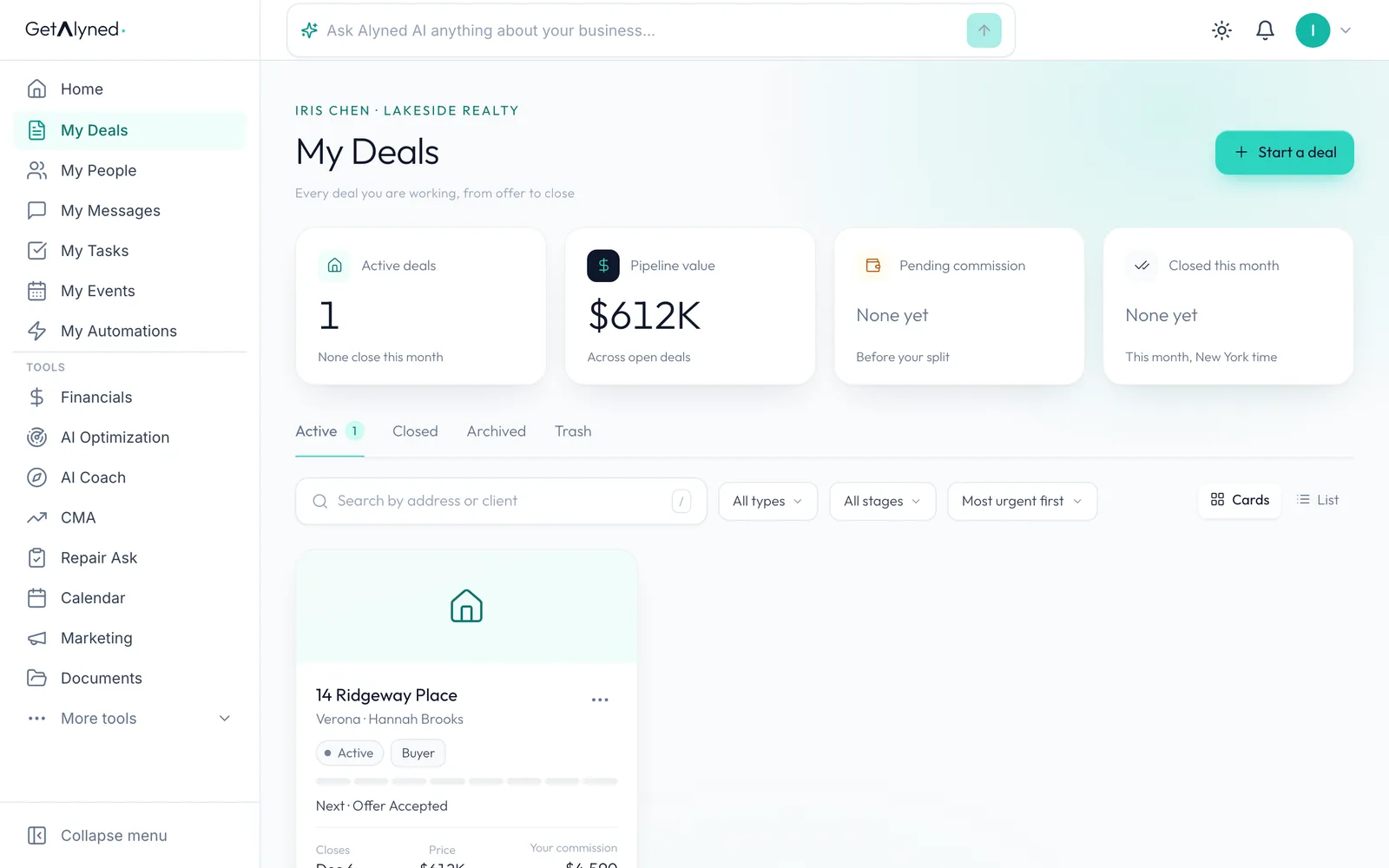
Open a deal
Deals work the same way. Open one of your own.
-
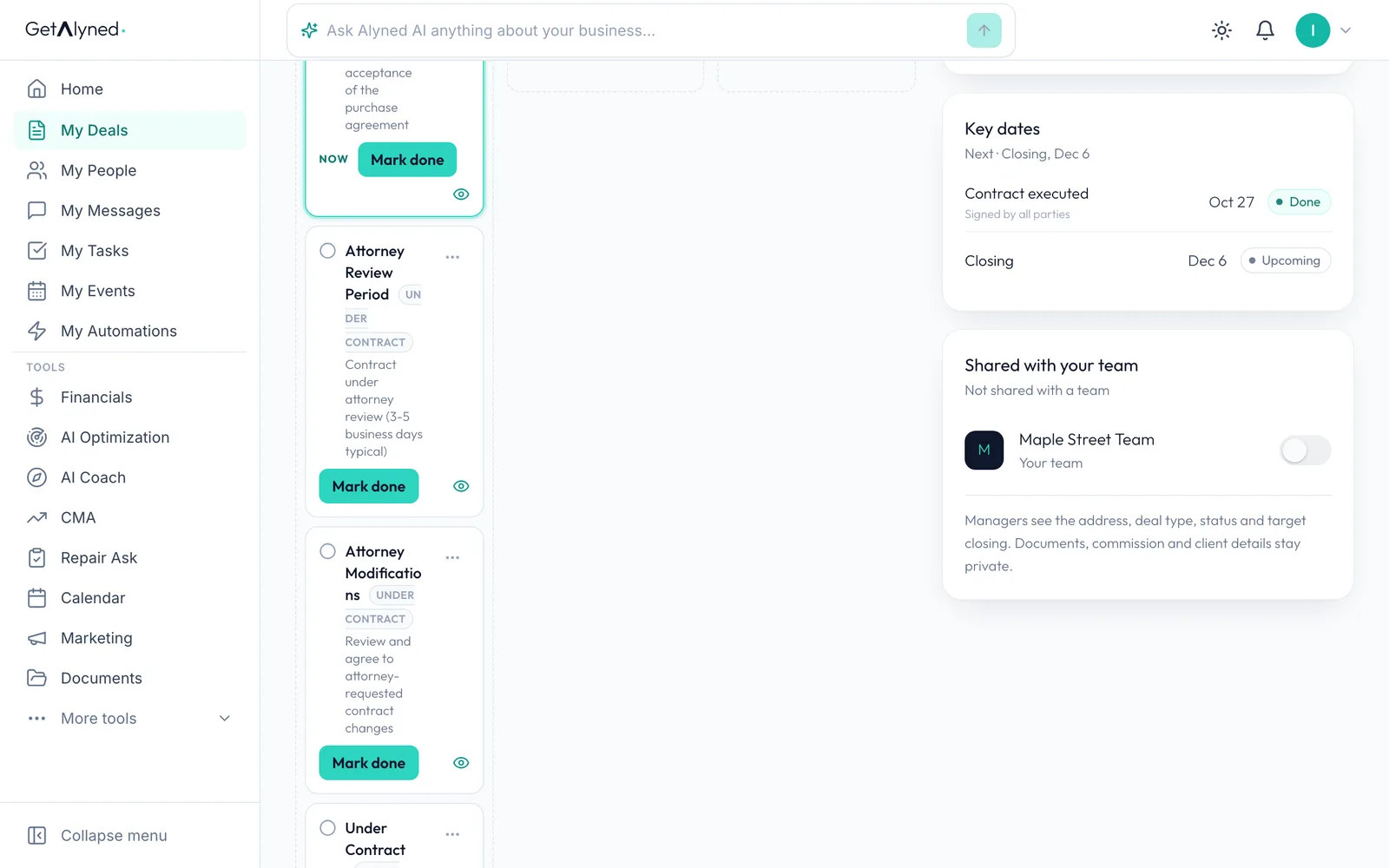
Shared with your team
Shared with your team is a card on the deal. Managers see the address, deal type, status and target closing. Documents, commission and client details stay private.
-
Turn it on
Turn it on for this deal.
-
Everything you share
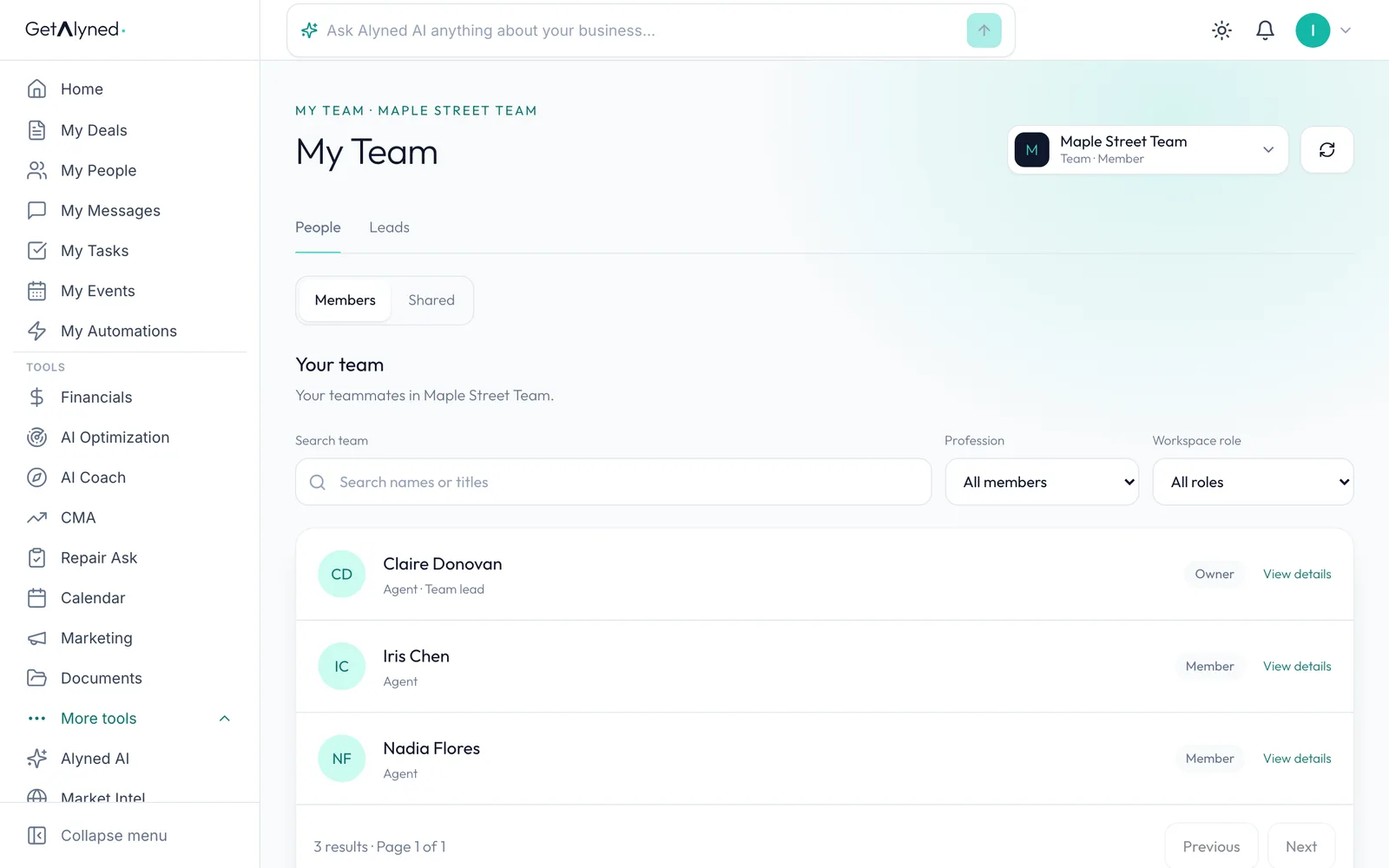
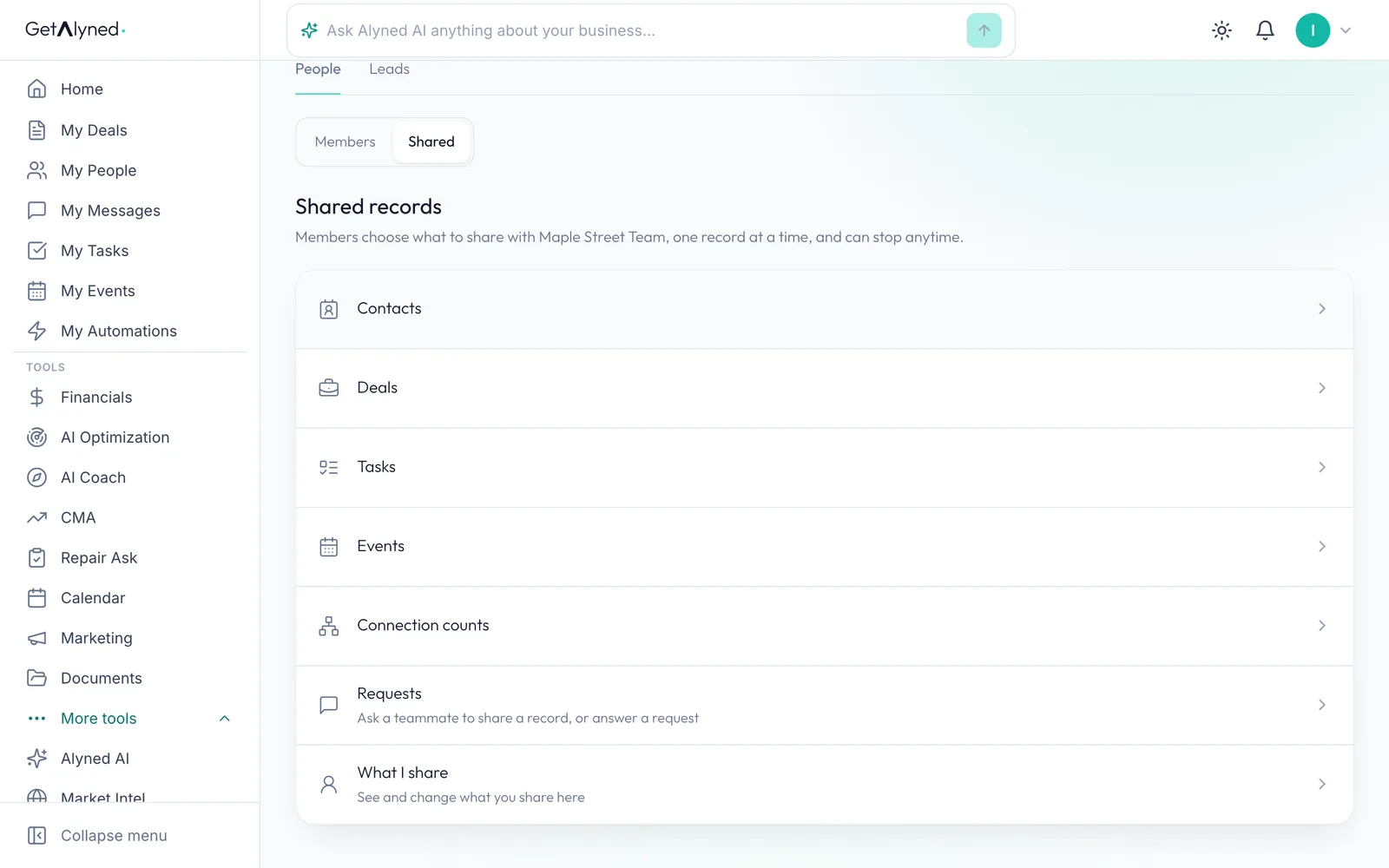
To see everything you share, open My Team, then People, then Shared.
-
What I share
What I share lists it all in one place.
-
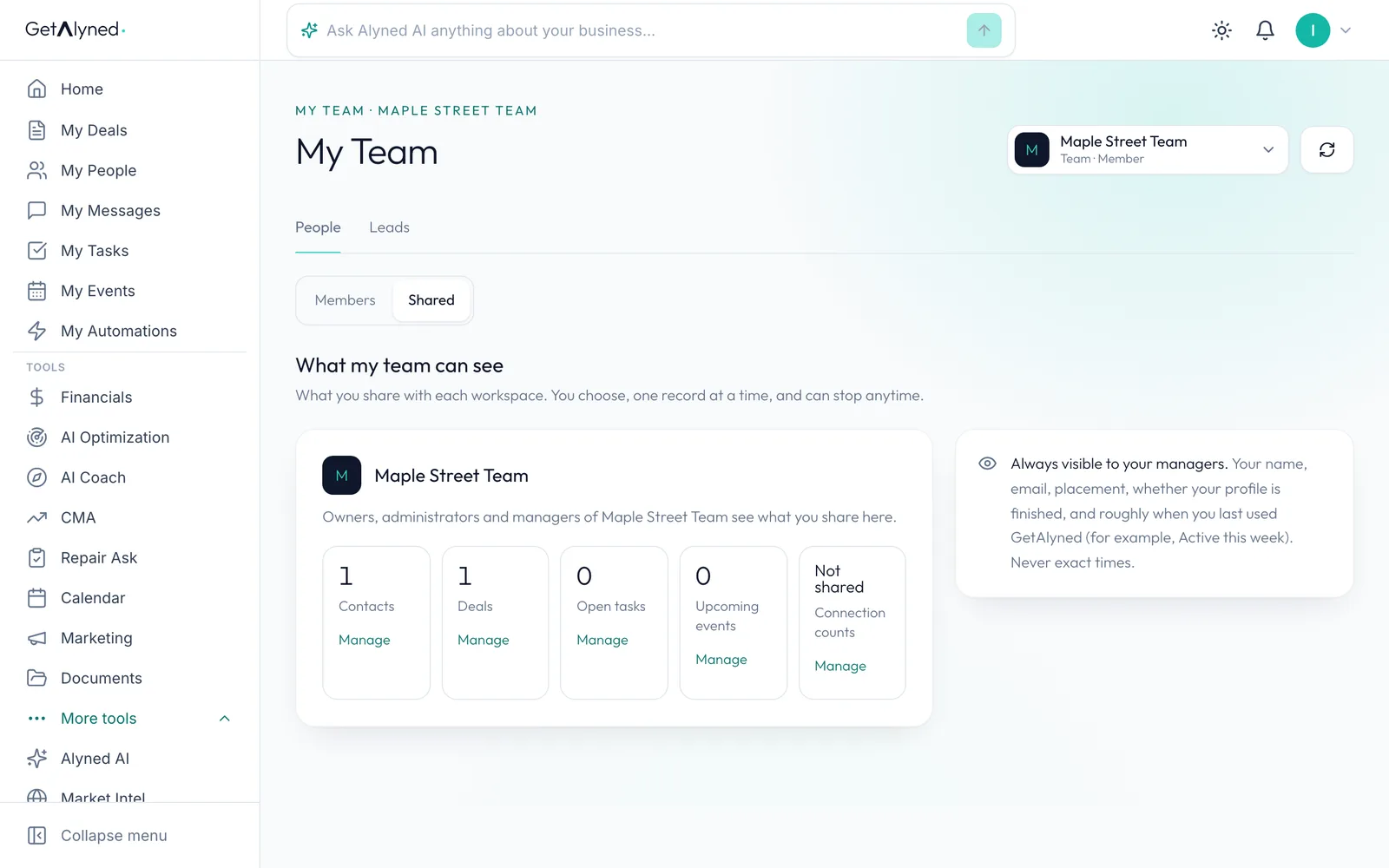
What your team can see
Counts for each team, each with Manage. Managers also always see your name, email, whether your profile is finished, and roughly when you last used Alyned.
-
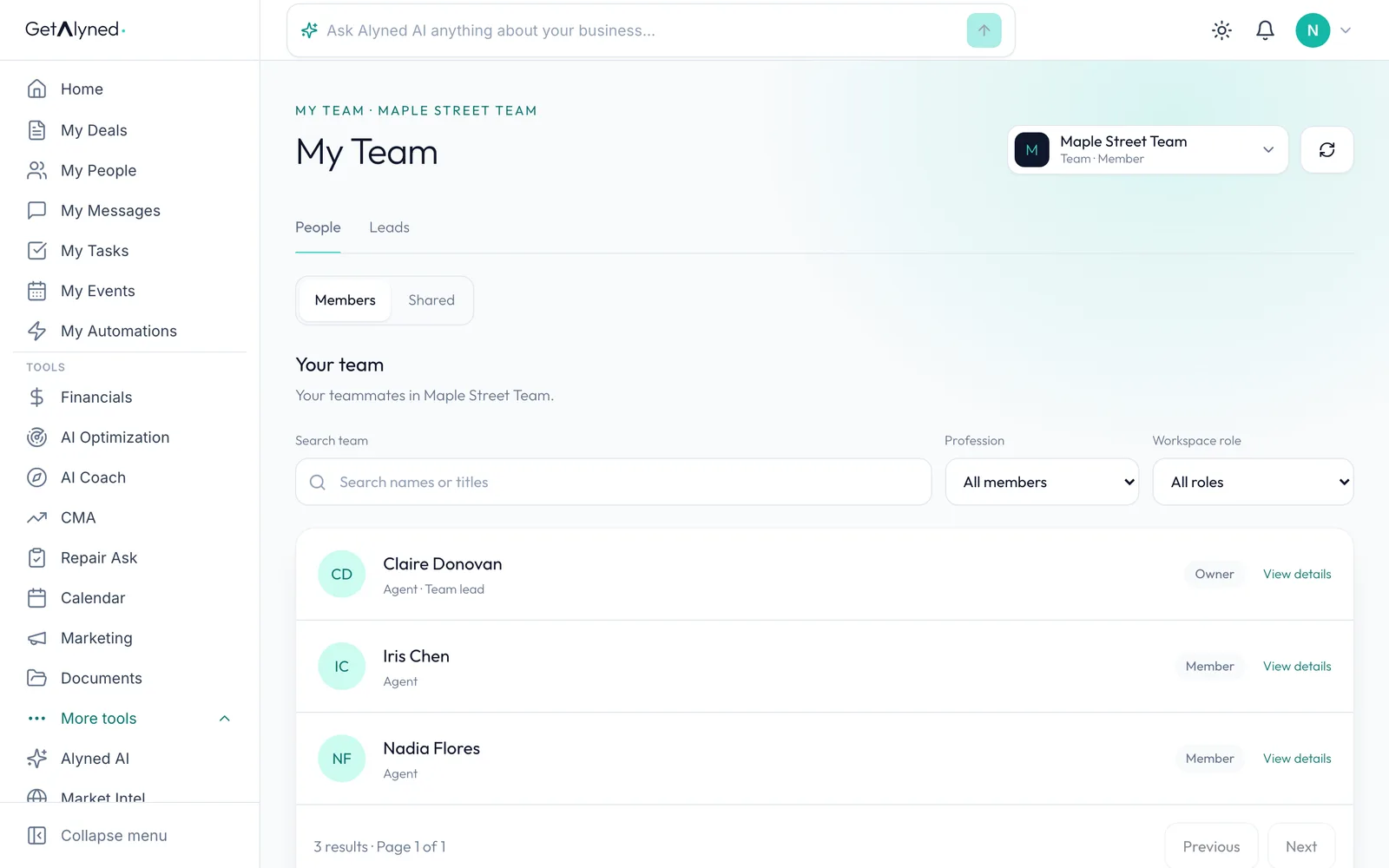
Another member
Here's another team member. Her Shared page has the same list.
-
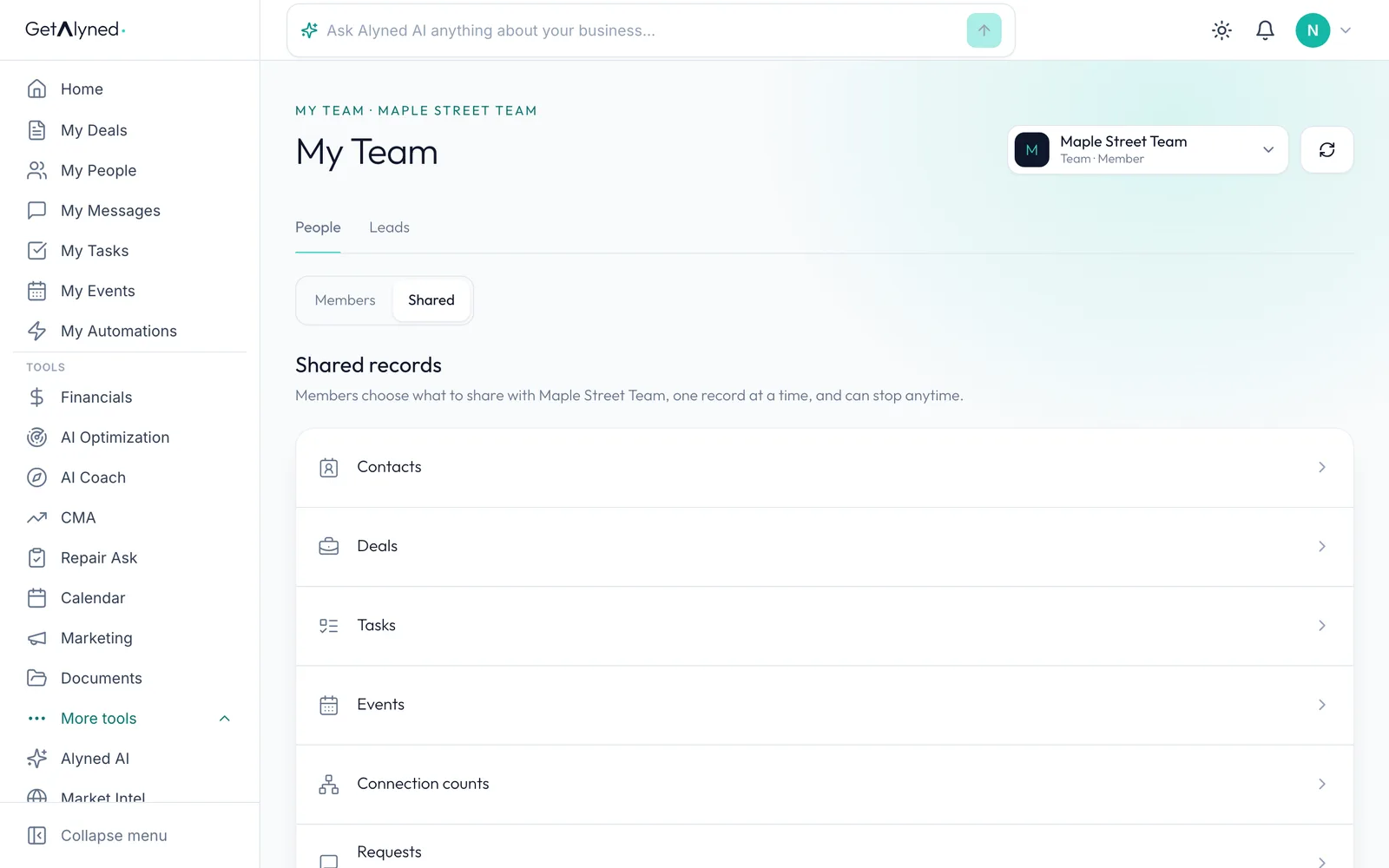
Contacts
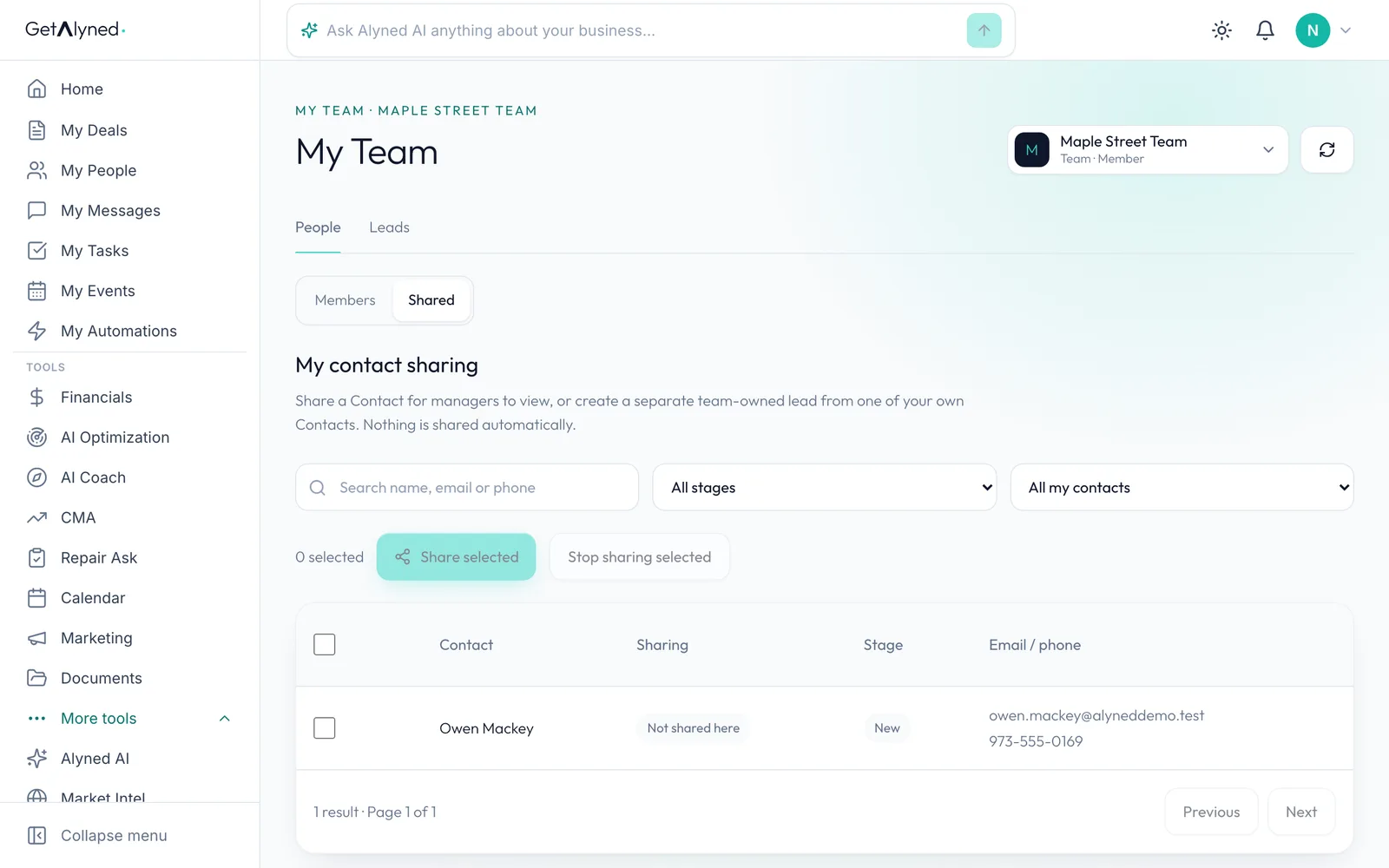
A team member sees only their own sharing here, not anyone else's.
-
Members share, managers read
Only her own contacts. A member shares; a manager reads.
-
The team lead
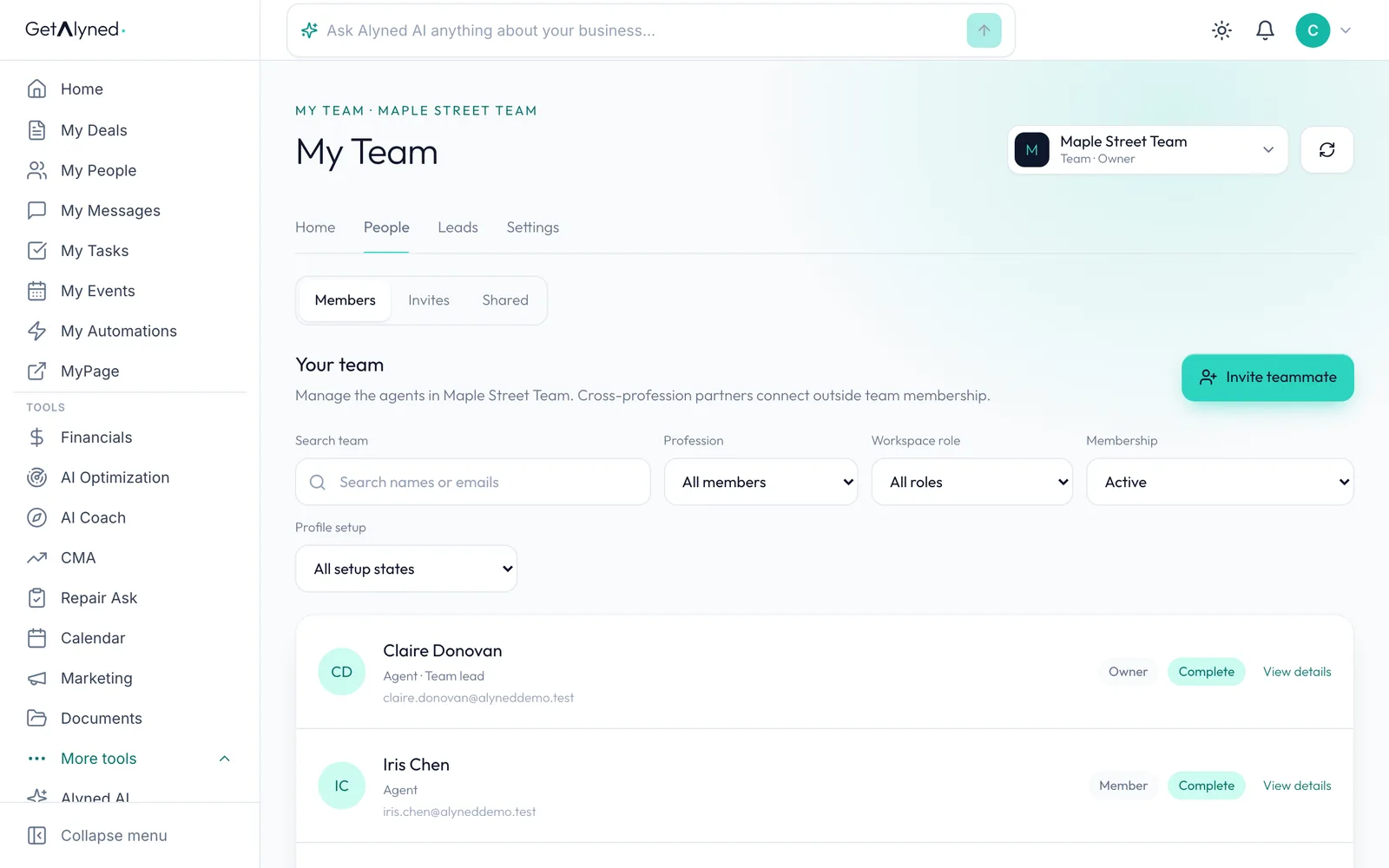
Now the team's owner. What members share is under People, then Shared.
-
Contacts
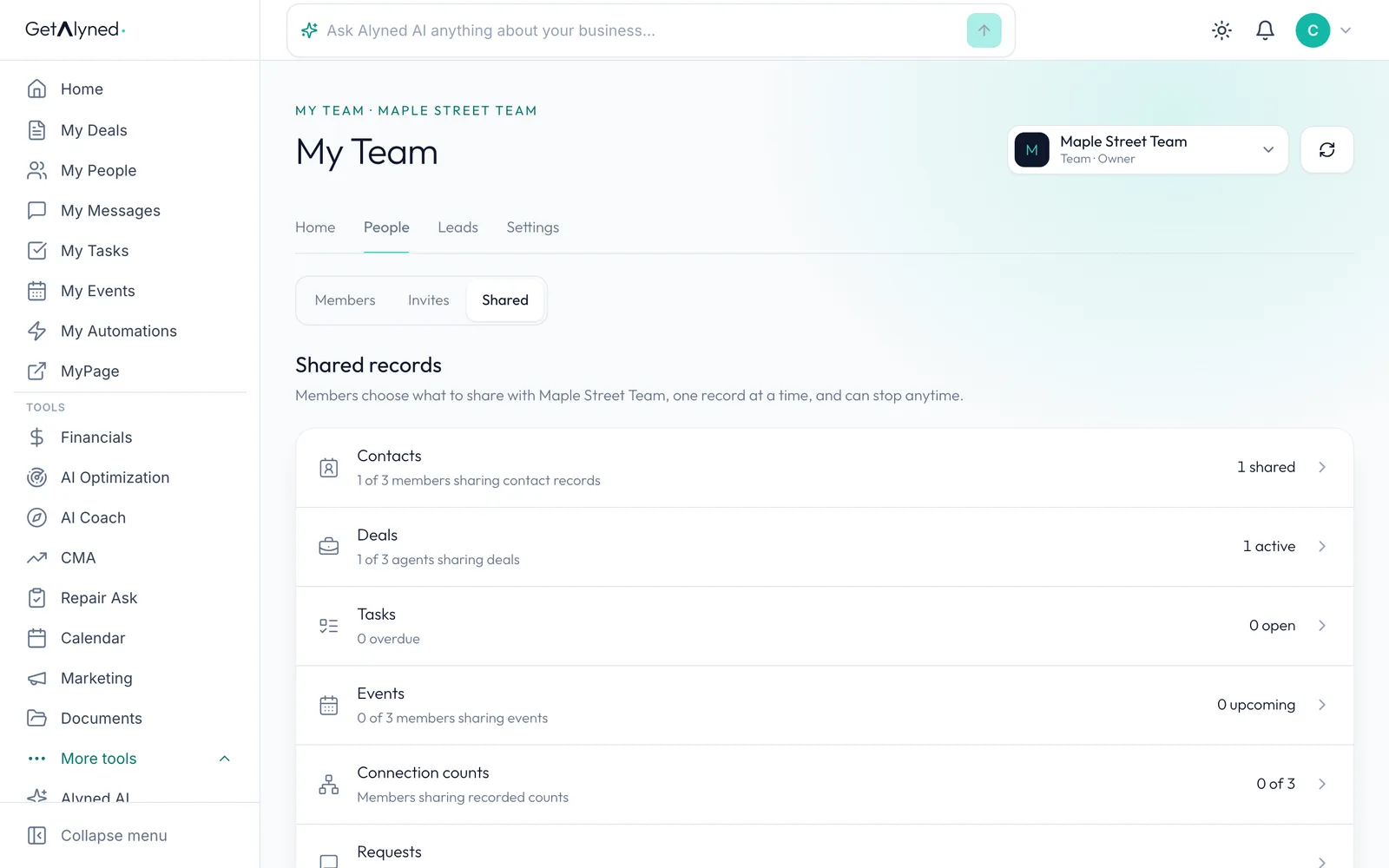
Contacts shows how many members share and how many records.
-
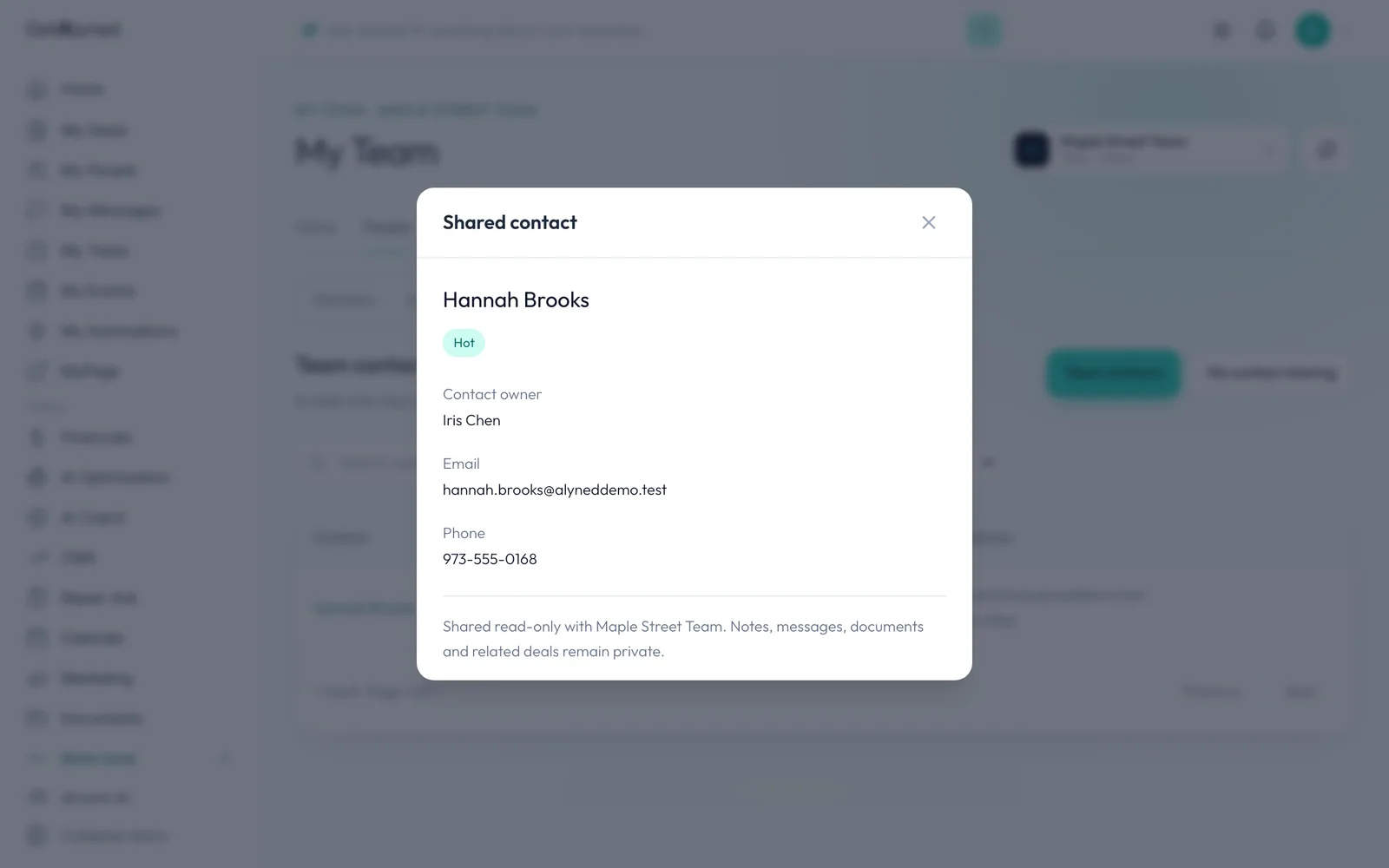
The shared contact
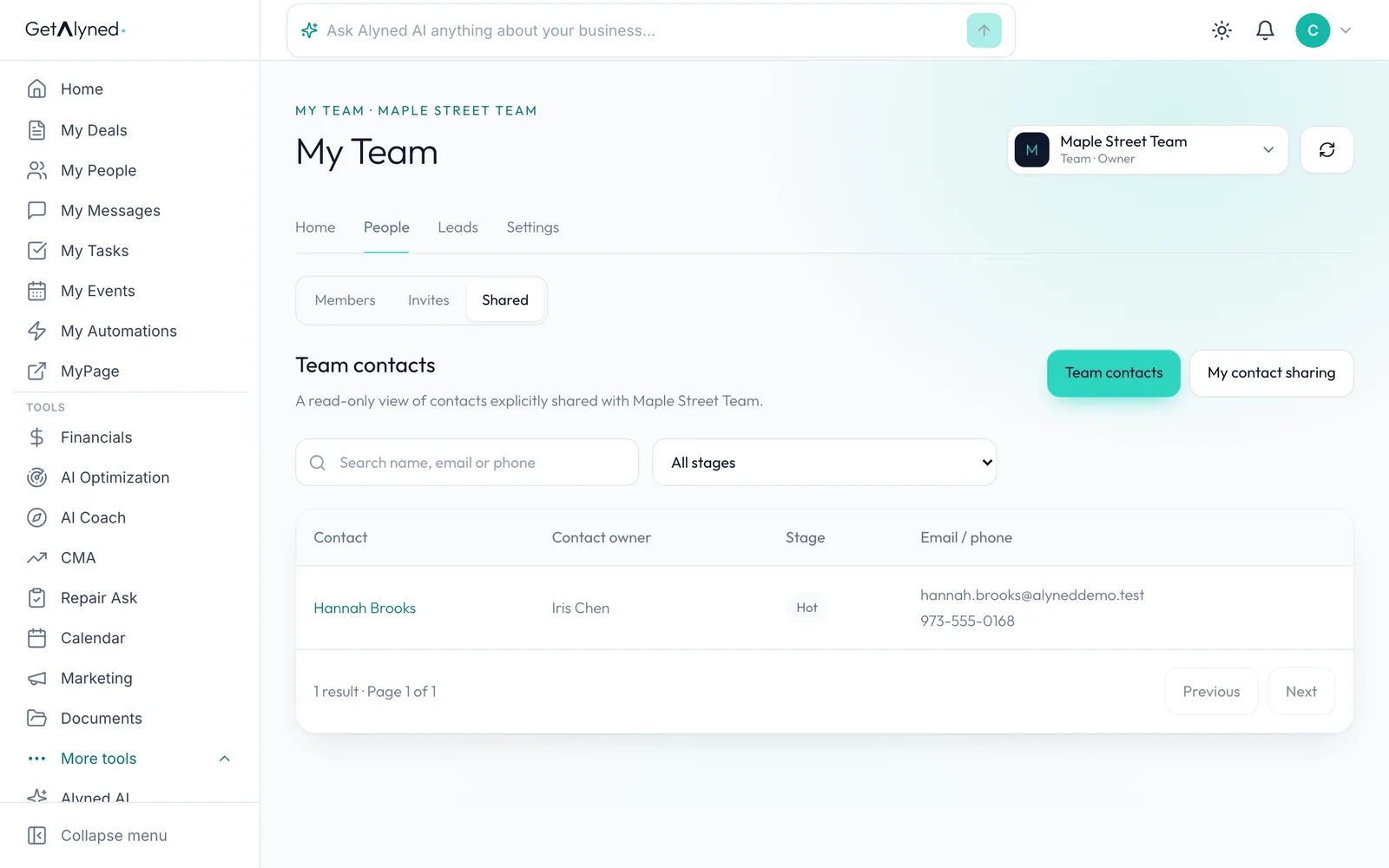
The contact has arrived in Team contacts, with its owner's name on it.
-
Read-only
It's read-only: the team lead can't edit it or see its notes. The agent who shared it keeps it and can stop sharing any time.
-
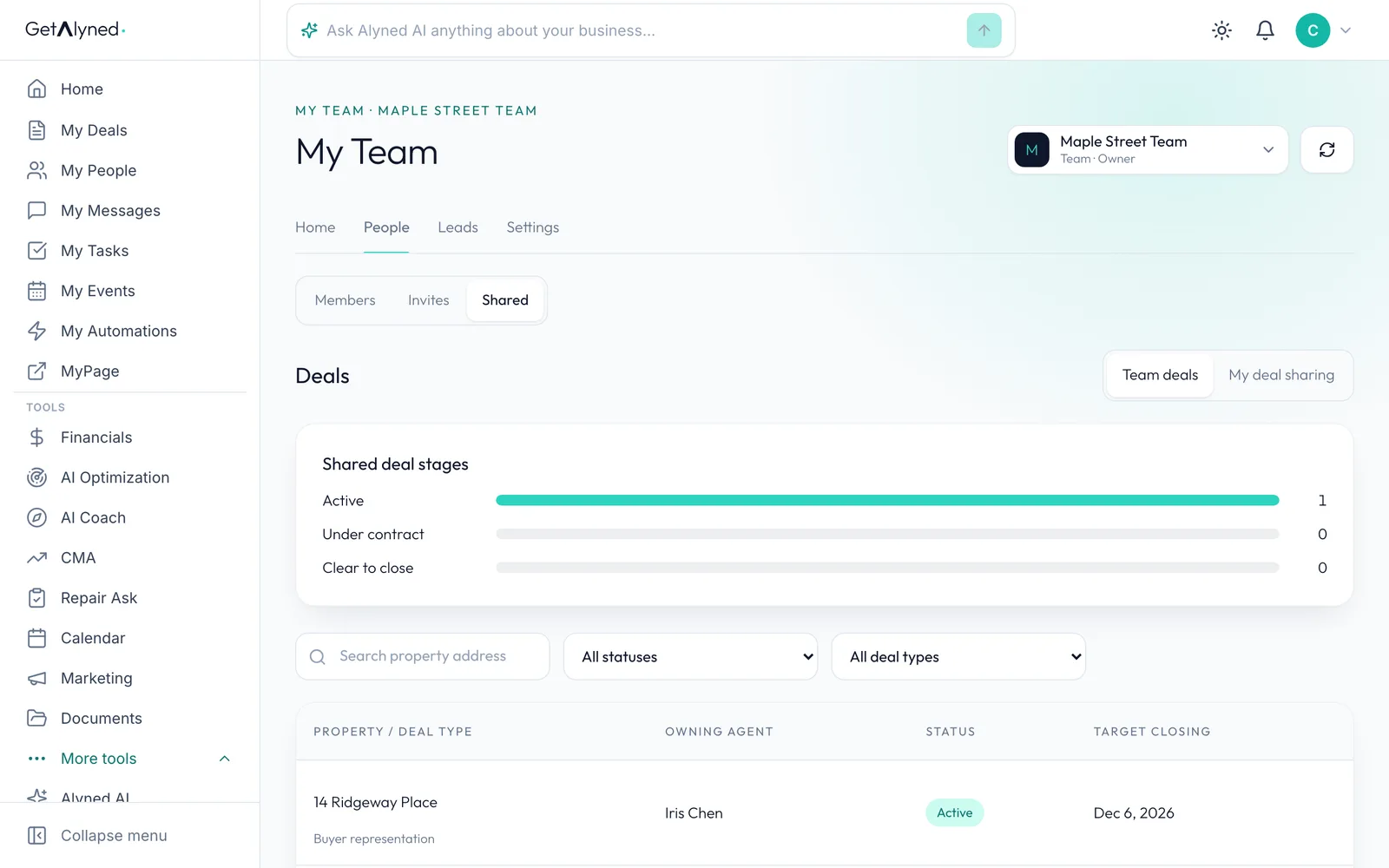
Deals
Deals works the same way, read-only.
-
Shared deal stages
Shared deal stages counts shared live deals by stage, with the list below. If an agent leaves the team, what they shared goes with them.
Related guides
- Create a team · Start a team, invite your teammates, and set who can do what. Each person keeps their own account, contacts and deals.
- Route and assign leads · Send each new lead to a team or an agent, assign it with a follow-up date, and reassign it if plans change. Every turn stays in the lead's history.
- Everything you can set up on a contact · Add someone to My People, then take a tour of their record: tags, details, notes, tasks, automatic follow-ups and referrals to your loan officer.