Your dashboard at a glance
For agents · 3 min
Your dashboard is the first thing you see when you sign in. Here's what each card tells you, and where it takes you.
Watch
Or read it step by step
-
Your dashboard
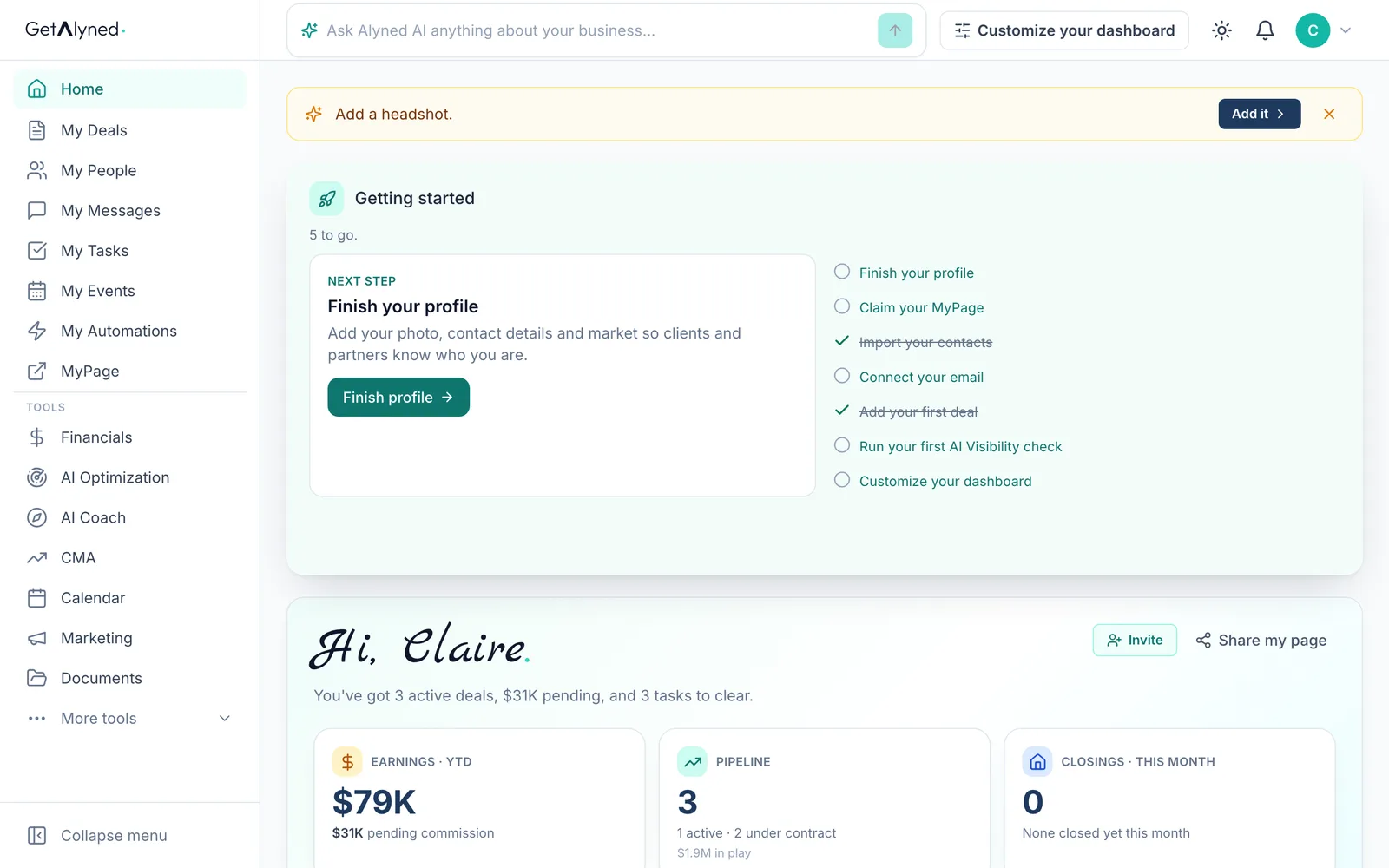
Home is your dashboard, the first thing you see when you sign in.
-
Getting started
Getting started lists what to finish first. It goes away once every step is done.
-
Your next step
Next step is the one thing to do now.
-
Your greeting
Your greeting sums up where your business stands today.
-
Earnings
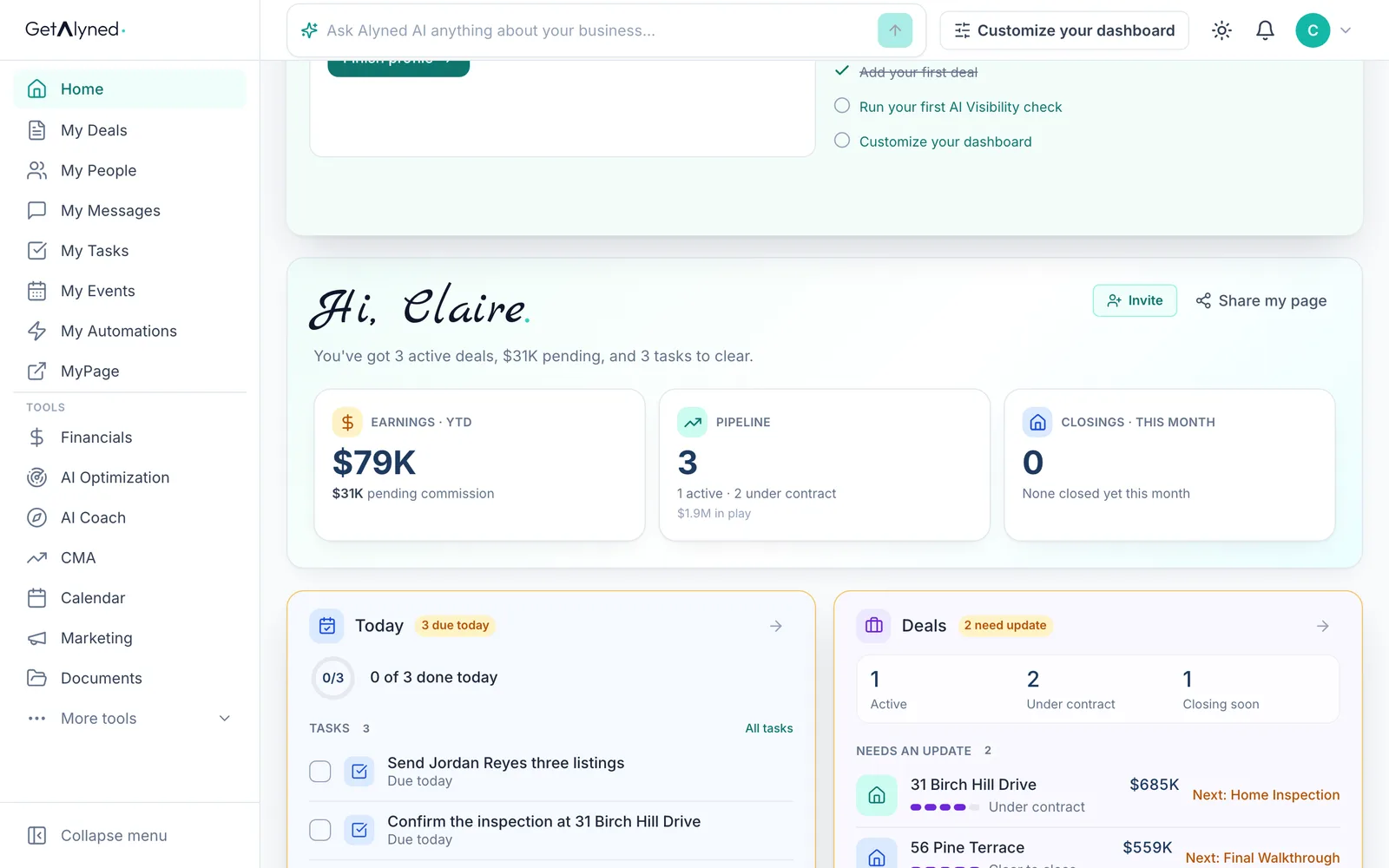
Earnings is what you've made this year, with your pending commission under it. It opens Financials.
-
Pipeline
Pipeline counts your open deals and what they're worth. It opens My Deals.
-
Closings
Closings counts the deals you've closed this month.
-
Invite and share
Invite and Share my page are always up here.
-
Today
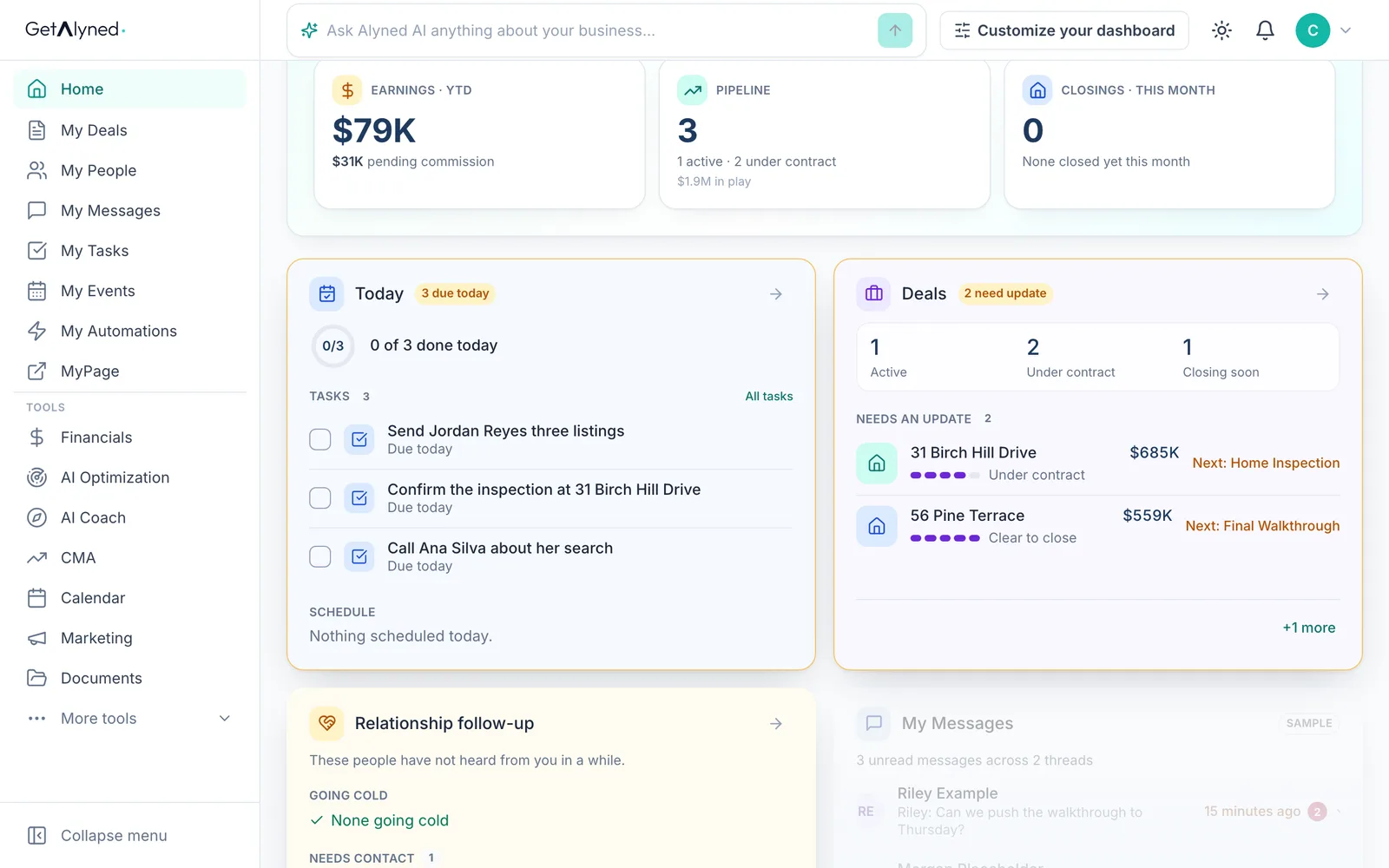
Today is your day in one list: tasks and appointments, with anything late first.
-
Deals
Deals shows your open deals, and the next step on each one that needs an update.
-
Relationship follow-up
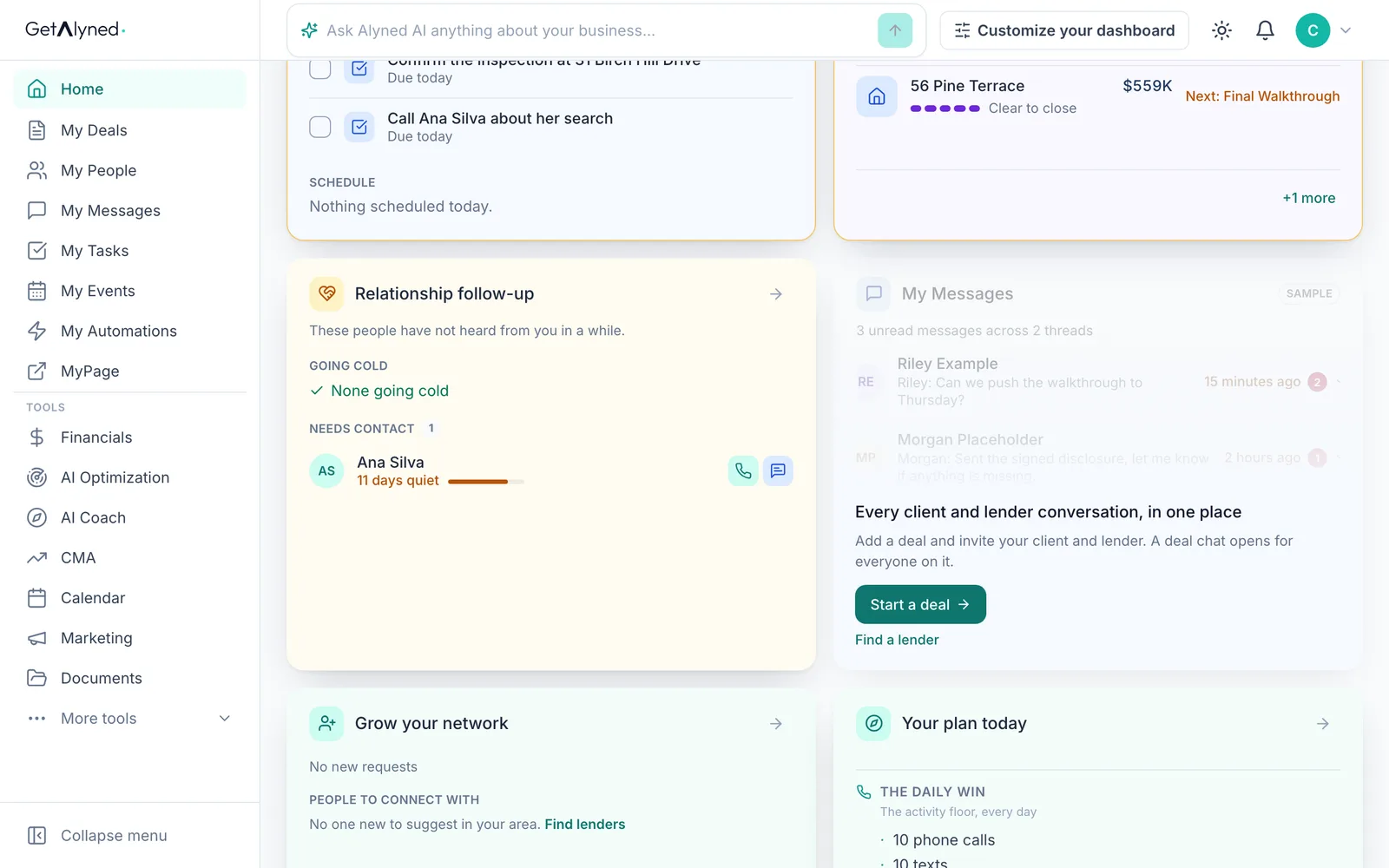
Relationship follow-up names the people who haven't heard from you in a while.
-
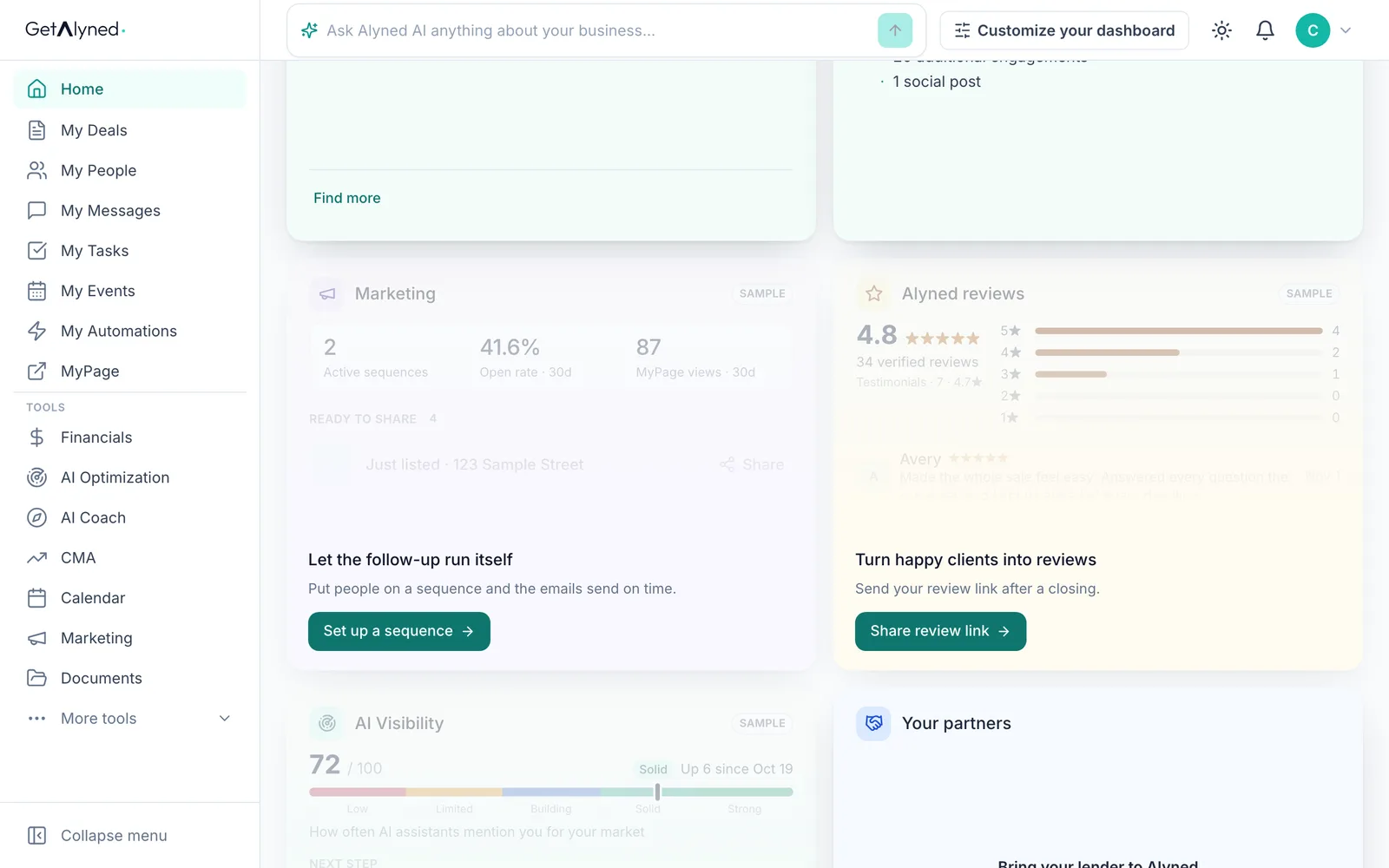
Sample cards
A faded card marked Sample shows what the card will look like. Its button gets you started, and your own data replaces the sample.
-
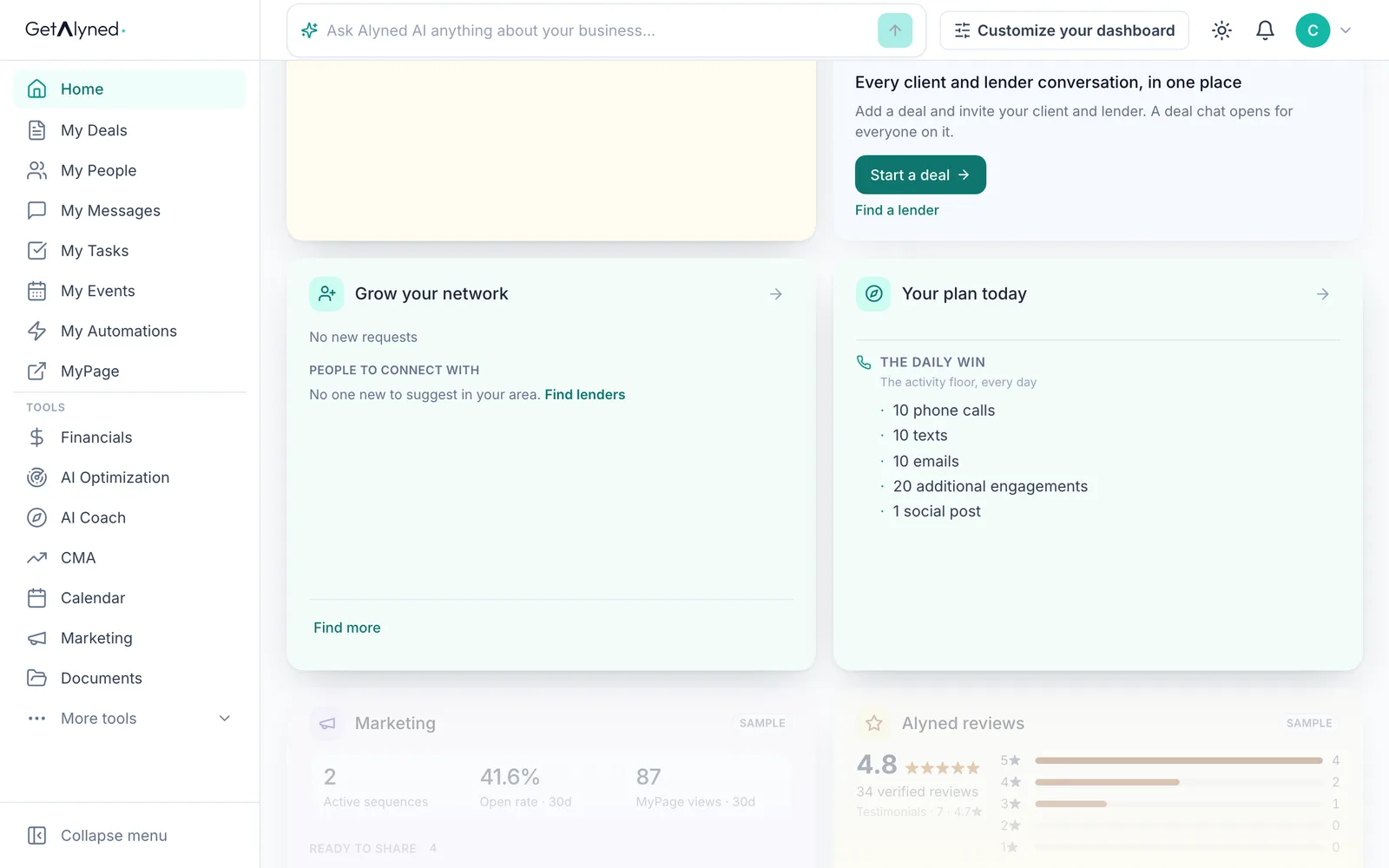
Your plan today
Your plan today is the short list of activity that keeps your business moving.
-
Further down
Further down are Marketing, your reviews, AI Visibility and your partners.
-
Ask Alyned AI
Ask Alyned AI anything from the bar at the top of any page.
-
Make it yours
Customize your dashboard lets you choose, move and resize the cards. It has its own guide.
-
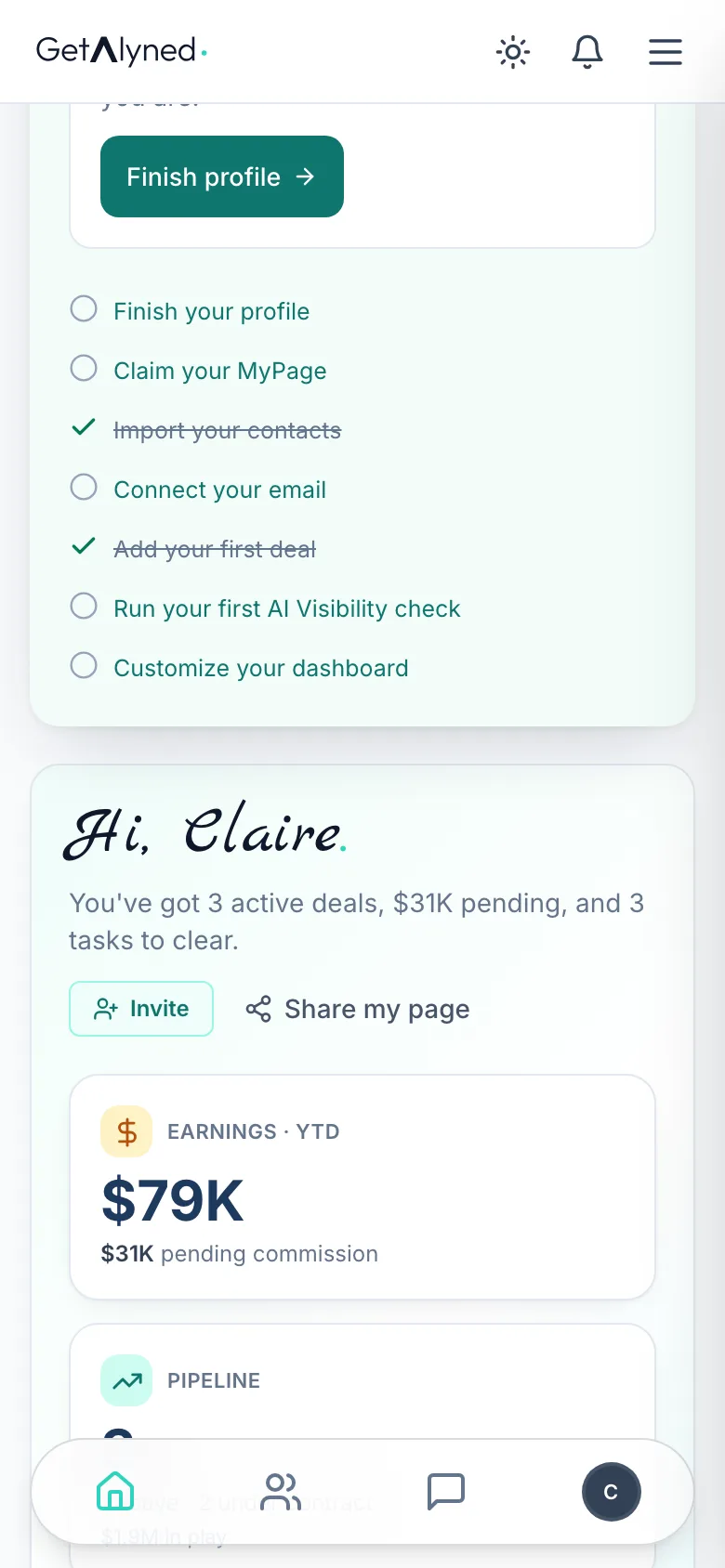
On your phone
On a phone, the same dashboard stacks in one column.
Related guides
- Customize your dashboard · Make your dashboard yours: move cards, make them wider, remove the ones you don't use and add new ones from the widget library.
- Ask Alyned AI anything · Ask Alyned AI how to do something in Alyned, or ask about your own deals, contacts and tasks. It answers in plain words, from your own data.
- Tasks and calendar · Add a task, give it a day, and see it on your calendar, then connect Google Calendar so everything lives in one place.