Make a marketing image and improve a listing photo
For agents · 3 min
Make a branded post image from a fresh idea, with captions written for it, and brighten up a listing photo in seconds.
Watch
Or read it step by step
-
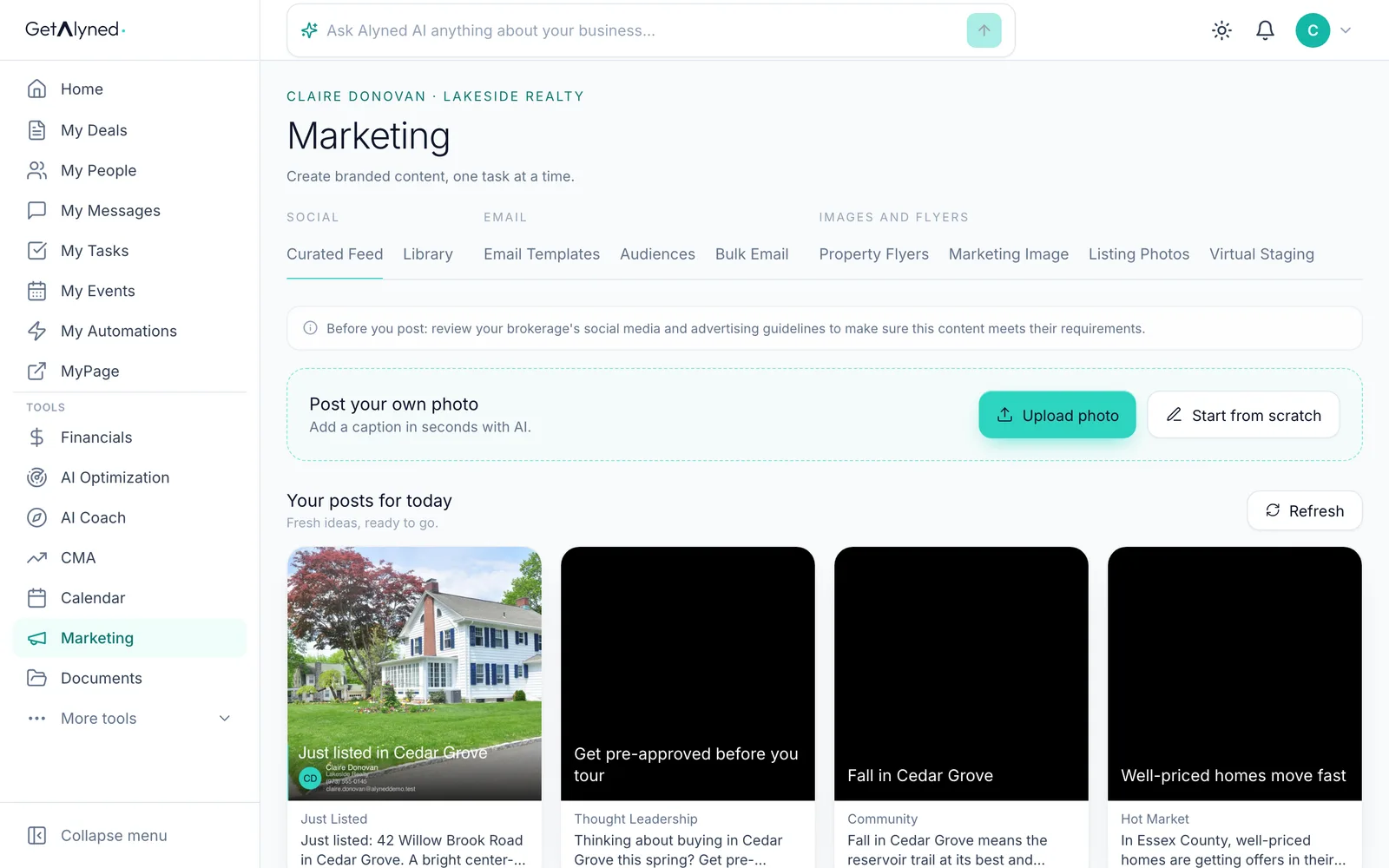
Open Marketing
Marketing is in the menu.

-
Open Marketing Image
Under Images and flyers, click Marketing Image.
-
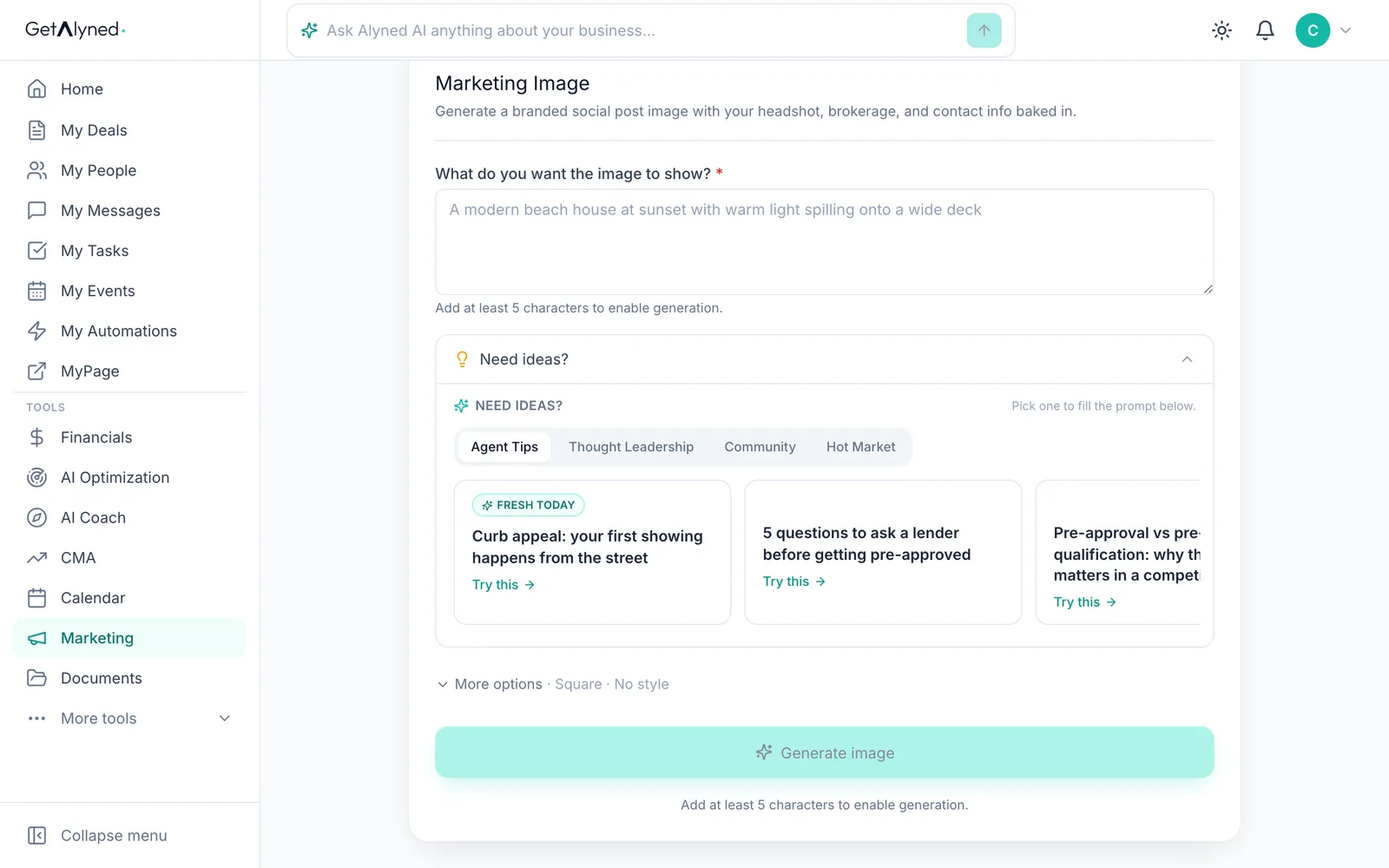
Get ideas
Need ideas? has fresh post ideas every day, for your market.

-
Fresh today
Ideas marked Fresh today are new today. The chips switch between tips, thought leadership, community and market posts.
-
Pick an idea
Pick one. It fills in what the image shows, the topic and the post type.
-
Make it yours
You can change the words, or write your own.

-
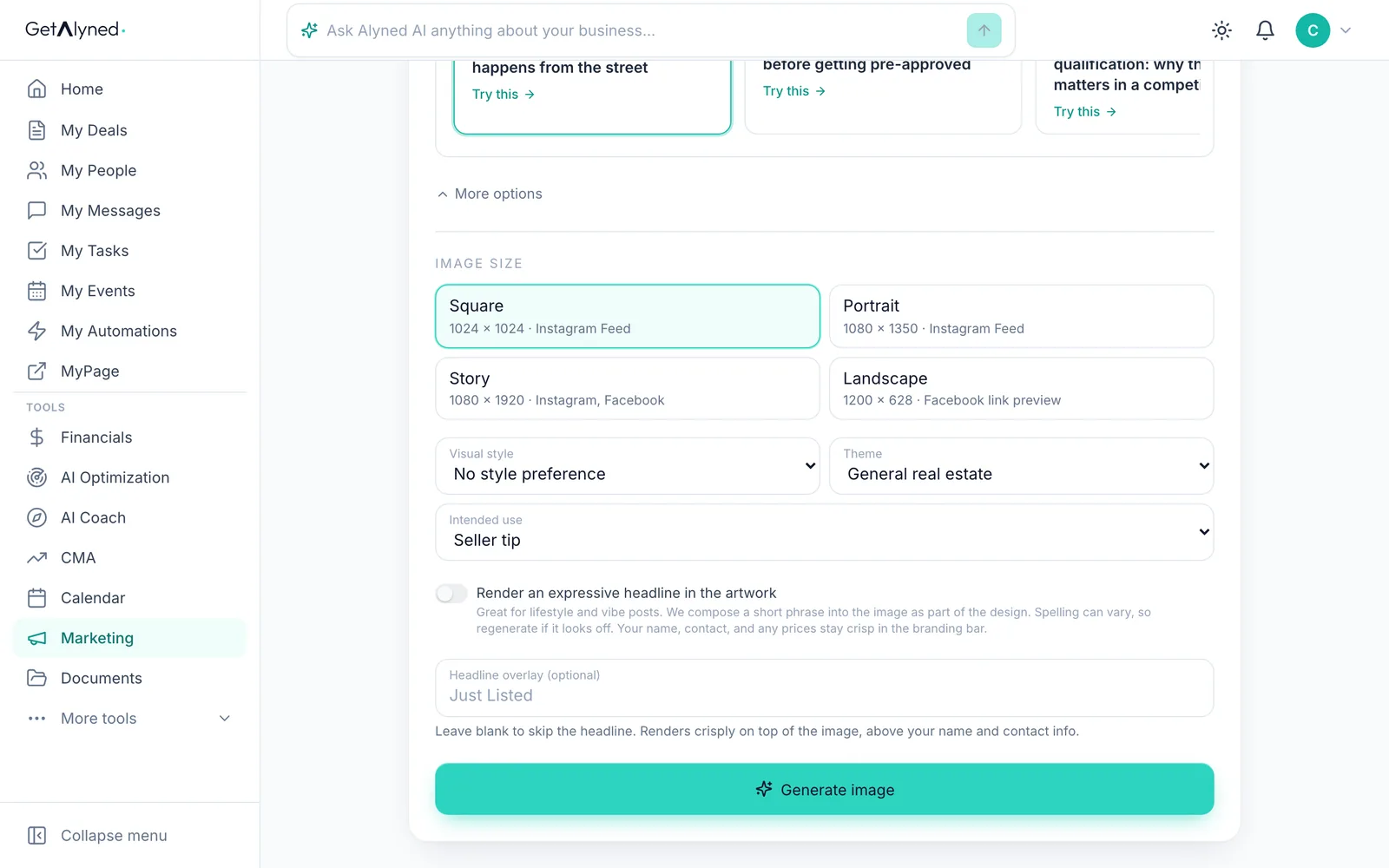
Generate it
Click Generate image. It's made with your name, brokerage and contact details on it.
-
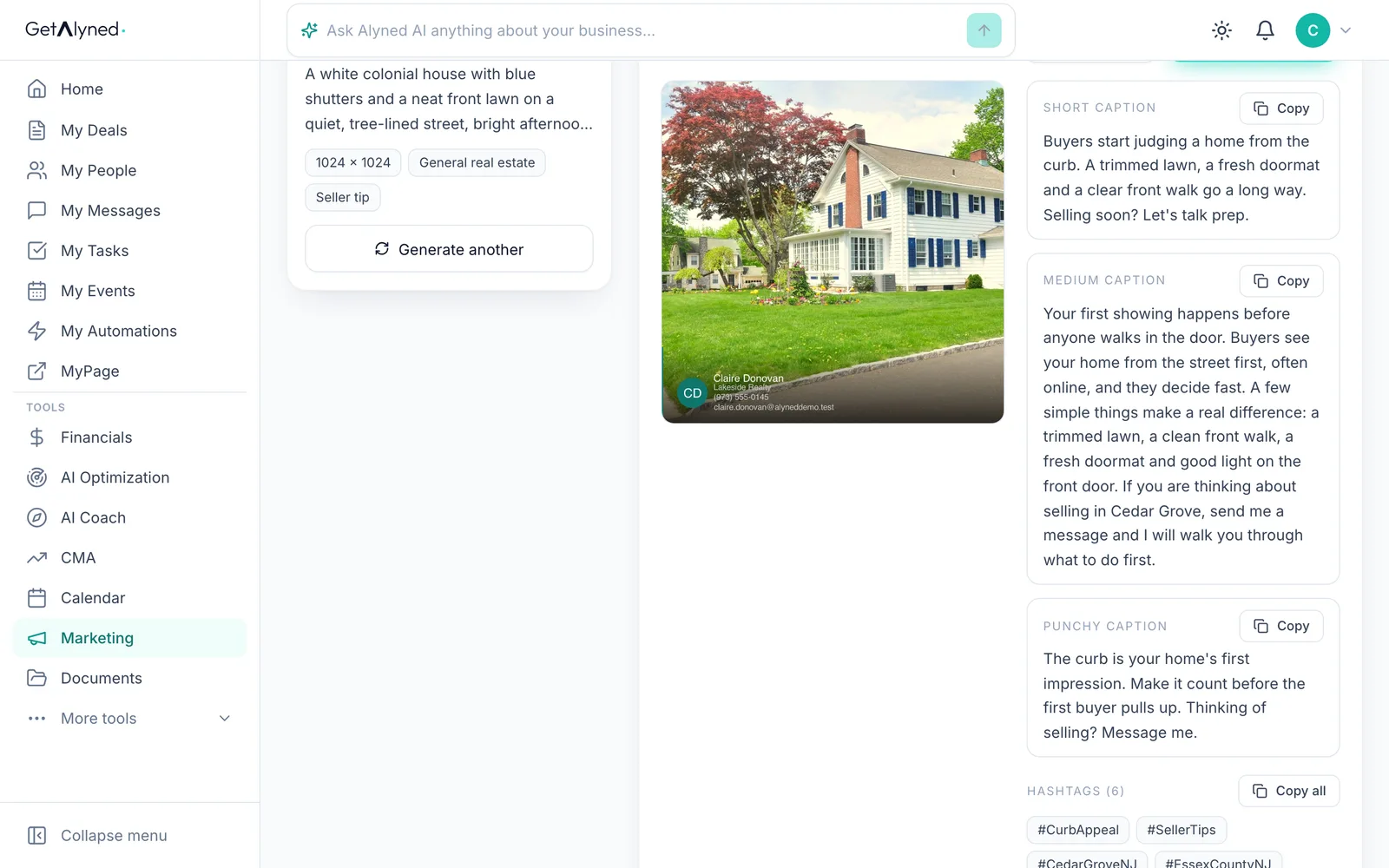
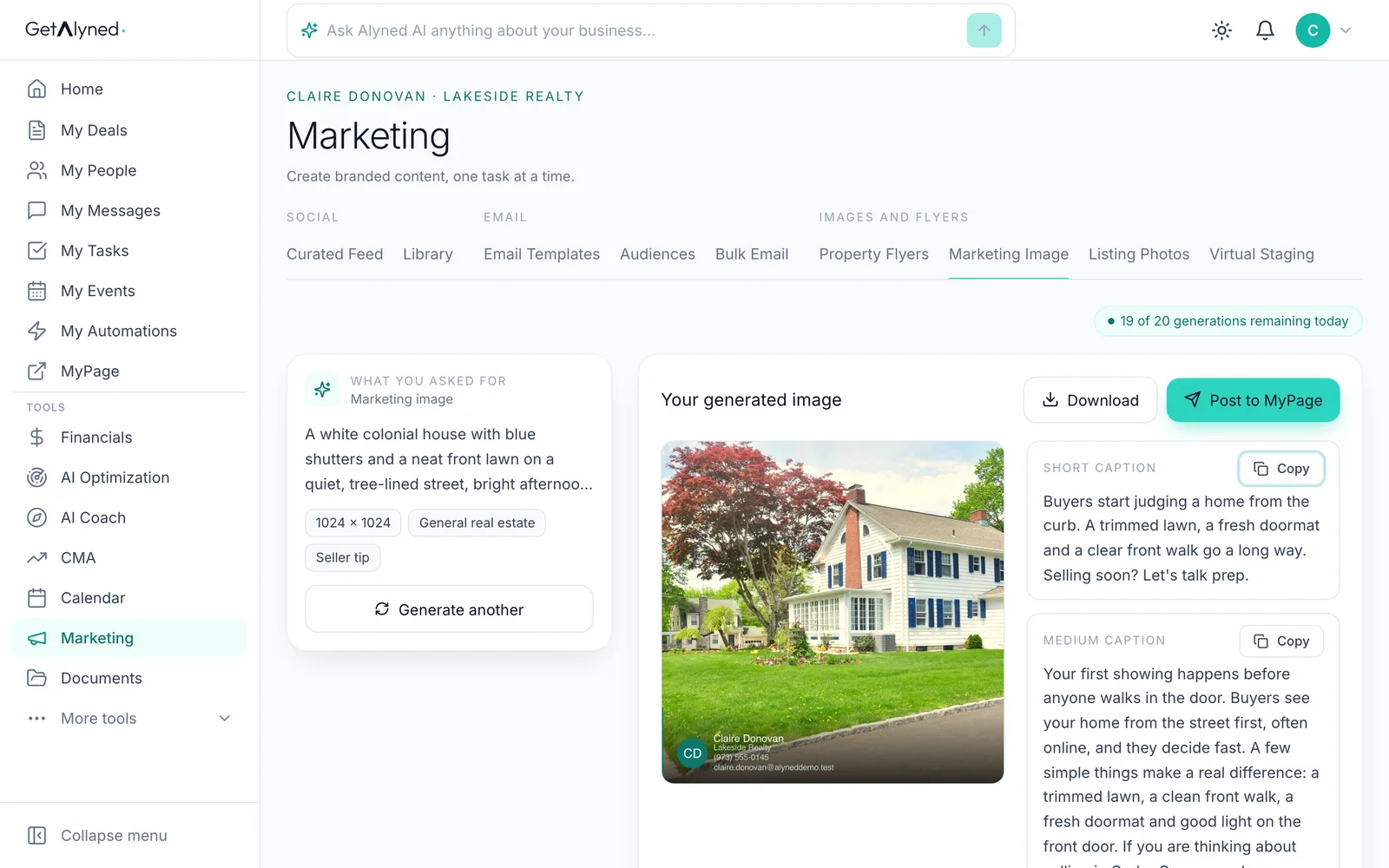
Your image is ready
Your image, ready to share, with captions written for it.
-
Copy a caption
Pick a caption, Short, Medium or Punchy, and click Copy.
-
Share it
Post to MyPage puts it on your MyPage feed. Share and Download are beside it.
-
Open Listing Photos
Listing Photos improves a photo you already have.
-
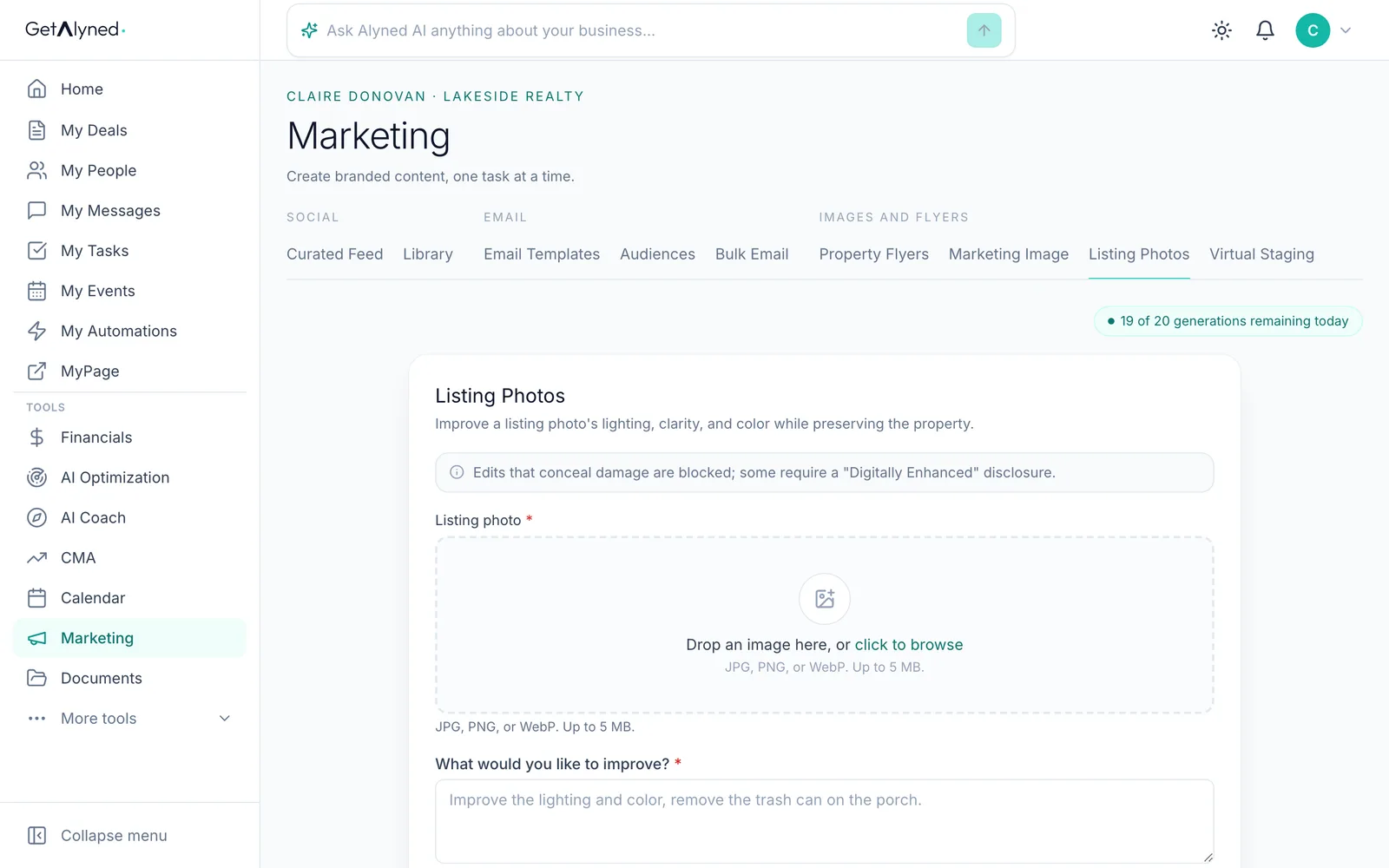
Add the photo
Drop in the listing photo, or click to browse.
-
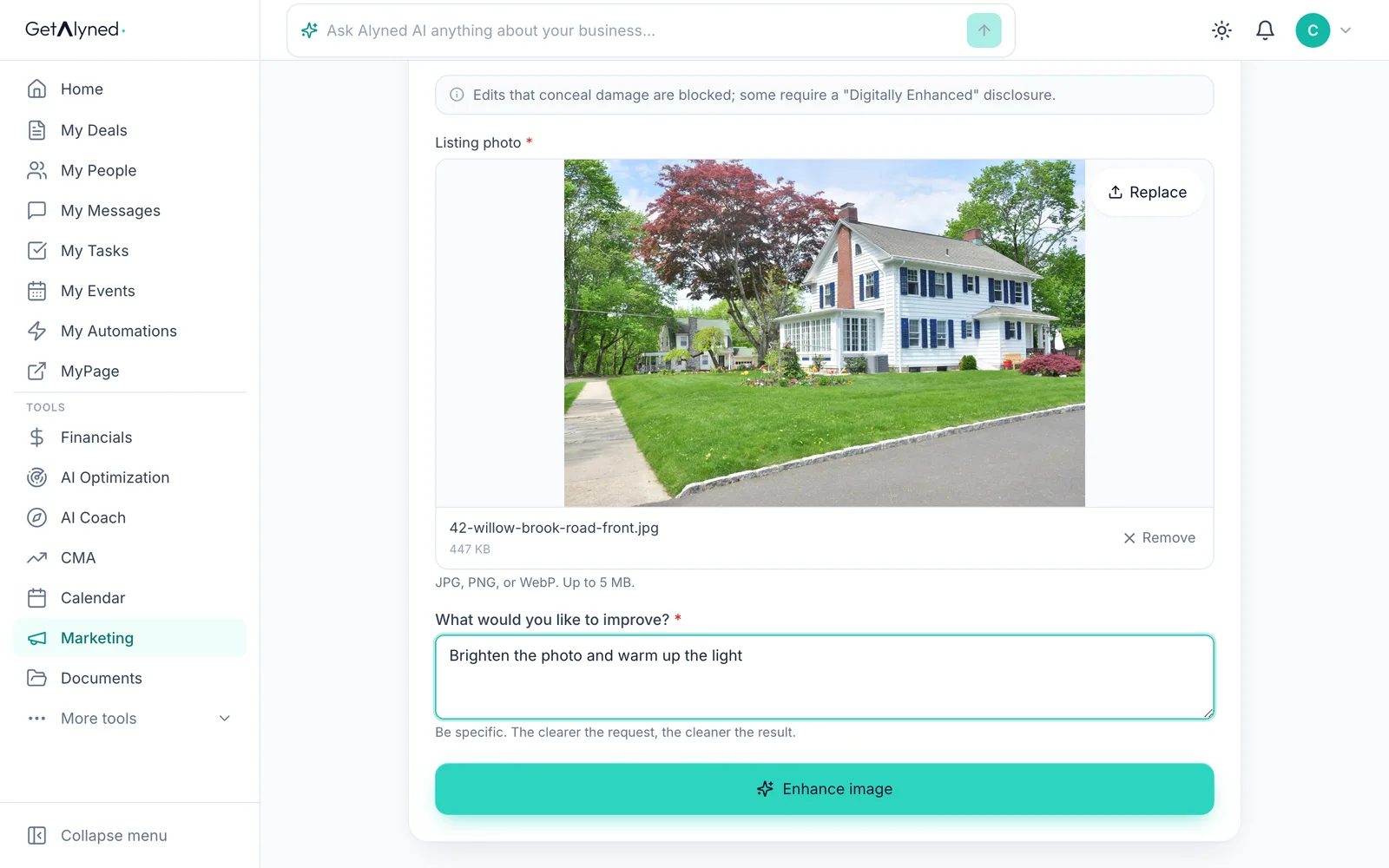
Say what to improve
Say what to improve: the light, the color, the sky.
-
Enhance it
Click Enhance image.
-
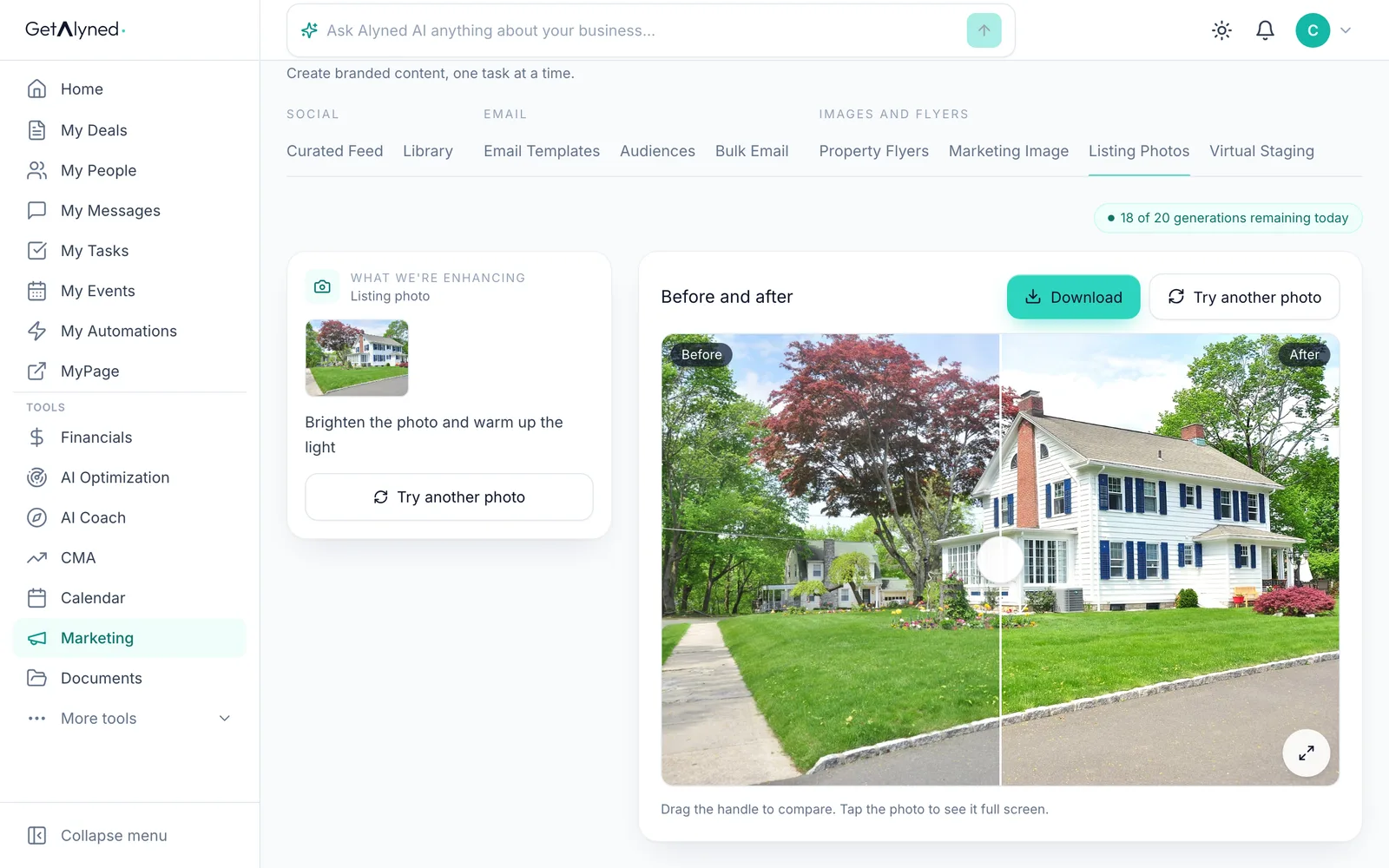
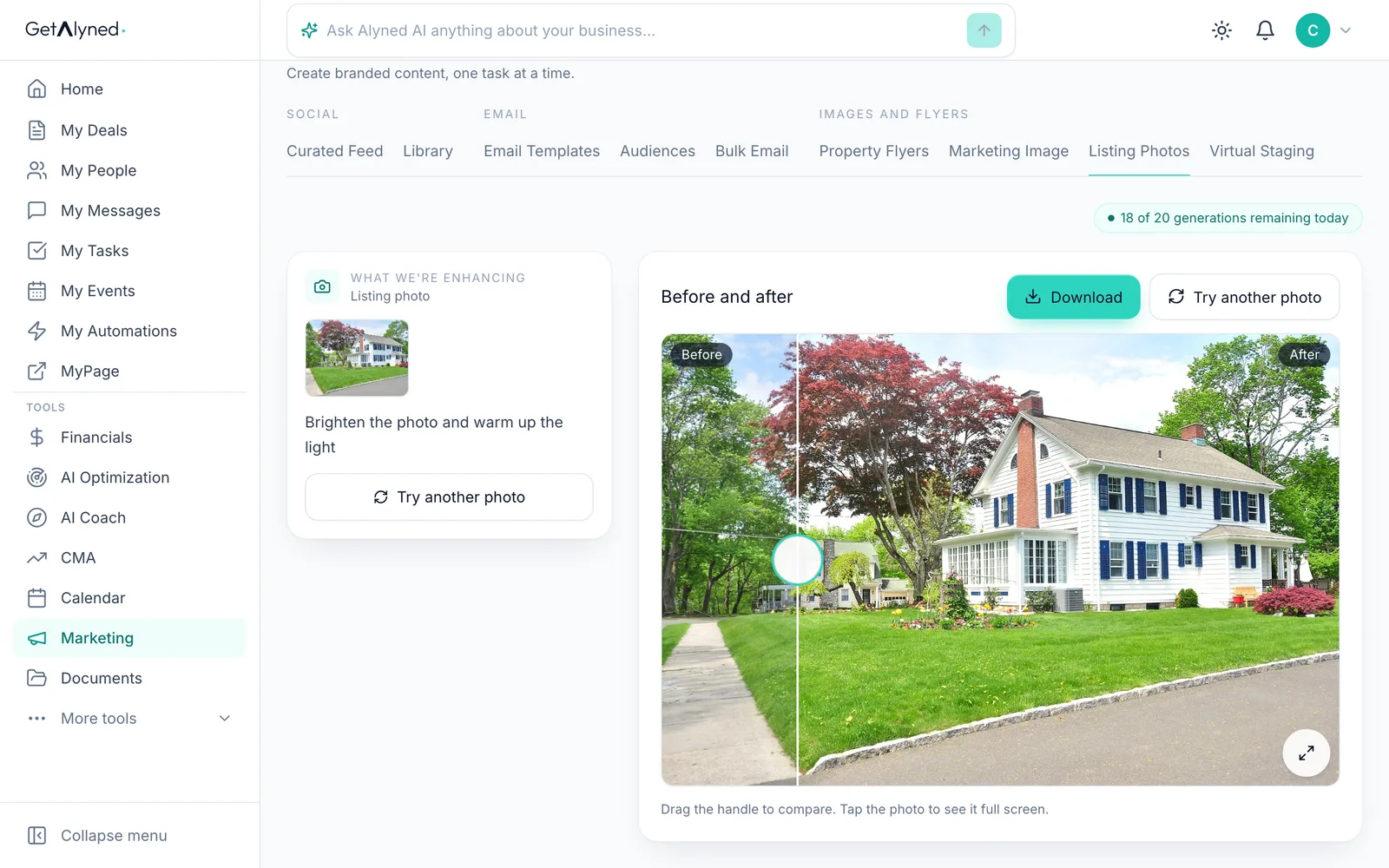
Before and after
Before and after, side by side on one photo.
-
Compare and save
Drag the slider to compare. Save or download it when you're happy with it.
Related guides
- Make a property flyer and social images · Turn an address and a photo into a print-ready flyer, plus matching images sized for Instagram, Facebook and LinkedIn.
- Post from the Curated Feed · Pick a ready-made post written for your market, make it yours, and copy it to social or publish it straight to your MyPage.
- Use the free Content Optimizer · Paste something you wrote and get a version shaped for every place you post, in your own words, with no made-up facts.
- Stage an empty room with Virtual Staging · Turn a photo of an empty room into a furnished one in about a minute. The room stays as it is, and every staged photo is clearly marked.