Post from the Curated Feed
For agents · 2 min
Pick a ready-made post written for your market, make it yours, and copy it to social or publish it straight to your MyPage.
Watch
Or read it step by step
-
Your posts for today
Marketing opens on the Curated Feed: posts written for your market each day, ready to use.
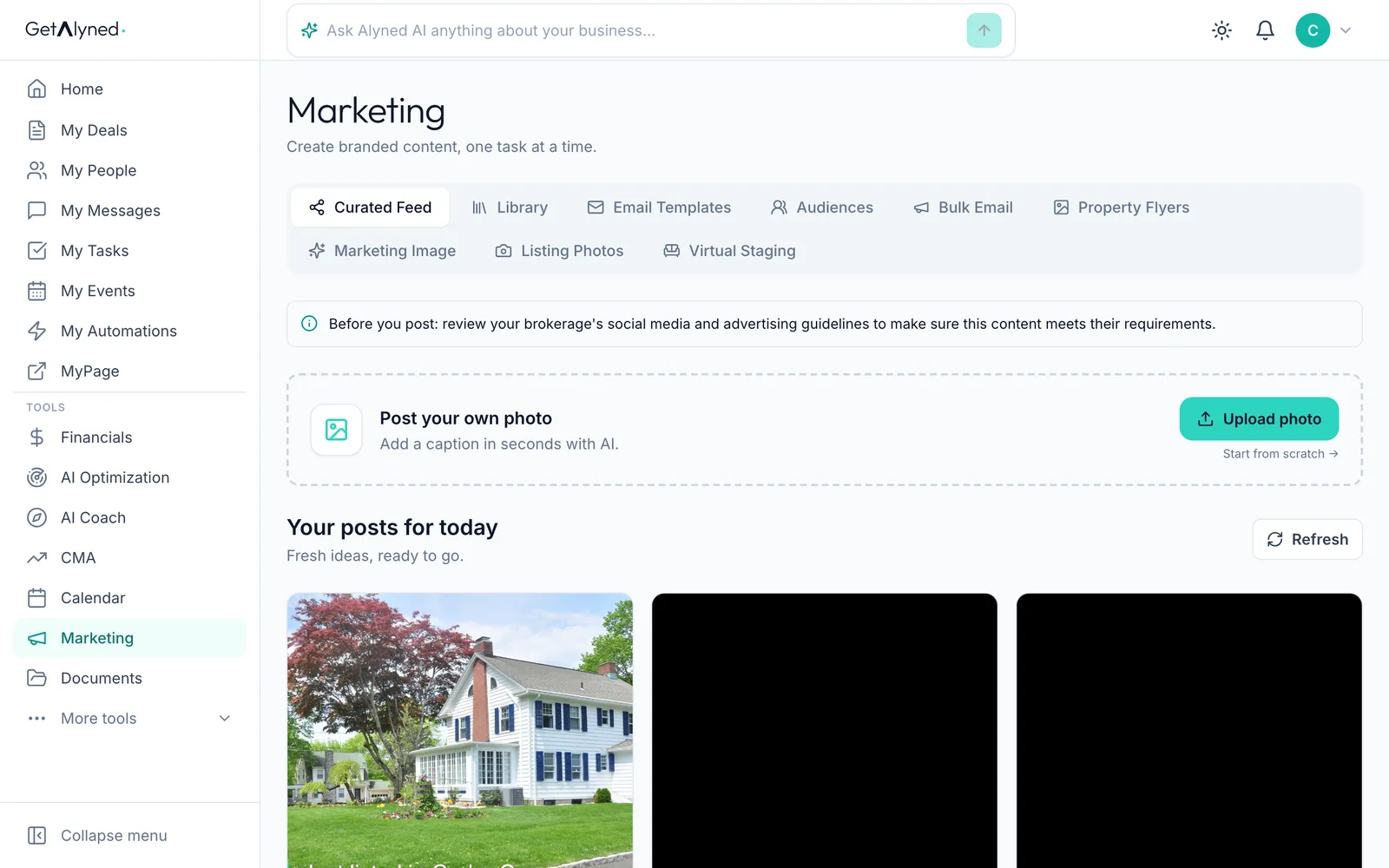
-
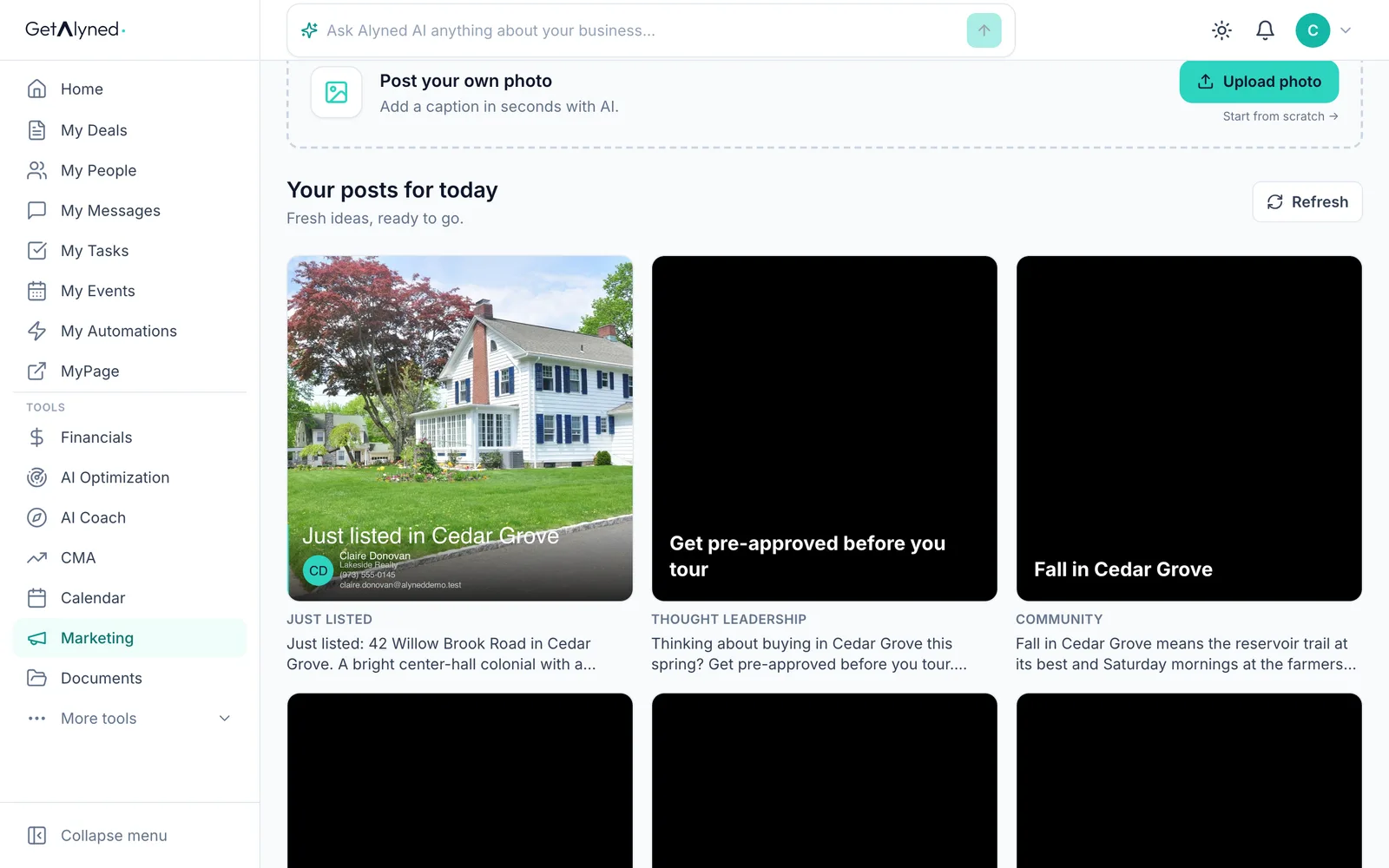
Pick a post
Click a post to open it in Post Studio.
-
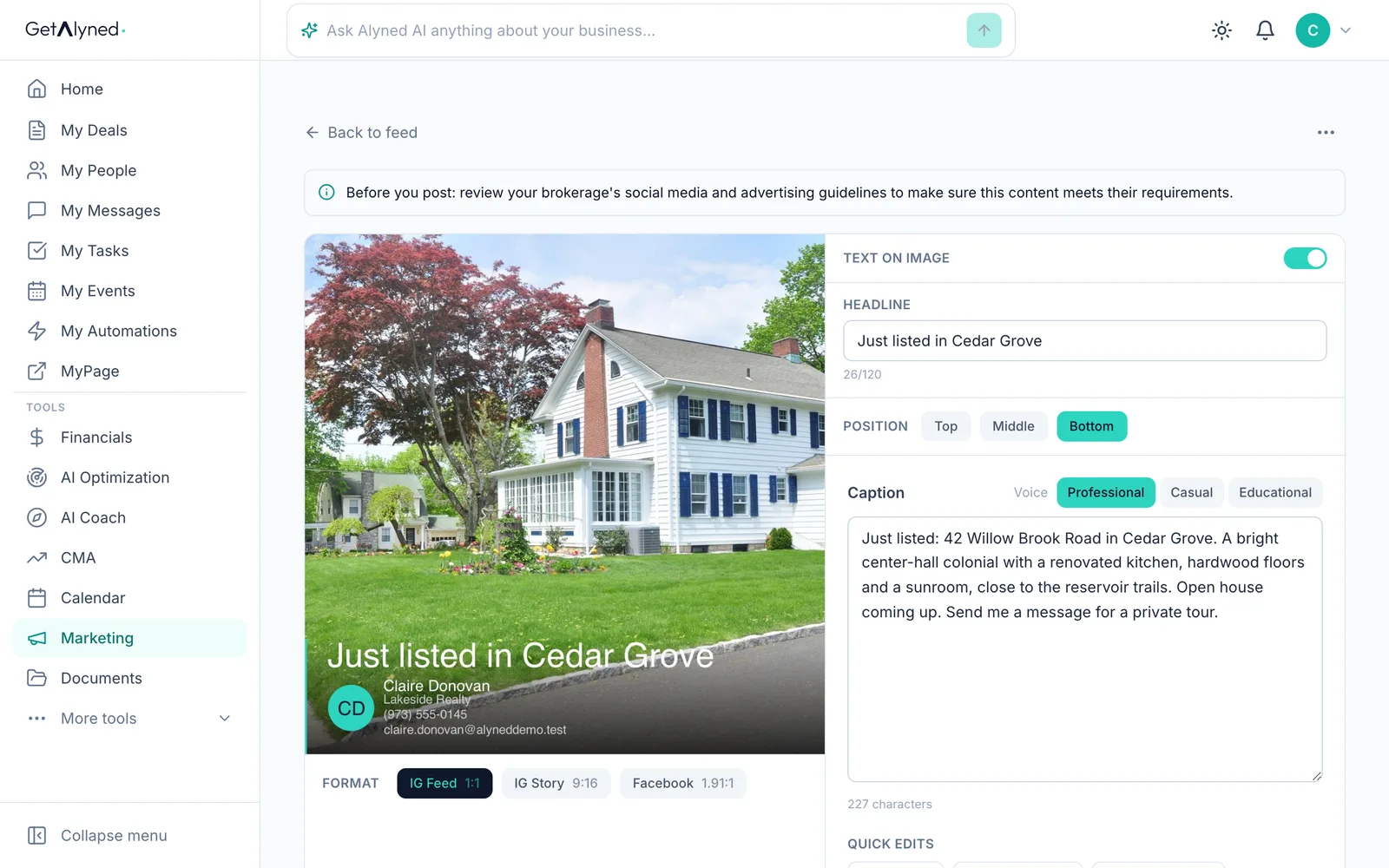
Your branded image
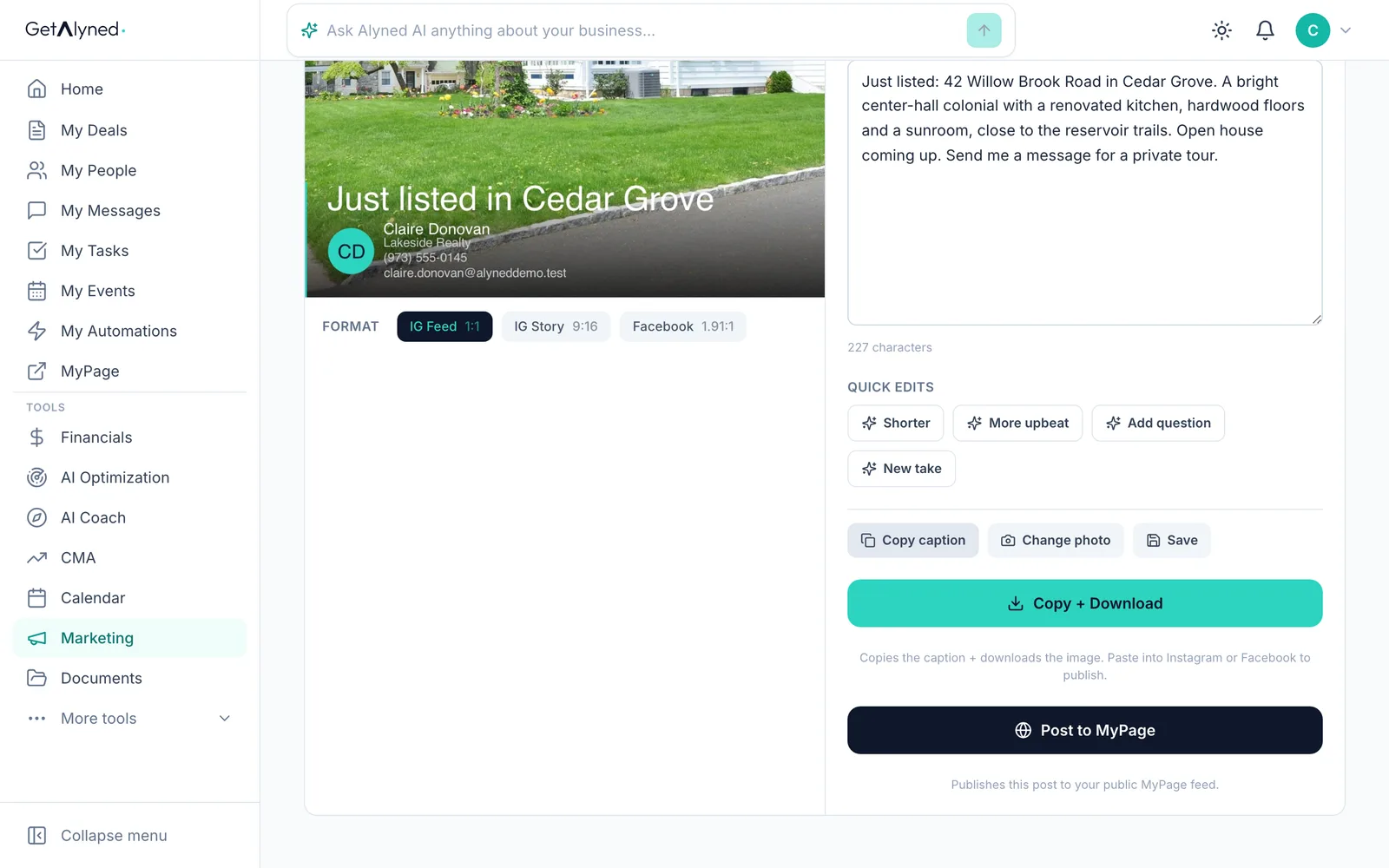
Post Studio shows the image with your name and brokerage. Change the headline and where it sits if you like.
-
Edit the caption
Edit the caption. The voice buttons and quick edits rewrite it for you.
-
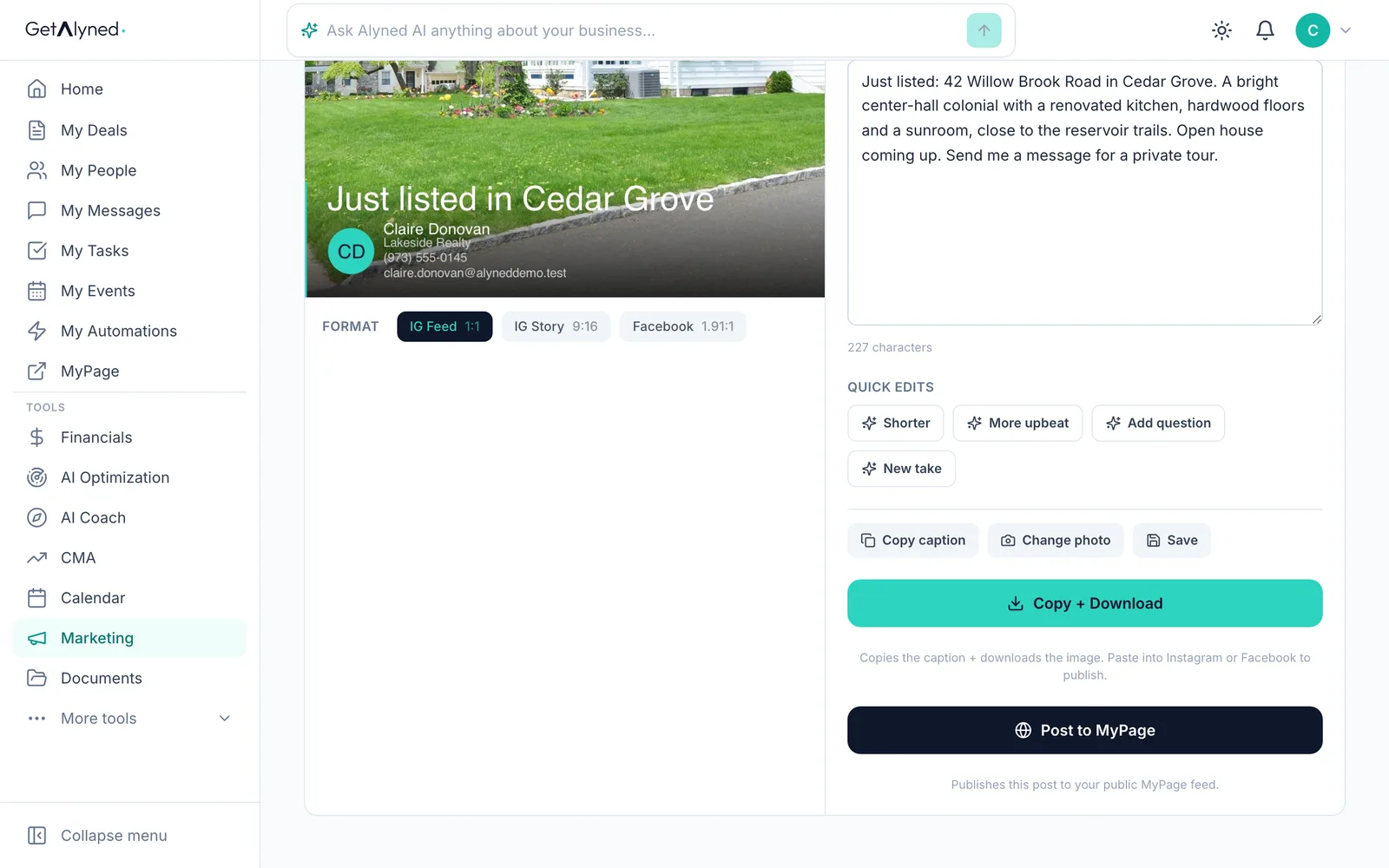
Copy the caption
Copy caption copies the text, ready to paste into Instagram or Facebook.
-
Copy and download
Copy + Download copies the caption and saves the image, so you can post it yourself.
-
Post to MyPage
Or click Post to MyPage to put it on your public page.
-
Confirm
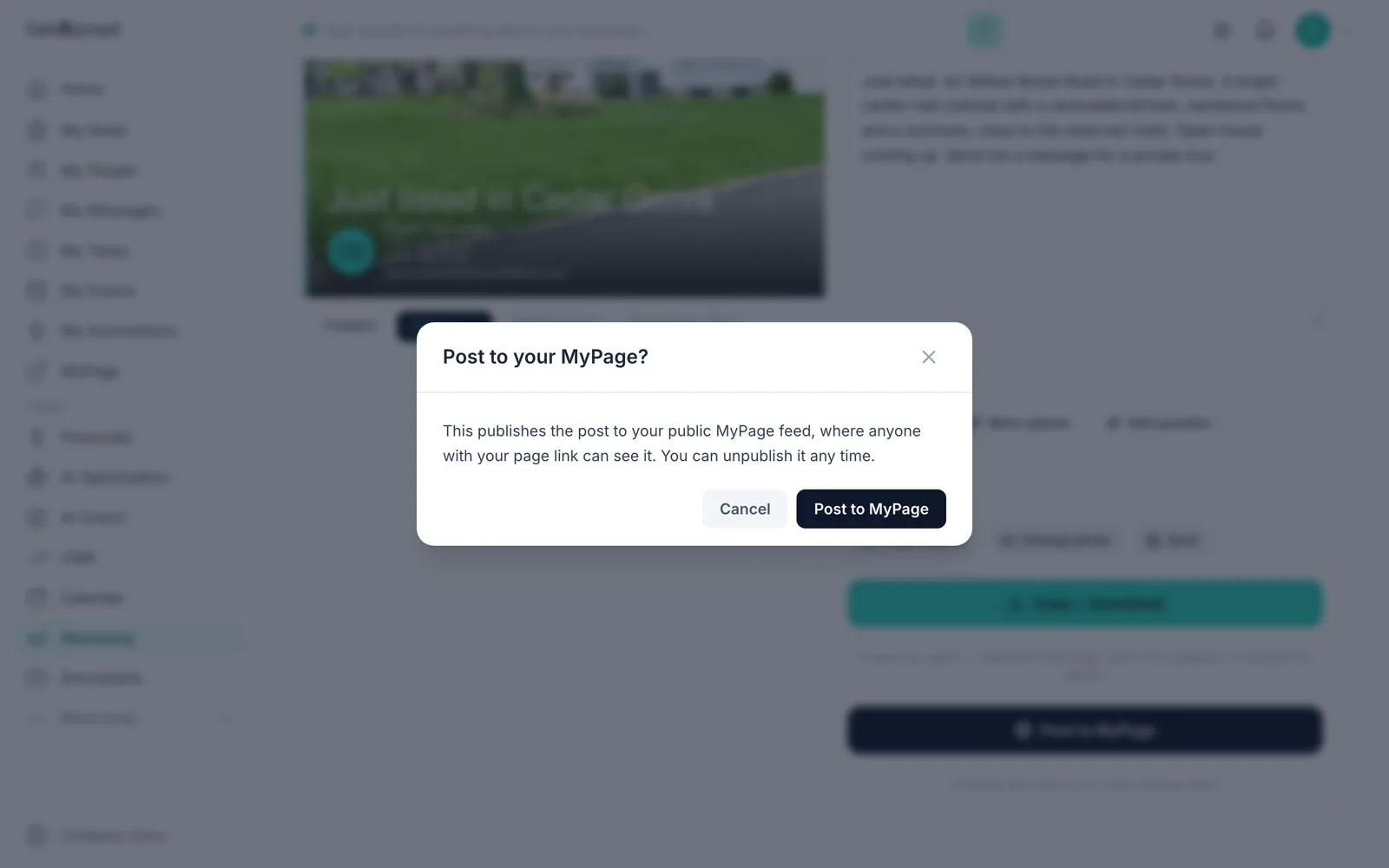
Anyone with your page link can see it, and you can unpublish it any time. Click Post to MyPage to confirm.
-
Your post is live
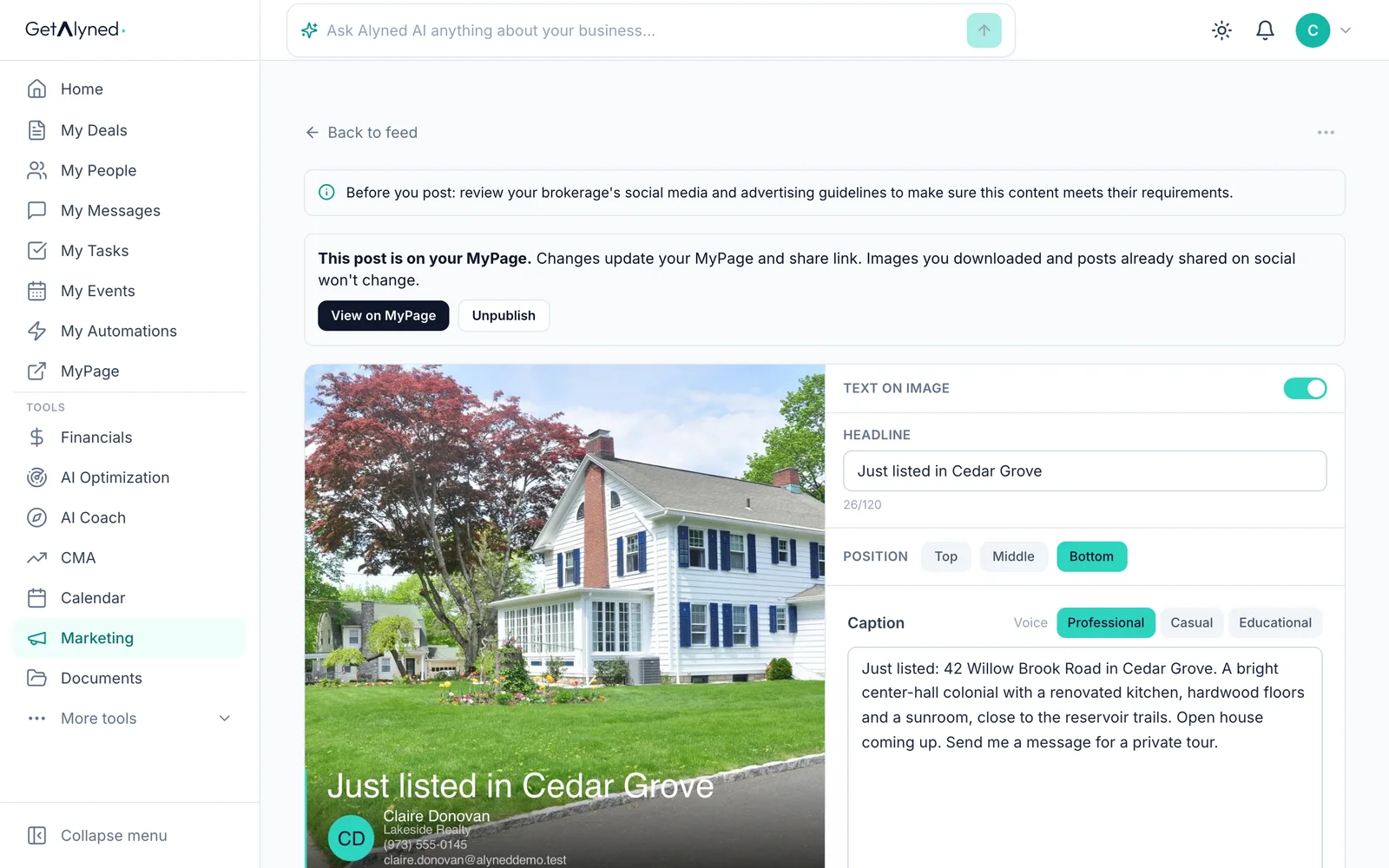
View on MyPage opens the post's own page, with a link you can share. Unpublish takes it down.
-
Open your MyPage
Click MyPage in the menu.
-
At the top of your feed
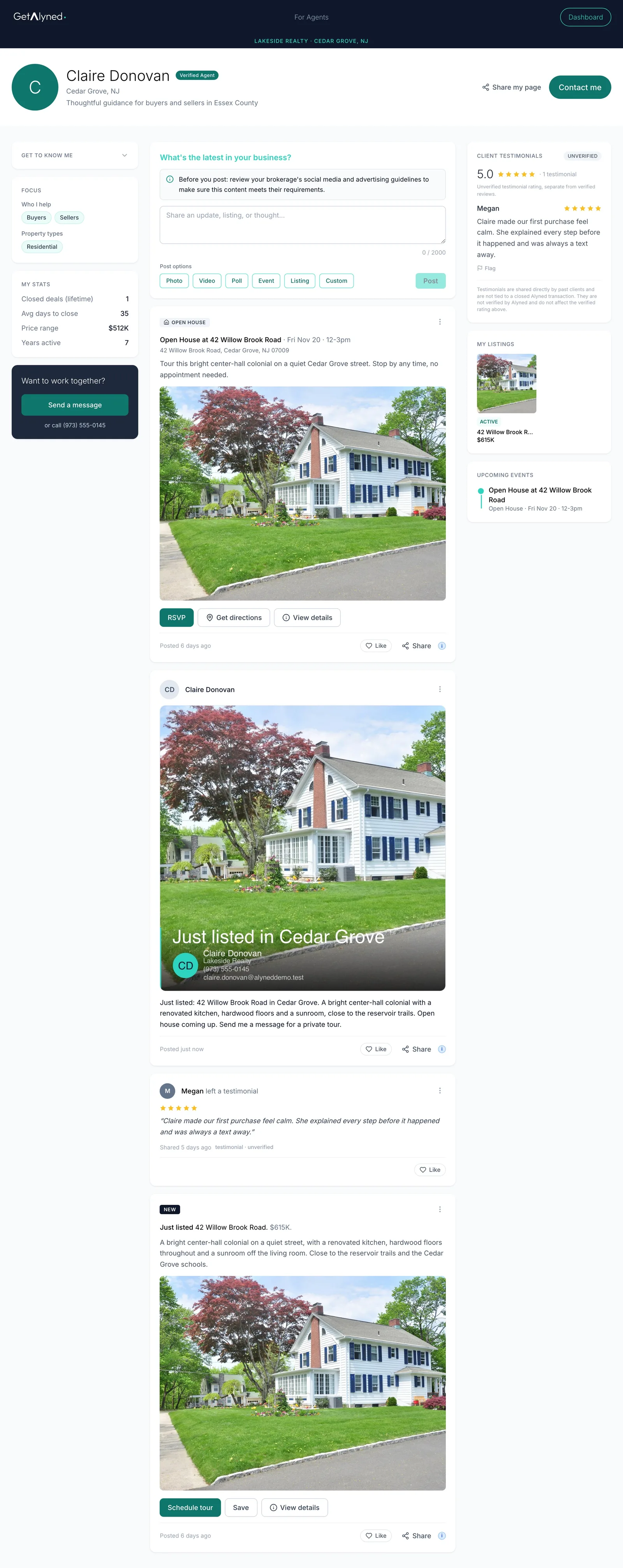
The post is at the top of your MyPage feed, where visitors can like and share it.
Related guides
- Set up your MyPage · Fill in the parts of your public page that make it yours: your handle, photo, bio and the areas you cover. Then see it the way visitors do.
- Share your MyPage · Send your page out by link or QR code, and see what visitors can do when they open it on their phone.
- Make a property flyer and social images · Turn an address and a photo into a print-ready flyer, plus matching images sized for Instagram, Facebook and LinkedIn.
- Collect reviews and testimonials · Ask past clients for a review, share a testimonial link with anyone else you've helped, and see both show up on your MyPage on their own.