Move a deal forward
For agents · 2 min
Change a deal's stage, check off steps as they're done, and see how your client is told right away in their portal.
Watch
Or read it step by step
-
Open the deal
In My Deals, click the deal.
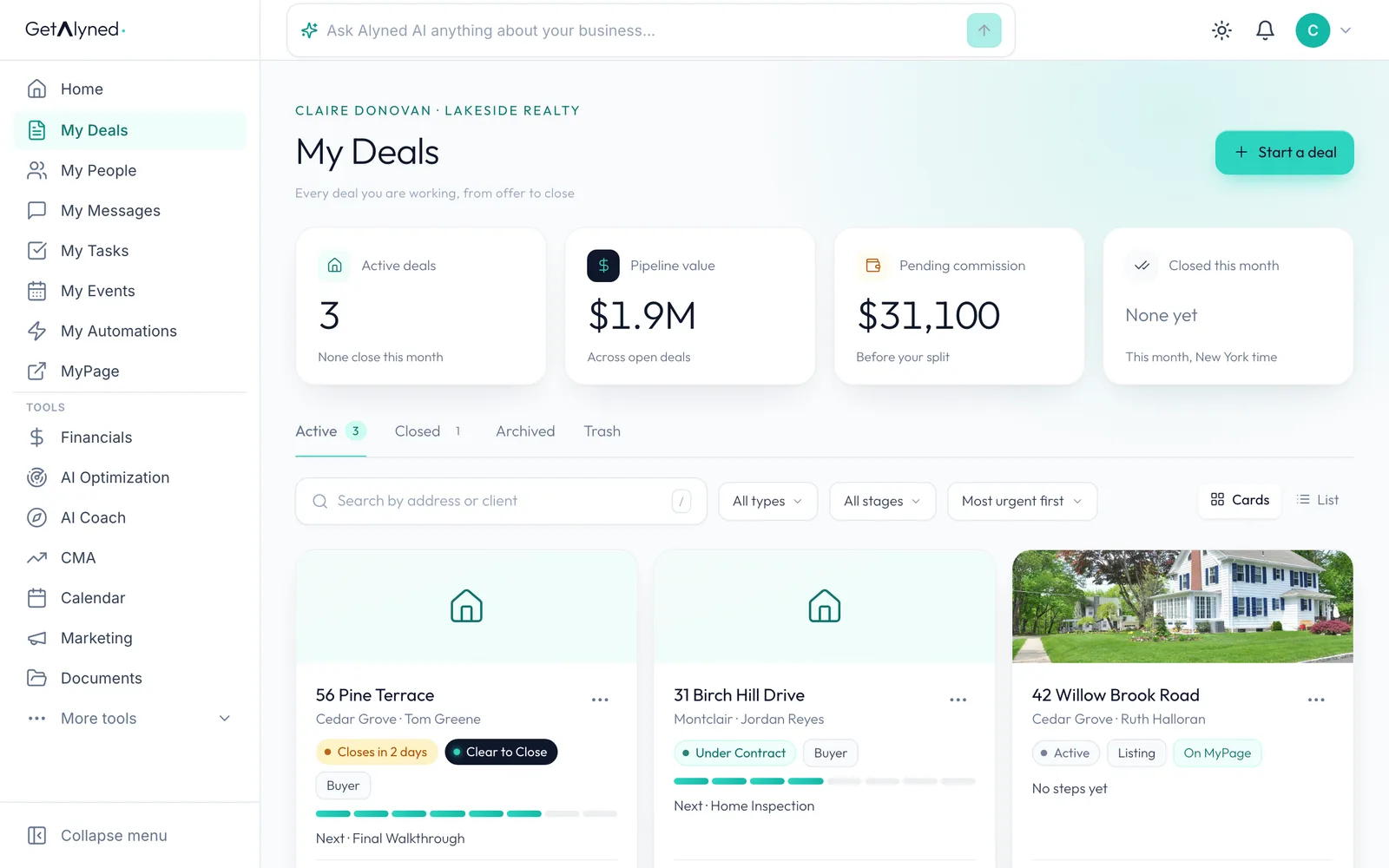
-
Click the stage
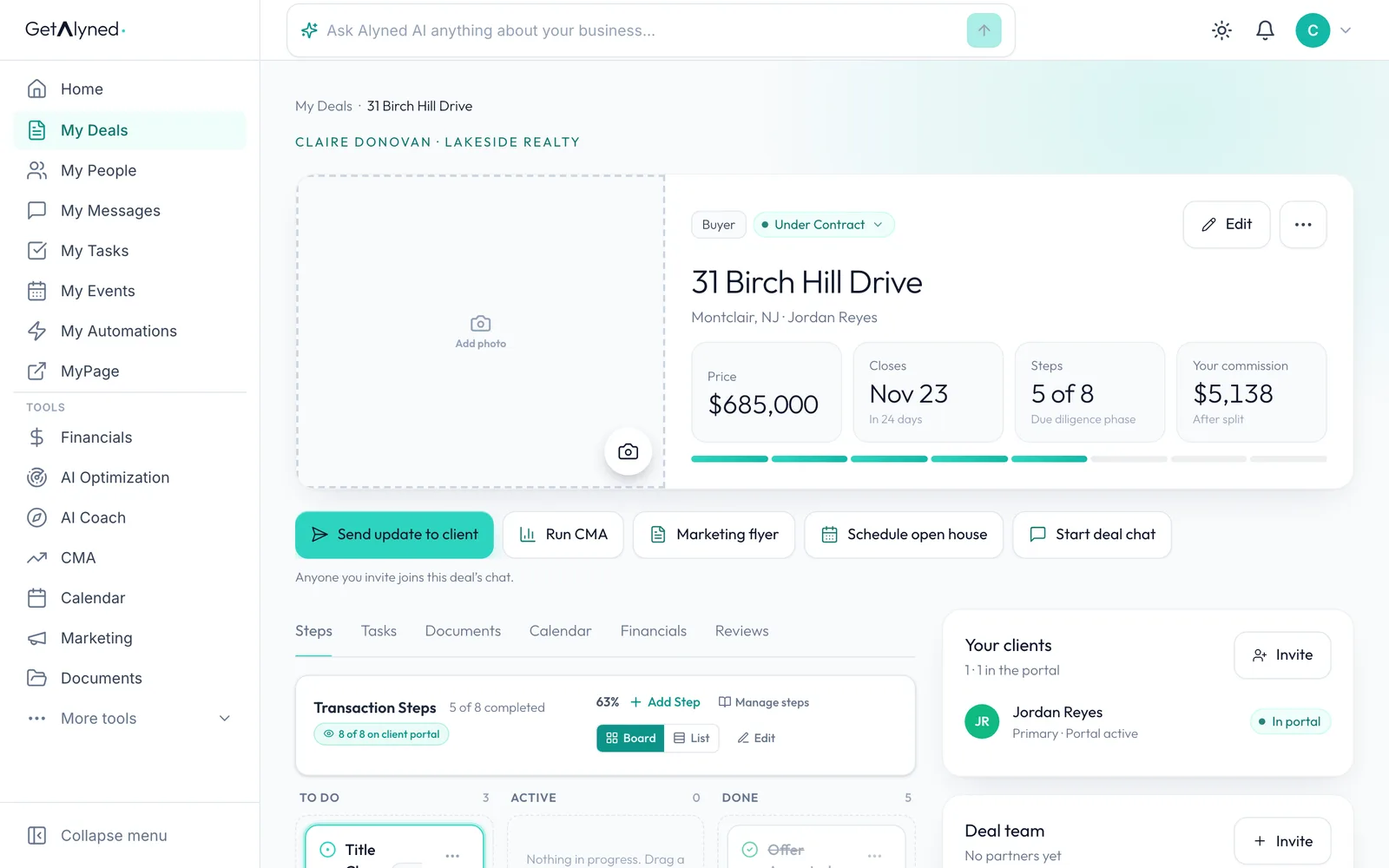
The stage sits next to the deal type at the top of the deal. Click it.
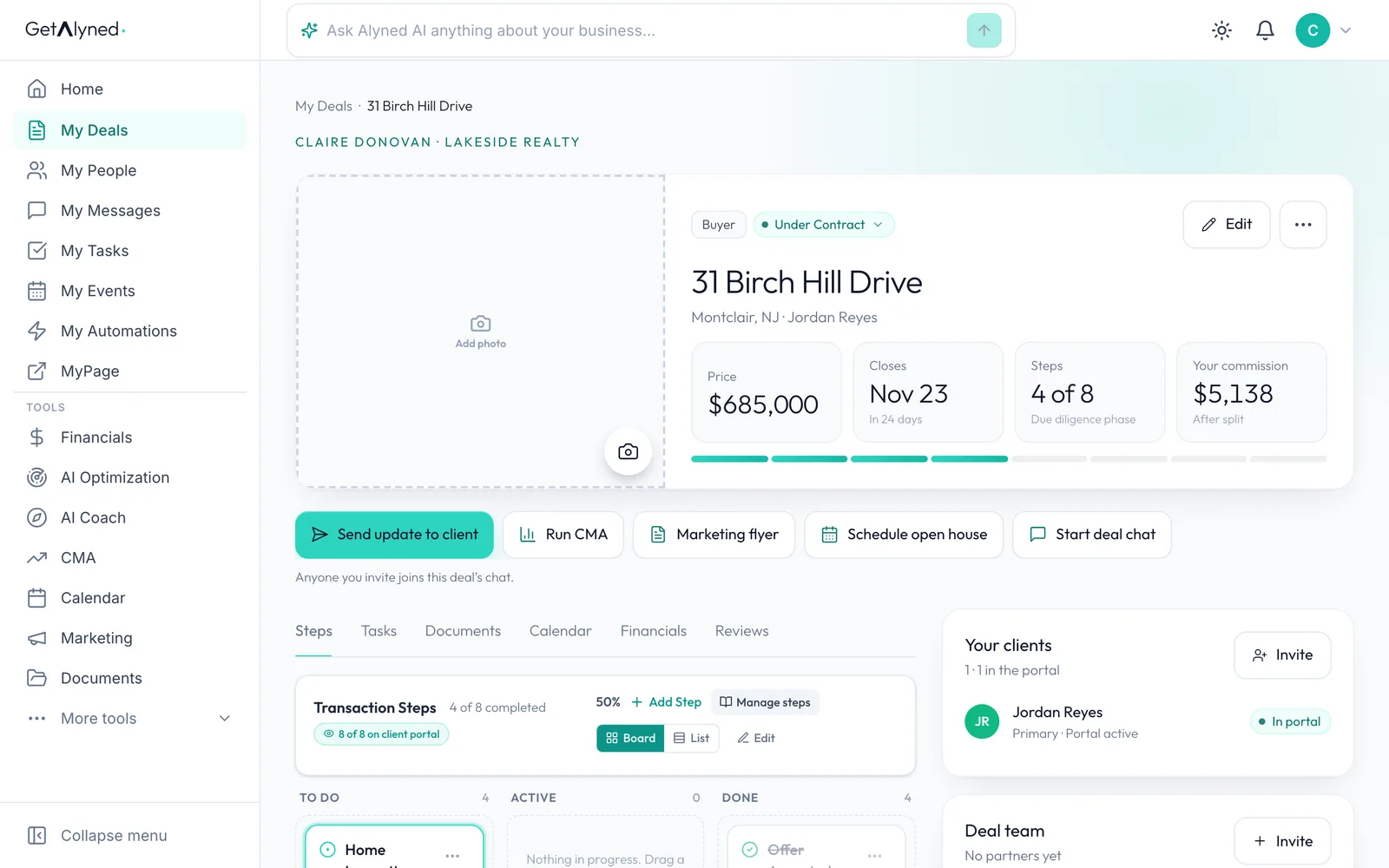
-
Pick the stage
Pick the stage the deal is in now, from Active through Closed.
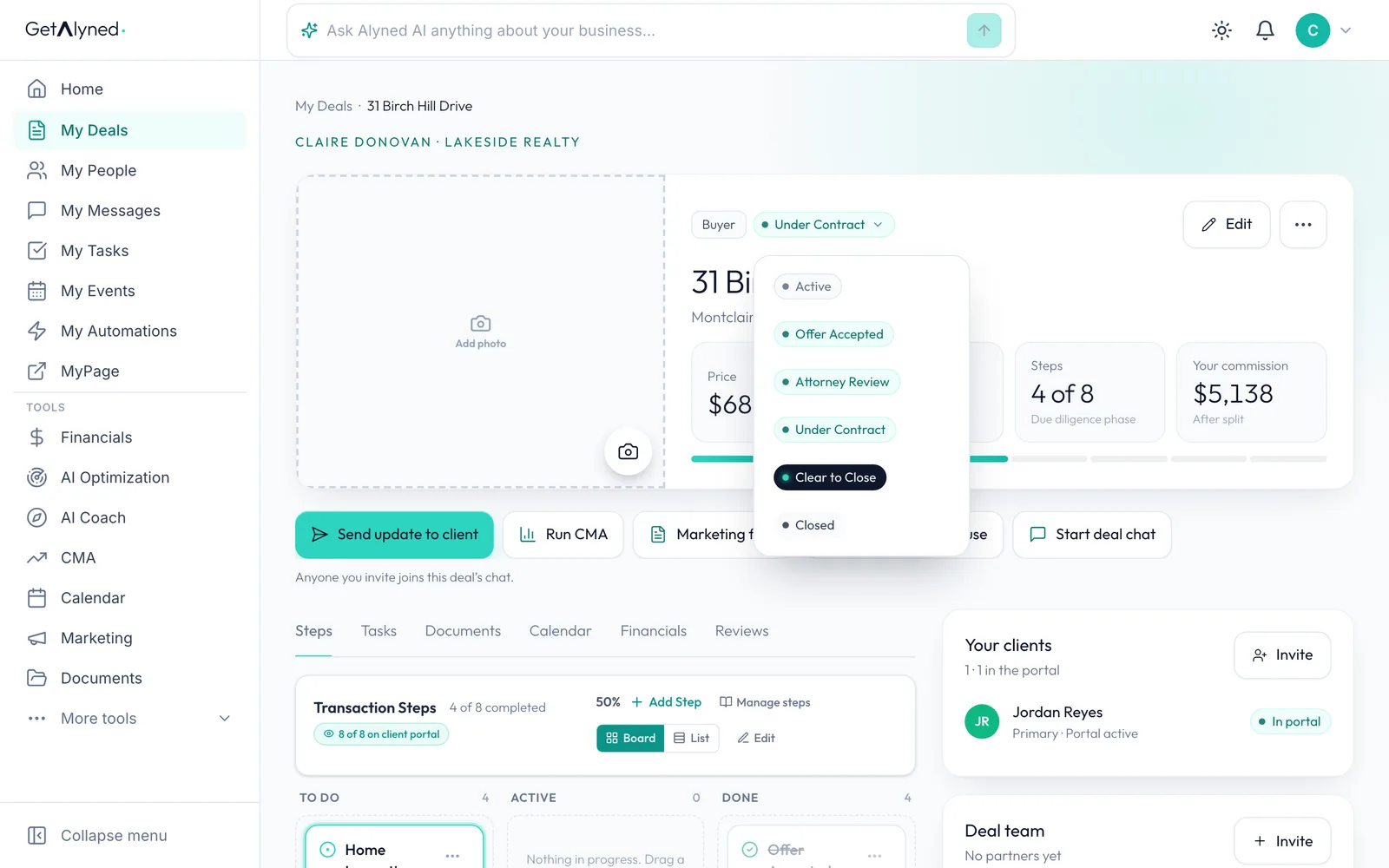
-
Find the step you're on
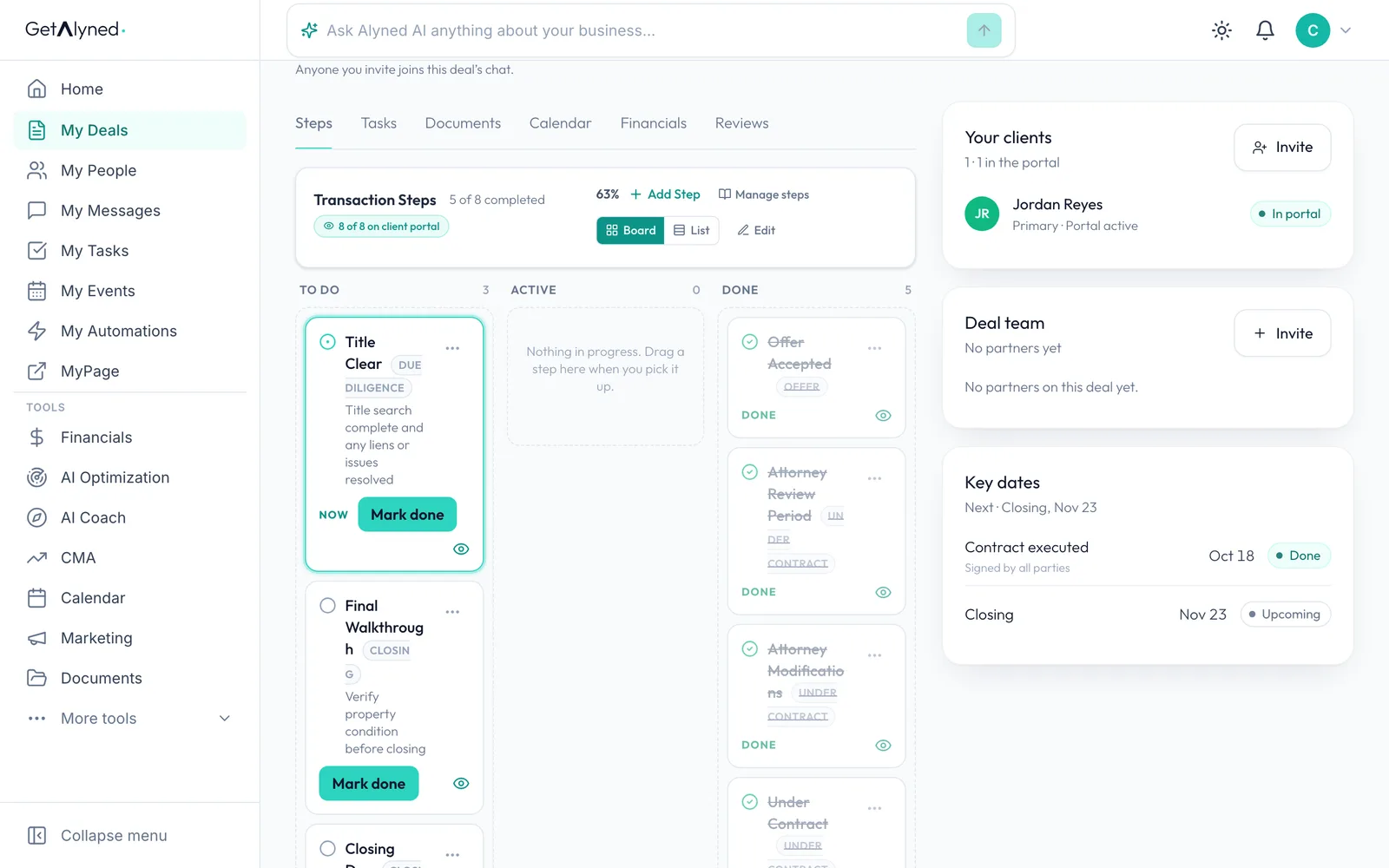
Steps lists everything to do on the deal. The step you're on is first, marked NOW.
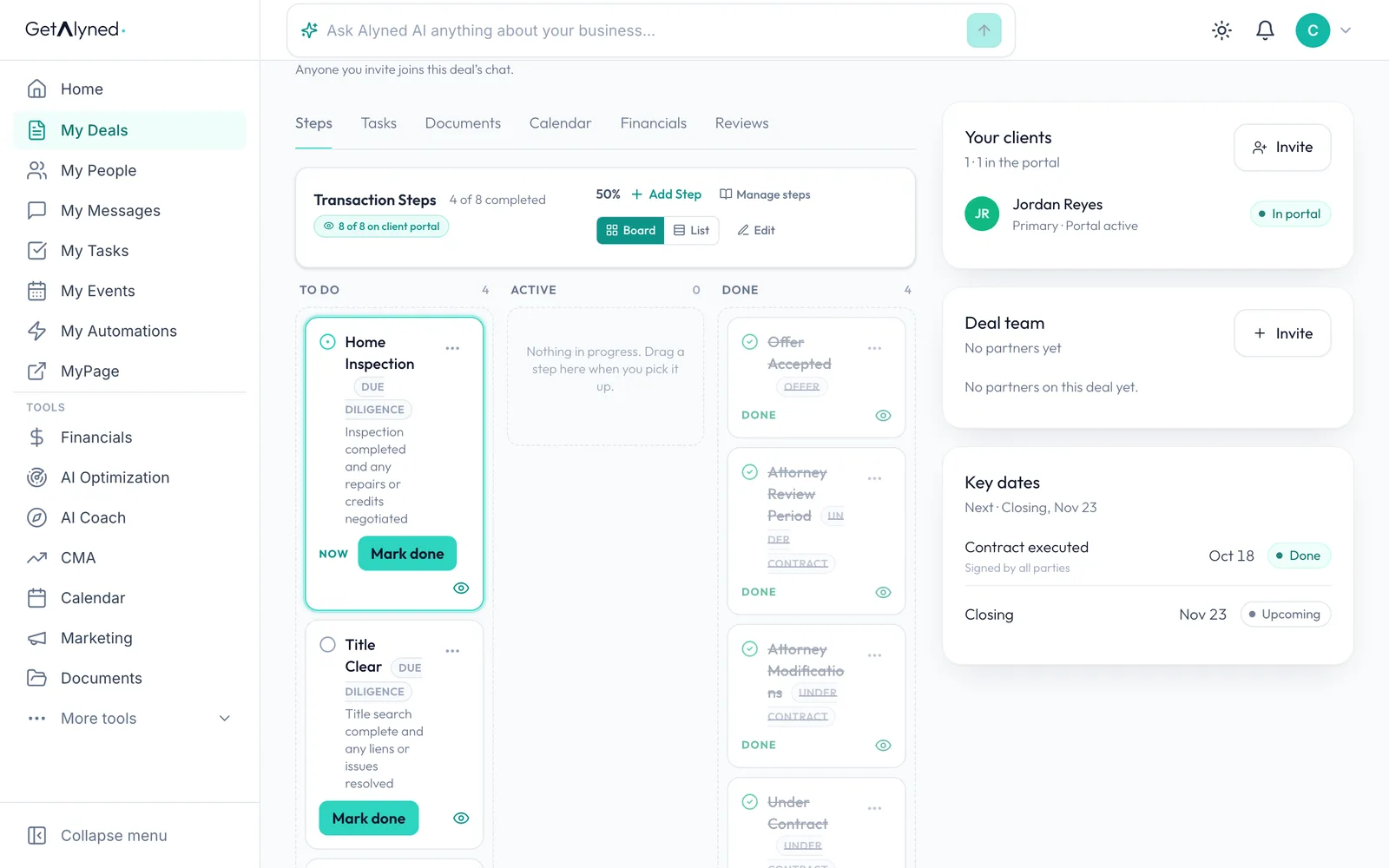
-
Mark it done
When a step is finished, click Mark done.
-
Tell your client
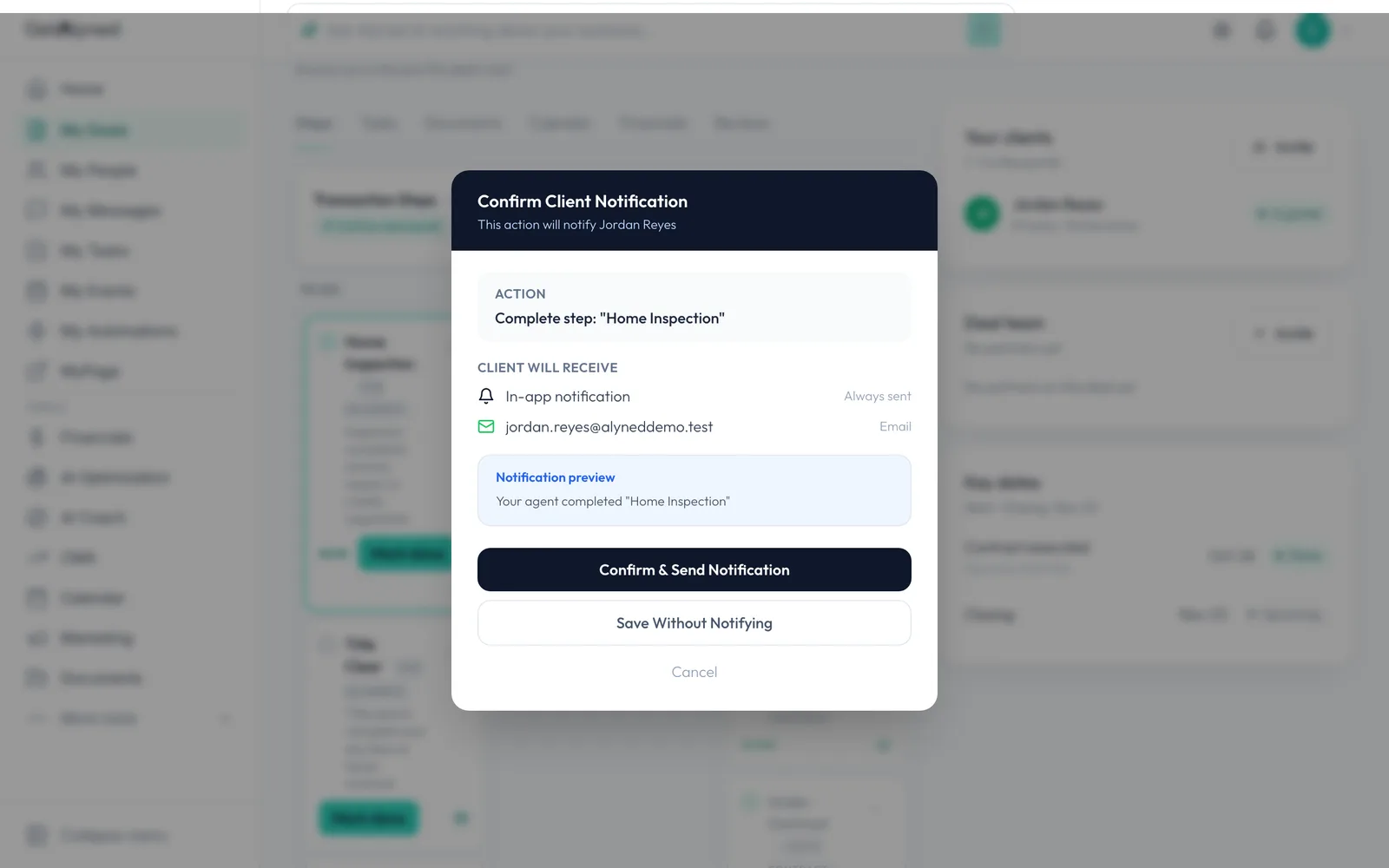
For a step your client can see, Alyned asks first. Confirm & Send Notification tells them in their portal and by email. Save Without Notifying updates the deal quietly.
-
The next step is up
The finished step moves to Done, and the next one is now marked NOW.
-
The count moves on
The step count at the top of the deal moves on too.
-
Your client sees it
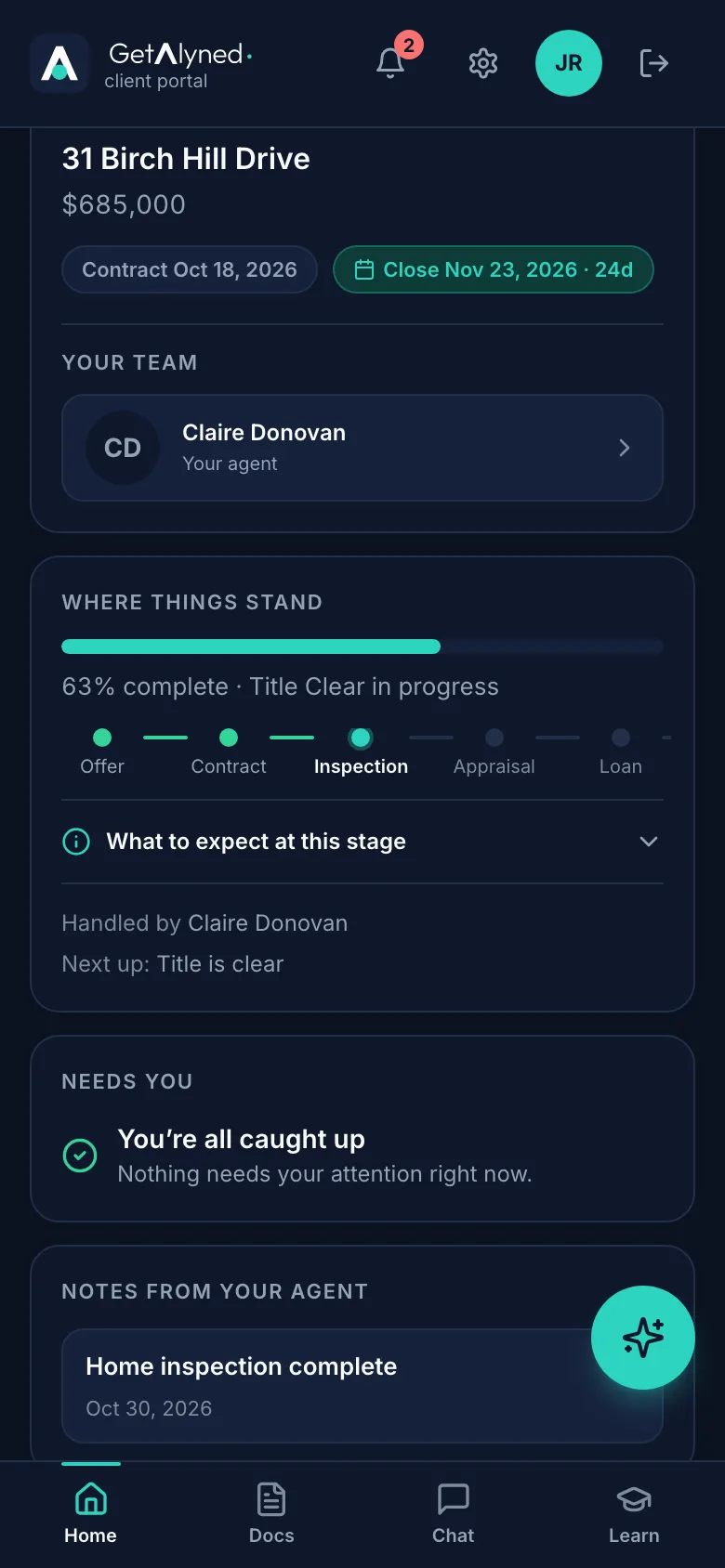
Your client sees the same progress under Where things stand in their portal.
-
A note from you
The finished step shows on their home screen under Notes from your agent.
-
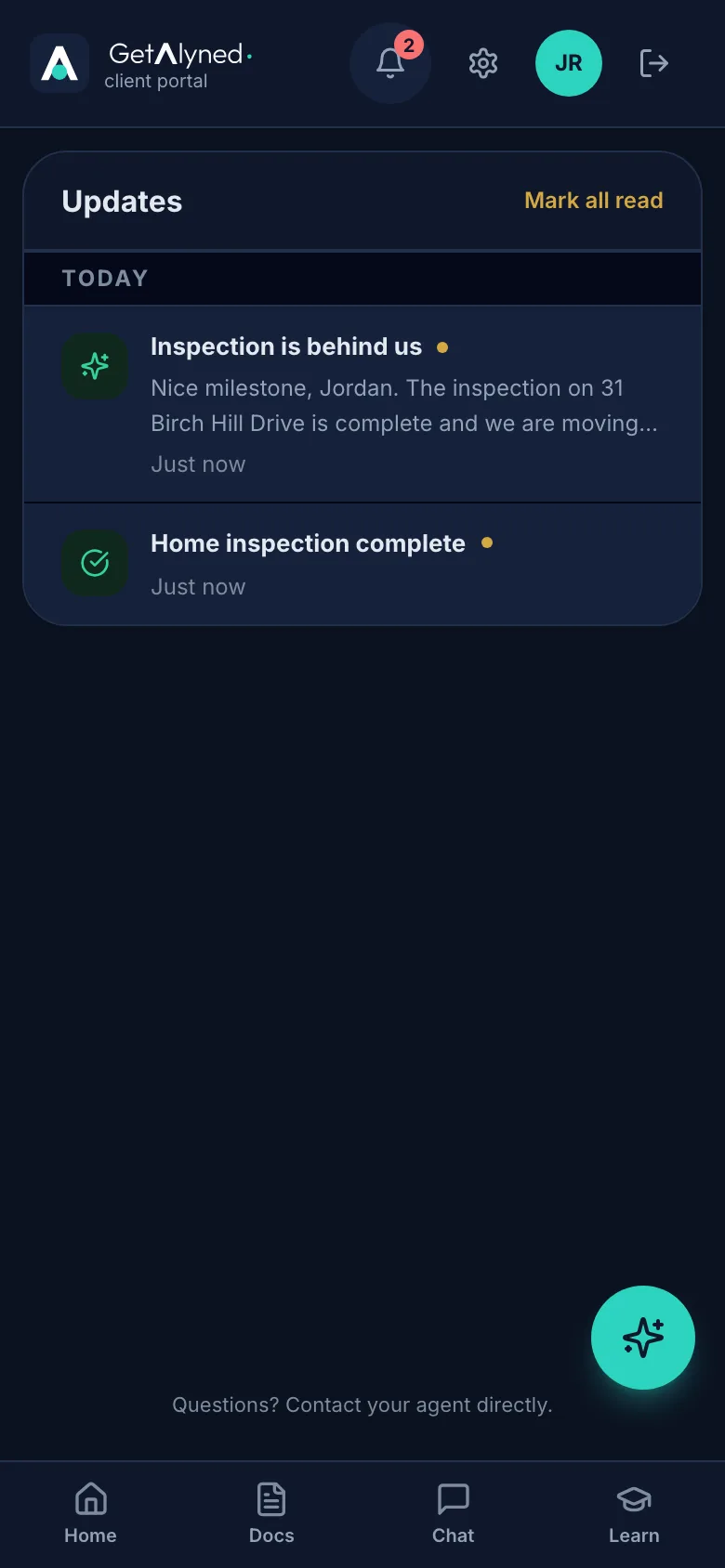
The bell
The bell shows how many updates they have. They tap it.
-
Their updates
They see the step, plus a short, friendly note about the milestone and what comes next.
Related guides
- Close a deal · Finish the last steps on a deal, close it out, and see the commission show up in Financials.
- Add and share documents on a deal · Upload a document to a deal, keep it private or share it with your client, and see them mark it reviewed from their phone.
- Add your loan officer to a deal · Bring your loan officer onto a deal so their financing steps show up on your timeline and your client's, and they join the deal chat.
- Invite your client to their portal · Send your client a private portal for their deal, then see what they see when they open the invitation and sign in.
- Build a repair request from an inspection report · Turn the inspector's report into a clear repair request in minutes: a plain-words summary for your buyer, every finding sorted by priority, and one link for the other side to answer. Start it from the deal, or from Repair Ask in the menu.